Purpose
When a usage scenario needs to become understandable early, it condenses situations, context, and flow into a legible sequence. It helps check concept ideas before anything gets built.
UX Design Mapping tool
Makes a concrete use moment visible as a sequence of understandable scenes.
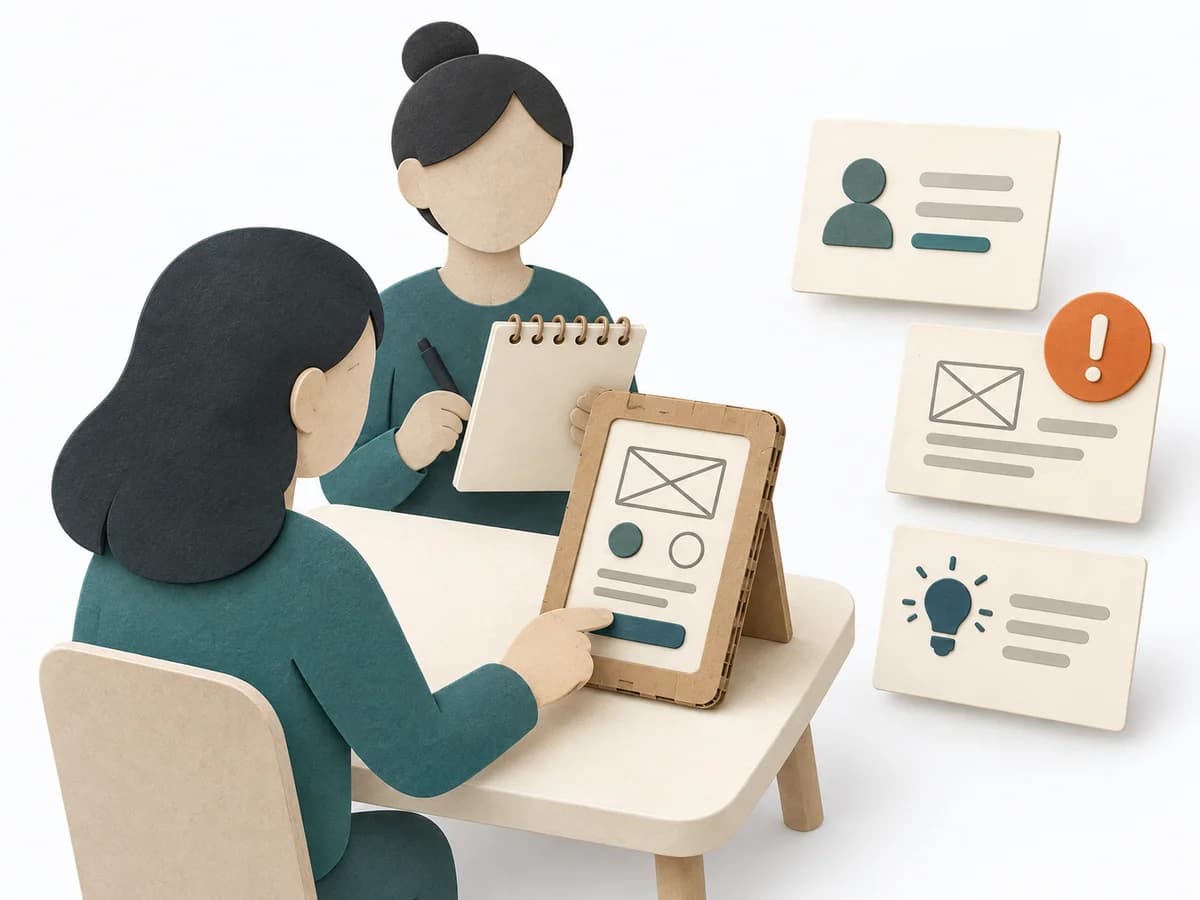
Storyboarding arranges a scenario, visual scenes, and short captions into a readable flow. It helps teams review the context and transitions of a researched experience or proposed solution. Assumptions about thoughts and feelings must be labeled.
Which situations, actions, and transitions shape this specific user flow or proposed experience?
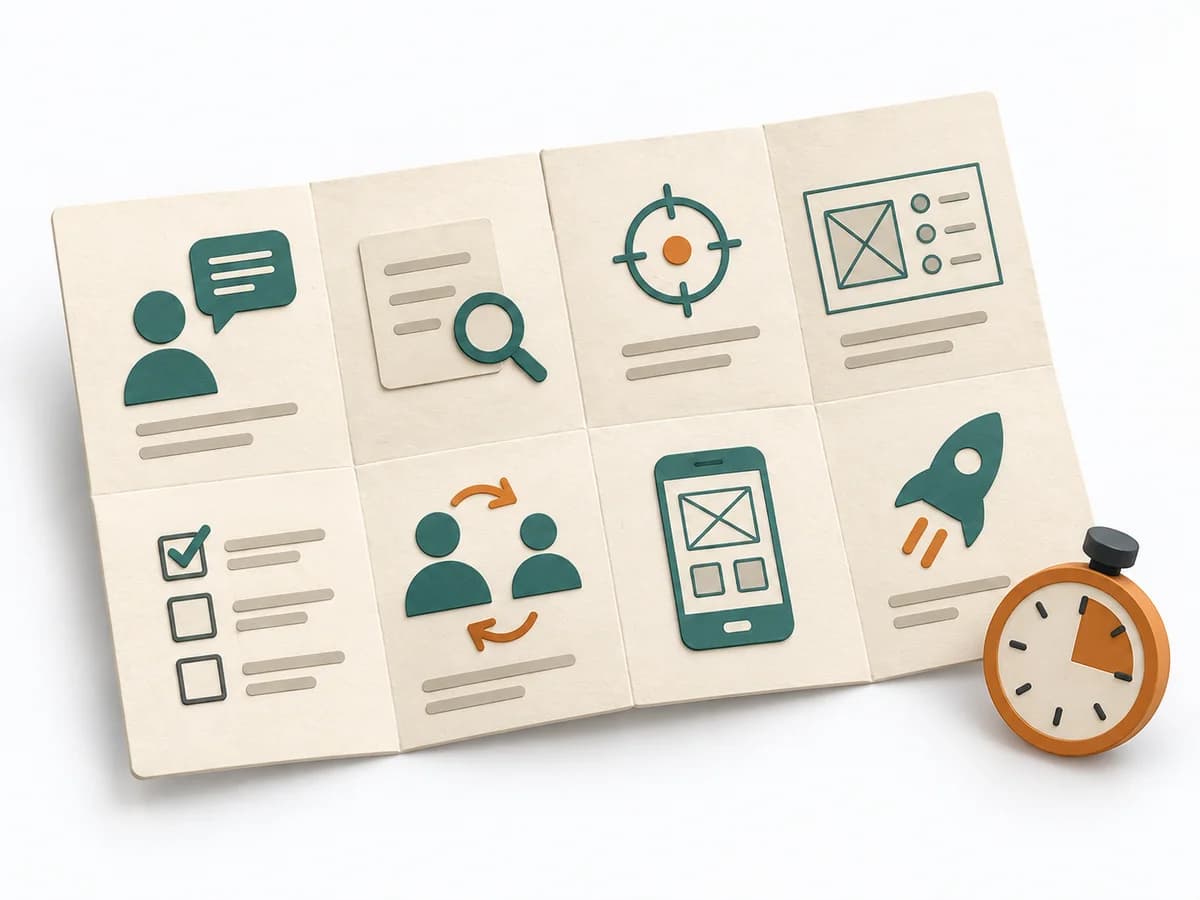
The phase bar moves from scenario and sequence to visuals and review.
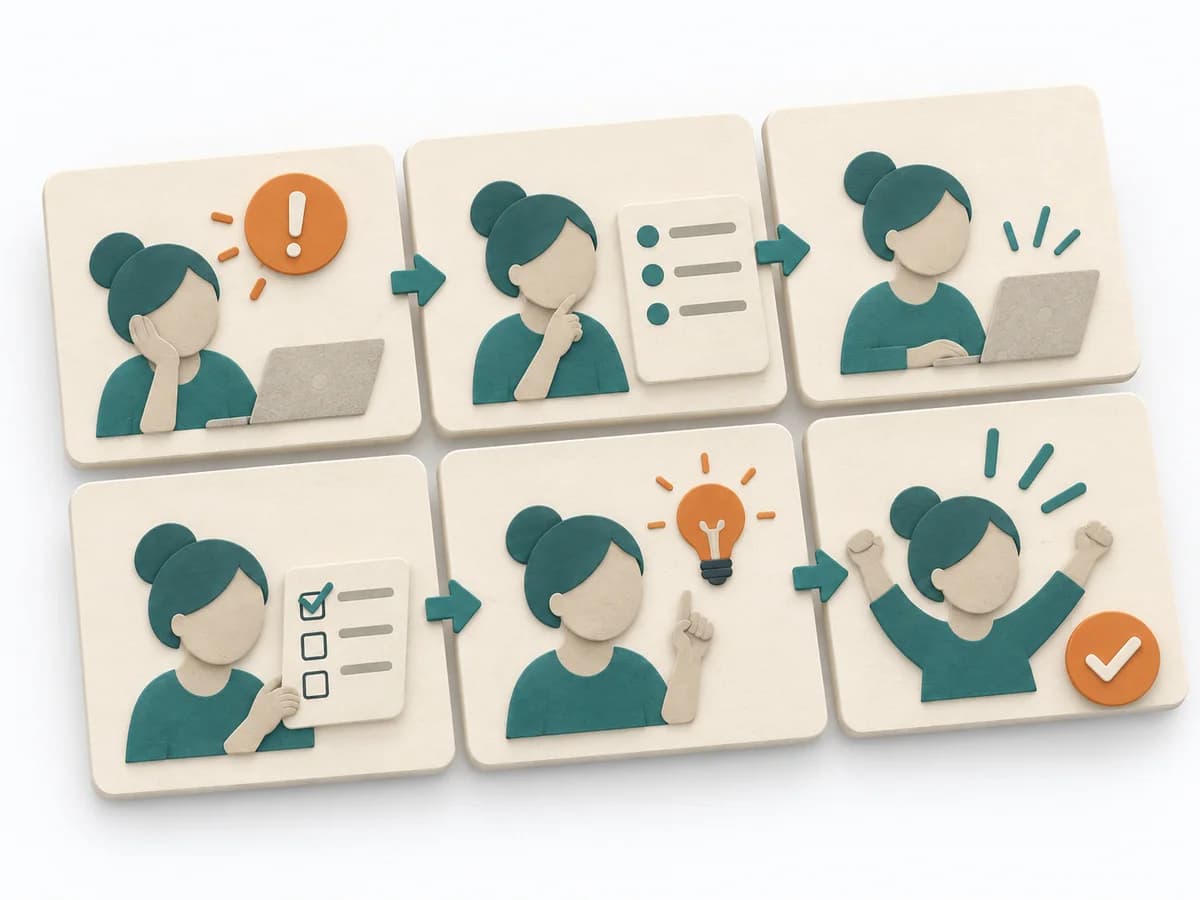
Scenario
Choose a case with a beginning, goal, and answerable design question.
Sequence
Break the scenario into a small number of ordered key moments.
Storyboard
Draw simply and caption actions and relevant context.
Review
Read the sequence without verbal explanation and mark unclear transitions.
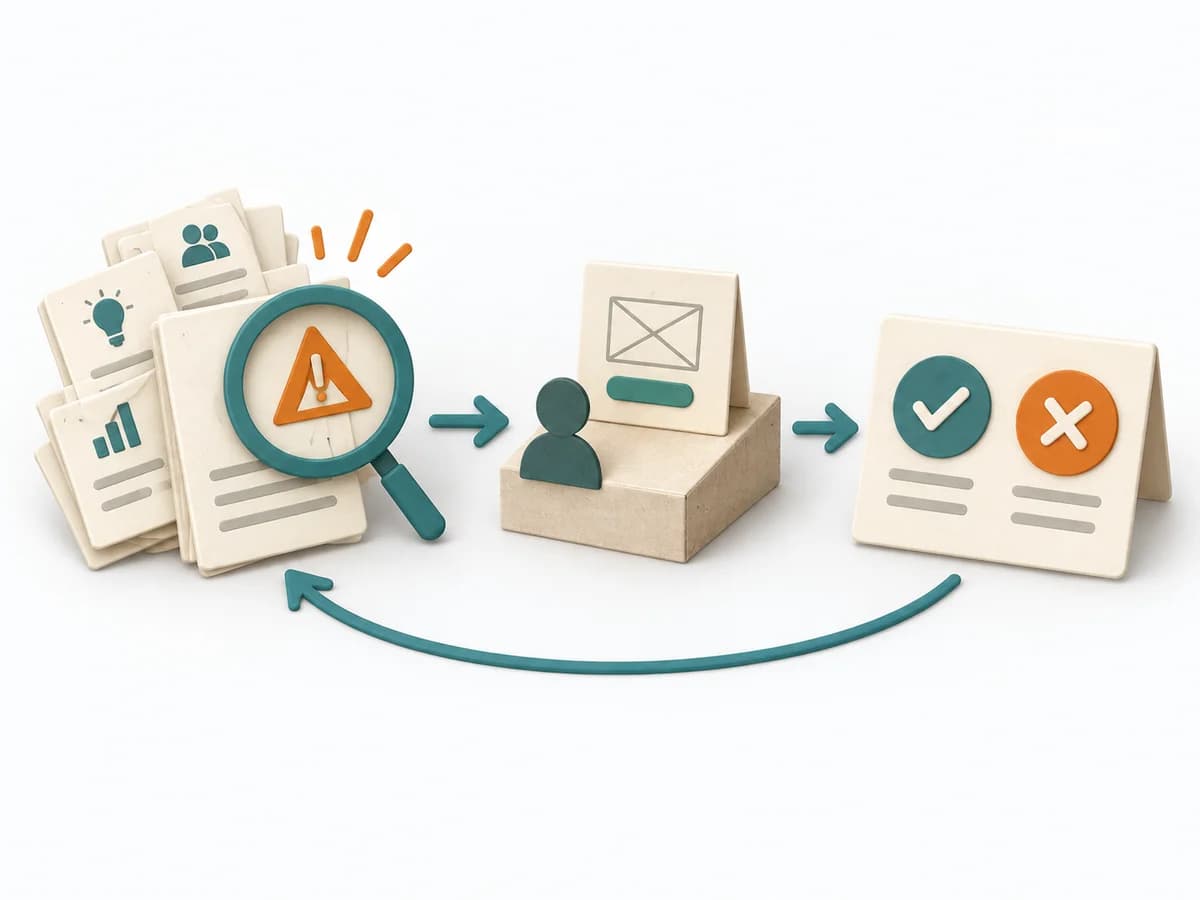
Check where sequence, context, or a service transition remains unclear. Revise the scene and mark whether it comes from research, observation, or a concept assumption.
Use storyboarding to discuss one concrete current experience, concept idea, or critical flow. Choose one case and show only scenes that matter to the decision.
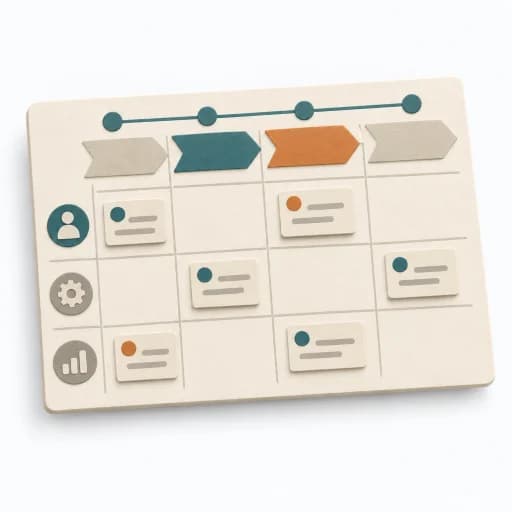
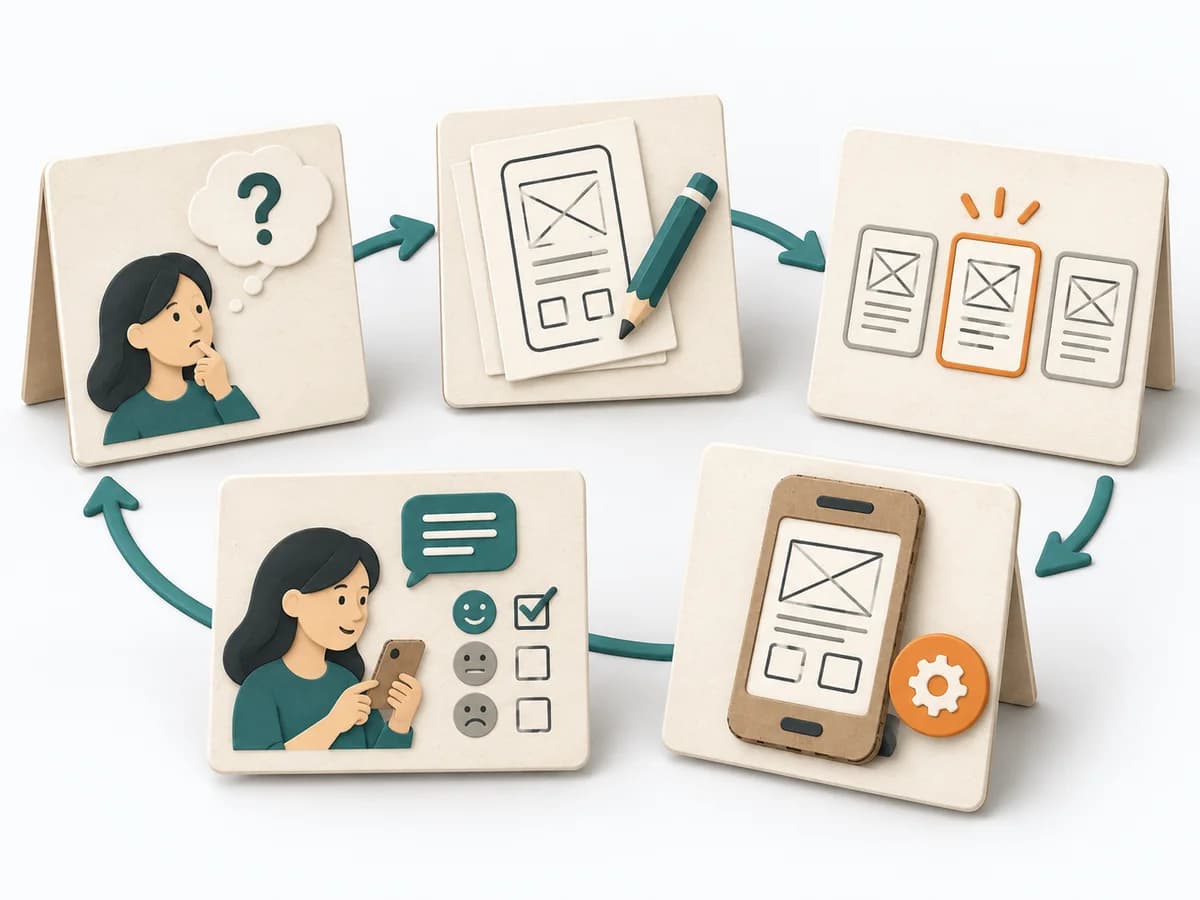
A connected sequence of context, action, and consequence.
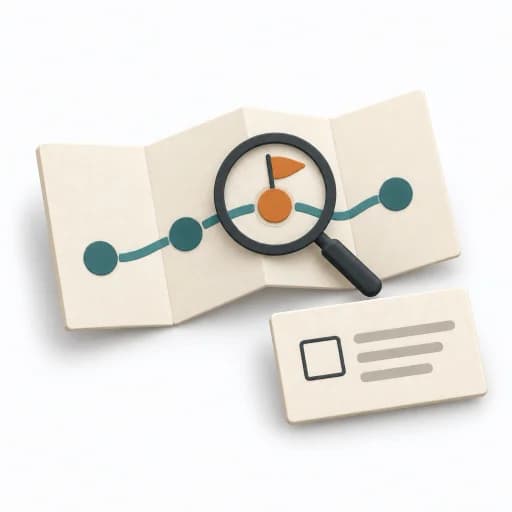
Visible gaps, critical transitions, and open tests.
Fictional concept example
One connected scene per row with context, action, and evidence status.
| Storyboard frame | Frame | Scene and context | Action or touchpoint | Evidence or assumption |
|---|---|---|---|---|
| Frame 1Show the trigger and goal. | 1 | A shelf comes loose on Saturday. | The person decides they need a cordless drill. | Fictional assumption about need; not an observed case. |
| Frame 2Show the first step and search context. | 2 | The person opens a fictional tool catalog. | They search for a suitable item. | Concept assumption; no real research. |
| Frame 3Show decision-relevant information. | 3 | The tool card shows stock and location. | A Saturday pickup window appears beside availability. | Proposed touchpoint, not tested yet. |
| Frame 4Explain the transition to the next action. | 4 | The person chooses a time window. | A reservation step confirms the plan. | Untested functional assumption. |
| Frame 5Show access to the service. | 5 | The person arrives at the lending site. | Directions and access information support pickup. | Opening hours and access conditions to check. |
| Frame 6Show the outcome and an open follow-up. | 6 | The tool is returned after the repair. | The flow ends with an available return option. | Fictional assumption; validate return in everyday use. |
Substantiate inner states and events from research or label them as assumptions.
Name the scenario, person or role, and question the sequence should clarify.
When a usage scenario needs to become understandable early, it condenses situations, context, and flow into a legible sequence. It helps check concept ideas before anything gets built.
It depicts key scenes so that sequence, context, and possible breaks in the flow stay visible. Because the representation starts narrative rather than technical, concepts can be checked early with stakeholders before an interface gets detailed.
Storyboarding works because usage situations become visible as a sequence of scenes, making the logic, transitions, and meaning of a solution more concretely checkable. Good use shows action, context, and reaction in a form that enables discussion about behavior, not just surface. The method is strong when it uncovers gaps between intent and actual usage experience early, preparing better design decisions.
Start with a concrete trigger for the usage and keep the narrative thread consistent across all scenes. The most clarity emerges at the point where a scene only works because knowledge or motivation is silently assumed. Close with an understandable flow, marked breaks, and a selection of the scenes to test or design next.
The method guide walks execution through 4 phases, timing, 4 pitfalls, and clear stop criteria.
Open method guideYour perspective
Your feedback helps shape the next improvements to methodatlas.
Compact agenda template for method sequences with timebox, purpose, and output.
Goal: ... Participants: ... Duration: ...
| Time | Method | Purpose | Output |
|---|---|---|---|
| 00:00 | Check-in | Set focus | Shared start |
| 00:10 | How Might We | Ideation questions | HMW list |
| 00:35 | Brainwriting | Generate ideas | Idea pool |
| 01:10 | Dot Voting | Prepare selection | Prioritized ideas |
| 01:30 | Storyboarding | Make the concept tangible | Storyboard |
Decision, owner, next test.
Prepare a short, focused sequence for one use scenario or concept.
To be confirmed
To be confirmed
One focused storyboard Time: About 45–90 minutes for one sequence; research and validation are outside the session.
Complete this worksheet on paper or in your own document during the work.
| Storyboard frame | Frame | Scene and context | Action or touchpoint | Evidence or assumption |
|---|---|---|---|---|
| Frame 1 | ||||
| Frame 2 | ||||
| Frame 3 | ||||
| Frame 4 | ||||
| Frame 5 | ||||
| Frame 6 |
Blank template: add context, action, and evidence status for each frame.
Expected artifact: One bounded scenario with purpose and evidence status.
One bounded scenario with purpose and evidence status.
Entry:
...
Expected artifact: Ordered scene sequence with visible transitions.
Ordered scene sequence with visible transitions.
Entry:
...
Expected artifact: Storyboard with legible visuals, short captions, and evidence markers.
Storyboard with legible visuals, short captions, and evidence markers.
Entry:
...
Expected artifact: Revised sequence with a design question or test task.
Revised sequence with a design question or test task.
Entry:
...
...
Method guide: https://methodatlas.meierhoff-systems.de/en/methods/storyboarding/run-sheet
Fitting alternatives with decision guidance, followed by other related methods.
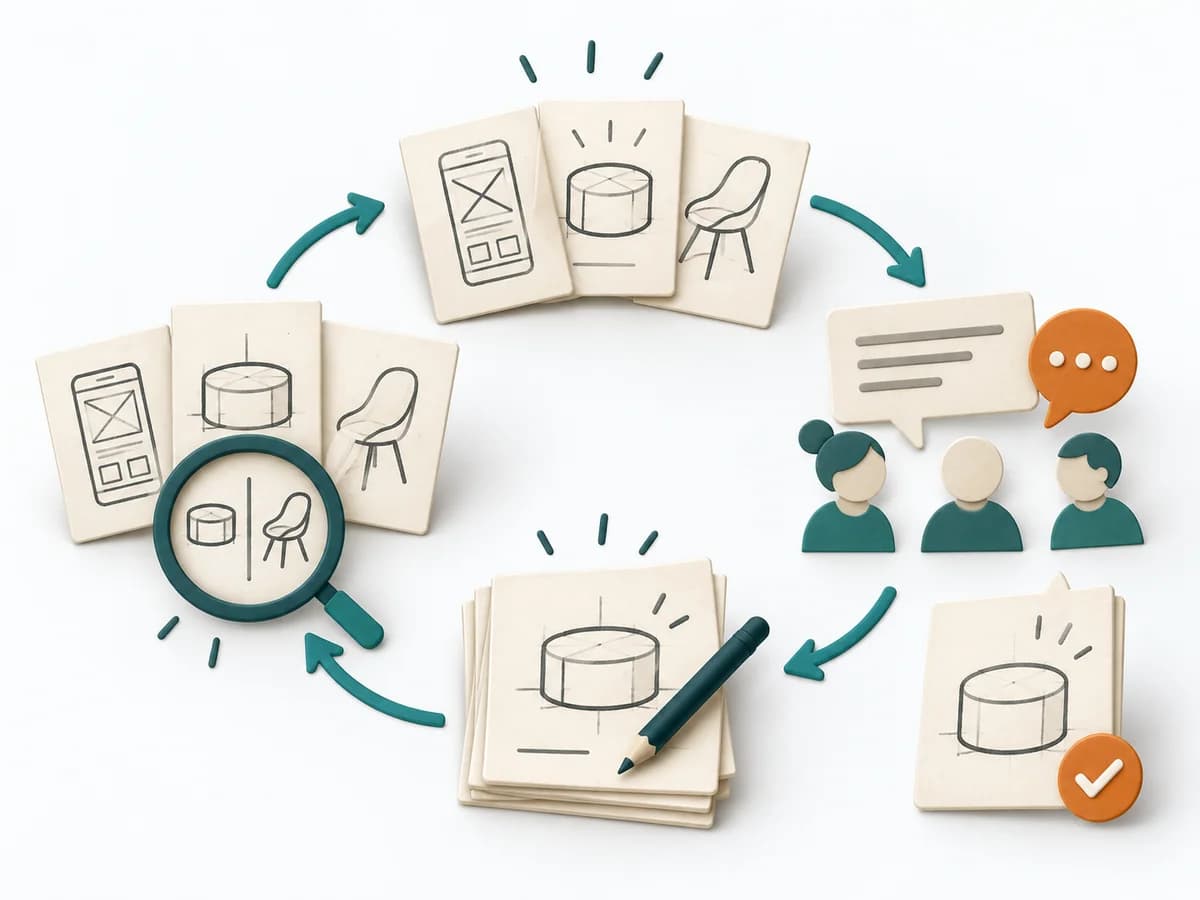
Instead of Storyboarding, when you want to generate several solution sketches in parallel and have them critiqued directly within the team.
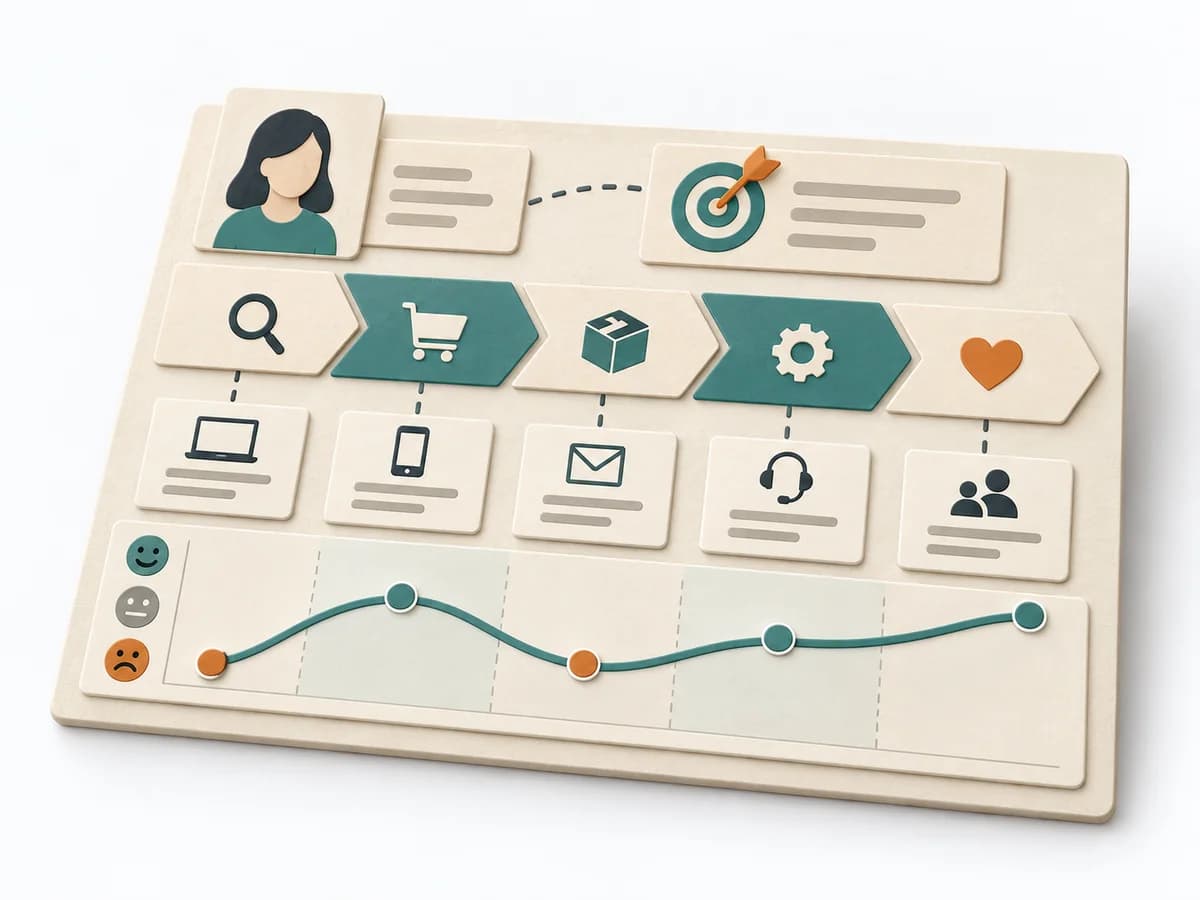
Arranges phases, touchpoints, pain points, and opportunities along a journey to name experience gaps.
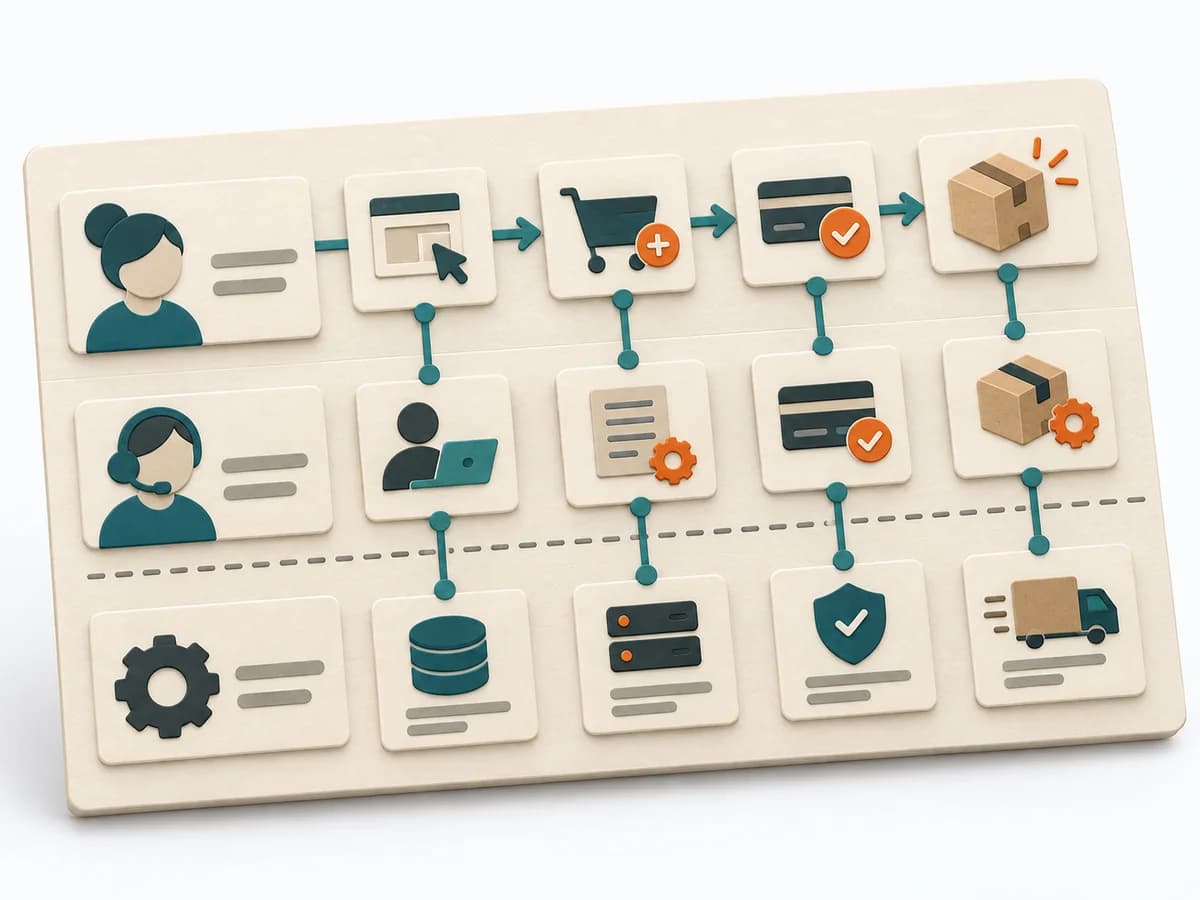
Makes service flows, touchpoints, and responsibilities visible so frontstage and backstage are refined together.
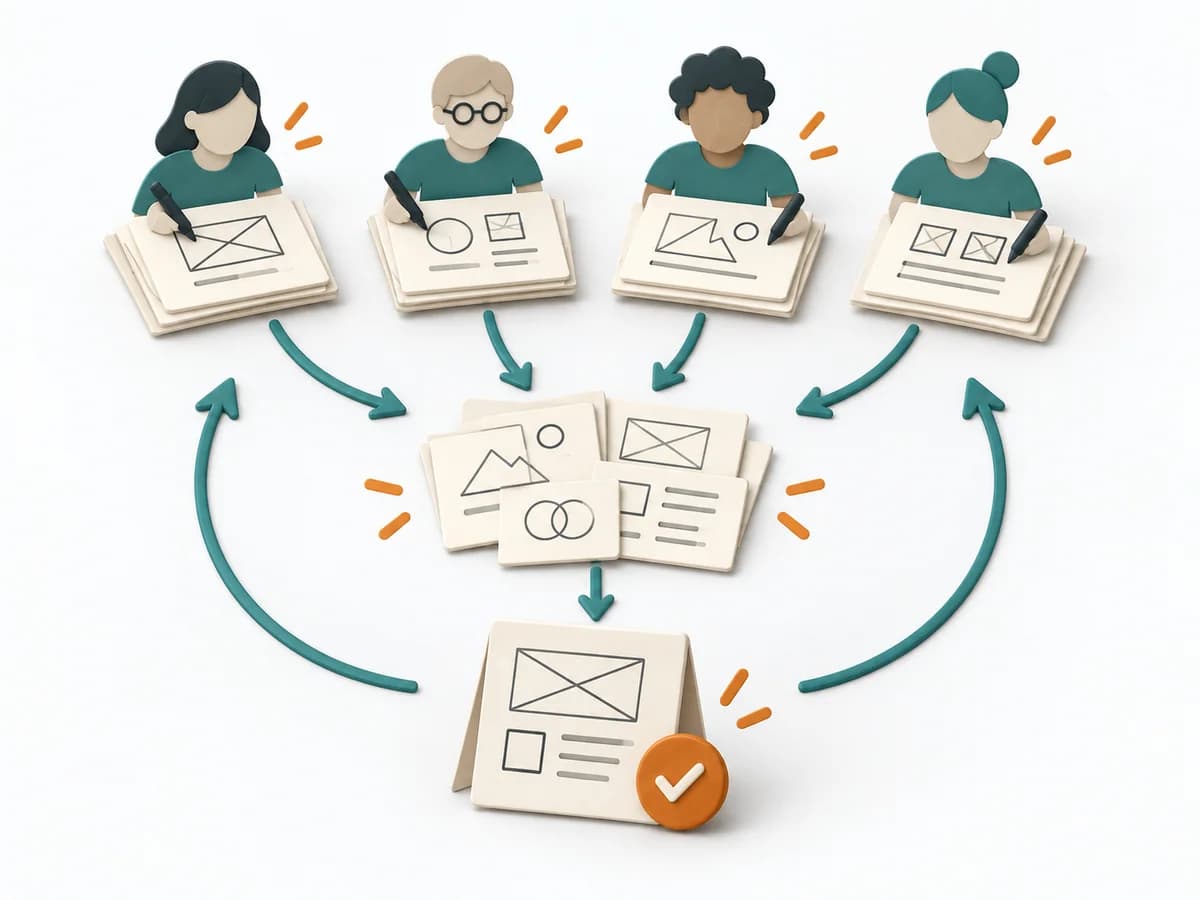
Parallel design teams turn a shared challenge into comparable concepts, open questions, and a consolidated direction.
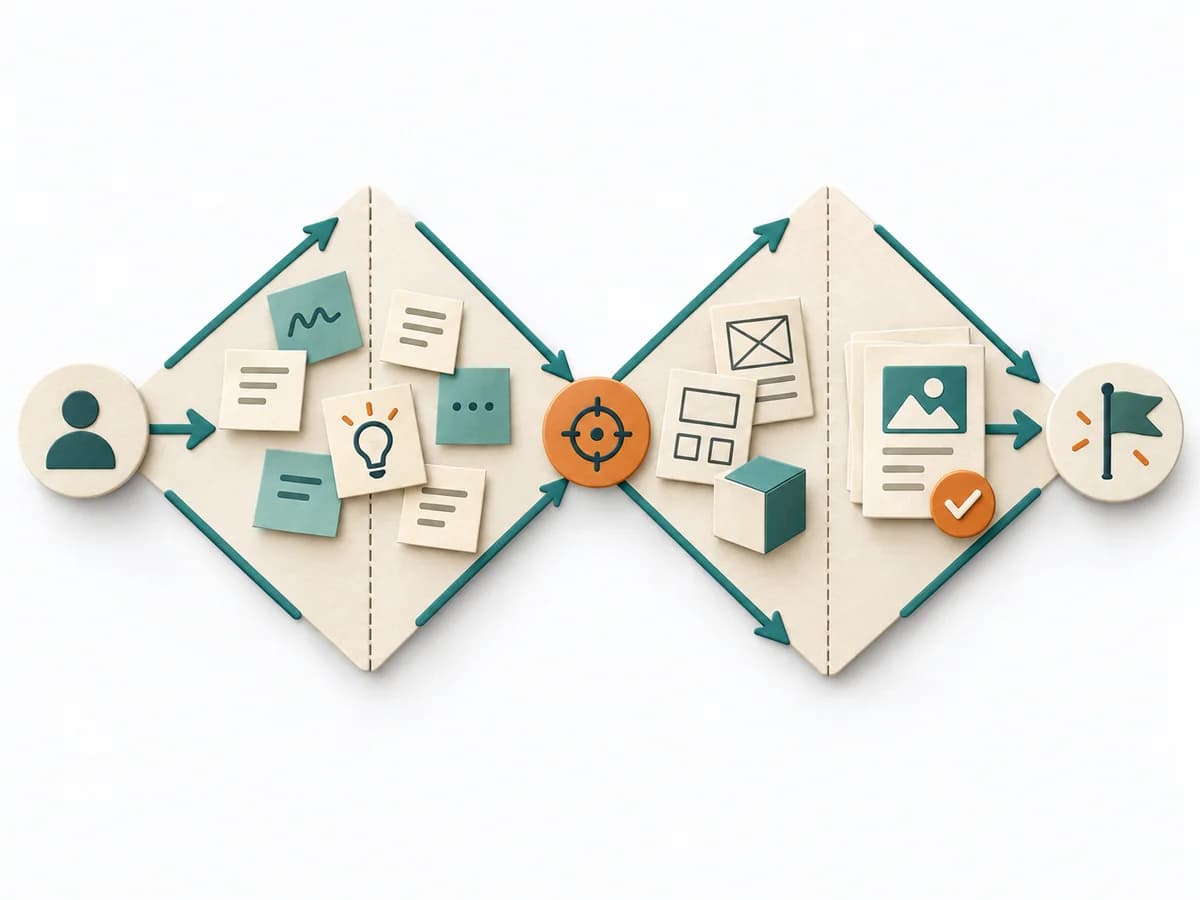
Alternating divergent and convergent phases keep problem framing and solution design visibly separated for product work.
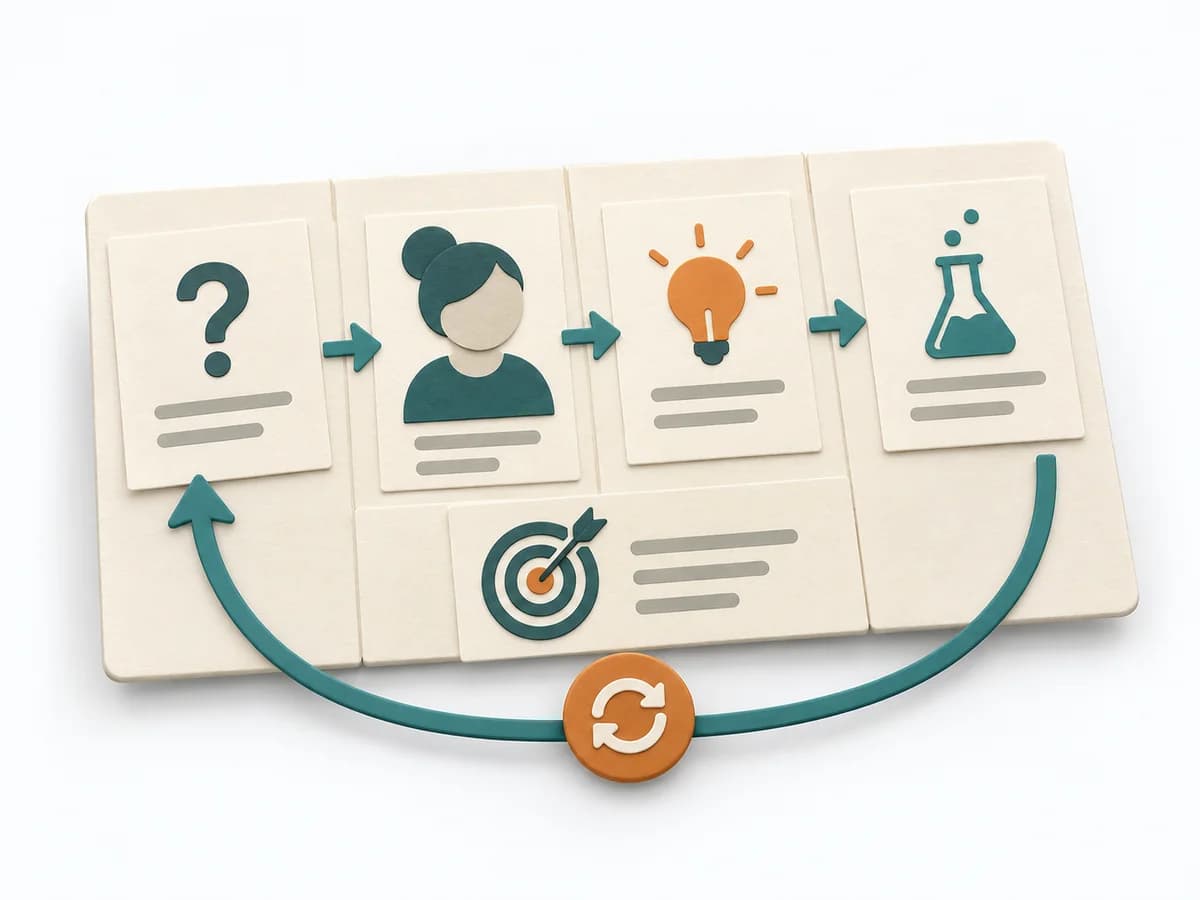
Aligns business problem, users, outcomes, solution ideas, hypotheses, and experiments on one lightweight canvas.