Purpose
When several designs need to be quickly put in relation to each other, it makes ideas visible and comparable. It encourages early variants instead of long upfront debates.
UX Design Workshop method
Compares design alternatives for a concrete user problem and develops them through shared critique.
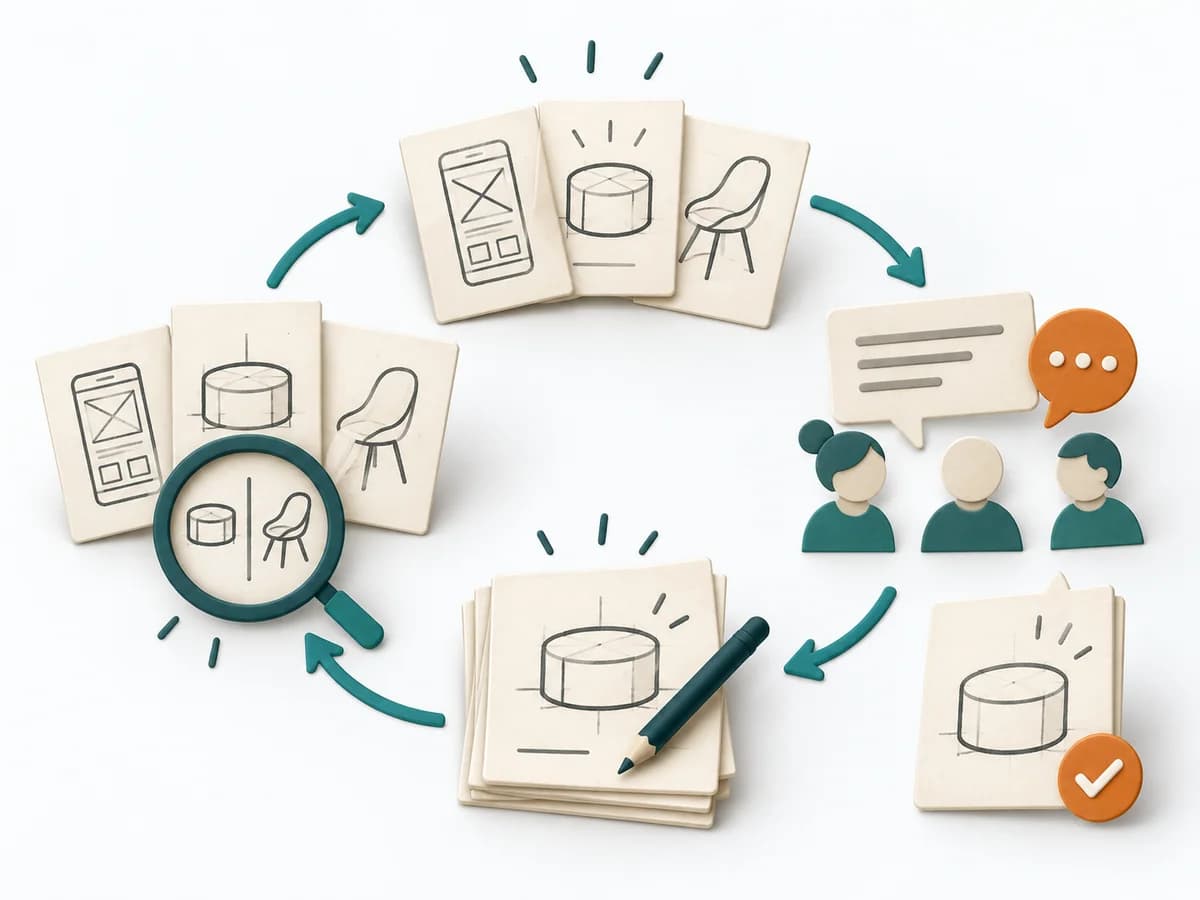
Design Studio combines individual sketching with brief presentation, goal-based critique and redesign. Several concepts are developed in parallel before useful elements are combined into a new variant.
Which design best addresses the concrete user problem and what do alternatives teach us?
Briefing
Clarify scenario, user goal and constraints and record critique criteria.
Sketching
Individually sketch several rough alternatives; briefly label interaction and flow.
Critique
Let each person briefly explain the concept through the scenario; critique names effects and open questions.
Redesign
Combine useful elements and sketch a new coherent variant using the critique.
Learning test
Select a direction with rationale and turn its critical assumption into a prototype test.
Repeat sketch, critique and revision; then test the selected direction with users.
For early product or interaction concepts with a sufficiently clear user problem.
Multiple annotated sketches, traceable critique and revised concept with a test question.
Prototype test brief with owner, audience, and observation criteria.
Fictional example
Design Studio combines individual sketching with brief presentation, goal-based critique and redesign. Several concepts are developed in parallel before useful elements are combined into a new variant.
Which scenario and goal bound the sketches?
Fictional: a mobile user needs to find and reserve a suitable evening course.
Describe or sketch at least two different approaches with flows.
A: filtered list with immediate reservation. B: guided selection by date and interest.
What strength, weakness and open question follow for each concept?
A shows many options quickly but may overwhelm. B limits choices but hides available dates.
Which elements are combined and how does the new flow work?
First select available evenings, then show a short filtered list with visible dates and reservation.
Which uncertain assumption is tested through which observable behaviour?
Can a new user reserve a course at a suitable time without help? Lea builds a paper prototype and observes the flow.
All example details are fictional and illustrate the application.
Prepare a visible scenario, need, constraints and criteria; drawing skill is not required.
When several designs need to be quickly put in relation to each other, it makes ideas visible and comparable. It encourages early variants instead of long upfront debates.
It lets different sketches emerge in parallel and uses comparison to recognize patterns and differences. Critique and re-sketching alternate quickly, so workable directions grow together out of several approaches.
Design Studio helps because several solution ideas emerge side by side quickly, enabling comparison, combination, and sharpening. Good use doesn't reward the loudest sketch but the ability to make an approach understandable and develop it further based on feedback. Its value comes from the sequence of individual thinking, shared critique, and deliberate condensing into stronger concepts.
Frame the topic narrowly enough that the drafts answer the same question, and provide relevant user or context information. The conversation gets its real precision when the same strong principle shows up in several sketches and can be deliberately carried forward. Close with a few condensed directions, clear reasoning, and open points for prototype or test.
The method guide walks execution through 5 phases, timing, 5 pitfalls, and clear stop criteria.
Open method guideYour perspective
Your feedback helps shape the next improvements to methodatlas.
Prepare a visible scenario, need, constraints and criteria; drawing skill is not required.
To be confirmed
To be confirmed
Complete cycle Time: 60–120 minutes; user testing separately
Complete this worksheet on paper or in your own document during the work.
Which scenario and goal bound the sketches?
...
Describe or sketch at least two different approaches with flows.
...
What strength, weakness and open question follow for each concept?
...
Which elements are combined and how does the new flow work?
...
Which uncertain assumption is tested through which observable behaviour?
...
Answer the prompts with your own information. Explicitly mark unknowns and assumptions.
NN/g: Facilitating an Effective Design Studio Workshop
Expected artifact: Shared design brief
Can everyone restate the user goal?
Entry:
...
Expected artifact: Sketch alternatives
Are there different approaches rather than only layout variants?
Entry:
...
Expected artifact: Annotated concepts
Does critique address user goal and criteria?
Entry:
...
Expected artifact: Revised concept
Is the revised concept internally coherent?
Entry:
...
Expected artifact: Prototype test brief
Is the selection marked as a hypothesis to test?
Entry:
...
...
Method guide: https://methodatlas.meierhoff-systems.de/en/methods/design-studio/run-sheet
Fitting alternatives with decision guidance, followed by other related methods.
Instead of Design Studio, when you want to use Crazy 8s to generate eight quick sketches for a broad range of solution variants.
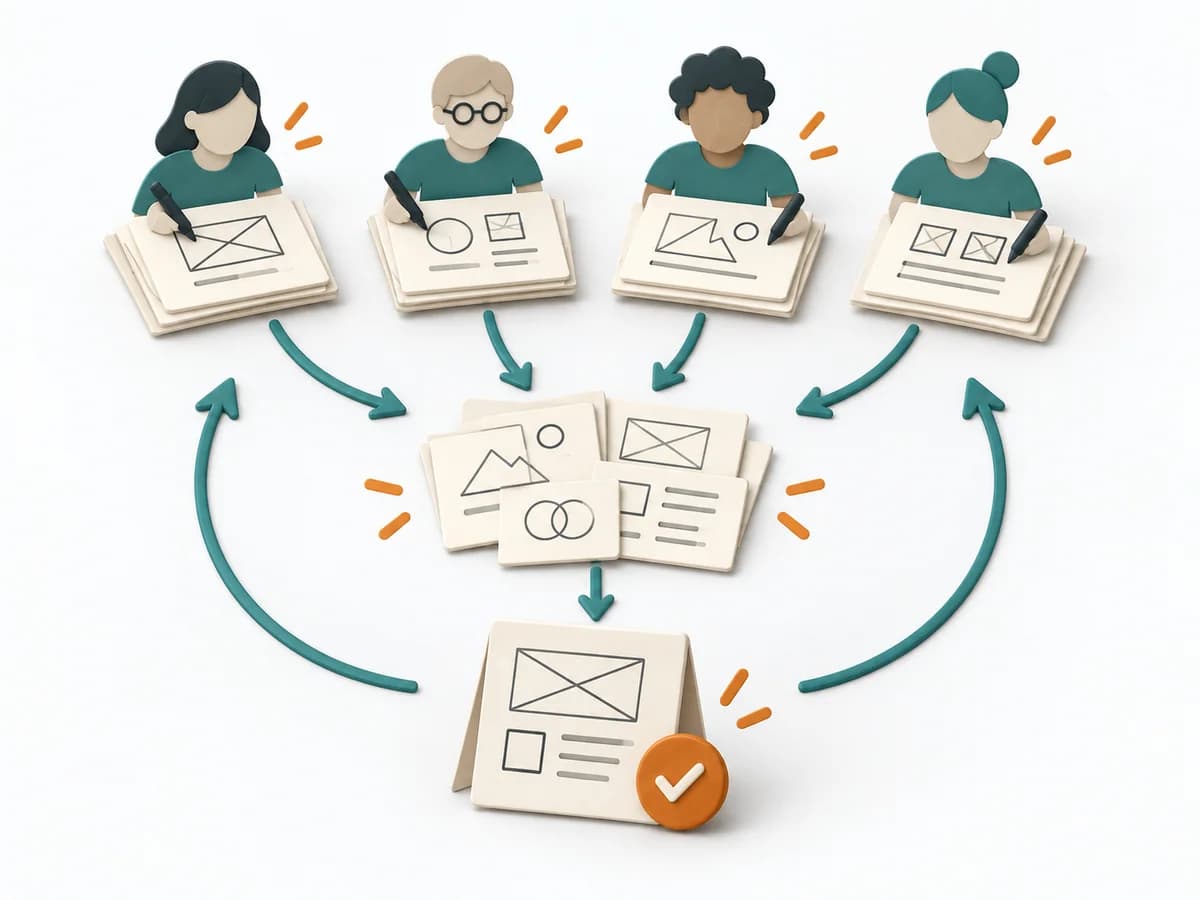
Parallel design teams turn a shared challenge into comparable concepts, open questions, and a consolidated direction.

Arranges phases, touchpoints, pain points, and opportunities along a journey to name experience gaps.
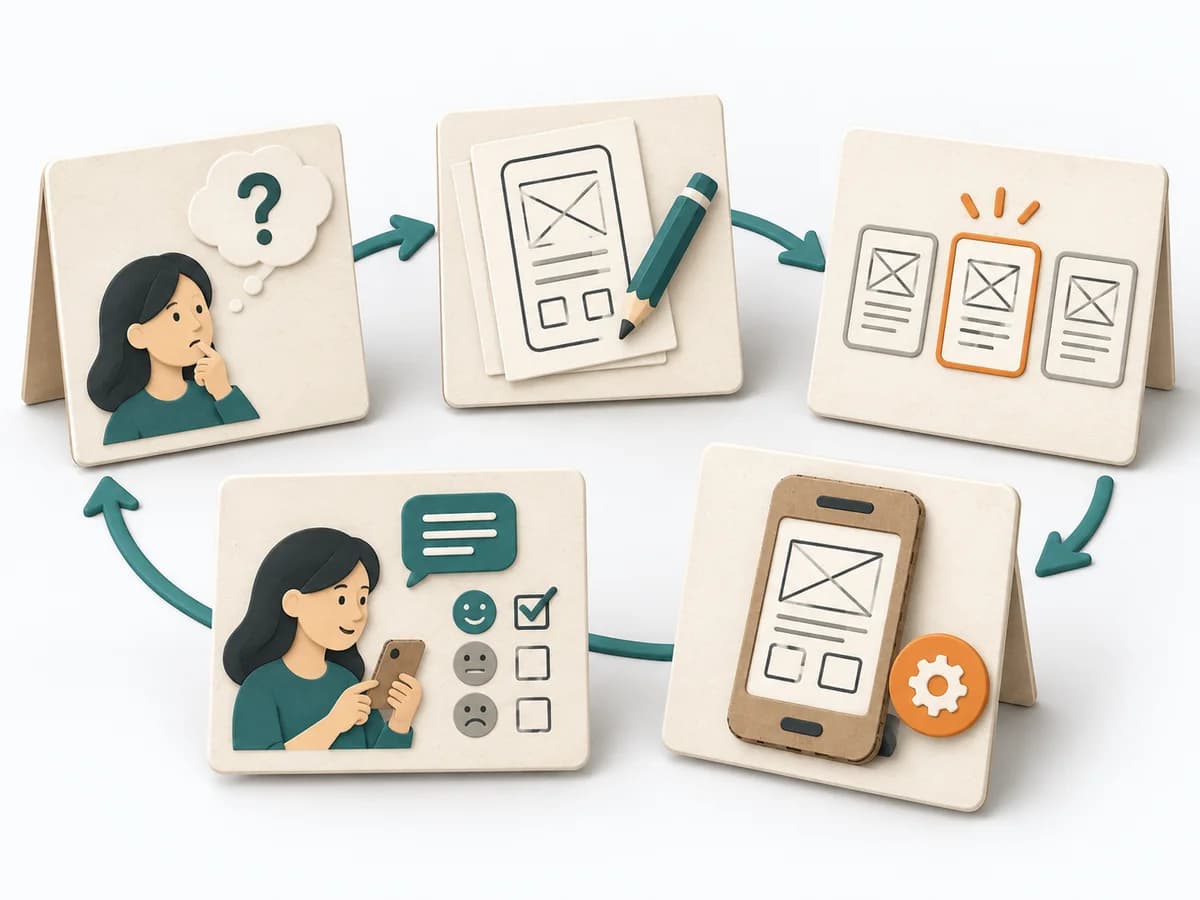
Brings problem space, prototype, and test findings together in a few days, enabling a well-founded decision.
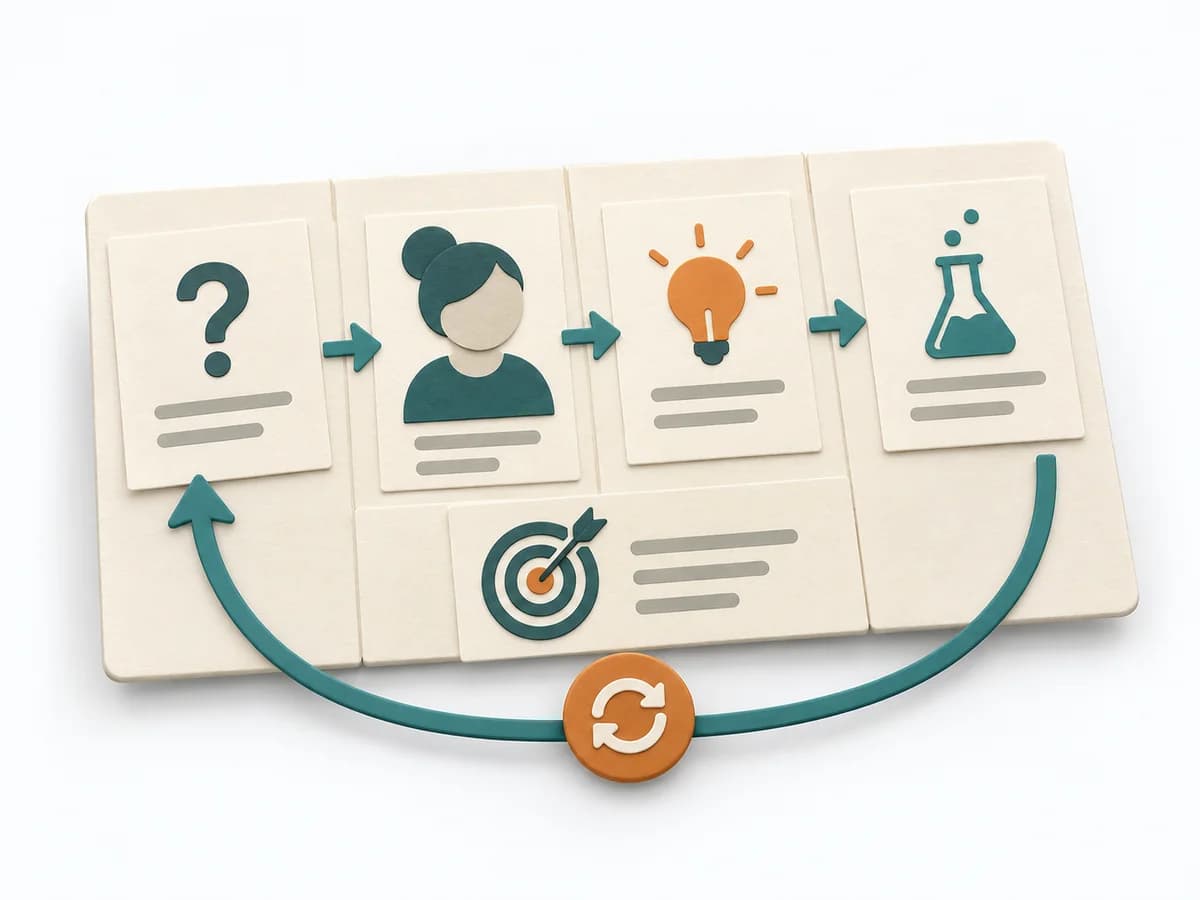
Aligns business problem, users, outcomes, solution ideas, hypotheses, and experiments on one lightweight canvas.
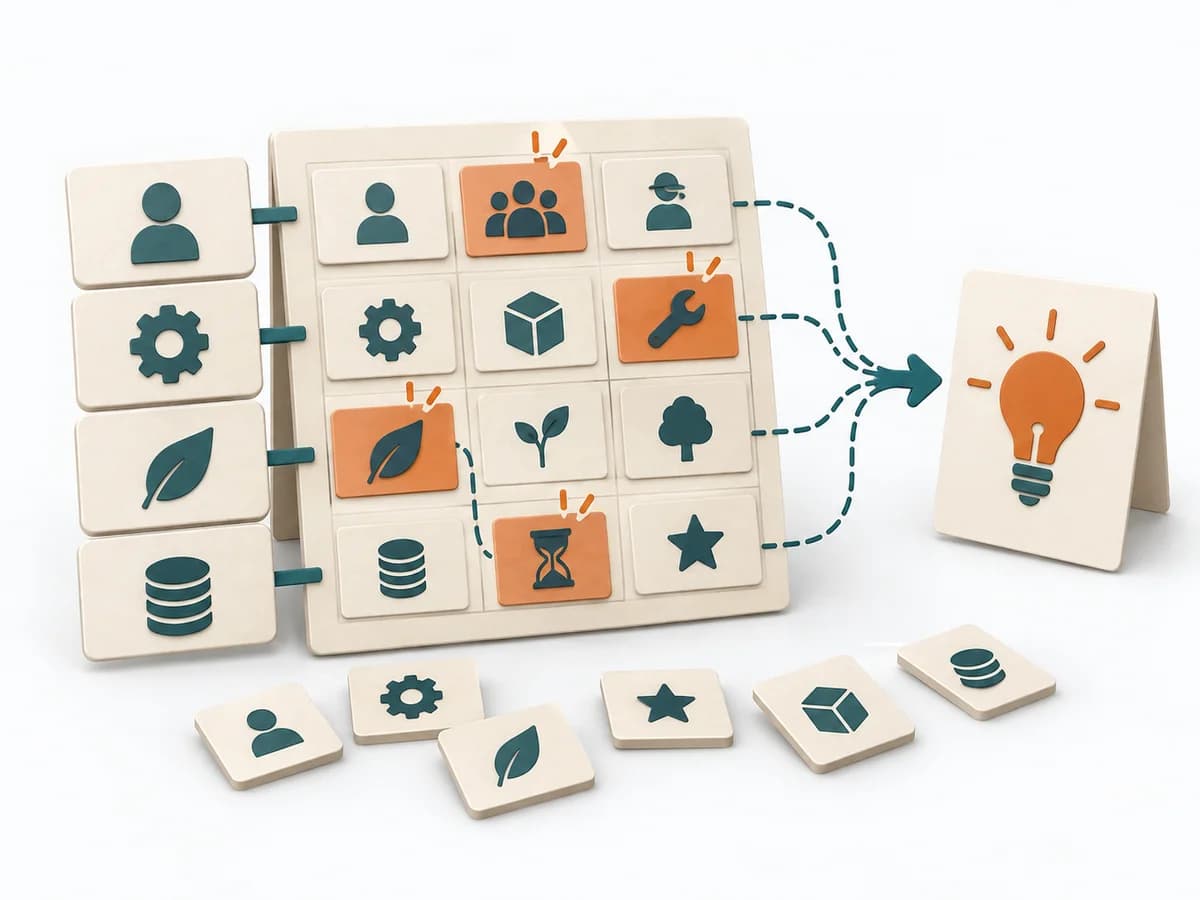
Combines dimensions and variants in a morphological box to find unusual solution combinations.