methodatlas

Innovation Workshop method

Crazy 8s

Crazy 8s generates eight distinct solution directions in eight minutes.

Crazy 8s is an individual, time-boxed sketching exercise. A clear design challenge becomes eight quick, rough variations. The exercise opens the solution space; it does not evaluate ideas or replace selection and prototyping.

Core question
What different visual directions could address the focused design challenge?
Participants
1-10 Participants
Time
Individual exercise in a team

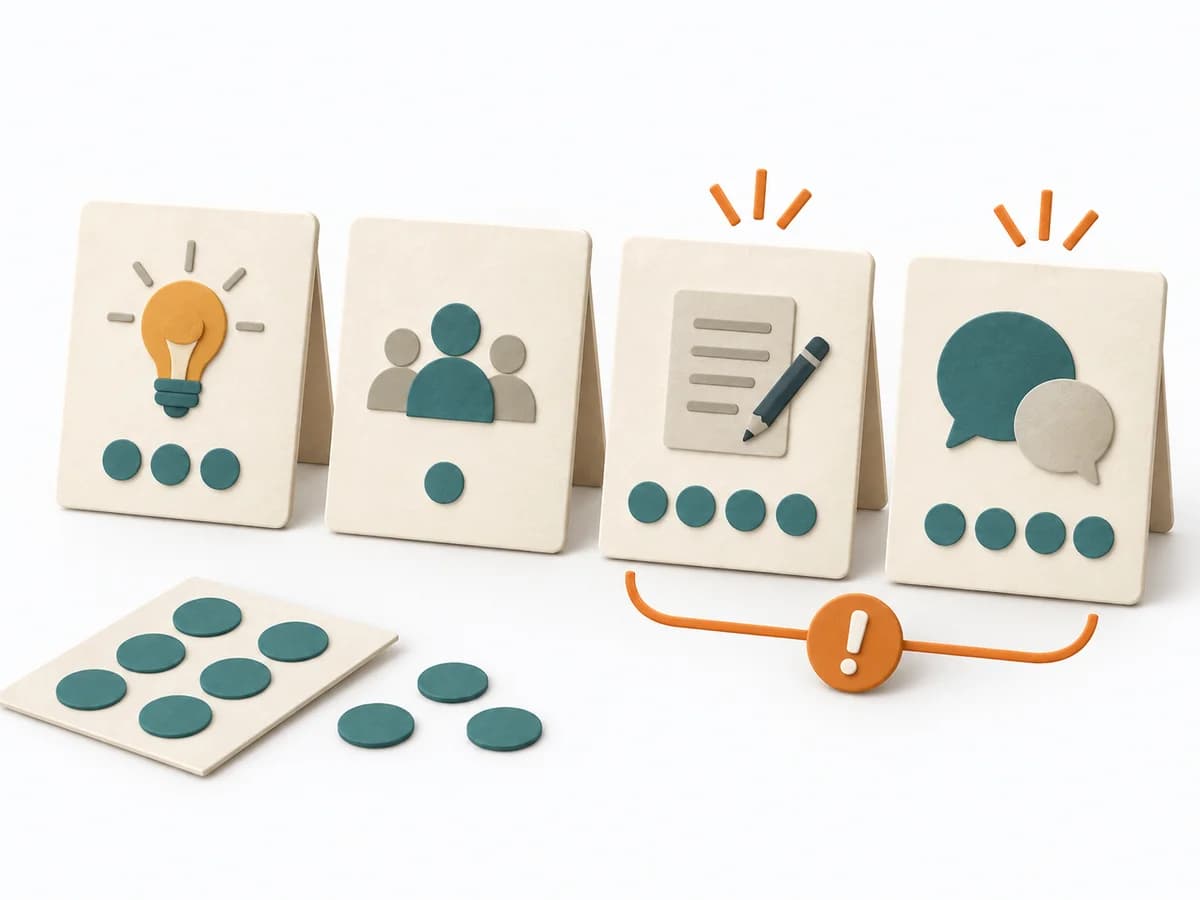
The phase bar groups the challenge, silent sketches, sharing, and follow-up.

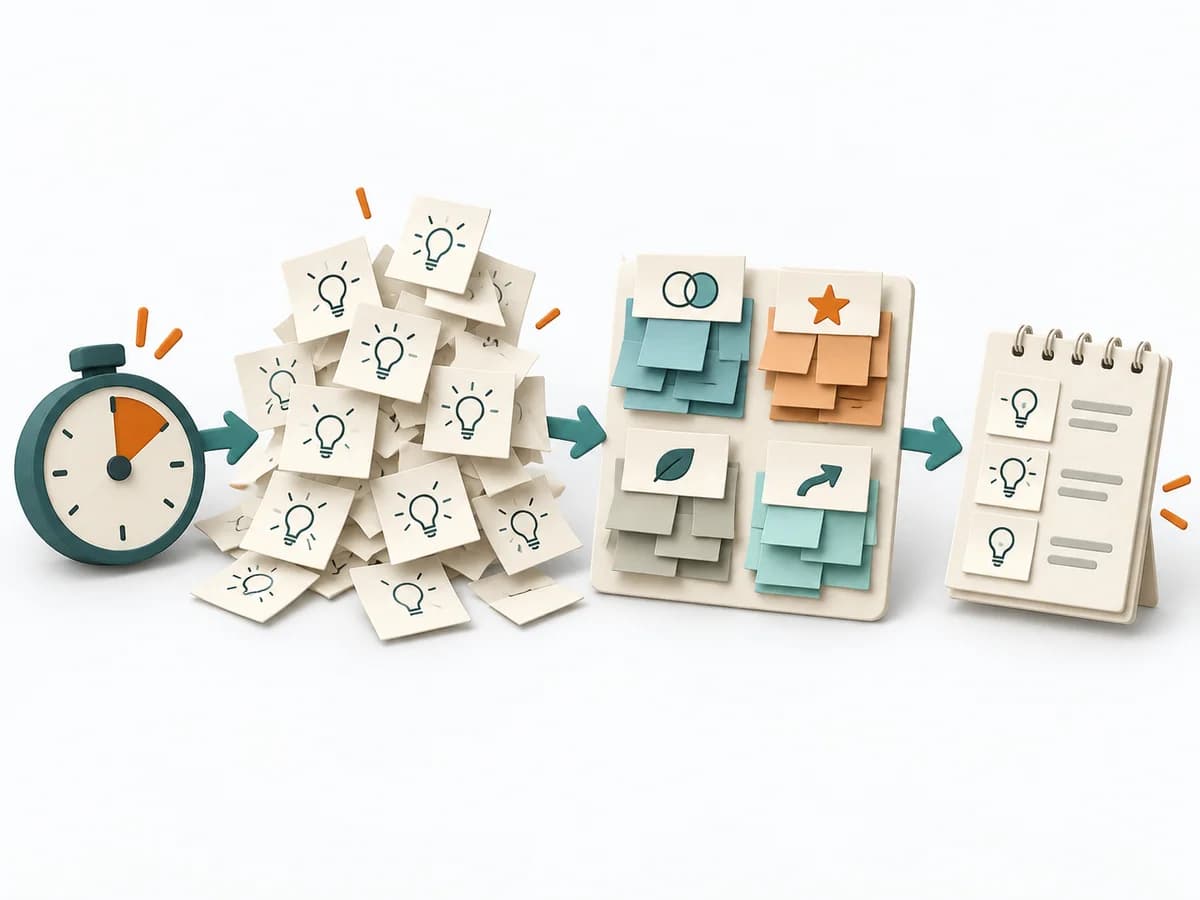
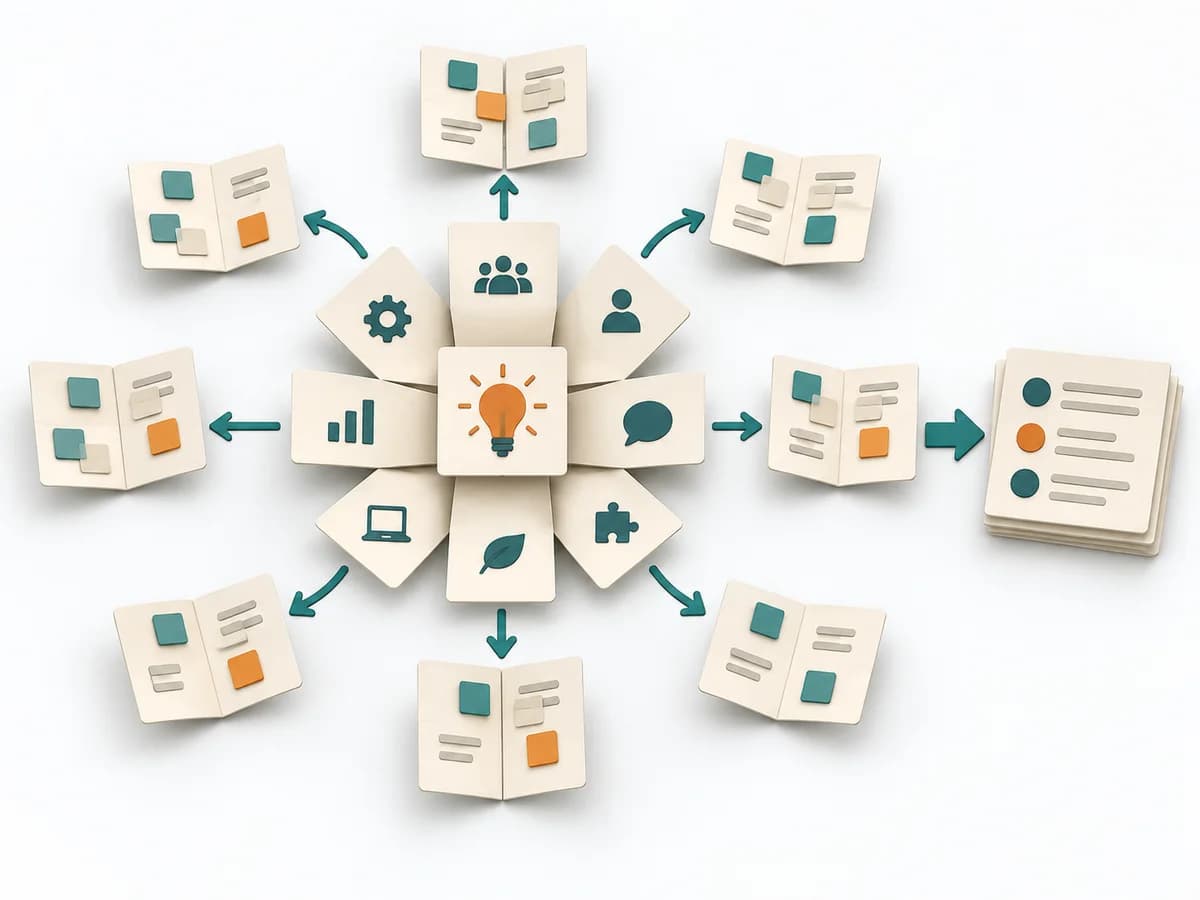
Paper illustration of an eight-panel idea sheet with varied sketches beside a timer set to eight minutes.
  1. Challenge

    Bound the challenge

    Choose a relevant question and a workable moment.

  2. Sketch

    Sketch eight variations

    Fold or divide the page into eight panels and draw one idea per panel.

  3. Share

    Share the sketches

    Make ideas understandable to the group before evaluating them.

  4. Select

    Select and extend a direction

    Combine justified sketch elements into a testable next direction.

After silent sketching, review and discuss the ideas. Select a direction or combine justified elements, then develop a testable prototype.

A good fit when

Use Crazy 8s when a focused problem or design question is ready and a team wants to quickly broaden visual possibilities. Prior research or a chosen flow helps people get started.

Ideal for

  • Design sprints
  • Concept exploration
  • Feature ideation

Not good for

  • Detailed design reviews
  • Non-visual topics

Outputs

  • Eight sketches

    Eight distinguishable rough directions per person.

  • Direction decision

    Selected direction and an open assumption for the next prototype.

Eight Crazy 8s directions

Fictional teaching example

Compare variations without treating a team choice as user evidence.

Eight Crazy 8s directions
Sketch panelDirectionFictional sketchWhat changes?Follow-up question
Variation 1Describe one rough direction.Stock firstA tool list shows what is available.Availability leads.Can people tell when stock applies?
Variation 2Describe one rough direction.Calendar viewA weekly calendar marks pickup windows.Time windows replace an item list.Are windows reliable and bookable?
Variation 3Describe one rough direction.Map of pickup sitesA map shows location and distance for each tool.Location becomes the entry point.Which location details do people need?
Variation 4Describe one rough direction.Reserve on the itemThe reservation step appears on the tool card.Fewer page changes.Are requirements clear before reserving?
Variation 5Describe one rough direction.Date firstSearch filters tools by a selected day.The date shapes the results.How are alternatives shown when unavailable?
Variation 6Describe one rough direction.Compare toolsA comparison shows tools and availability side by side.Comparison replaces one-at-a-time search.Which criteria help people choose?
Variation 7Describe one rough direction.Locker pickupThe tool card offers pickup through a locker.Pickup outside staffed hours.Which access and operating conditions apply?
Variation 8Describe one rough direction.Process overviewSteps from search through return appear on one line.Whole flow instead of one step.Which steps must be known in advance?
  1. 1. Direction

    Variation 1
    Stock first
    Variation 2
    Calendar view
    Variation 3
    Map of pickup sites
    Variation 4
    Reserve on the item
    Variation 5
    Date first
    Variation 6
    Compare tools
    Variation 7
    Locker pickup
    Variation 8
    Process overview
  2. 2. Fictional sketch

    Variation 1
    A tool list shows what is available.
    Variation 2
    A weekly calendar marks pickup windows.
    Variation 3
    A map shows location and distance for each tool.
    Variation 4
    The reservation step appears on the tool card.
    Variation 5
    Search filters tools by a selected day.
    Variation 6
    A comparison shows tools and availability side by side.
    Variation 7
    The tool card offers pickup through a locker.
    Variation 8
    Steps from search through return appear on one line.
  3. 3. What changes?

    Variation 1
    Availability leads.
    Variation 2
    Time windows replace an item list.
    Variation 3
    Location becomes the entry point.
    Variation 4
    Fewer page changes.
    Variation 5
    The date shapes the results.
    Variation 6
    Comparison replaces one-at-a-time search.
    Variation 7
    Pickup outside staffed hours.
    Variation 8
    Whole flow instead of one step.
  4. 4. Follow-up question

    Variation 1
    Can people tell when stock applies?
    Variation 2
    Are windows reliable and bookable?
    Variation 3
    Which location details do people need?
    Variation 4
    Are requirements clear before reserving?
    Variation 5
    How are alternatives shown when unavailable?
    Variation 6
    Which criteria help people choose?
    Variation 7
    Which access and operating conditions apply?
    Variation 8
    Which steps must be known in advance?

Keep sketches as rough directions. Record selection rationale and testable assumption separately.

Google Design Sprint Kit

First step

Write a focused design challenge that allows eight different approaches.

Open the method guide

Deep dive

Purpose

With only a few minutes available and a still-fuzzy solution search, the method forces a wide range of variants. It produces fast sketches before the first idea can settle in, making different directions directly comparable and open to further development.

How it works

A tight time window increases pressure toward simplification and prevents individual thoughts from being developed too early. Because each round allows only a rough sketch, several competing patterns emerge instead of one fully worked-out favorite solution. The value lies in fast variation, visible comparison, and pulling together the strongest elements afterward.

In detail

Crazy 8s uses time pressure and a fixed eight-cell grid to reduce self-censorship and early attachment to a single favorite. Sketches do not need to be pretty; they should quickly make variants, principles, and possible interactions visible. After sketching, participants briefly share them, similar approaches are grouped, and promising directions are selected by dot voting, heat map, or discussion. This yields a broad solution space that can be translated into storyboards, solution sketches, or prototypes.

Facilitation

Before starting, clarify very precisely which problem area or screen is being worked on so the fast pace stays productive. The critical point comes with a drive for perfection; then the group must be steered back toward variety and direction instead of clean execution. Close with a short gallery walk and mark the approaches that get combined or prototyped further.

The method guide walks execution through 4 phases, timing, 4 pitfalls, and clear stop criteria.

Open method guide

Your perspective

Does this method help with your work?

Your feedback helps shape the next improvements to methodatlas.

Sources and topics

Topics
Artifact templates
Crazy 8s: WorksheetPrepare a short team exercise with eight minutes of individual work and a follow-up selection.
markdown

crazy-8s-working-template.md

Prepare a short team exercise with eight minutes of individual work and a follow-up selection.

Crazy 8s: Worksheet

Question

To be confirmed

Desired outcome

To be confirmed

Scope

One Crazy 8s team exercise Time: About 30–45 minutes, including framing, exactly eight minutes of sketching, and follow-up planning.

Complete this worksheet on paper or in your own document during the work.

Preparation for this scope

Method setup

  • Materials: Design challenge, one eight-panel sheet per person, pens, a visible timer, and space to post and discuss sketches.
  • Roles: Everyone sketches individually. Facilitation keeps time and the challenge stable; the team later interprets and selects directions to extend.
  • Advance information: Name the user need, problem context, and decision that new solution directions should inform.
  • Overall time needed: The sketching exercise takes exactly eight minutes. Plan about 30–45 minutes for the full team activity, including framing, sharing, and a next step.
  • Setup: Prepare eight equal panels, display the timer, and explain that rough sketches are enough. No discussion during the eight minutes.

Prepare for the work steps

Challenge: Bound the challenge

  • Write a focused design challenge that allows eight different approaches.

Sketch: Sketch eight variations

  • Visible challenge and shared work context.

Share: Share the sketches

  • Eight distinguishable sketches per person.

Select: Select and extend a direction

  • Shared set of variations with clarified ideas.

Eight Crazy 8s directions

Sketch panelDirectionFictional sketchWhat changes?Follow-up question
Variation 1
Variation 2
Variation 3
Variation 4
Variation 5
Variation 6
Variation 7
Variation 8
  • Variation 1: Describe one rough direction.
  • Variation 2: Describe one rough direction.
  • Variation 3: Describe one rough direction.
  • Variation 4: Describe one rough direction.
  • Variation 5: Describe one rough direction.
  • Variation 6: Describe one rough direction.
  • Variation 7: Describe one rough direction.
  • Variation 8: Describe one rough direction.

Blank template: add the challenge at the top and eight sketch panels of your own.

Google Design Sprint Kit

Challenge: Bound the challenge

Expected artifact: Visible challenge and shared work context.

Visible challenge and shared work context.

Entry:

...

  • Everyone can interpret the challenge and sketch different directions.

Sketch: Sketch eight variations

Expected artifact: Eight distinguishable sketches per person.

Eight distinguishable sketches per person.

Entry:

...

  • Each panel shows a different direction; sketches stay simple enough for the timebox.

Share: Share the sketches

Expected artifact: Shared set of variations with clarified ideas.

Shared set of variations with clarified ideas.

Entry:

...

  • Ideas are understood before evaluation; authorship does not dominate selection.

Select: Select and extend a direction

Expected artifact: Selection rationale, prototype task, and open assumption.

Selection rationale, prototype task, and open assumption.

Entry:

...

  • The rationale links to the challenge and user need; assumptions remain testable.

Open questions and next steps

...

Method guide: https://methodatlas.meierhoff-systems.de/en/methods/crazy-8s/run-sheet

Alternatives and neighbors

Fitting alternatives with decision guidance, followed by other related methods.

All methods
Constraints and origin
LowWorkshop8-15 min

Profile

Method form
Workshop method
Participants
1-10
Time
8-15 min
Maturity
Canonical
Origin
Praxisgemeinschaft
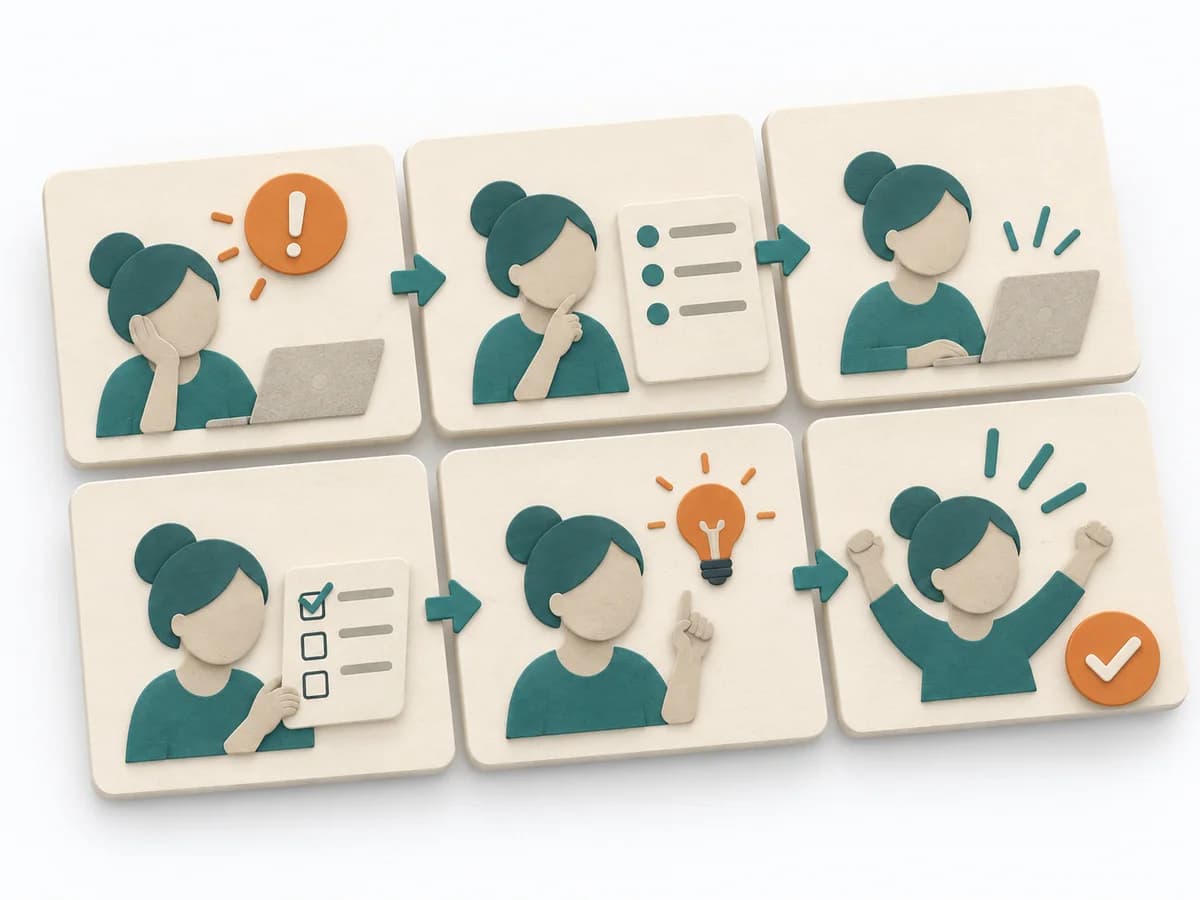
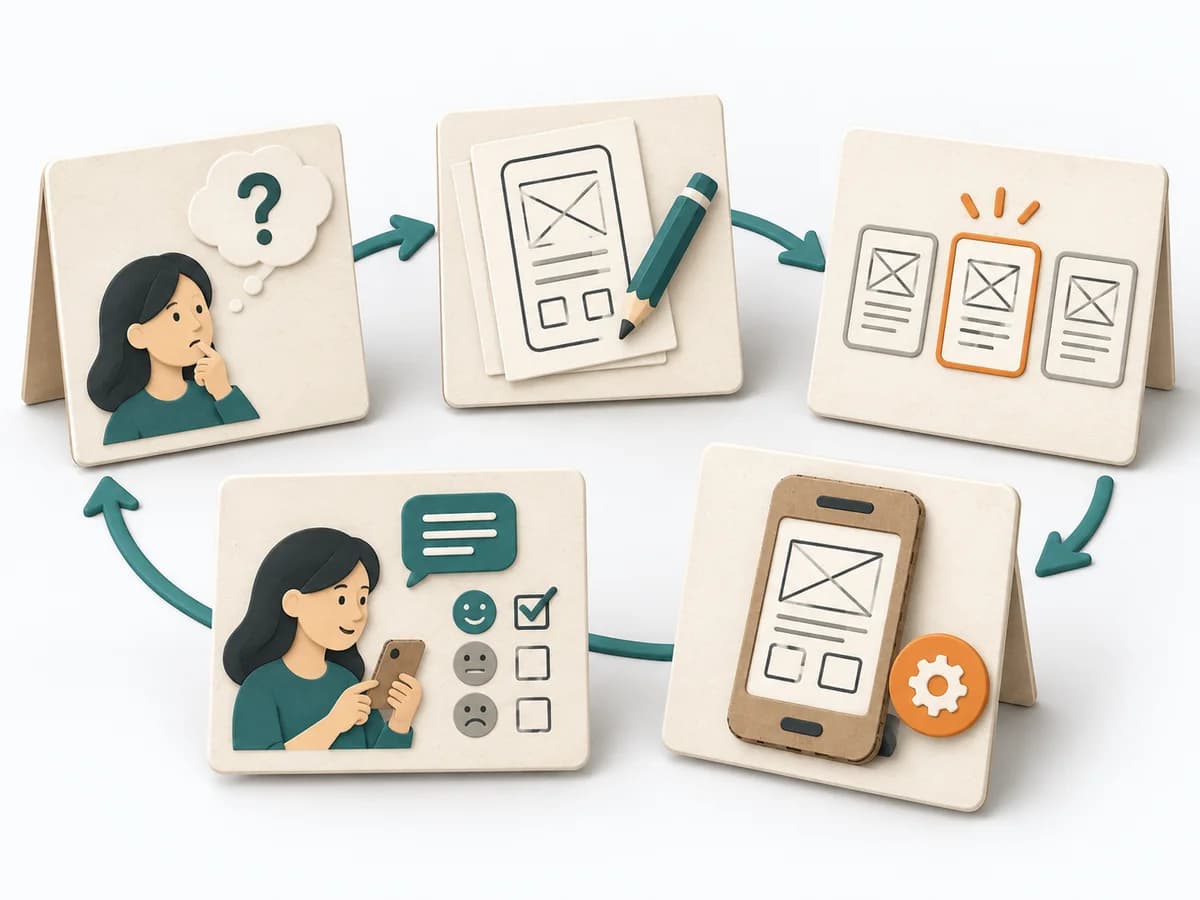
Six paper cards show a person moving from a problem through a service flow to a completed outcome.
Next up: Storyboarding