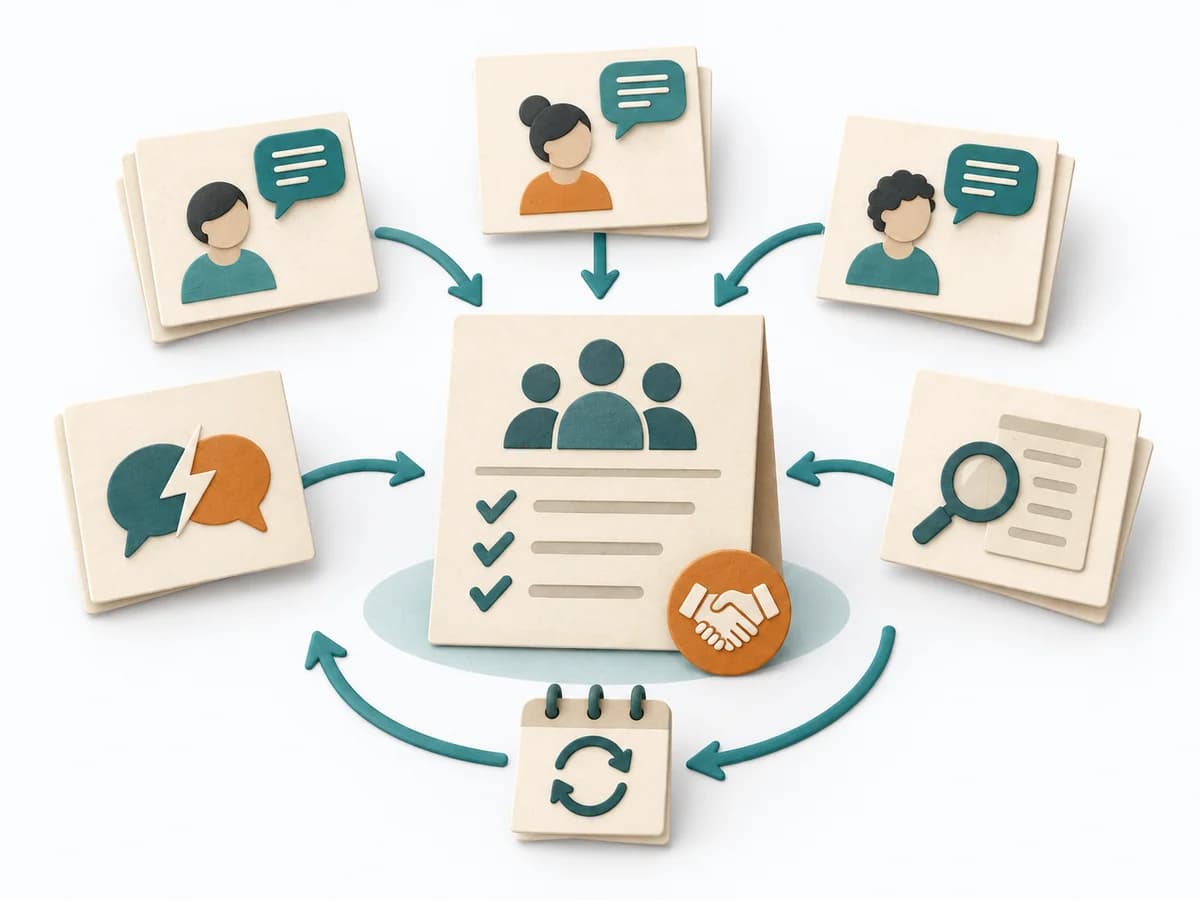
Selects Collaboration, X-as-a-Service, or Facilitating deliberately for each team relationship.
The three interaction modes describe a time-bounded working relationship. Collaboration needs a shared goal and end date, X-as-a-Service a clear interface, and Facilitating a specific capability gap.
Core question
Which interaction mode supports this outcome with the least persistent coupling?
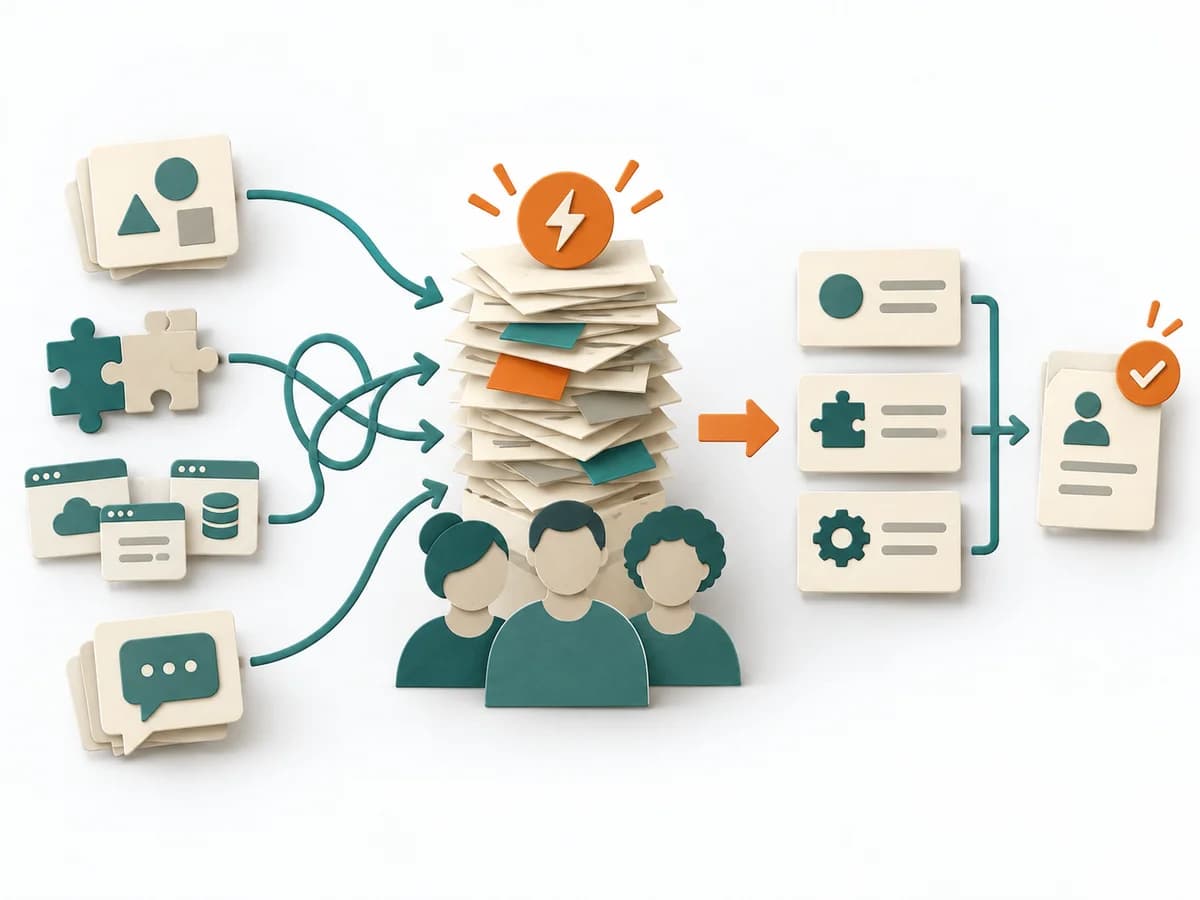
Team Topologies Interaction Modes uses assign a team relationship to one of three modes using outcome, knowledge flow, and desired coupling. Assessments remain justified and context-bound.
Bound relationship
Bound relationship
Name teams, outcome, and current friction.
Choose mode
Choose mode
Choose Collaboration, X-as-a-Service, or Facilitating from the knowledge flow.
Frame interaction
Frame interaction
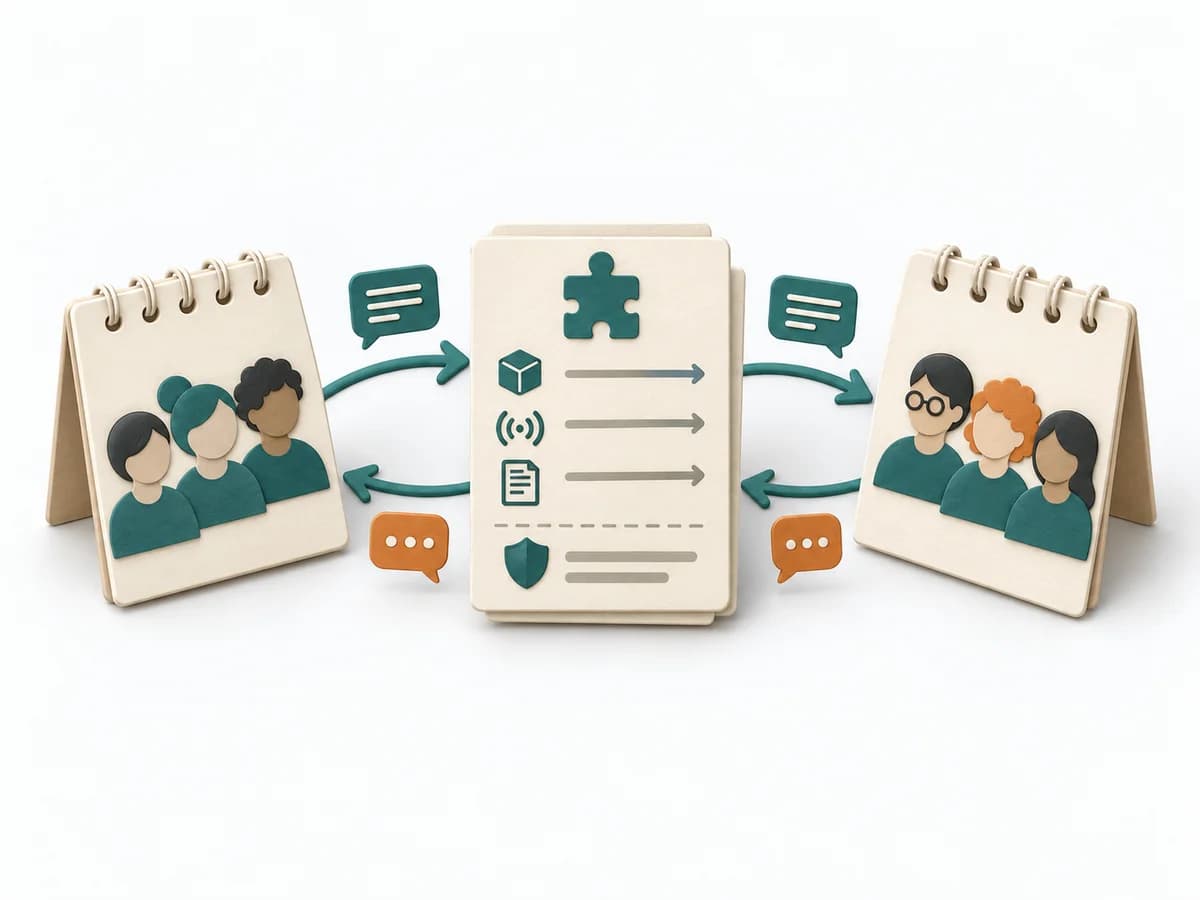
Agree interface, timebox, responsibilities, and exit criterion.
Review mode
Review mode
Review flow data and capability, then stop or switch mode.
Review the interaction mode at its end date and switch or stop it.
A good fit when
For recurring or contentious team dependencies with a visible outcome.
Ideal for
Org design
Platform rollout
Scaling engineering orgs
Not good for
Very small organizations
Outputs
interaction mode map
interaction mode map with traceable sources, assumptions, and domain decisions.
Decision and review trail
Owners, dates, and next review for interaction mode map.
interaction mode map
Fictional worked example
assign a team relationship to one of three modes using outcome, knowledge flow, and desired coupling as a precise working structure with a fictional example.
interaction mode map
Subject
Team relationship
Mode
Frame
Exit
interaction mode mapWorked example
Product ↔ enabling: adopt observability.
Facilitating due to capability gap.
Four weeks; three standard dashboards.
Self-operation achieved; then XaaS.
1. Team relationship
interaction mode map
Product ↔ enabling: adopt observability.
2. Mode
interaction mode map
Facilitating due to capability gap.
3. Frame
interaction mode map
Four weeks; three standard dashboards.
4. Exit
interaction mode map
Self-operation achieved; then XaaS.
The example demonstrates the domain logic of Team Topologies Interaction Modes; worksheets remain blank.
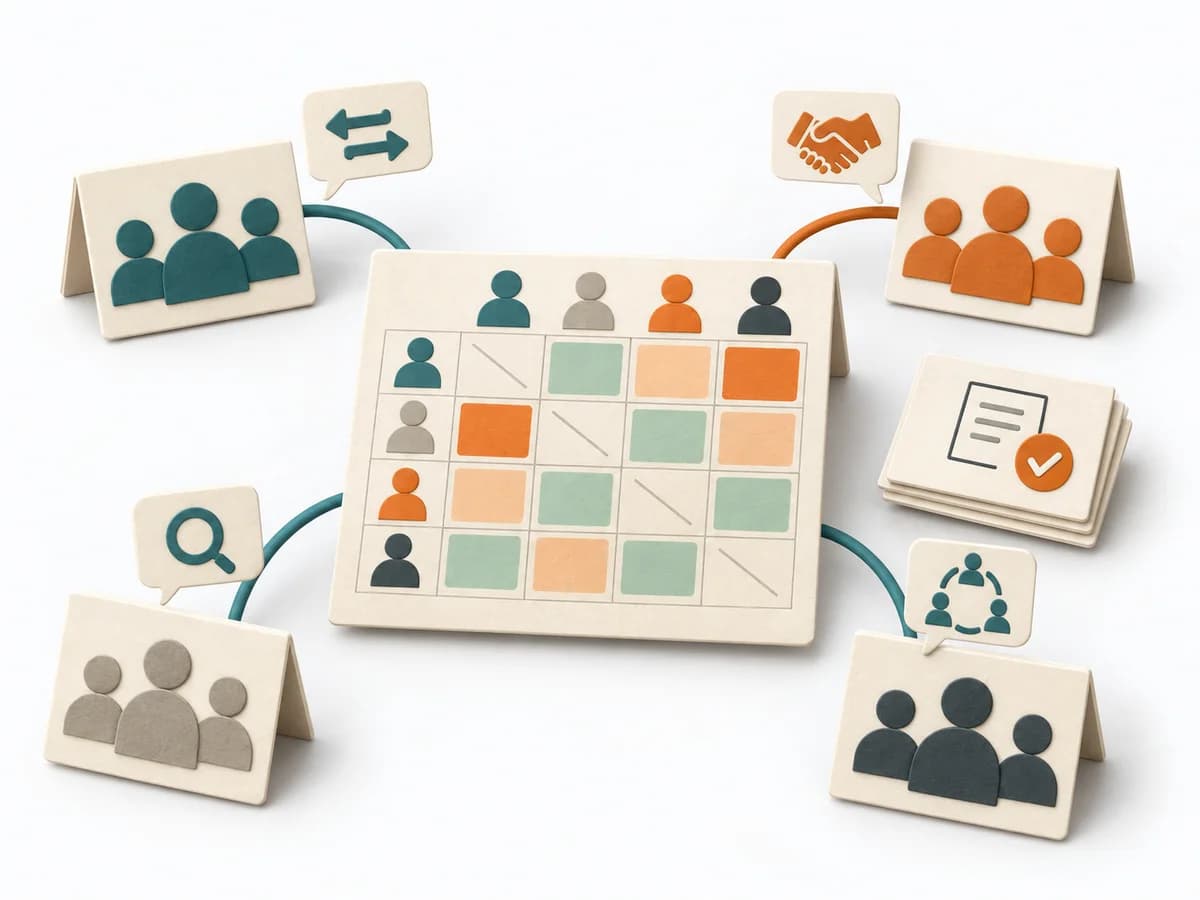
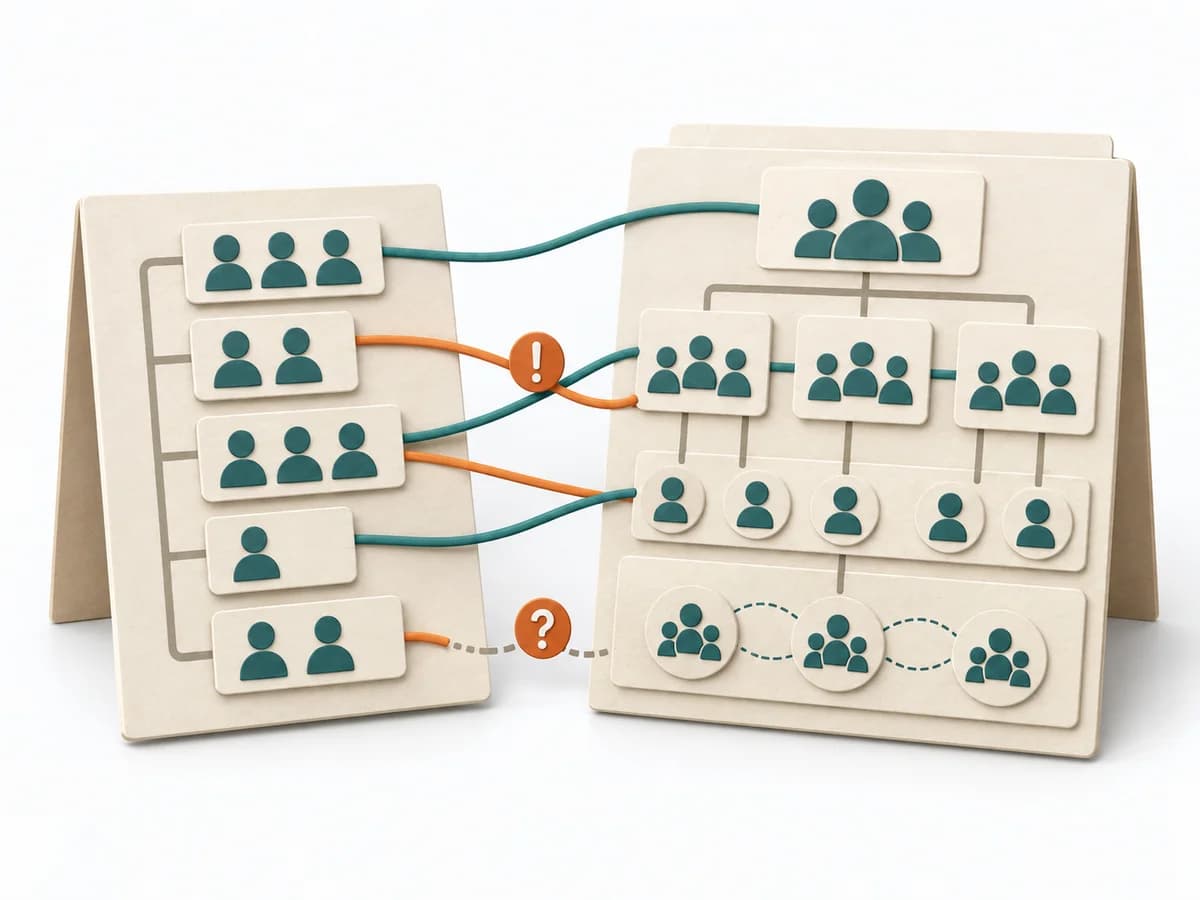
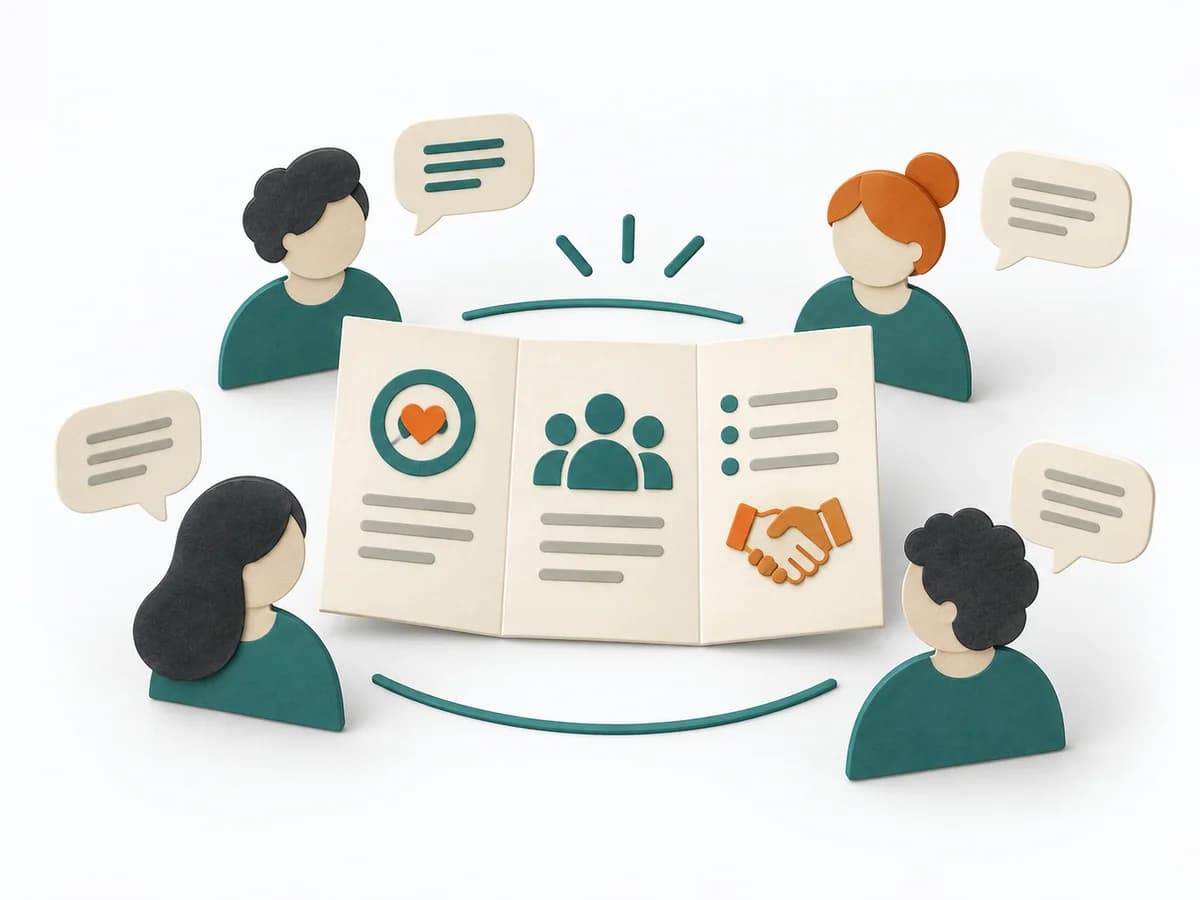
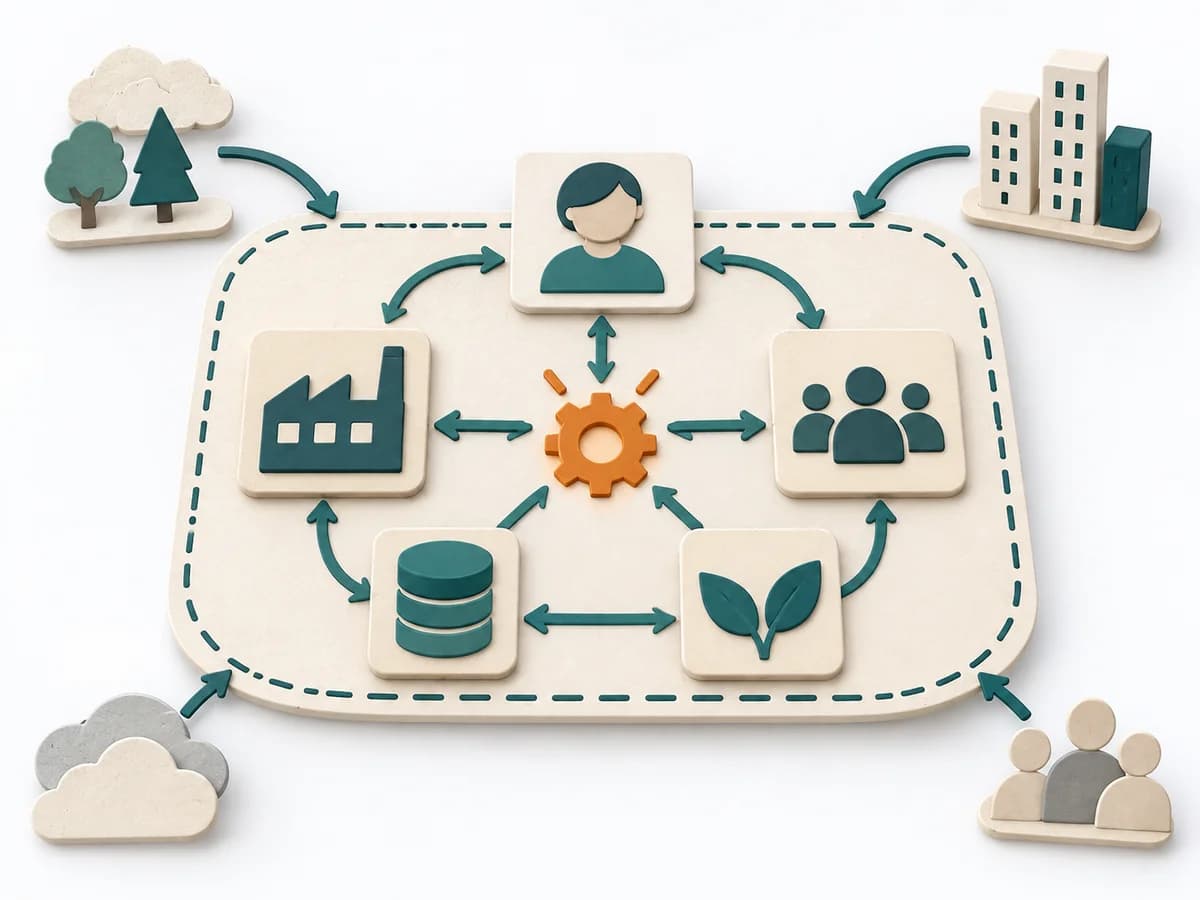
When several teams collaborate repeatedly, it describes the right interaction mode for each interface between them. It clarifies responsibility, interaction, and load between teams. The result is captured as an interaction heat map and pairwise agreements.
How it works
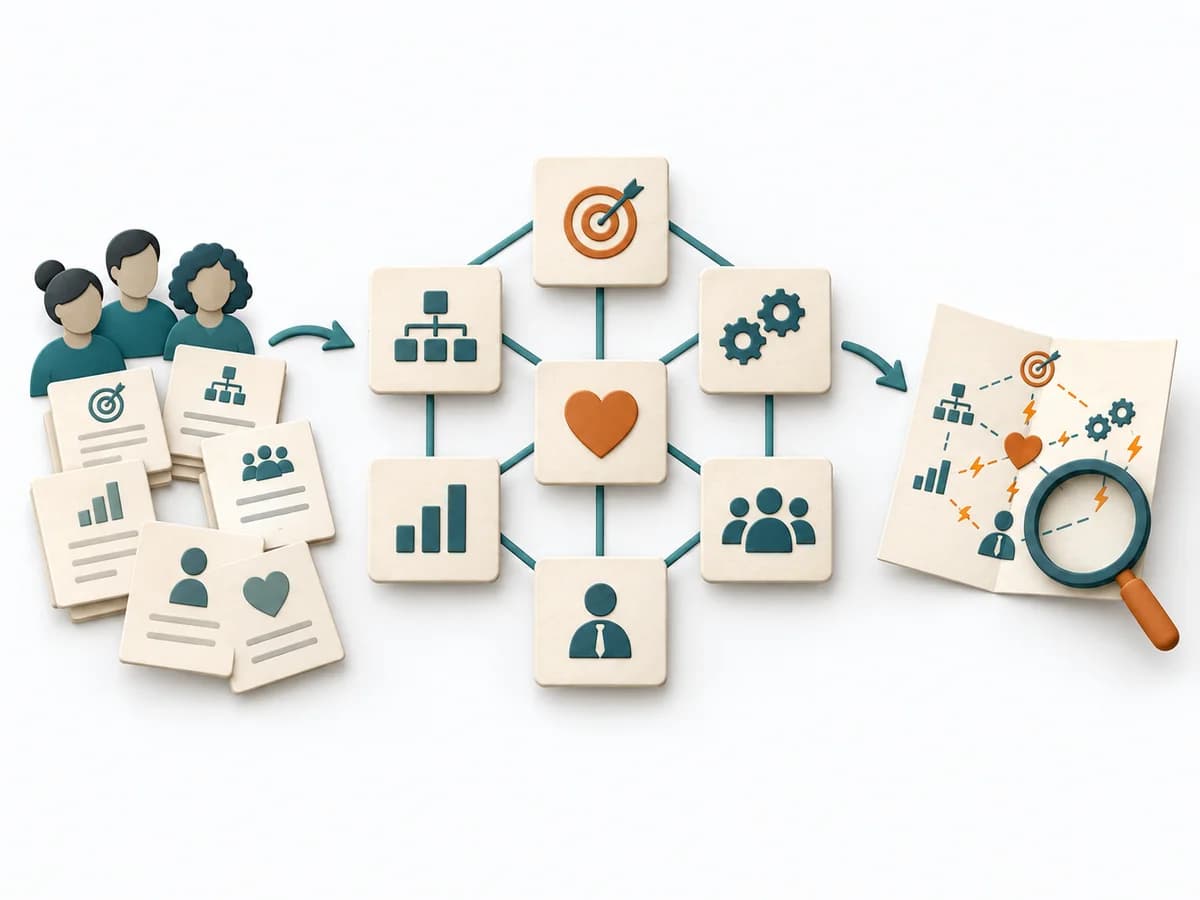
Interfaces are classified by the purpose of the collaboration and the desired closeness. This makes it possible to manage friction, blockers, and unnecessary coordination better from the outset. The picture supports decisions about how teams can best complement each other.
In detail
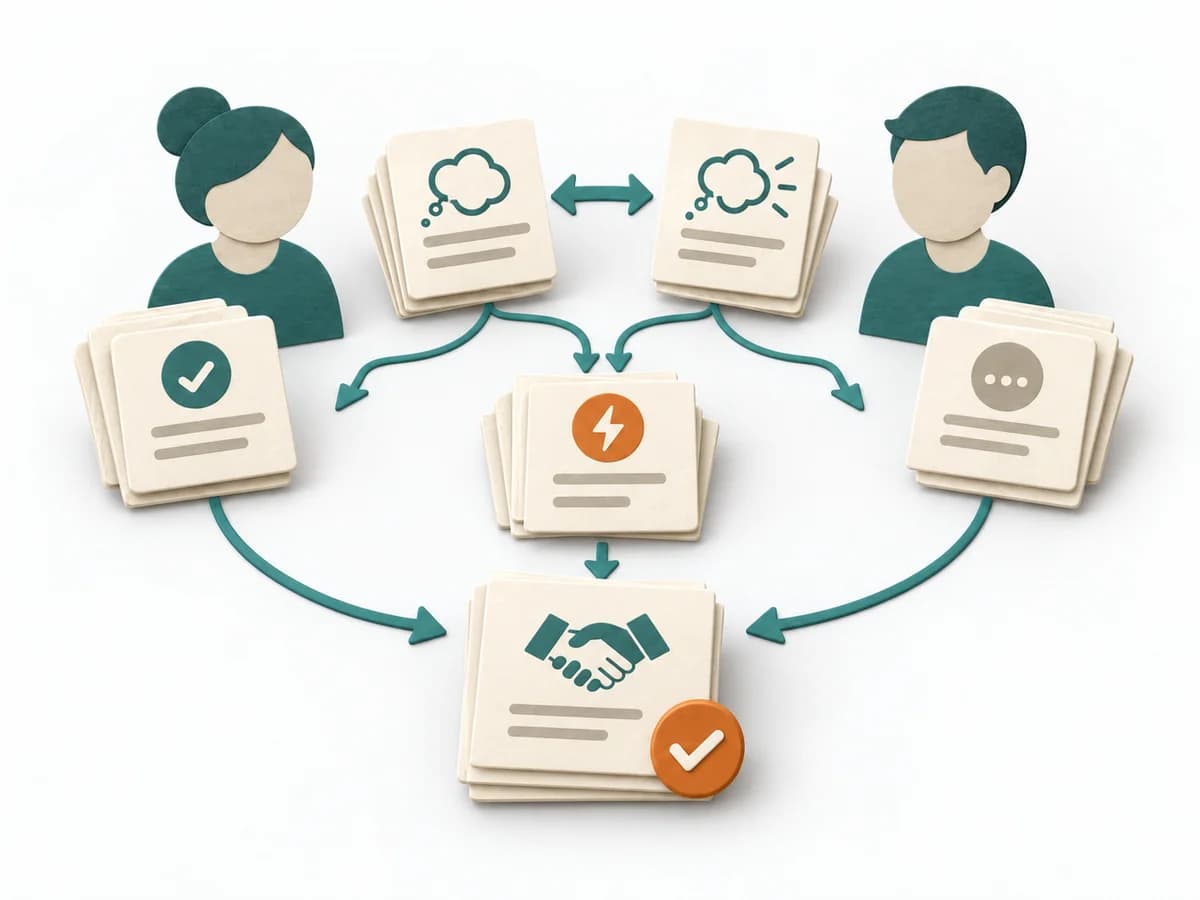
The Interaction Modes concept from Team Topologies distinguishes three clearly defined ways of working together. Collaboration is intense and temporary, X-as-a-Service is a clearly defined ongoing service, and Facilitating is coaching by an enabling team. The mapping is often used alongside Team API and visualized as a heat map.
Facilitation
Explain the three modes with examples. Avoid mixed forms per pair; choose explicitly. Keep the mapping readable as a heat map.
The method guide walks execution through 4 phases, timing, 4 pitfalls, and clear stop criteria.
Plan Team Topologies Interaction Modes around its domain steps and the concrete decision question.
Team Topologies Interaction Modes: Worksheet
Question
To be confirmed
Desired outcome
To be confirmed
Scope
Establish and review the practice
Time: 60 minutes
Complete this worksheet on paper or in your own document during the work.
Preparation for this scope
Method setup
Materials: Team boundaries and APIs, concrete shared outcomes, dependency and flow data, shared workspace, source links, and decision log.
Roles: Representatives of both teams · team leads · enabling team if needed
Advance information: Collect Team boundaries and APIs, concrete shared outcomes, dependency and flow data in advance and mark open assumptions.
Overall time needed: 60 minutes
Setup: Prepare assign a team relationship to one of three modes using outcome, knowledge flow, and desired coupling visibly and calibrate assessment terms before starting.
MediumComplexity: medium. Estimates preparation, facilitation effort, and method confidence needed.WorkshopFormat: workshop. Shows whether the method works in a workshop, asynchronously, or both.Half dayTimebox: Half day. Rough time frame for a typical run.