Purpose
Event Modeling connects business workflows with commands, events, and views into one coherent mental model. It helps design behavior, UI, and technical slices from the same underlying logic.
Knowledge Modeling Mapping tool
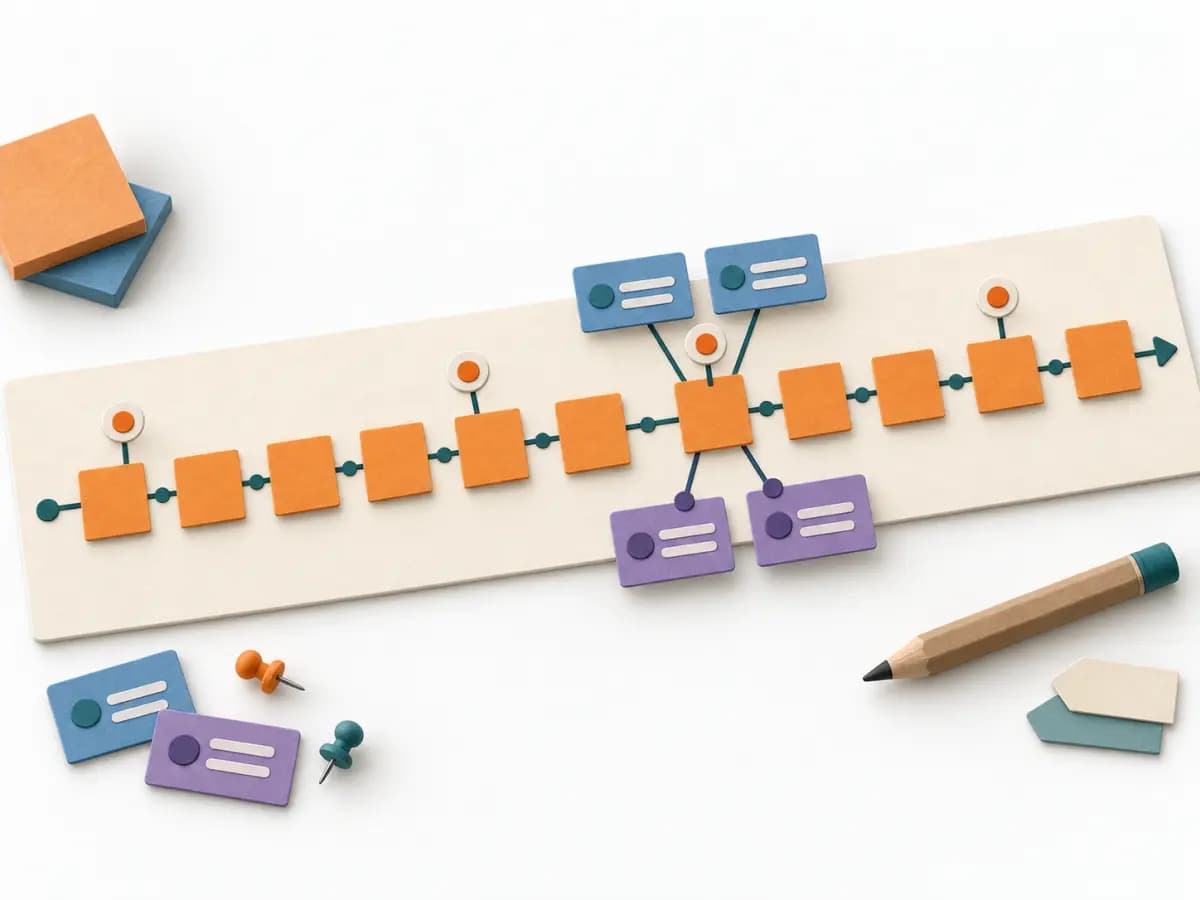
Connects commands, information-changing events and user-visible views along a system timeline.
Connects commands, information-changing events and user-visible views along a system timeline.
Which events, commands, and views explain the system behavior over time?
The steps are a practical sequence; adapt them to the method’s purpose and available evidence.
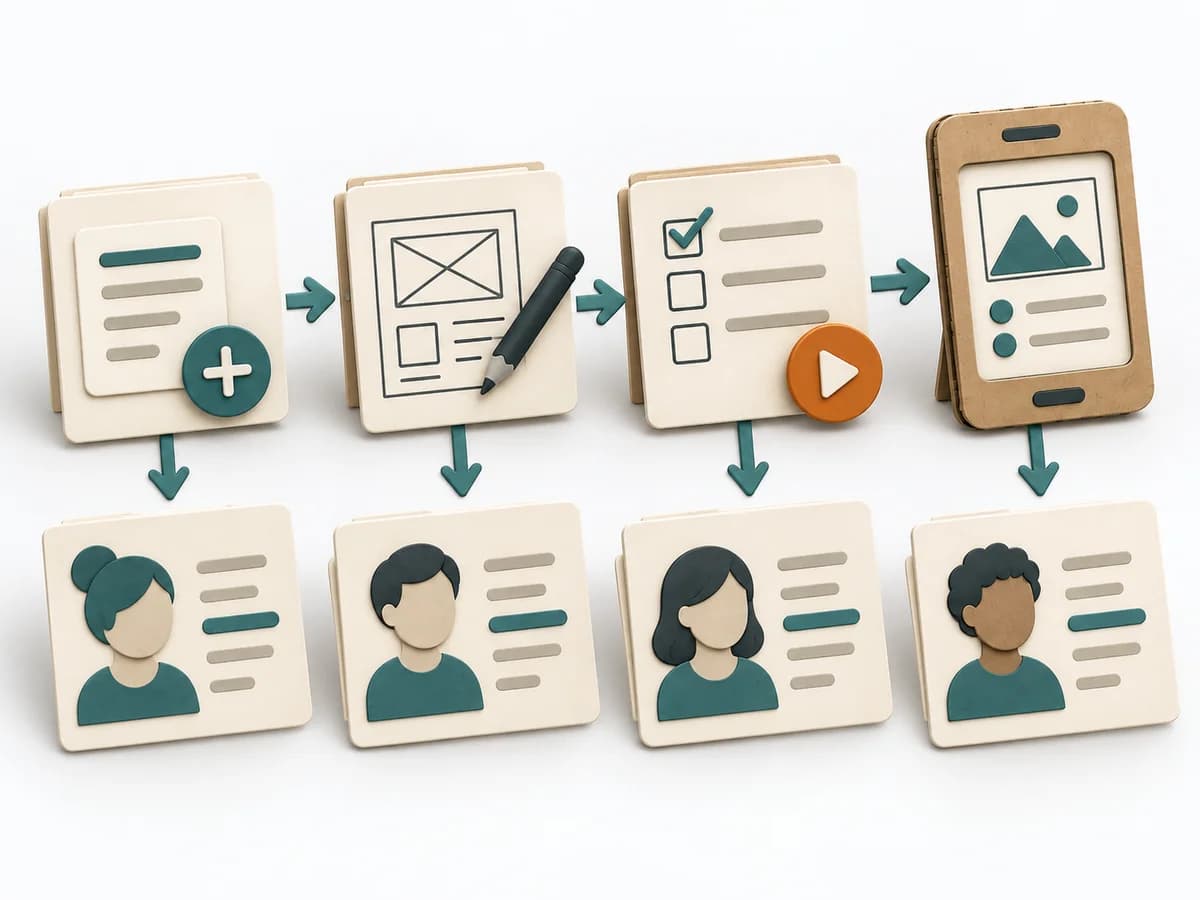
Scenario
Choose a valuable use case and describe observable success and rejection outcomes.
Events
Write events as facts that happened and order them; distinguish state changes from transient UI actions.
Commands
Connect commands to actors and intent, and views to the information users see at that moment.
Variants
Walk the flow step by step, add domain-relevant alternatives and trace information to the outcome; label unresolved rules.
Revisit the model when evidence, context or outcomes change. Record what changed and why.
Use it when: Event-driven Systems, Vertical Slicing. The group can provide the evidence and authority the method requires.
Information flow over time with commands, events, views and domain variants.
The artifact records scope, date, participants, source version, and owner, including changed assumptions and the reason for each revision.
Fictional worked example
Fictional appointment timeline: user sees available slots → command “Book appointment” → event “Appointment requested” → conflict check → event “Appointment confirmed” or “Booking rejected” → confirmation view. Read view: upcoming appointments. Exception: practice removes slot offline at the same time. This calls for an explicit conflict rule; it does not predetermine infrastructure.
| Scenario | Timeline point | Command | Event | View |
|---|---|---|---|---|
| Scenario 1Record an observation or example for this row. | After slot selection | Book appointment | Appointment confirmed | Upcoming appointments |
Fictional appointment timeline: user sees available slots → command “Book appointment” → event “Appointment requested” → conflict check → event “Appointment confirmed” or “Booking rejected” → confirmation view. Read view: upcoming appointments. Exception: practice removes slot offline at the same time. This calls for an explicit conflict rule; it does not predetermine infrastructure.
Choose a valuable use case and describe observable success and rejection outcomes.
Event Modeling connects business workflows with commands, events, and views into one coherent mental model. It helps design behavior, UI, and technical slices from the same underlying logic.
The team picks a scenario and sketches the relevant events along the timeline. It then adds commands, read models, and UI reactions until the flow is fully legible. The result is clear implementation cuts and a shared picture of system behavior.
Event Modeling works because it brings business events, triggers, and visible consequences into one shared picture of behavior. Its quality increases when real scenarios with edge cases are used and commands, events, views, and automations are treated as a connected response. Purely mechanical arranging of cards only produces sequences; the method becomes solid through precise cuts that clarify implementation, data storage, and UI at the same time.
Start with a continuous business case and keep everyone on the same timeline so no one veers off into isolated solutions. It gets interesting where several reactions follow the same event or a step silently contains assumptions about state. End the session with clearly named bounded areas, unresolved state questions, and a decision on the first implementation cut.
The method guide walks execution through 4 phases, timing, 4 pitfalls, and clear stop criteria.
Open method guideYour perspective
Your feedback helps shape the next improvements to methodatlas.
Prepare the decision, source evidence and next review.
To be confirmed
To be confirmed
Run the method Time: See catalog planning range; no universal duration.
Complete this worksheet on paper or in your own document during the work.
| Scenario | Timeline point | Command | Event | View |
|---|---|---|---|---|
| Scenario 1 |
Events state information changes; commands express intent; views show information to users.
Expected artifact: Scenario with clear end states
Scenario with clear end states
Entry:
...
Expected artifact: Event timeline
Event timeline
Entry:
...
Expected artifact: Command/event/view model
Command/event/view model
Entry:
...
Expected artifact: Testable slices and open questions
Testable slices and open questions
Entry:
...
...
Method guide: https://methodatlas.meierhoff-systems.de/en/methods/event-modeling/run-sheet
Fitting alternatives with decision guidance, followed by other related methods.
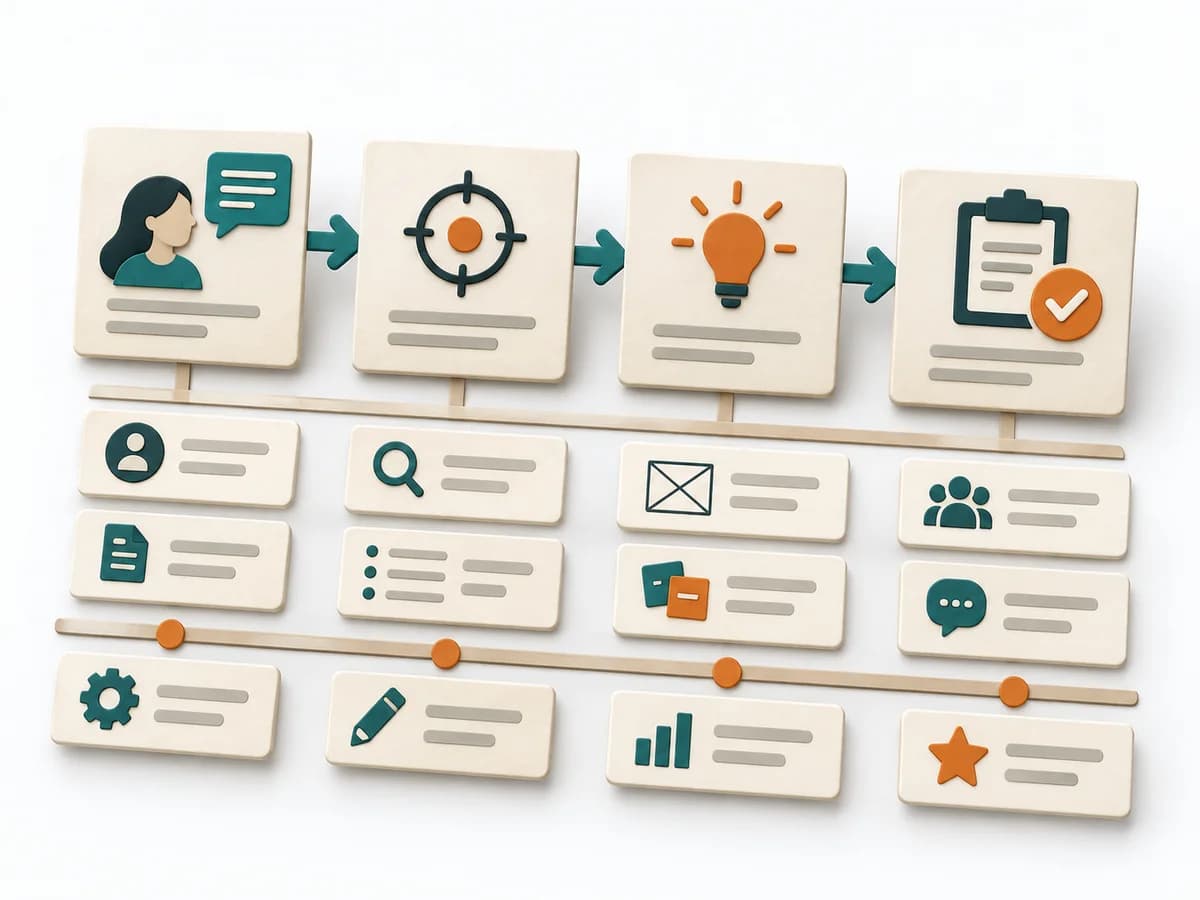
Instead of Event Modeling, when you want to structure processes along user goals and delivery slices.
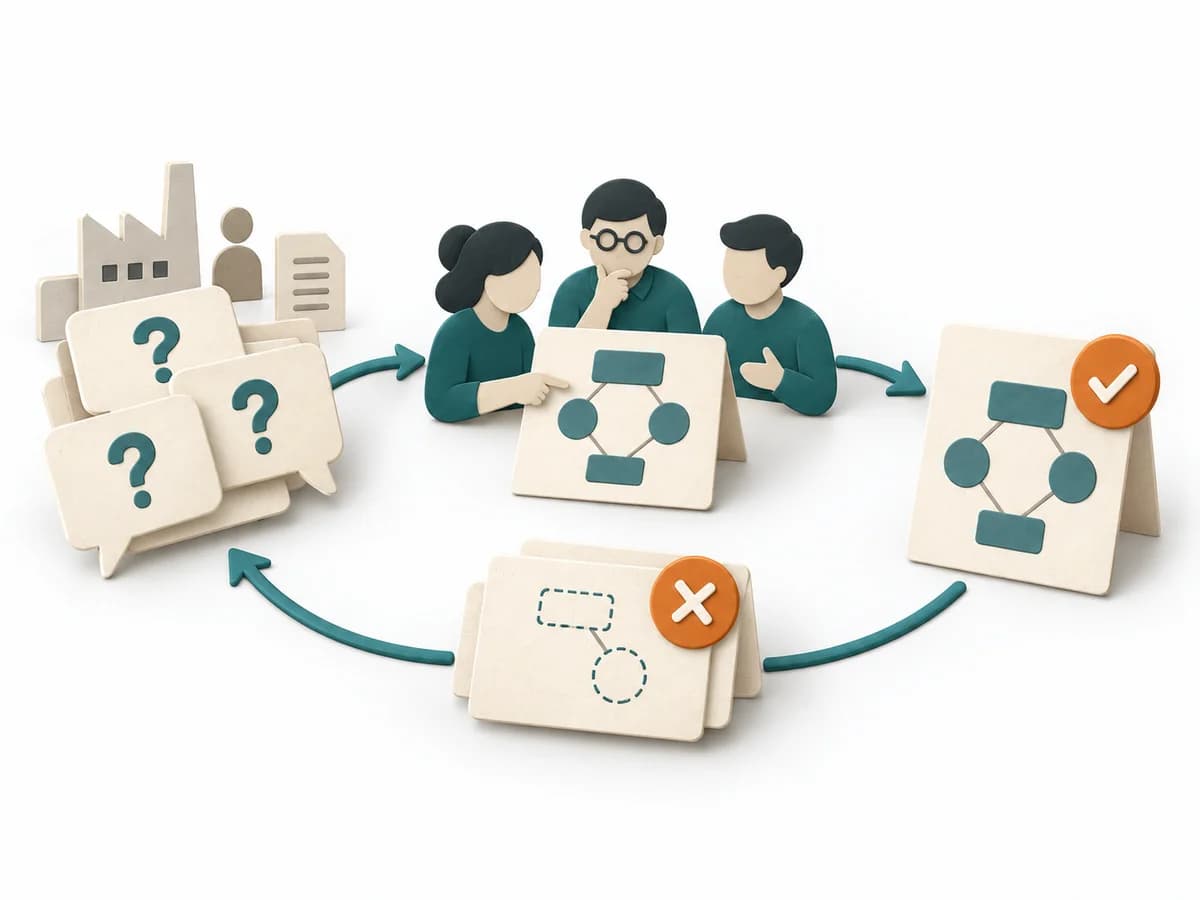
Concrete domain questions define what an ontology or knowledge model must be able to answer and test.
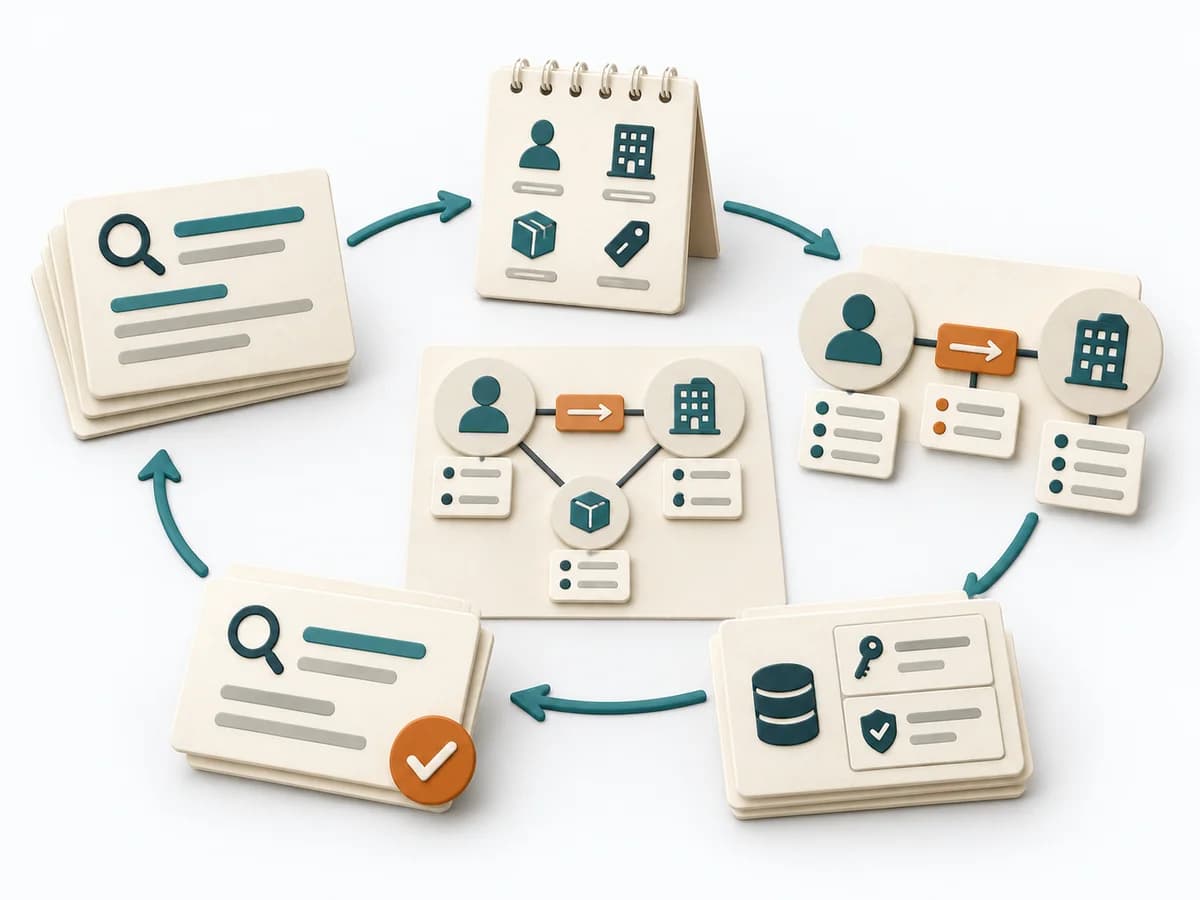
Query patterns drive node labels, relationships, and constraints so property graphs match real retrieval needs.
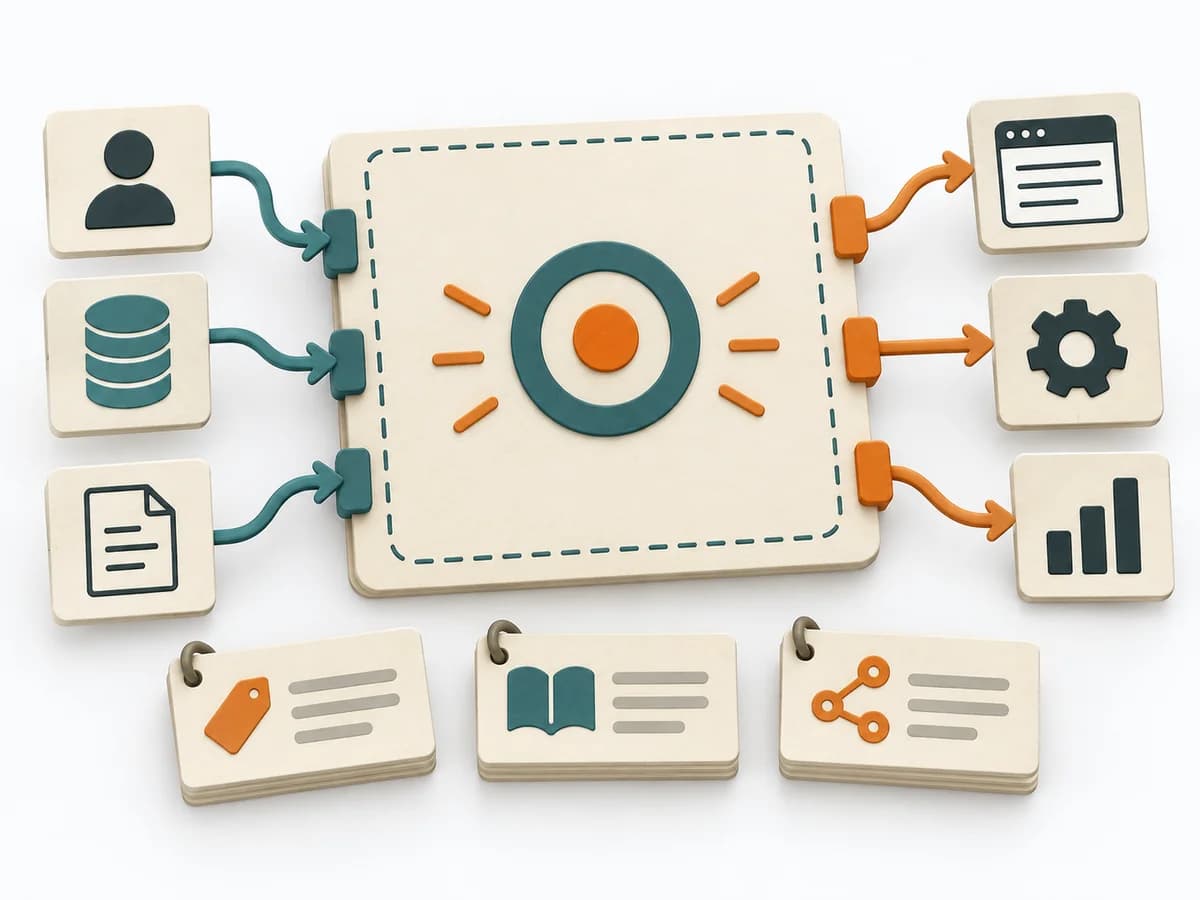
Clarifies the language, model boundaries, and responsibilities of a business context before integration and team boundaries are fixed.
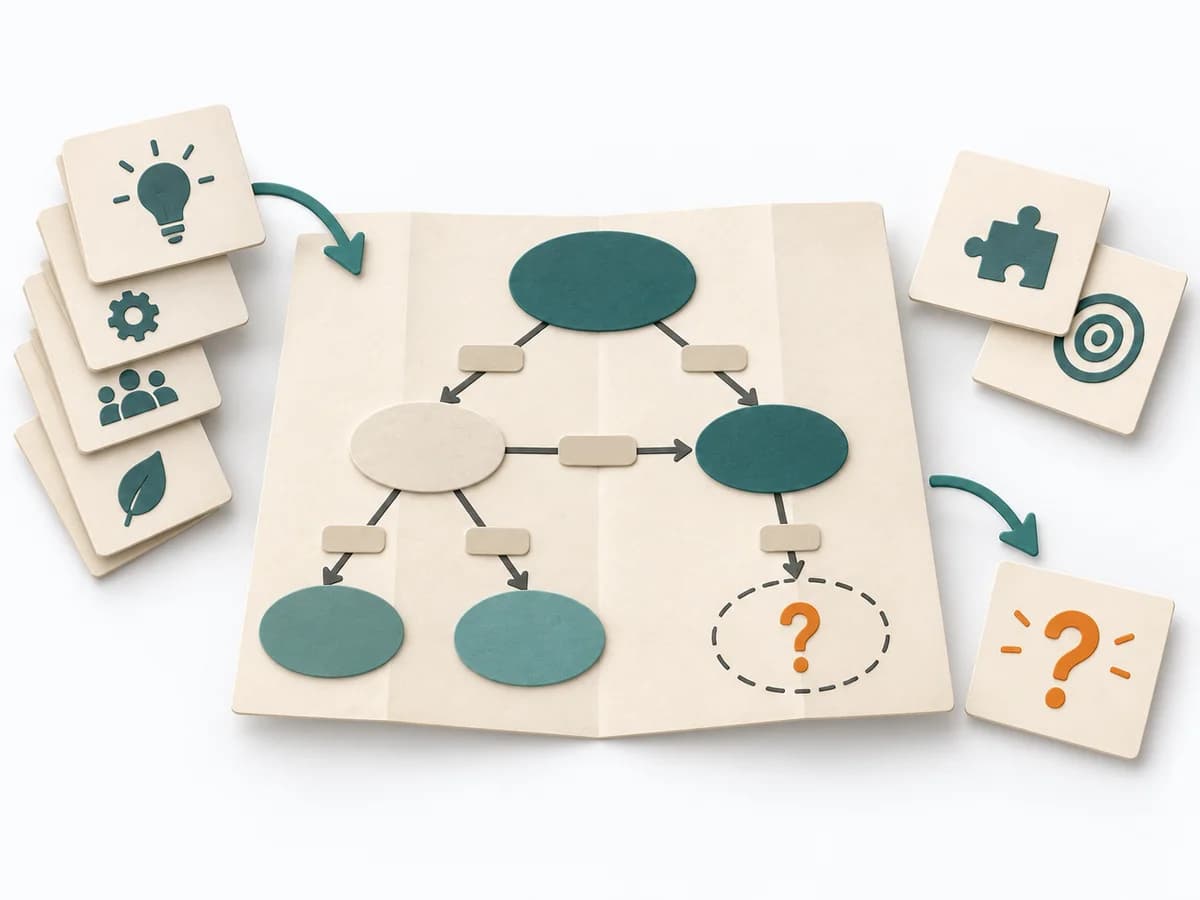
Clarifies concepts, relationships, and rules by framing the focus question, gathering concepts, and checking gaps and contradictions.
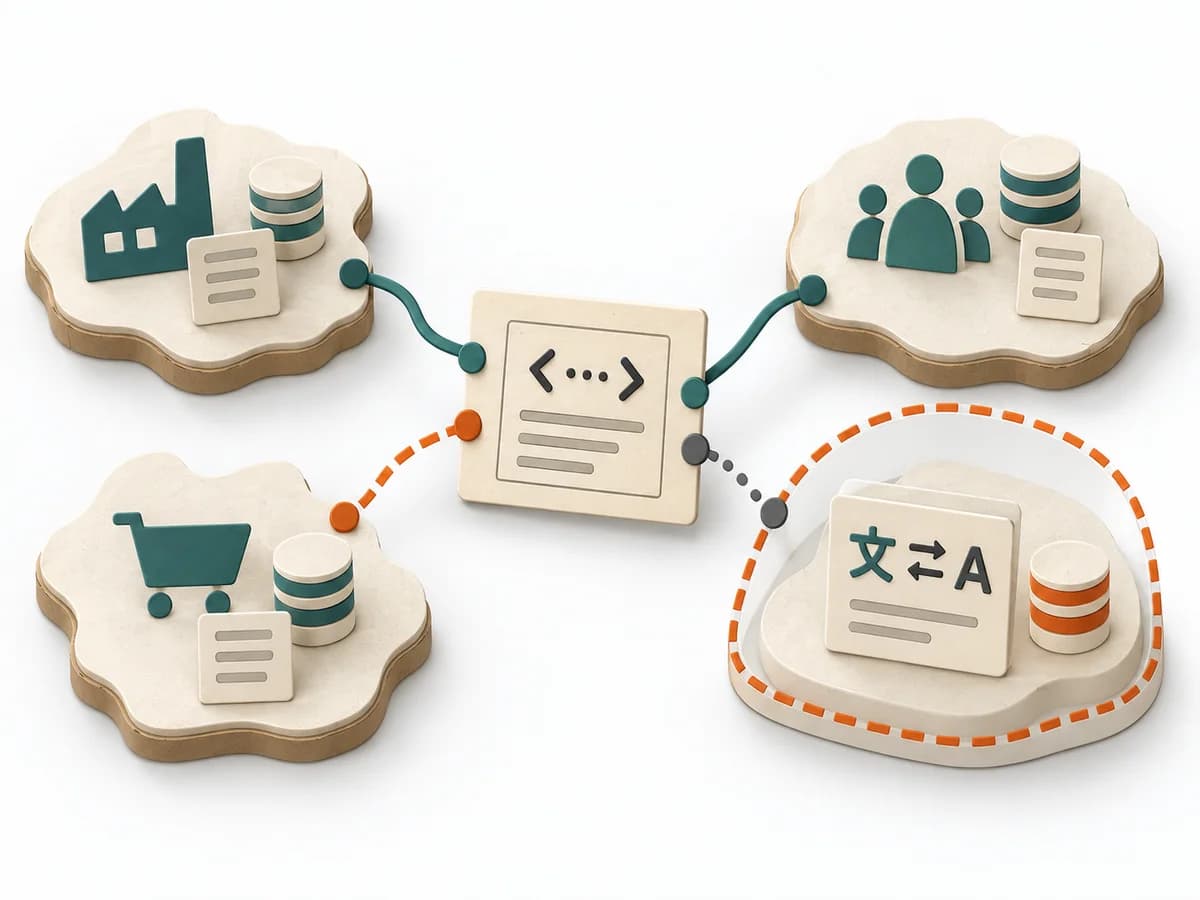
Shows relationships between business contexts and makes integration patterns, dependencies, and friction points visible.