Purpose
When user goals and delivery scope could drift apart, it orders the journey from goal to slice. It makes visible where an MVP can genuinely be cut.
Product Discovery Mapping tool
Makes the user journey visible and slices releases as coherent end-to-end paths.
User Story Mapping organizes user activities and concrete tasks into a readable narrative. Teams use vertical detail and horizontal slices for shared prioritization and release conversations.
How do users move from their starting point to their goal, and which smallest coherent deliveries support them?
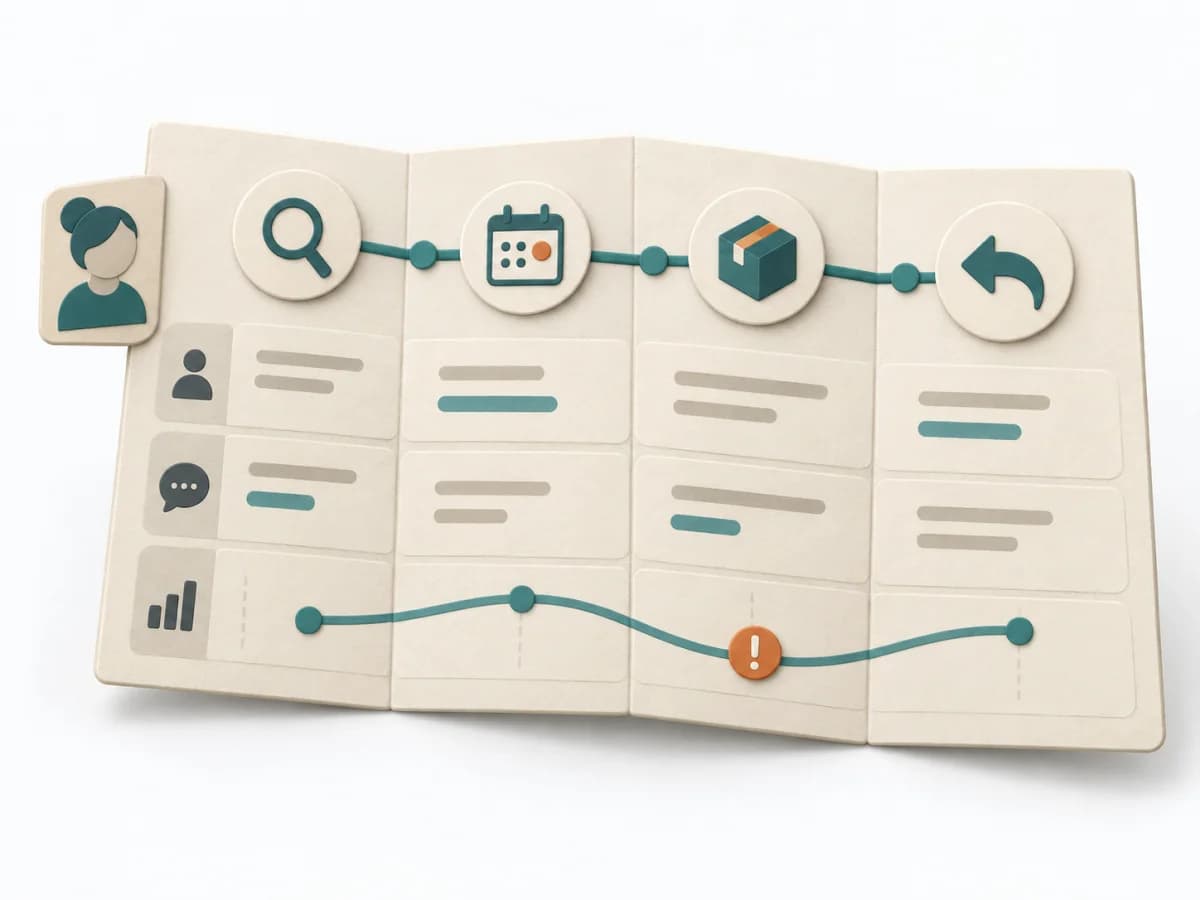
Activities form the backbone; tasks sit beneath them. Release slices cut horizontally across the story flow.
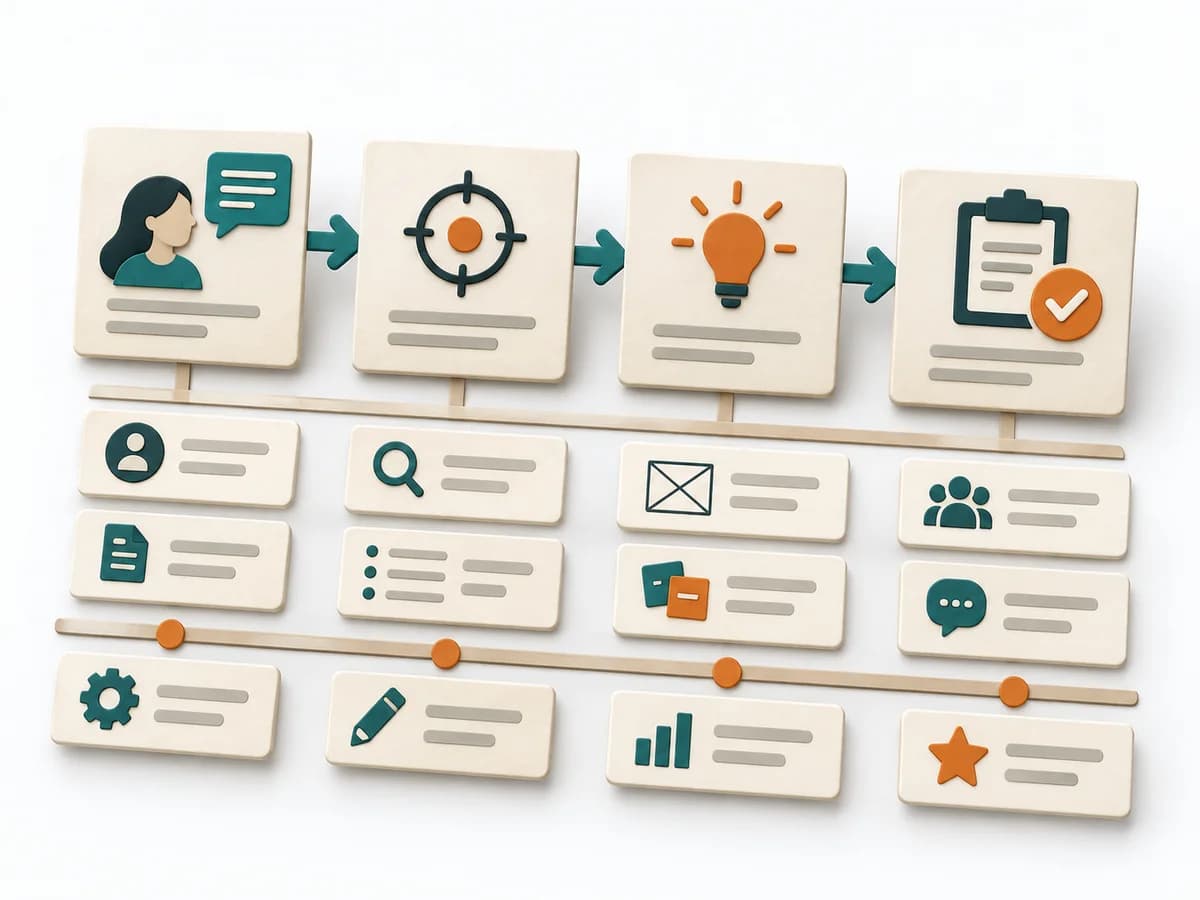
Frame
A specific user type and goal bound the shared narrative.
Backbone
High-level activities form a horizontal narrative; concrete tasks sit beneath them.
Detail
The group adds alternate paths, exceptions and required information.
Slices
Horizontal slices connect enough tasks across activities to enable a complete outcome.
Update tasks and slices when user learning, priorities or delivery constraints justify new decisions.
Use it when a backlog feels fragmented, dependencies are unclear or the team needs a small end-to-end delivery slice.
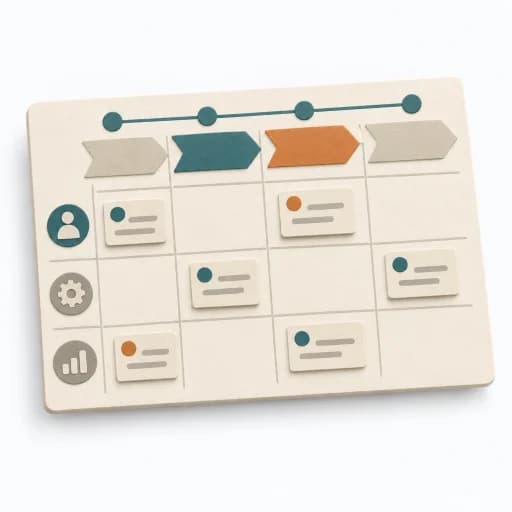
Activities along the user journey.
Concrete tasks, variants and dependencies under each activity.

Justified end-to-end slices and consciously deferred tasks.
Fictional teaching example
Fictional activity flow with example tasks in each release slice. In the actual map, task cards sit beneath the horizontal backbone.
| Release slice | Choose a tool | Secure the loan | Collect the tool | Return the tool |
|---|---|---|---|---|
| First thin end-to-end sliceWhich smallest task makes this part usable for the user? | Choose a tool and available time. | Confirm the reservation. | Identify and collect the tool. | Return it at the agreed time and place. |
| Improve reliabilityWhich additional task reduces relevant friction? | Filter tools by intended use. (later) | Show how to change or cancel. | Confirm location and opening hours. | Offer a reminder and extension request. |
| Later options and variantsWhich exceptions or enhancements remain deferred? | Add consumables. | Waitlist for unavailable tools. | Explore accessible handover options. | Record and resolve damage. |
All activities and cards are fictional. A walking skeleton is a thin end-to-end path, not a guarantee of a finished product.
Define the user group, goal and journey boundaries. Bring product, design, engineering and relevant domain perspectives to one map.
When user goals and delivery scope could drift apart, it orders the journey from goal to slice. It makes visible where an MVP can genuinely be cut.
It places goal, backbone, and detail stories on a shared surface and separates viable slices from a mere wish list. The horizontal user journey and the vertical delivery order together produce a picture that ties MVP scoping to release sequencing.
User Story Mapping works because the user journey, feature logic, and delivery cut all become visible on the same surface, which grounds scope conversations. Good use keeps the focus on user steps and coherent experiences instead of turning the map into a mere backlog wall. This reveals which parts are genuinely necessary for a first viable slice and which additions can follow later.
Start with a clear user task and a continuous flow that everyone can describe from the same viewpoint. The session gains traction once a planned slice looks internally complete but still doesn't form a meaningful outcome for the user. Close with a few release or MVP cuts and the questions that still need validating before the first cut.
The method guide walks execution through 4 phases, timing, 4 pitfalls, and clear stop criteria.
Open method guideYour perspective
Your feedback helps shape the next improvements to methodatlas.
Plan a shared map from user activities through initial release slices.
To be confirmed
To be confirmed
Map a user journey Time: About 2–4 hours for a focused first pass
Complete this worksheet on paper or in your own document during the work.
| Release slice | Activity 1 | Activity 2 | Activity 3 | Activity 4 |
|---|---|---|---|---|
| First thin end-to-end slice | ||||
| Improve reliability | ||||
| Later options and variants |
Blank worksheet: name the backbone from the real user journey; stack task cards under each activity and draw horizontal release lines across the map.
Expected artifact: Shared story-map frame
User · goal · start and end
Entry:
...
Expected artifact: Backbone with user tasks
Activities left to right · tasks beneath
Entry:
...
Expected artifact: A fuller task flow with open points
Primary flow · variants · evidence or assumption
Entry:
...
Expected artifact: Story map with justified release slices
End-to-end slice · dependencies · open questions
Entry:
...
...
Method guide: https://methodatlas.meierhoff-systems.de/en/methods/user-story-mapping/run-sheet
Fitting alternatives with decision guidance, followed by other related methods.
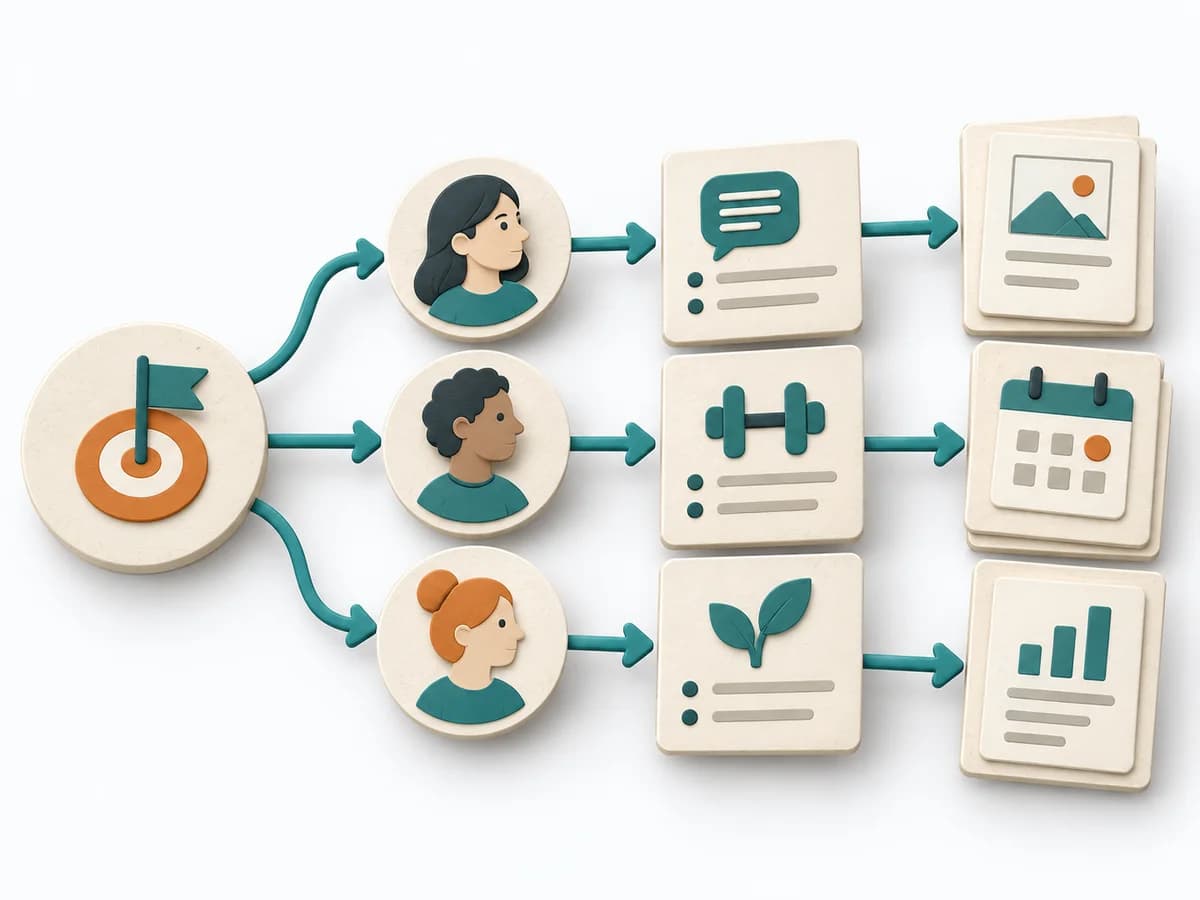
Instead of User Story Mapping, when you want to use Impact Mapping to structure a goal-to-impact chain with stakeholders, outcomes, and actions.
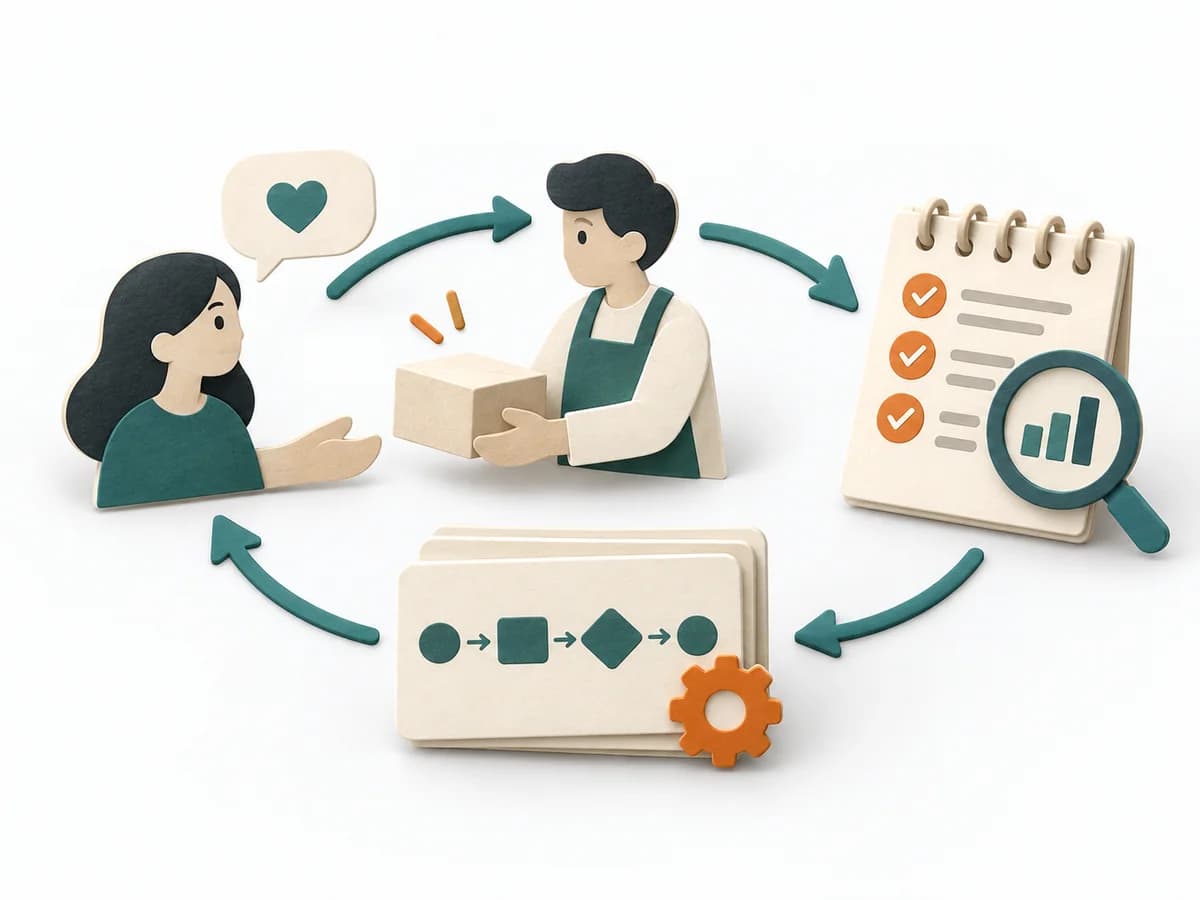
Personally guides early users through the service and shows which steps should later be automated.
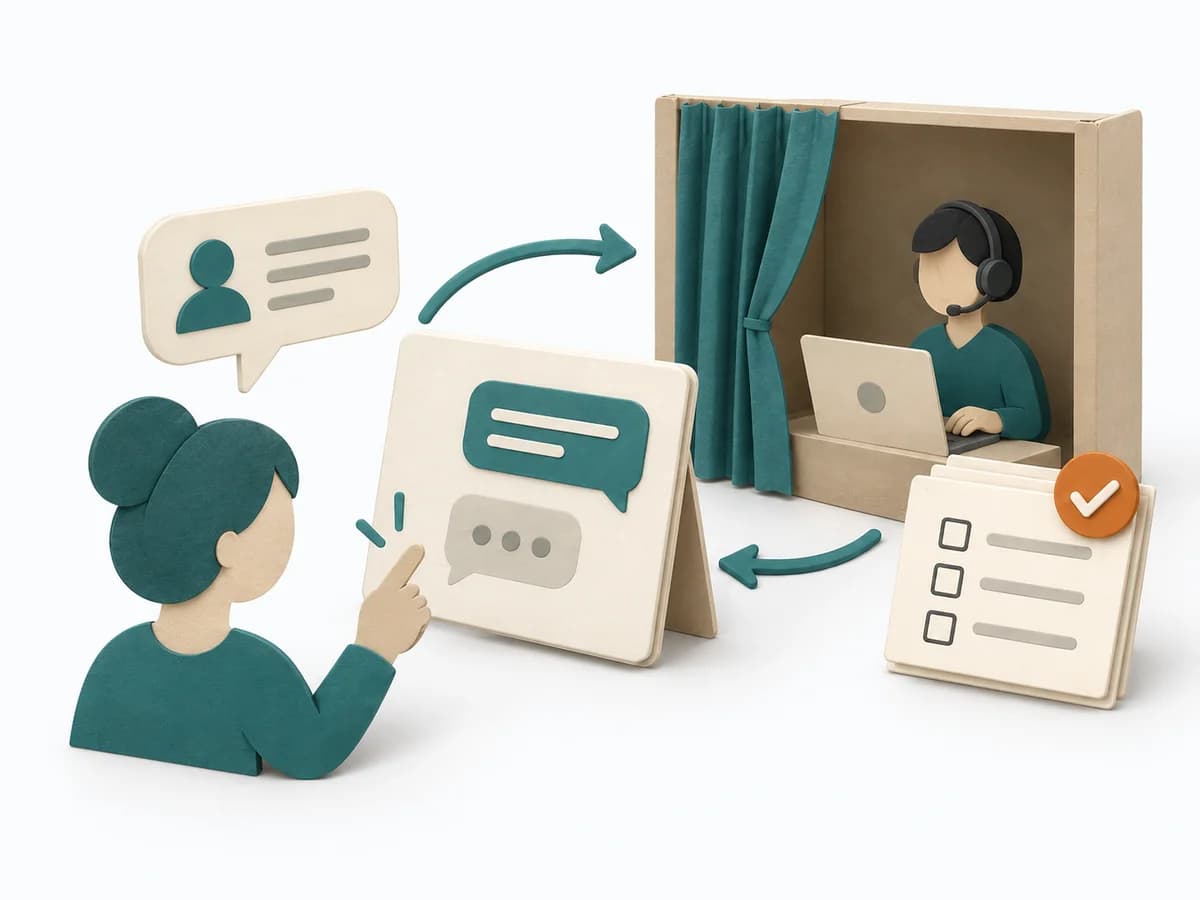
Simulates a solution manually to test value, effort, and user reaction before technical implementation.
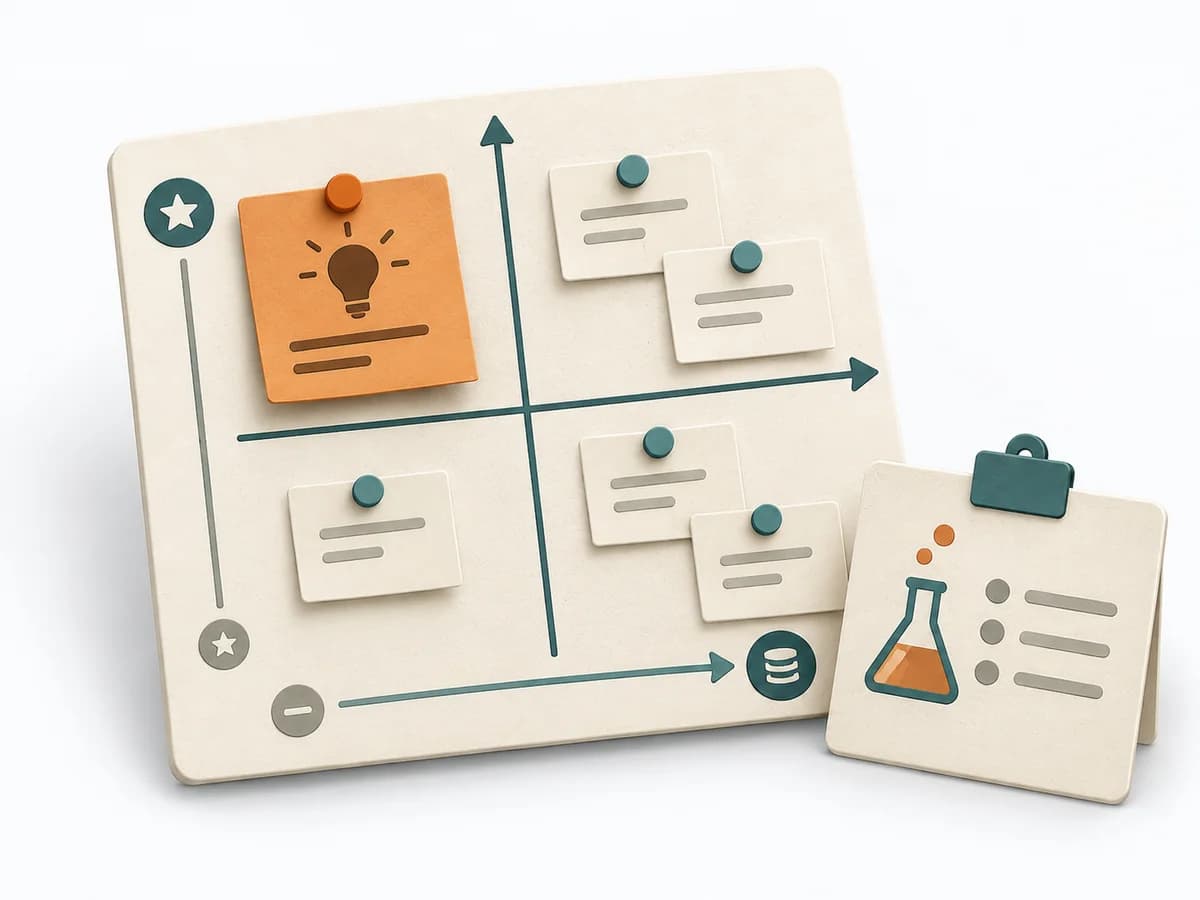
Sorts assumptions by uncertainty and leverage so the riskiest hypotheses get tested first.
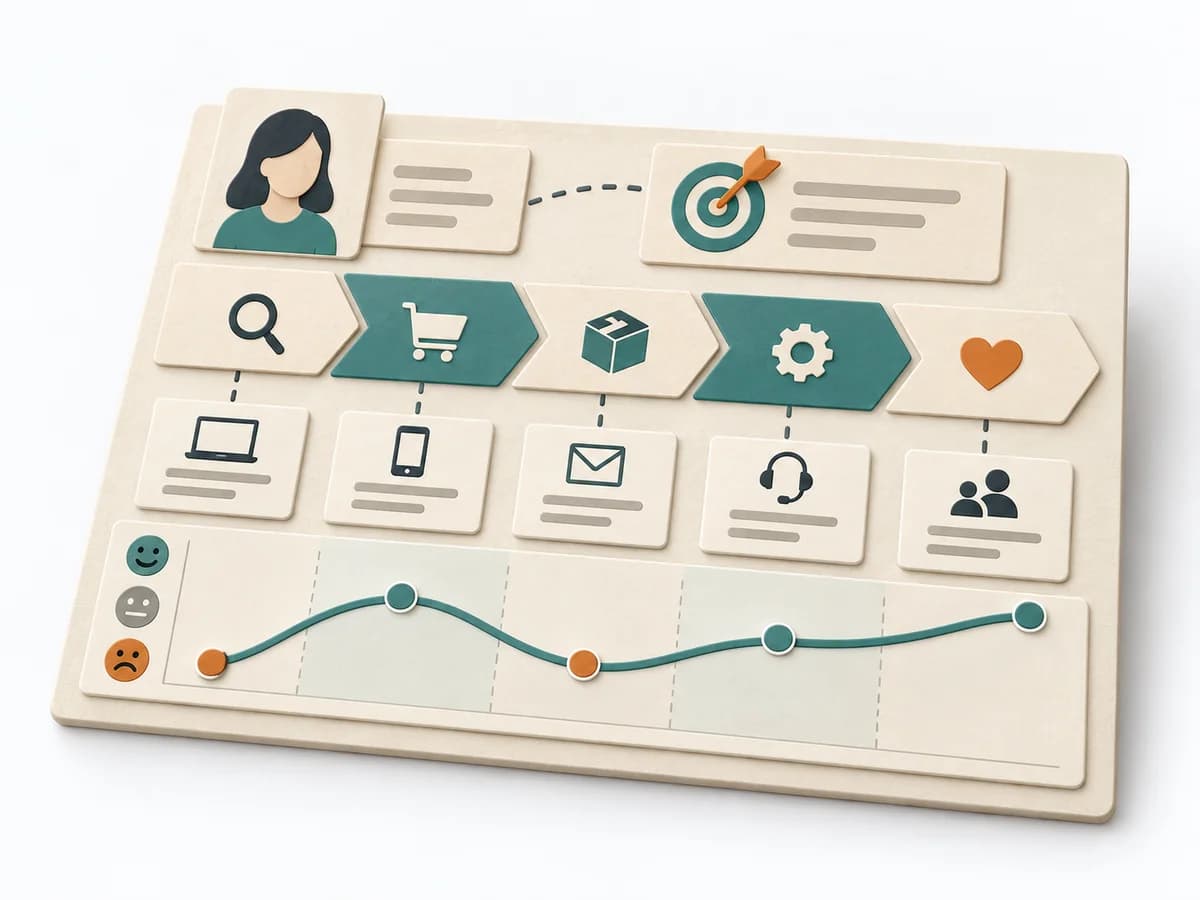
Arranges phases, touchpoints, pain points, and opportunities along a journey to name experience gaps.
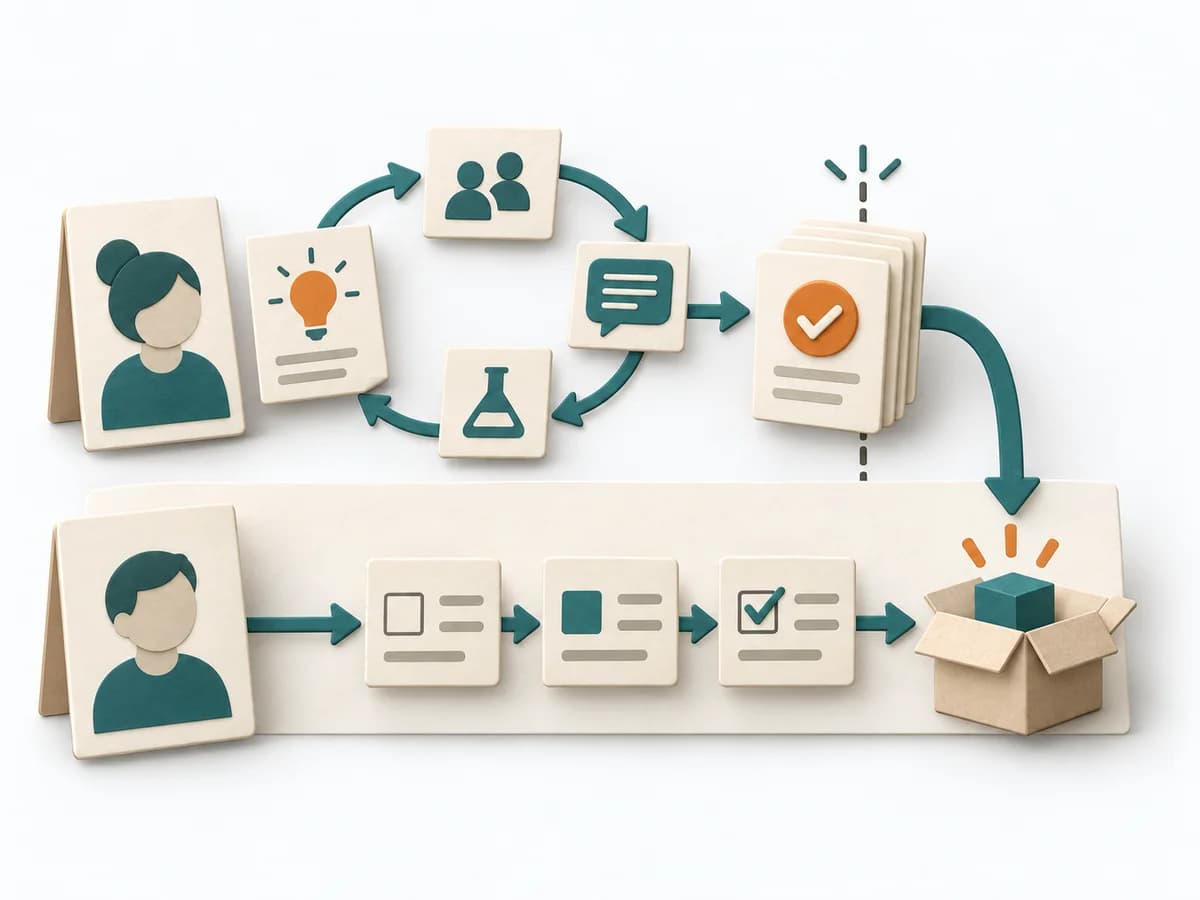
Separates discovery and delivery so that validated stories only move into implementation after learning loops.