Purpose
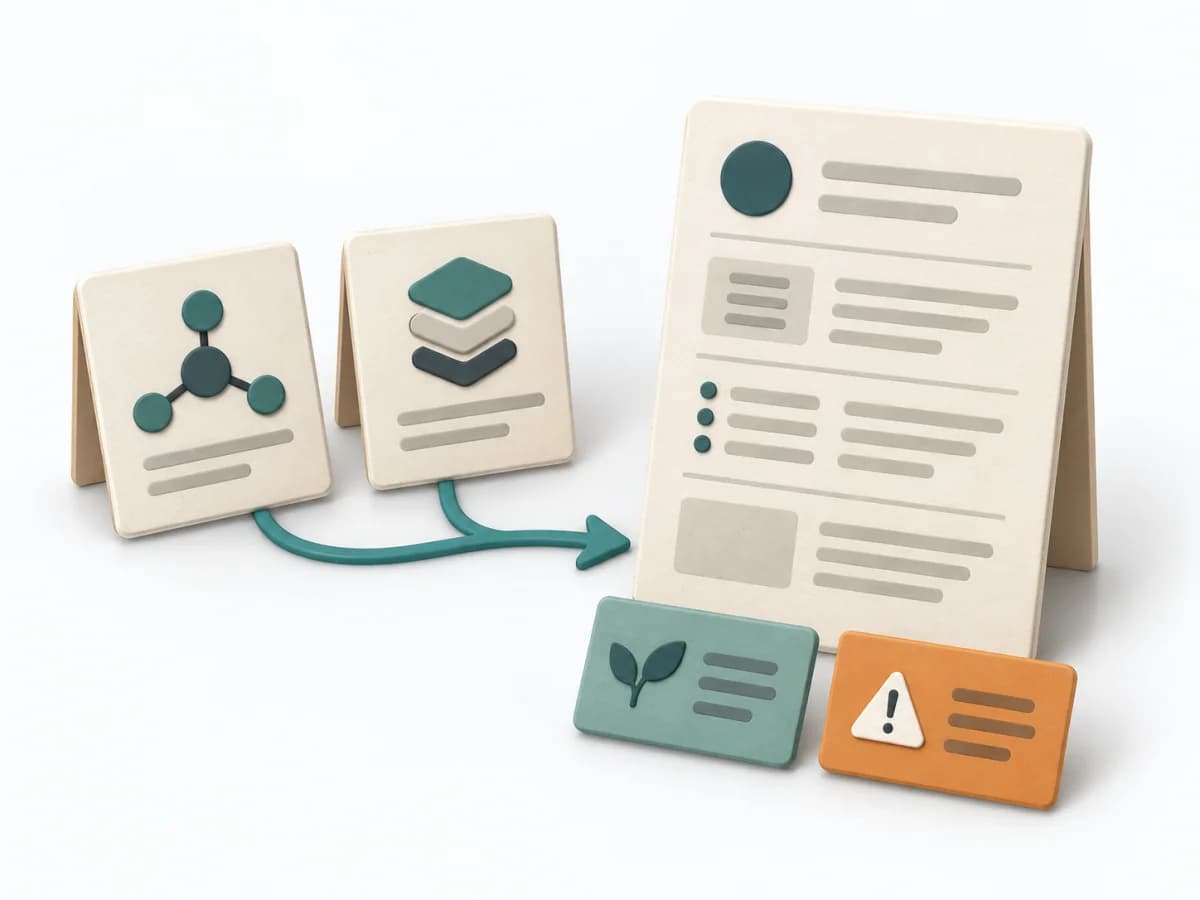
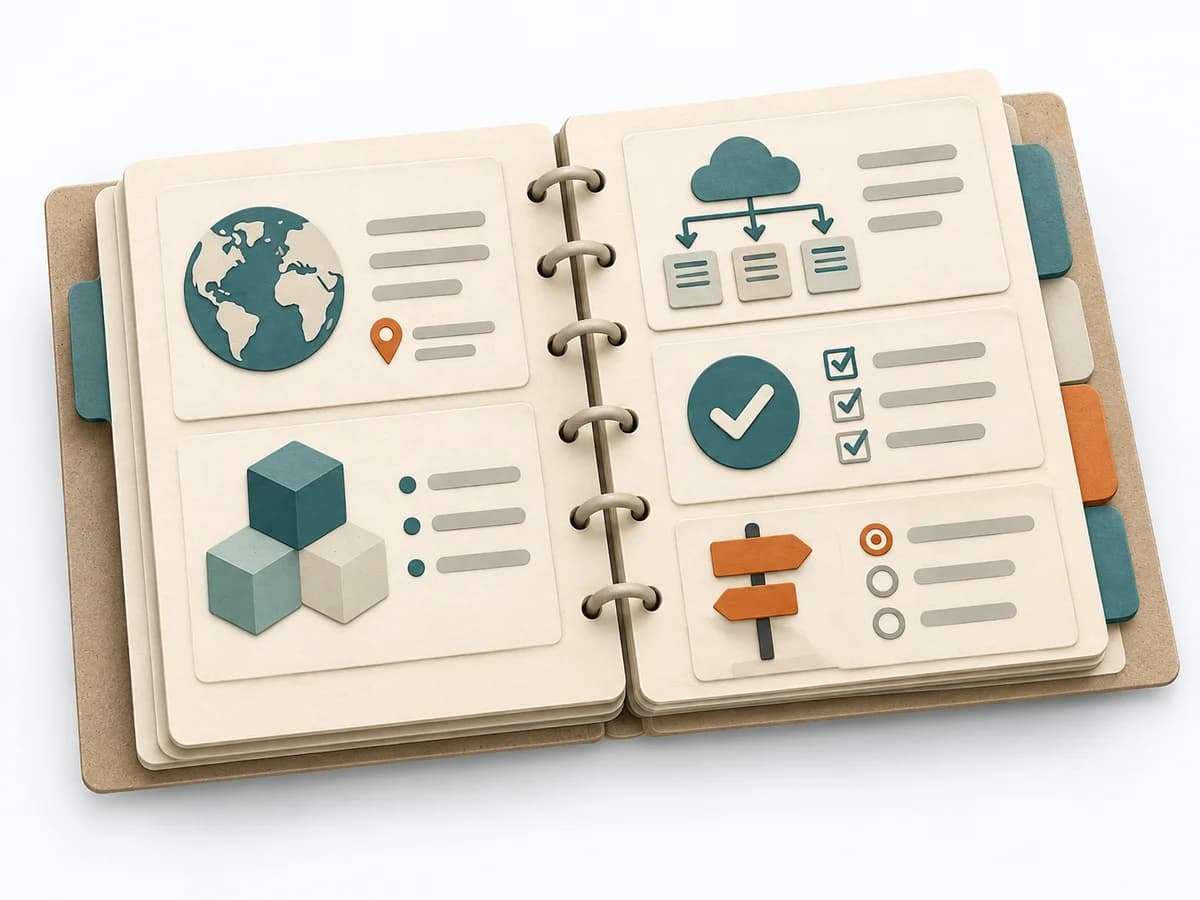
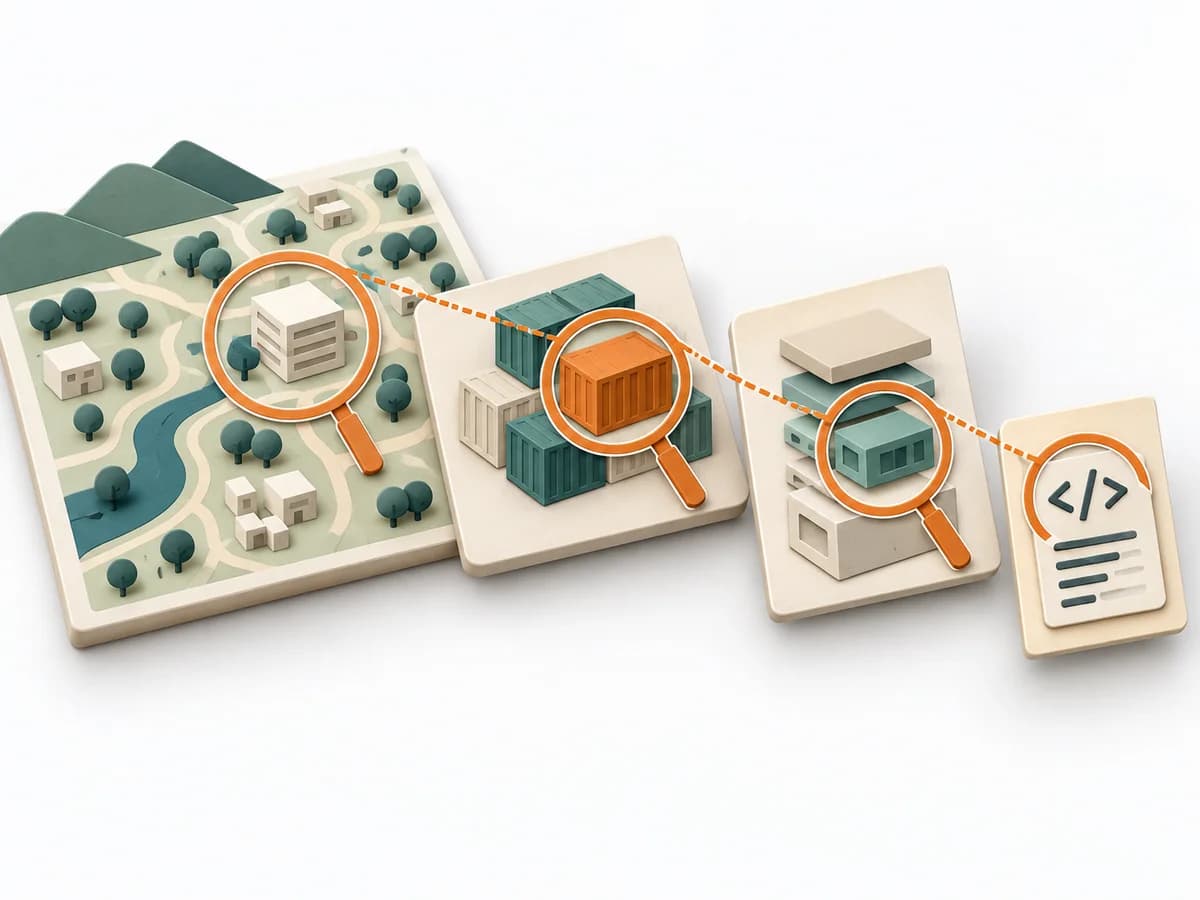
The C4 Model makes a system legible across several resolution levels, from context down to code. It suits situations where different audiences need to understand the same architecture from different altitudes.
Architecture Mapping tool
Communicates software architecture through context, container, component and code diagrams at useful levels of detail.
Communicates software architecture through context, container, component and code diagrams at useful levels of detail.
Which diagrams let each audience understand the software architecture?
The steps are a practical sequence; adapt them to the method’s purpose and available evidence.
Question
Define one system-of-interest boundary and the understanding question the diagrams must answer.
Context
Show the system as one box with people and external systems; label relationships by purpose and interaction.
Containers
Decompose the system into applications, services and data stores; name responsibility and technology when useful.
Detail
Add component, code, dynamic or deployment diagrams only to resolve a question; label legend and ownership.
Revisit the model when evidence, context or outcomes change. Record what changed and why.
Use it when: Architecture Communication, Onboarding. The group can provide the evidence and authority the method requires.
System context, containers and further zoom levels when they serve a clear purpose.
The artifact records scope, date, participants, source version, and owner, including changed assumptions and the reason for each revision.
Fictional worked example
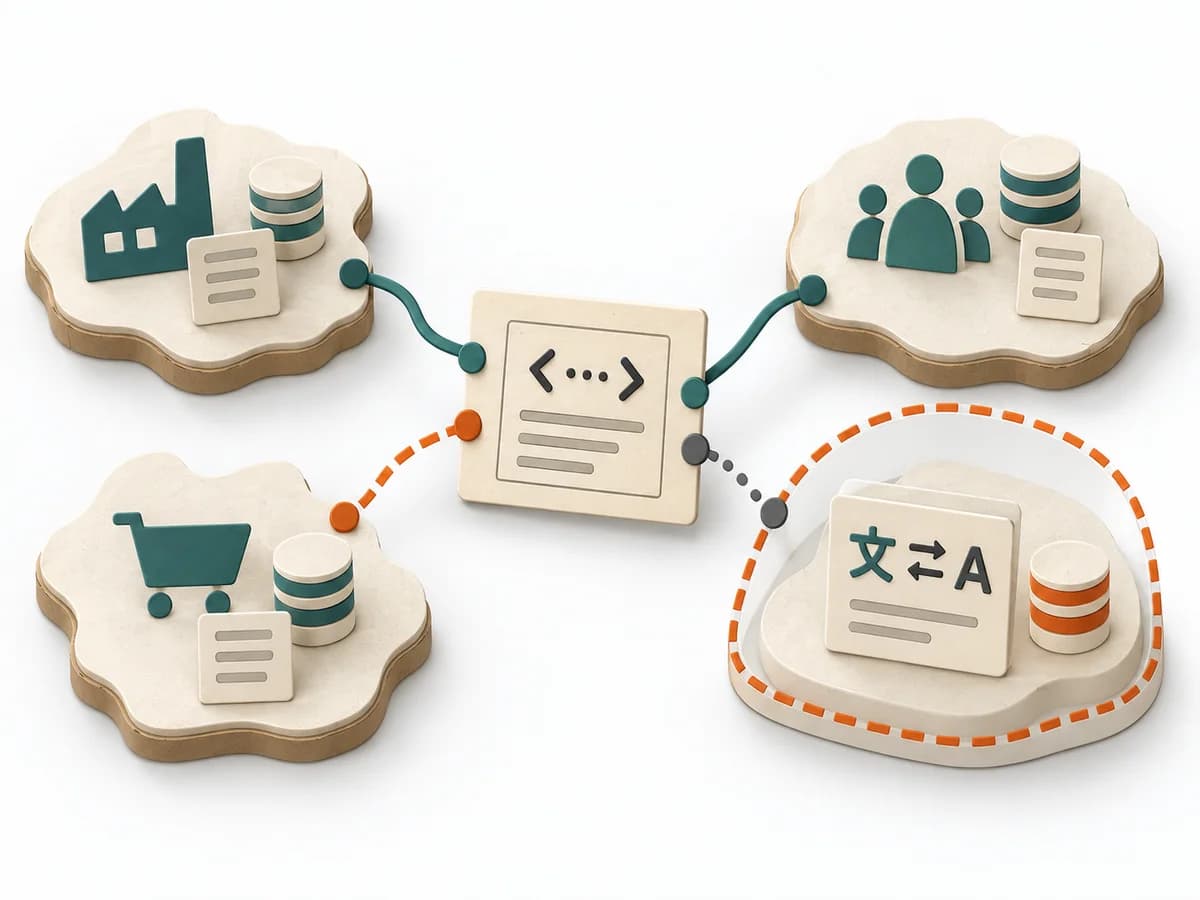
Fictional context diagram for a practice portal: patient uses web app; practice staff use admin interface; portal queries practice management and sends confirmations through email service. Container view below: web frontend, booking API, appointment database. Label the relationship: API reads open slots and requests reservation. No component view unless it answers a concrete question.
Show the system, people and neighbours with relationships.
Patient → practice portal → practice management.
Show applications, services and data stores inside the boundary.
Web app → booking API → appointment database.
Decompose internal components only to resolve a question.
Booking service checks availability and reservation.
Use code level only when detail is useful.
No code diagram without a concrete reader need.
Add dynamic, deployment or landscape when the communication needs it.
Deployment view for operations handover.
The example text is fictional; replace it with sourced project information.
Define one system-of-interest boundary and the understanding question the diagrams must answer.
The C4 Model makes a system legible across several resolution levels, from context down to code. It suits situations where different audiences need to understand the same architecture from different altitudes.
First the system context is described with people, neighboring systems, and boundaries. Then containers, components, and, if needed, a code view are added as supplements. This keeps the architecture connectable at every level without overloading a single diagram.
The C4 Model works because it shows the same architecture at graduated resolutions, reaching different audiences without diagram overload. Good use keeps the abstraction disciplined at each level and avoids mixing context, container, and detail in one picture. The approach becomes effective when relationships, responsibilities, and interfaces are clear enough per view that understanding questions get resolved faster and wrong assumptions are caught earlier.
Clarify beforehand which view is needed for which conversation so you don't draw everything at once out of habit. A key moment happens where one level no longer suffices and the group deliberately moves to the next. Close with a compact set of maintained views and clear rules on when each one needs updating.
The method guide walks execution through 4 phases, timing, 4 pitfalls, and clear stop criteria.
Open method guideYour perspective
Your feedback helps shape the next improvements to methodatlas.
Prepare the decision, source evidence and next review.
To be confirmed
To be confirmed
Run the method Time: See catalog planning range; no universal duration.
Complete this worksheet on paper or in your own document during the work.
Show the system, people and neighbours with relationships.
...
Show applications, services and data stores inside the boundary.
...
Decompose internal components only to resolve a question.
...
Use code level only when detail is useful.
...
Add dynamic, deployment or landscape when the communication needs it.
...
This blank document contains only section prompts.
Expected artifact: Diagram brief
Diagram brief
Entry:
...
Expected artifact: System context diagram
System context diagram
Entry:
...
Expected artifact: Container diagram
Container diagram
Entry:
...
Expected artifact: Coherent set of C4 views
Coherent set of C4 views
Entry:
...
...
Method guide: https://methodatlas.meierhoff-systems.de/en/methods/c4-model/run-sheet
Fitting alternatives with decision guidance, followed by other related methods.

Instead of C4 Model, when you want to systematically describe an architecture with multiple views for documentation and stakeholders.
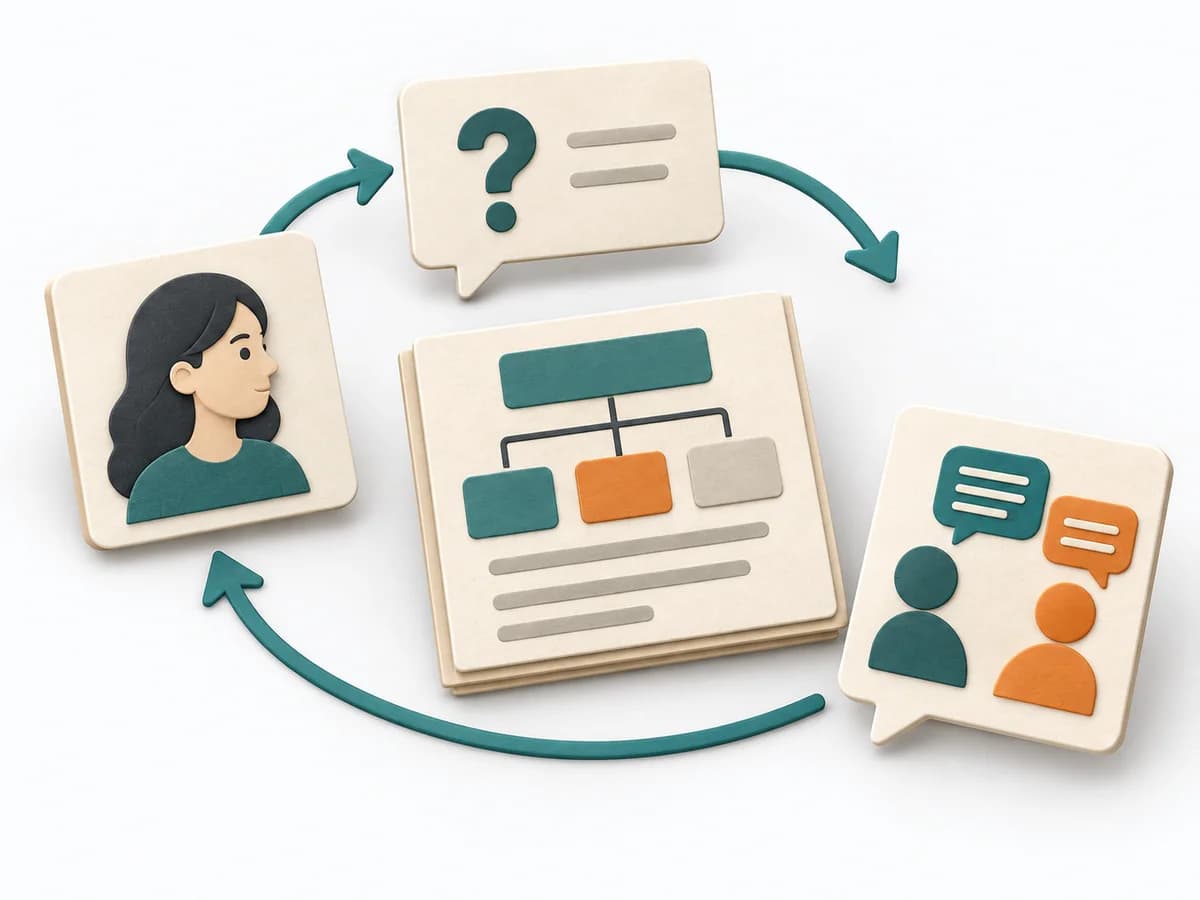
Prepares stakeholders, core messages, and artifacts so architecture communication connects deliberately.

Examines how architecture decisions support important quality goals and makes risks and trade-offs visible.

Gathers quality goals, prioritizes risks, and turns them into architecture topics evaluated together.

Uses concrete tasks to show how well an architecture supports use and change.
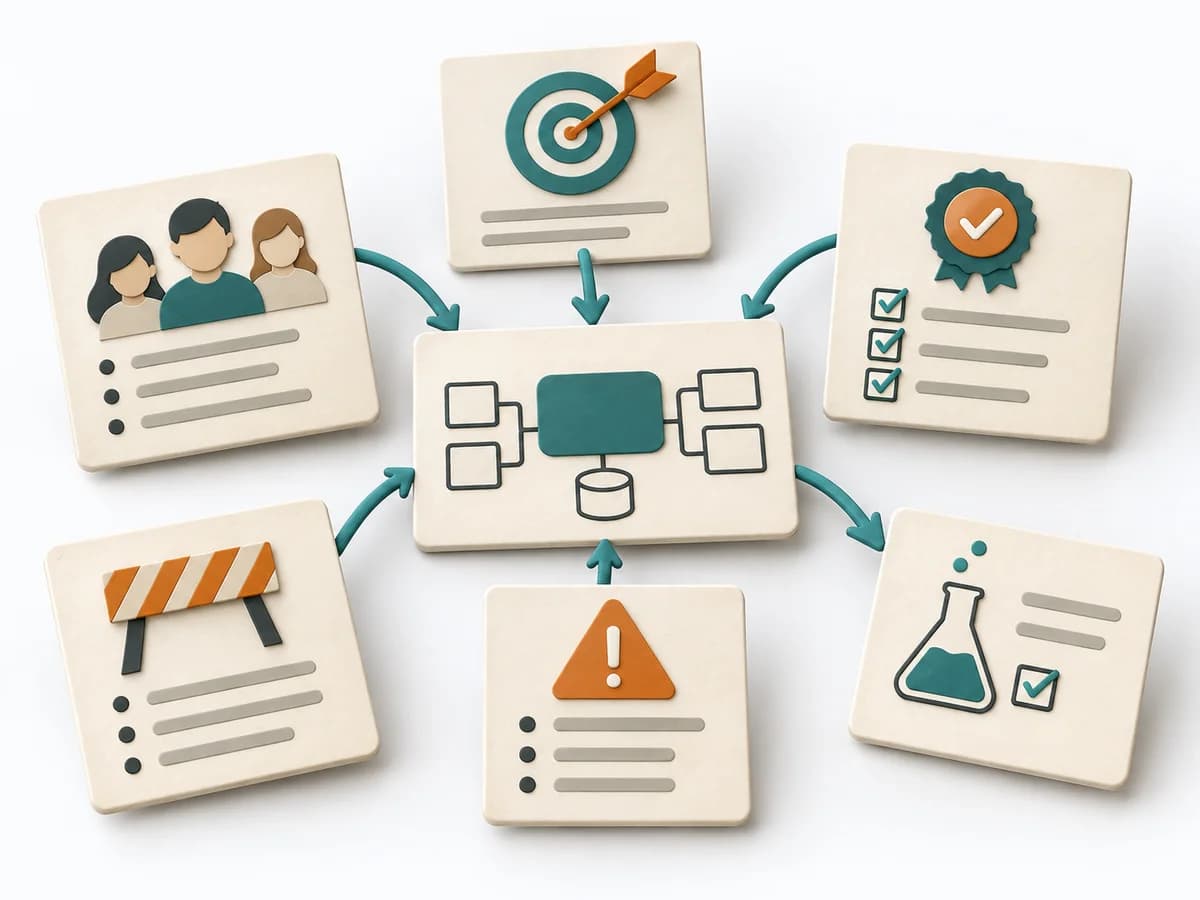
Bundles problem, goals, stakeholders, and risks into a starting picture that sorts early architecture questions.