Purpose
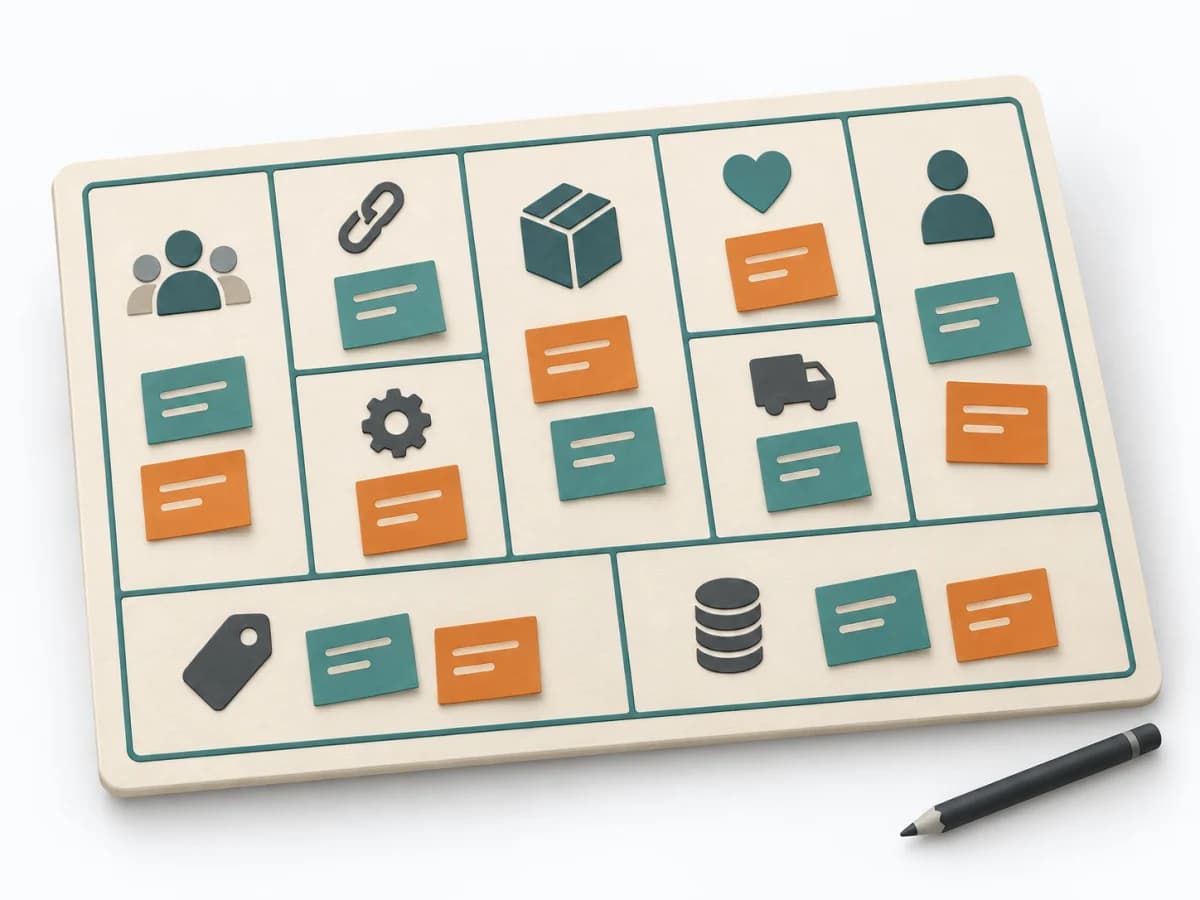
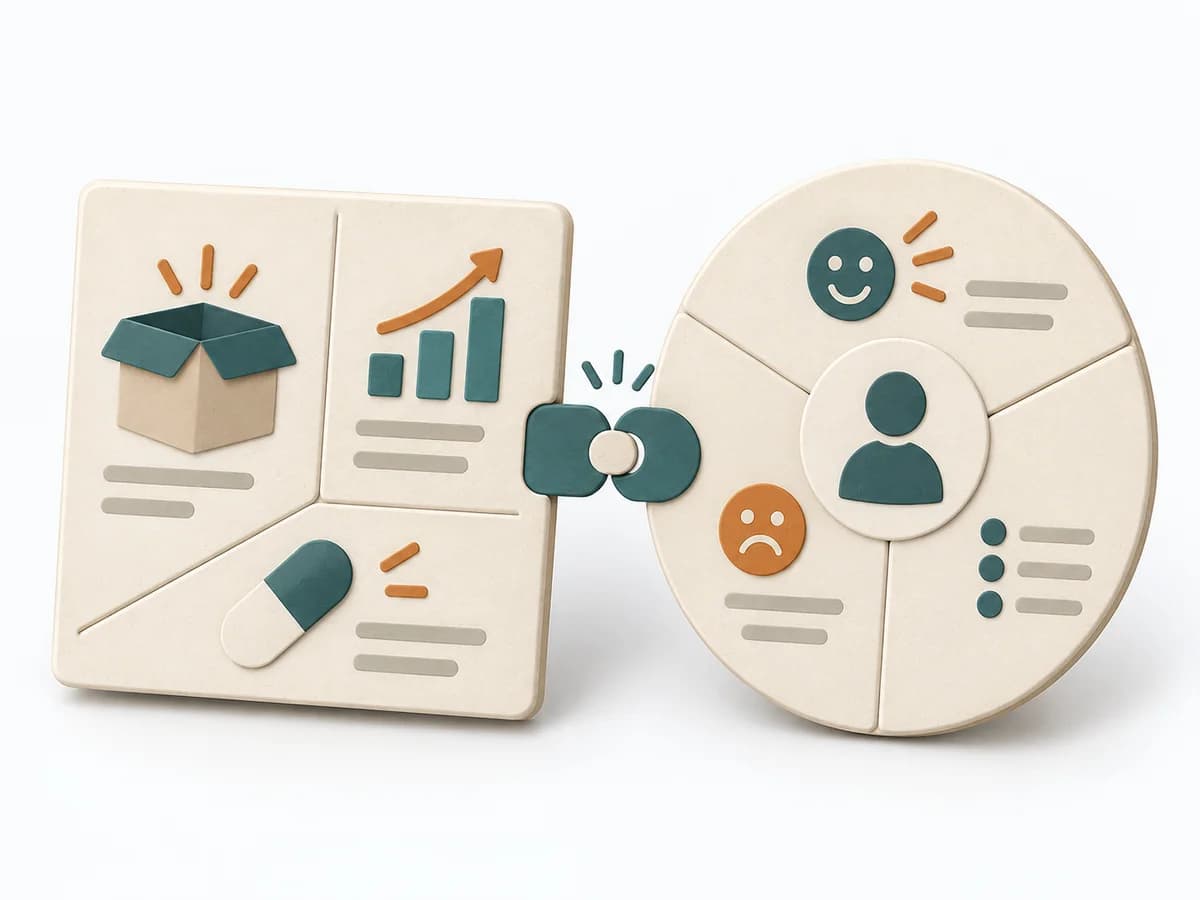
When product goal and feature scope don't yet fit cleanly together, it creates a shared working picture. It connects need, core features, and assumptions into a solid starting point.
Product Strategy Canvas
Aligns product goal, user needs, key functionality and assumptions in one shared working model.
Aligns product goal, user needs, key functionality and assumptions in one shared working model.
Which product outcome, for whom, and with which smallest useful scope?
The steps are a practical sequence; adapt them to the method’s purpose and available evidence.
Goal
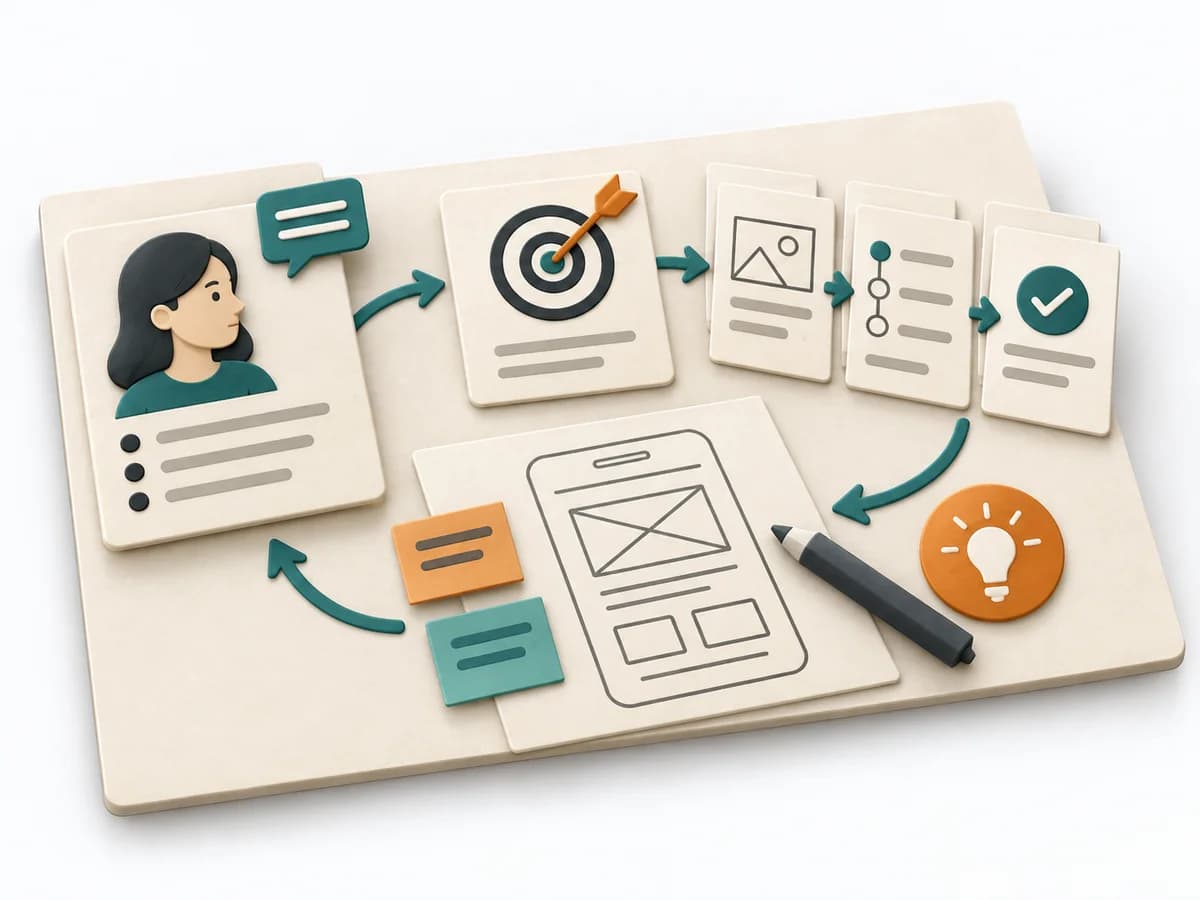
State one user outcome and an observable measure for one product.
Need
Choose one target group; record its job and evidenced needs. Separate observation from assumption.
Big Picture
Sketch the intended experience with key steps and capabilities without specifying every solution.
Details
Select a few product details for the next learning or delivery iteration and state the assumption behind them.
Revisit the model when evidence, context or outcomes change. Record what changed and why.
Use it when: Product Discovery, Release Framing. The group can provide the evidence and authority the method requires.
Shared product direction with a success signal and assumptions to test.
Recorded scope, date, participants, source version, owner, changed assumptions, and the reason for each revision.
Fictional example
Fictional: An appointment app serves small physiotherapy practices. Goal: existing patients can book a suitable follow-up themselves. Target group: patients with changing work schedules. Big picture: find an open slot, confirm it, receive a reminder. Assumption: enough practices keep availability current. Next test: observe five practices and check how often offered slots are actually bookable.
What is the product called?
Fictional: PracticeTime
What user goal and overarching product goal?
Fictional: Self-book a follow-up
Who uses or buys it, and with what need?
Fictional: Existing patients with changing work schedules
Which journey and capabilities shape the experience?
Fictional: Find slot → confirm → reminder
Which prioritized details belong in the next iteration?
Fictional: Display available slots
How will you know the goal has been reached?
Fictional: Self-serve bookings per week
Which assumption needs validation?
Fictional: Practices keep availability current
State one user outcome and an observable measure for one product.
When product goal and feature scope don't yet fit cleanly together, it creates a shared working picture. It connects need, core features, and assumptions into a solid starting point.
It condenses goal, target group, and scope into a compact canvas and keeps open assumptions visible alongside it. The fields make dependencies between value, features, and success criteria negotiable before details move into backlogs.
The Product Canvas bundles the most important product decisions on a shared workspace. Target groups, needs, product goal, features, and risks are not discussed separately; they are made visible in relation to each other. This clarifies which feature serves which need and which assumptions still need validation. The canvas turns a product idea into a shared, testable working model.
Prepare existing research results, business goals, and known constraints. Work iteratively across the fields and mark uncertainty visibly. When discussions become too detailed, capture them as assumptions or follow-up questions and bring the group back to the product context.
The method guide walks execution through 4 phases, timing, 4 pitfalls, and clear stop criteria.
Open method guideYour perspective
Your feedback helps shape the next improvements to methodatlas.
Prepare the decision, source evidence and next review.
To be confirmed
To be confirmed
Run the method Time: See catalog planning range; no universal duration.
Complete this worksheet on paper or in your own document during the work.
What is the product called?
...
What user goal and overarching product goal?
...
Who uses or buys it, and with what need?
...
Which journey and capabilities shape the experience?
...
Which prioritized details belong in the next iteration?
...
How will you know the goal has been reached?
...
Which assumption needs validation?
...
Expected artifact: Product goal and success signal
Product goal and success signal
Entry:
...
Expected artifact: Evidence-backed target-user profile
Evidence-backed target-user profile
Entry:
...
Expected artifact: Big-picture sketch
Big-picture sketch
Entry:
...
Expected artifact: Ordered next product slice
Ordered next product slice
Entry:
...
...
Method guide: https://methodatlas.meierhoff-systems.de/en/methods/product-canvas/run-sheet
Fitting alternatives with decision guidance, followed by other related methods.
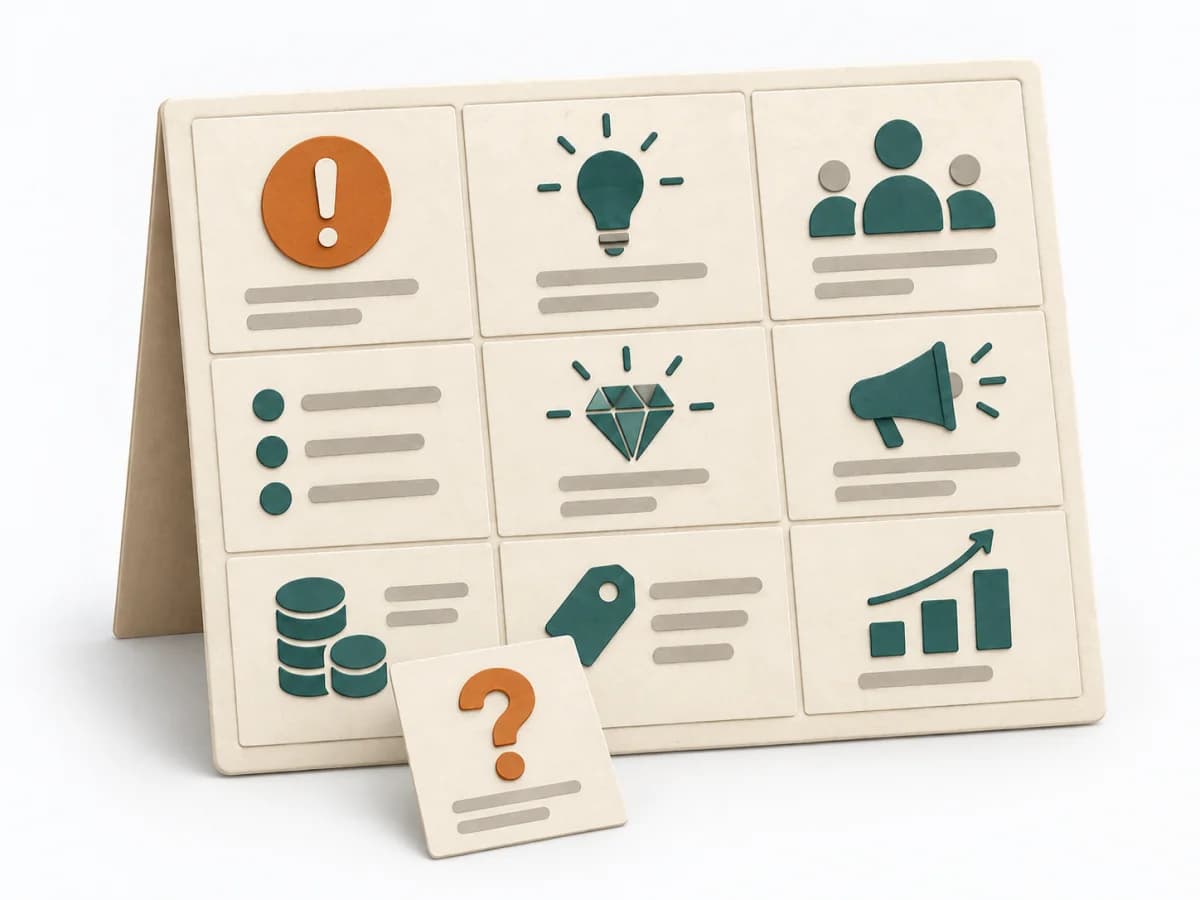
Instead of Product Canvas, when market and risk assumptions matter more than the product vision, user needs, and feature scope.

Vision, target group, needs, value, and business goals fit onto one board that exposes assumptions for validation.
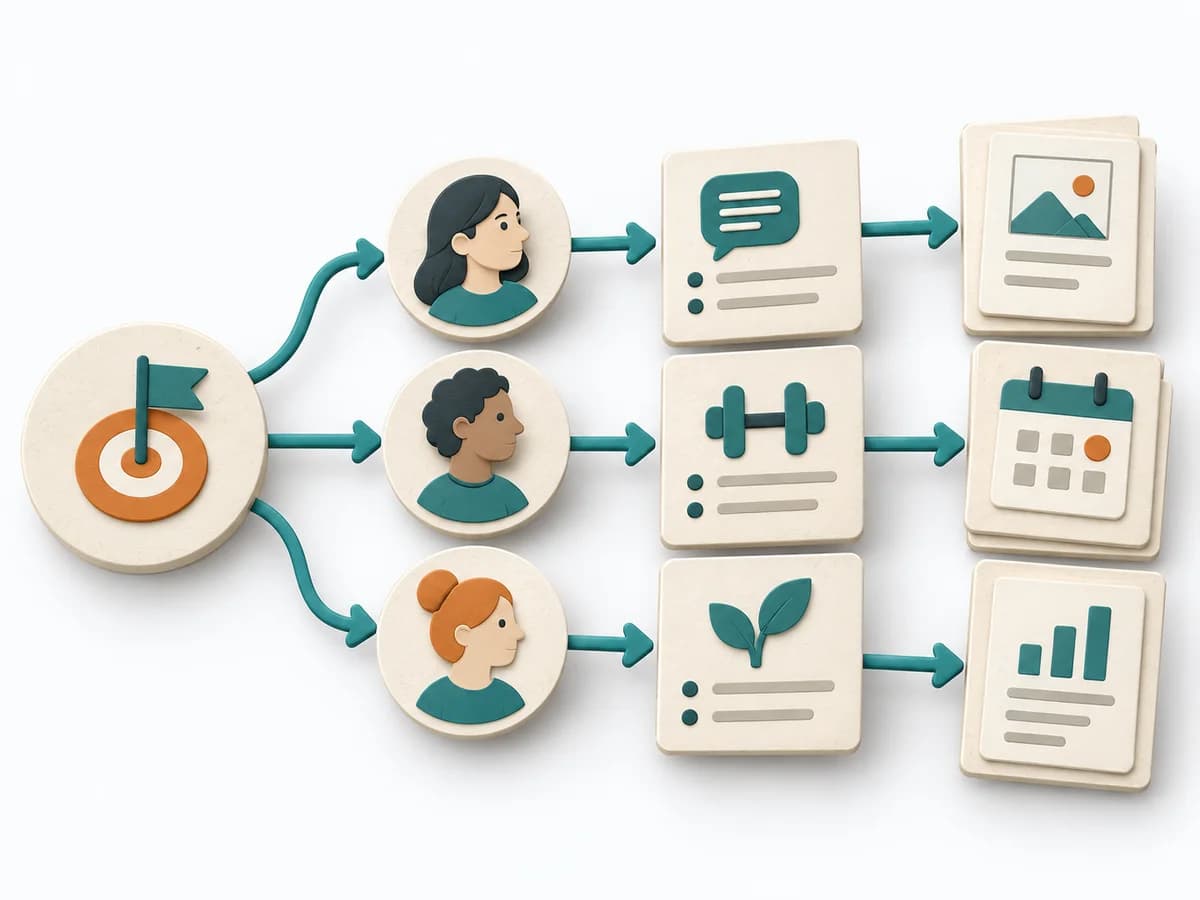
Converts goals into actors, behavior changes, and delivery options, showing which steps have leverage.
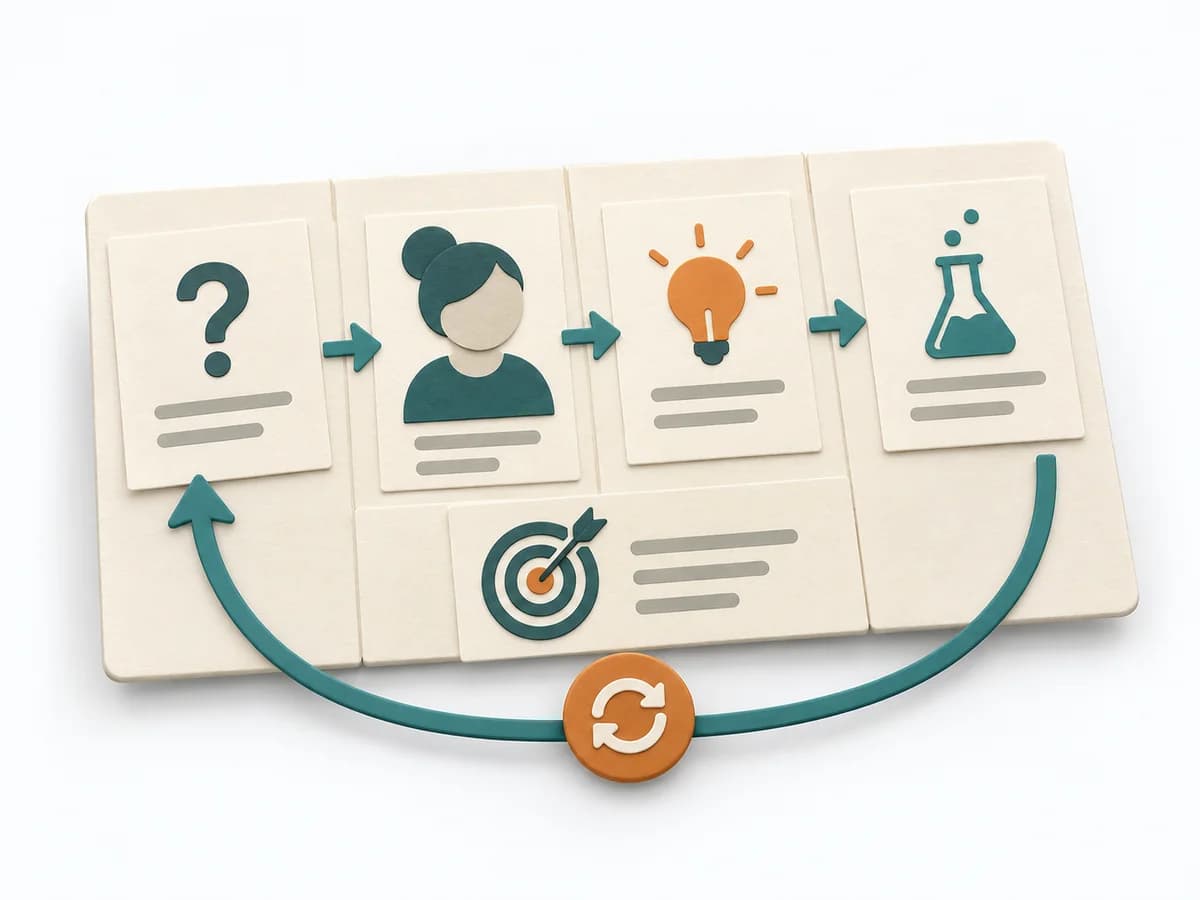
Aligns business problem, users, outcomes, solution ideas, hypotheses, and experiments on one lightweight canvas.
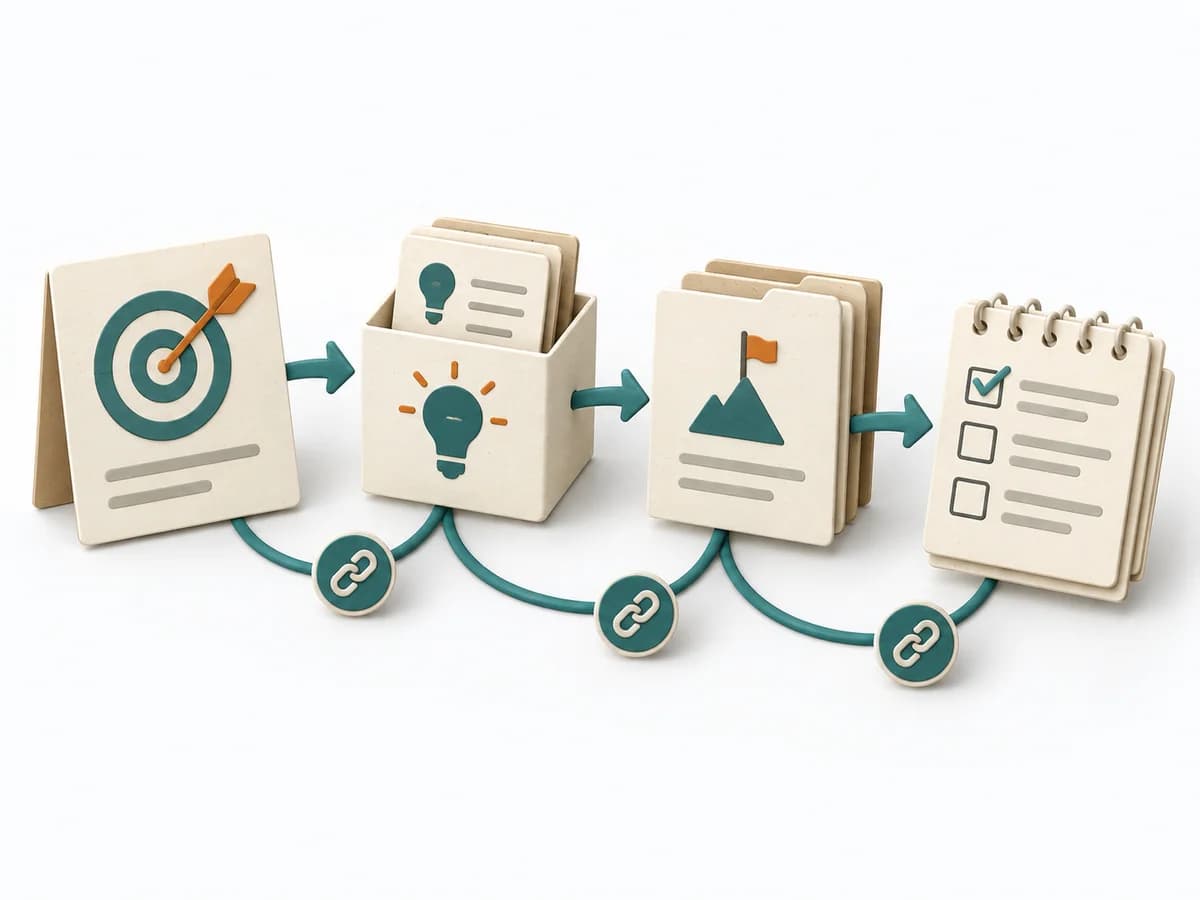
Connects goals, ideas, step projects, and tasks so product planning stays outcome-oriented and adaptive.
Compares jobs, pains, gains, and offering so real fit gaps in the value proposition become visible.