Complete firstClear scope
Agree the subject, boundary and decision before filling the model.
A broad or mixed scope produces a misleading model.
A practical method guide: clarify prerequisites and materials, understand the complete process, and look up outputs, pitfalls, and stop criteria.
What needs to be finished first
Agree the subject, boundary and decision before filling the model.
Bring source material and people who know the work; distinguish facts from assumptions.
What needs to be ready before start
Shared visual workspace, source evidence, and an agreed decision question.
Product lead, facilitator, customer-facing and technical contributors, decision owner.
Collect existing data, examples, constraints and relevant stakeholder perspectives.
90–120 min to align one product slice; research and validation are separate.
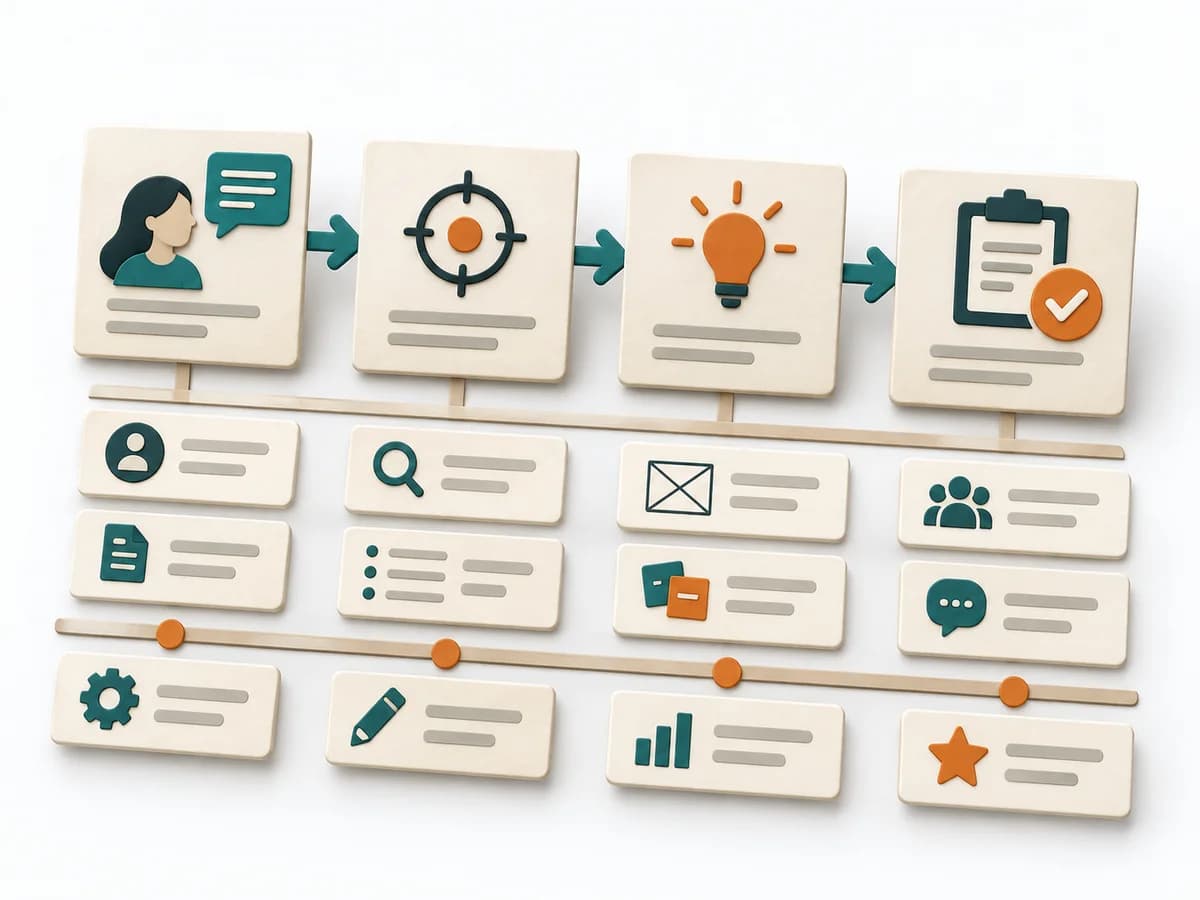
Frame one product and a measurable goal; avoid mixing portfolio levels. Describe a specific user group, its need and supporting evidence. Show the experience and capability outline without specifying every backlog item. Select a near-term slice that advances the goal and state its success signal. Record the riskiest assumptions with evidence, owner and next validation.
The one question this method answers
Which product outcome, for whom, and with which smallest useful scope?
Phases with goal, actions, output and pitfall
Aligns product goal, user needs, key functionality and assumptions in one shared working model.
Fictional example
Fictional: An appointment app serves small physiotherapy practices. Goal: existing patients can book a suitable follow-up themselves. Target group: patients with changing work schedules. Big picture: find an open slot, confirm it, receive a reminder. Assumption: enough practices keep availability current. Next test: observe five practices and check how often offered slots are actually bookable.
What is the product called?
Fictional: PracticeTime
What user goal and overarching product goal?
Fictional: Self-book a follow-up
Who uses or buys it, and with what need?
Fictional: Existing patients with changing work schedules
Which journey and capabilities shape the experience?
Fictional: Find slot → confirm → reminder
Which prioritized details belong in the next iteration?
Fictional: Display available slots
How will you know the goal has been reached?
Fictional: Self-serve bookings per week
Which assumption needs validation?
Fictional: Practices keep availability current
Goal

Goal
Product goal and success signal
Inputs for this step
Actions
Output
Product goal and success signal
Product goal and success signal
Quality check
Does the goal describe user value rather than shipped volume?
Pitfall
The goal is a feature list. Describe the changed user benefit and define baseline and source.
Timing: Allow time according to scope and evidence; no universal duration.
Need
Goal
Evidence-backed target-user profile
Inputs for this step
Actions
Output
Evidence-backed target-user profile
Evidence-backed target-user profile
Quality check
Does each need refer to a concrete situation?
Pitfall
Different user groups are merged into one field. Separate profiles or justify why their needs are alike.
Timing: Allow time according to scope and evidence; no universal duration.
Big Picture
Goal
Big-picture sketch
Inputs for this step
Actions
Output
Big-picture sketch
Big-picture sketch
Quality check
Can every step be traced to a user need?
Pitfall
An internal org chart replaces the user experience. Redraw the flow from the target user’s perspective.
Timing: Allow time according to scope and evidence; no universal duration.
Details
Goal
Ordered next product slice
Inputs for this step
Actions
Output
Ordered next product slice
Ordered next product slice
Quality check
Can the team observe success or disconfirmation?
Pitfall
The canvas becomes a complete backlog. Keep only the smallest decision-relevant slice.
Timing: Allow time according to scope and evidence; no universal duration.
What comes out at the end
Sketch: what the artifact looks like
Aligns product goal, user needs, key functionality and assumptions in one shared working model. Record scope, evidence, assumptions, owner and next review in the versioned artifact.
Record scope, date, participants, source version and owner. Note changed assumptions and the reason for each revision.
Prepare the decision, source evidence and next review.
To be confirmed
To be confirmed
Run the method Time: See catalog planning range; no universal duration.
Complete this worksheet on paper or in your own document during the work.
What is the product called?
...
What user goal and overarching product goal?
...
Who uses or buys it, and with what need?
...
Which journey and capabilities shape the experience?
...
Which prioritized details belong in the next iteration?
...
How will you know the goal has been reached?
...
Which assumption needs validation?
...
Expected artifact: Product goal and success signal
Product goal and success signal
Entry:
...
Expected artifact: Evidence-backed target-user profile
Evidence-backed target-user profile
Entry:
...
Expected artifact: Big-picture sketch
Big-picture sketch
Entry:
...
Expected artifact: Ordered next product slice
Ordered next product slice
Entry:
...
...
Method guide: https://methodatlas.meierhoff-systems.de/en/methods/product-canvas/run-sheet
Concrete filled scenario, fictional example
Fictional example for orientation. Counts and timings describe this case and are not universal requirements.
Concrete filled scenario, fictional example
Fictional: An appointment app serves small physiotherapy practices. Goal: existing patients can book a suitable follow-up themselves. Target group: patients with changing work schedules. Big picture: find an open slot, confirm it, receive a reminder. Assumption: enough practices keep availability current. Next test: observe five practices and check how often offered slots are actually bookable.
Recognize symptoms and steer against them
Quick overview, the full text is in the matching phase in the flow
The goal is a feature list.
Describe the changed user benefit and define baseline and source.
Different user groups are merged into one field.
Separate profiles or justify why their needs are alike.
An internal org chart replaces the user experience.
Redraw the flow from the target user’s perspective.
The canvas becomes a complete backlog.
Keep only the smallest decision-relevant slice.
When to pause, resolve prerequisites, or choose another approach
Go to the profile for purpose, similar methods, and sources or continue to the next method in the catalog.