Complete firstFocused challenge
The question describes a concrete use problem or moment and leaves solutions open.
A vague or leading question creates arbitrary variations.
A practical method guide: clarify prerequisites and materials, understand the complete process, and look up outputs, pitfalls, and stop criteria.
What needs to be finished first
The question describes a concrete use problem or moment and leaves solutions open.
Relevant evidence, assumptions, and current concepts are visible to everyone.
The team has agreed what should happen with ideas after sketching.
What needs to be ready before start
Design challenge, one eight-panel sheet per person, pens, a visible timer, and space to post and discuss sketches.
Everyone sketches individually. Facilitation keeps time and the challenge stable; the team later interprets and selects directions to extend.
Name the user need, problem context, and decision that new solution directions should inform.
The sketching exercise takes exactly eight minutes. Plan about 30–45 minutes for the full team activity, including framing, sharing, and a next step.
Prepare eight equal panels, display the timer, and explain that rough sketches are enough. No discussion during the eight minutes.
The one question this method answers
What different visual directions could address the focused design challenge?
Phases with goal, actions, output and pitfall
Crazy 8s is an individual, time-boxed sketching exercise. A clear design challenge becomes eight quick, rough variations. The exercise opens the solution space; it does not evaluate ideas or replace selection and prototyping.
Fictional teaching example
Compare variations without treating a team choice as user evidence.
| Sketch panel | Direction | Fictional sketch | What changes? | Follow-up question |
|---|---|---|---|---|
| Variation 1Describe one rough direction. | Stock first | A tool list shows what is available. | Availability leads. | Can people tell when stock applies? |
| Variation 2Describe one rough direction. | Calendar view | A weekly calendar marks pickup windows. | Time windows replace an item list. | Are windows reliable and bookable? |
| Variation 3Describe one rough direction. | Map of pickup sites | A map shows location and distance for each tool. | Location becomes the entry point. | Which location details do people need? |
| Variation 4Describe one rough direction. | Reserve on the item | The reservation step appears on the tool card. | Fewer page changes. | Are requirements clear before reserving? |
| Variation 5Describe one rough direction. | Date first | Search filters tools by a selected day. | The date shapes the results. | How are alternatives shown when unavailable? |
| Variation 6Describe one rough direction. | Compare tools | A comparison shows tools and availability side by side. | Comparison replaces one-at-a-time search. | Which criteria help people choose? |
| Variation 7Describe one rough direction. | Locker pickup | The tool card offers pickup through a locker. | Pickup outside staffed hours. | Which access and operating conditions apply? |
| Variation 8Describe one rough direction. | Process overview | Steps from search through return appear on one line. | Whole flow instead of one step. | Which steps must be known in advance? |
Keep sketches as rough directions. Record selection rationale and testable assumption separately.
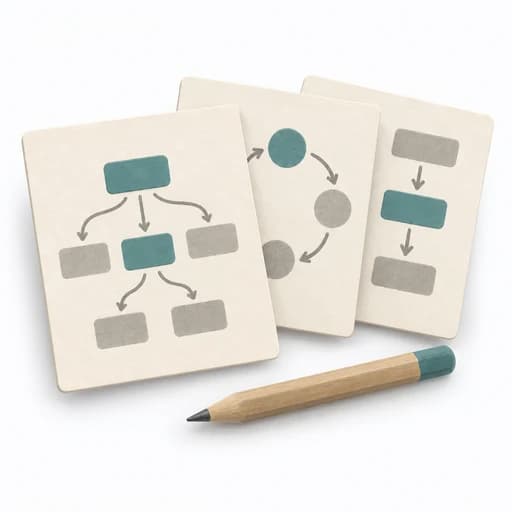
Challenge
Goal
Choose a relevant question and a workable moment.
Inputs for this step
Actions
Output
Visible challenge and shared work context.
Visible challenge and shared work context.
Quality check
Everyone can interpret the challenge and sketch different directions.
Pitfall
The question is too broad or prescribes a solution. Bound audience, moment, and need; reopen the solution.
Timing: 5–10 minutes to set the challenge and context
Sketch

Goal
Fold or divide the page into eight panels and draw one idea per panel.
Inputs for this step
Actions
Output
Eight distinguishable sketches per person.
Eight distinguishable sketches per person.
Quality check
Each panel shows a different direction; sketches stay simple enough for the timebox.
Pitfall
The first idea is refined while later panels remain empty. Use each new panel as a prompt to vary the direction; polish is not the goal.
Timing: Exactly 8 minutes for sketching
Share
Goal
Make ideas understandable to the group before evaluating them.
Inputs for this step
Actions
Output
Shared set of variations with clarified ideas.
Shared set of variations with clarified ideas.
Quality check
Ideas are understood before evaluation; authorship does not dominate selection.
Timing: 10–20 minutes to share and understand
Select
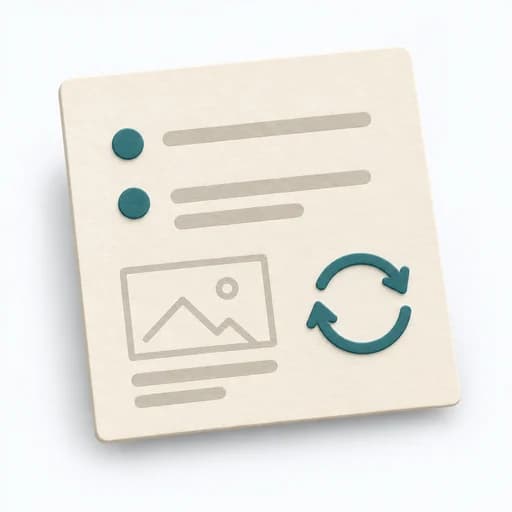
Goal
Combine justified sketch elements into a testable next direction.
Inputs for this step
Actions
Output
Selection rationale, prototype task, and open assumption.
Selection rationale, prototype task, and open assumption.
Quality check
The rationale links to the challenge and user need; assumptions remain testable.
Pitfall
A popularity vote is treated as user evidence. Label selection as a team decision and check it later with research or testing.
Timing: 10–20 minutes for selection and follow-up
What comes out at the end
Sketch: what the artifact looks like
Sheets with eight marked variations, short explanations, selection rationale, and a follow-up prototype or test task.
Date the challenge and round. Attribute sketches only if ownership is needed for selection or follow-up. Document combined concepts and selection rationale separately from original sketches.
Prepare a short team exercise with eight minutes of individual work and a follow-up selection.
To be confirmed
To be confirmed
One Crazy 8s team exercise Time: About 30–45 minutes, including framing, exactly eight minutes of sketching, and follow-up planning.
Complete this worksheet on paper or in your own document during the work.
| Sketch panel | Direction | Fictional sketch | What changes? | Follow-up question |
|---|---|---|---|---|
| Variation 1 | ||||
| Variation 2 | ||||
| Variation 3 | ||||
| Variation 4 | ||||
| Variation 5 | ||||
| Variation 6 | ||||
| Variation 7 | ||||
| Variation 8 |
Blank template: add the challenge at the top and eight sketch panels of your own.
Expected artifact: Visible challenge and shared work context.
Visible challenge and shared work context.
Entry:
...
Expected artifact: Eight distinguishable sketches per person.
Eight distinguishable sketches per person.
Entry:
...
Expected artifact: Shared set of variations with clarified ideas.
Shared set of variations with clarified ideas.
Entry:
...
Expected artifact: Selection rationale, prototype task, and open assumption.
Selection rationale, prototype task, and open assumption.
Entry:
...
...
Method guide: https://methodatlas.meierhoff-systems.de/en/methods/crazy-8s/run-sheet
Concrete filled scenario, fictional example
Fictional example for orientation. Counts and timings describe this case and are not universal requirements.
Concrete filled scenario, fictional example
All sketches and decisions are fictional. No exercise was conducted.
Design challenge: How might someone see whether a tool is available for Saturday and where to pick it up?
Eight fictional directions: 1. Stock list with pickup location; 2. weekly calendar with open windows; 3. map of lending locations; 4. reserve button on the tool card; 5. filter availability by date; 6. compare tools with stock; 7. show locker pickup; 8. steps from search to return.
Exercise observation: The variations change different things: timing, location, selection, and process display.
Fictional selection: A team combines date selection and pickup location on one tool card.
Open assumption: People understand displayed stock as a commitment.
Next step: Test a clickable prototype for this assumption with relevant users. The team choice does not prove user preference.
Recognize symptoms and steer against them
Quick overview, the full text is in the matching phase in the flow
The question is too broad or prescribes a solution.
Bound audience, moment, and need; reopen the solution.
The first idea is refined while later panels remain empty.
Use each new panel as a prompt to vary the direction; polish is not the goal.
The group immediately votes for the most attractive drawings.
Clarify purpose and differences before beginning selection.
A popularity vote is treated as user evidence.
Label selection as a team decision and check it later with research or testing.
When to pause, resolve prerequisites, or choose another approach
Go to the profile for purpose, similar methods, and sources or continue to the next method in the catalog.