Purpose
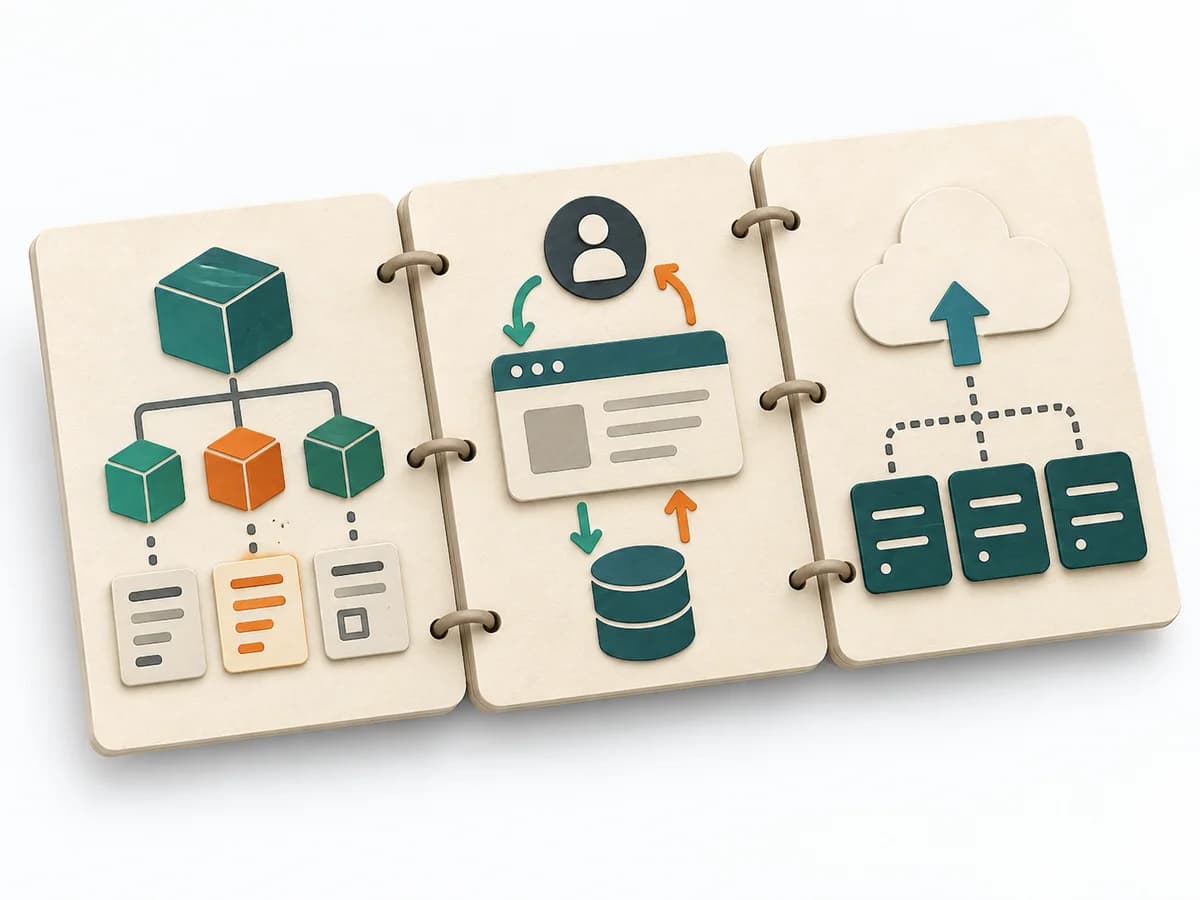
Views and Beyond organizes architecture into several views so no single diagram has to do everything at once. This makes it possible to choose the representation that fits the stakeholder's question.
Architecture Planning tool
Documents software architecture through stakeholder-relevant views and adds cross-view information and rationale.
Views and Beyond documents software architecture through stakeholder-relevant views and adds cross-view information and rationale.
Which views serve these stakeholders, and what must be documented beyond each view?
Which views serve these stakeholders, and what must be documented beyond each view?
Use
Name stakeholders and intended documentation use; choose views to answer their questions.
Views
Choose viewtypes appropriate to concerns; record scope, notation and rationale.
Detail
Record elements, relations and the properties, interfaces or behavior needed by its audience.
Cross-view
Record information applying across views, rationale, assumptions and relationships; maintain cross references.
Update the work record when new evidence, changed constraints or the planned review changes an assumption.
For systems with multiple stakeholder concerns and documentation used to build, analyze, operate, maintain or understand the system. Scale down when concerns are few.
The documentation roadmap names stakeholders and intended use and connects views to the questions they should answer.

The relevant view set contains suitable viewtypes and views with viewpoint, scope, notation, and rationale.
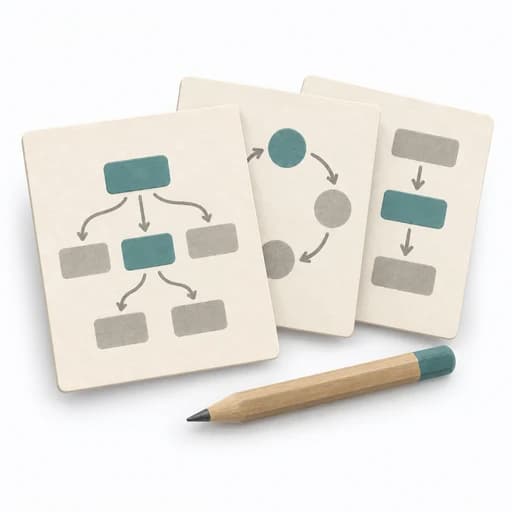
Each architecture view records elements, relations, and the properties, interfaces, behaviour, or analysis information needed by its audience.
The documentation package connects cross-view information, rationale, assumptions, and relationships through cross references.
Fictional example
Method-specific prompts and a fictional worked example; template prompts remain empty.
Create a stakeholder-led documentation roadmap.
**Uses:** Operators need deployment and recovery information; developers need module responsibility and dependencies.
Keep view elements and relations explicit.
**Views:** An allocation view for runtime placement and a module view for implementation responsibilities, if confirmed by those needs.
Explain the diagram so readers can build, analyze, operate or maintain.
**View content:** Identifiers, relations, constraints and relevant interface detail accompany each diagram.
Review shared facts for consistency.
**Beyond views:** Rationale for a payment adapter plus assumptions and cross-view references.
SEI recommends selecting relevant views for stakeholder use, then documenting cross-view information and rationale.
Views and Beyond Collection | CMU Software Engineering Institute
List stakeholder questions and intended documentation use before choosing views.
Views and Beyond organizes architecture into several views so no single diagram has to do everything at once. This makes it possible to choose the representation that fits the stakeholder's question.
First, the relevant stakeholder questions and view types are determined. Then the system is described through several views, each emphasizing a different aspect, such as structure, behavior, or deployment. What remains is architecture communication that explains in a targeted way rather than a blanket one.
Views and Beyond works because architecture is understood not as a single image but as a coordinated set of views for different questions. Good application deliberately decides which stakeholders need which perspective and how cross-references between views are maintained. This reduces the risk of one diagram having to carry everything and ending up not precise enough for anyone.
First determine the most important architecture questions and derive the necessary views from them, rather than starting with diagram types. It really pays off when a question becomes clearer through an additional view rather than through more detail in the existing one. In the end, a small, well-maintained set of views and clear responsibility for consistency between them is enough.
The method guide walks execution through 4 phases, timing, 4 pitfalls, and clear stop criteria.
Open method guideYour perspective
Your feedback helps shape the next improvements to methodatlas.
Plan a session or initiative to match the actual scope of work.
To be confirmed
To be confirmed
Prepare the full method Time: An initiative across several days as views and evidence are assembled.
Complete this worksheet on paper or in your own document during the work.
Create a stakeholder-led documentation roadmap.
...
Keep view elements and relations explicit.
...
Explain the diagram so readers can build, analyze, operate or maintain.
...
Review shared facts for consistency.
...
Blank worksheet contains prompts only, with no example data.
Views and Beyond Collection | CMU Software Engineering Institute
Expected artifact: Documentation roadmap
Documentation roadmap
Entry:
...
Expected artifact: A small relevant view set
A small relevant view set
Entry:
...
Expected artifact: Usable architecture views
Usable architecture views
Entry:
...
Expected artifact: Coherent documentation package
Coherent documentation package
Entry:
...
...
Method guide: https://methodatlas.meierhoff-systems.de/en/methods/views-and-beyond/run-sheet
Fitting alternatives with decision guidance, followed by other related methods.
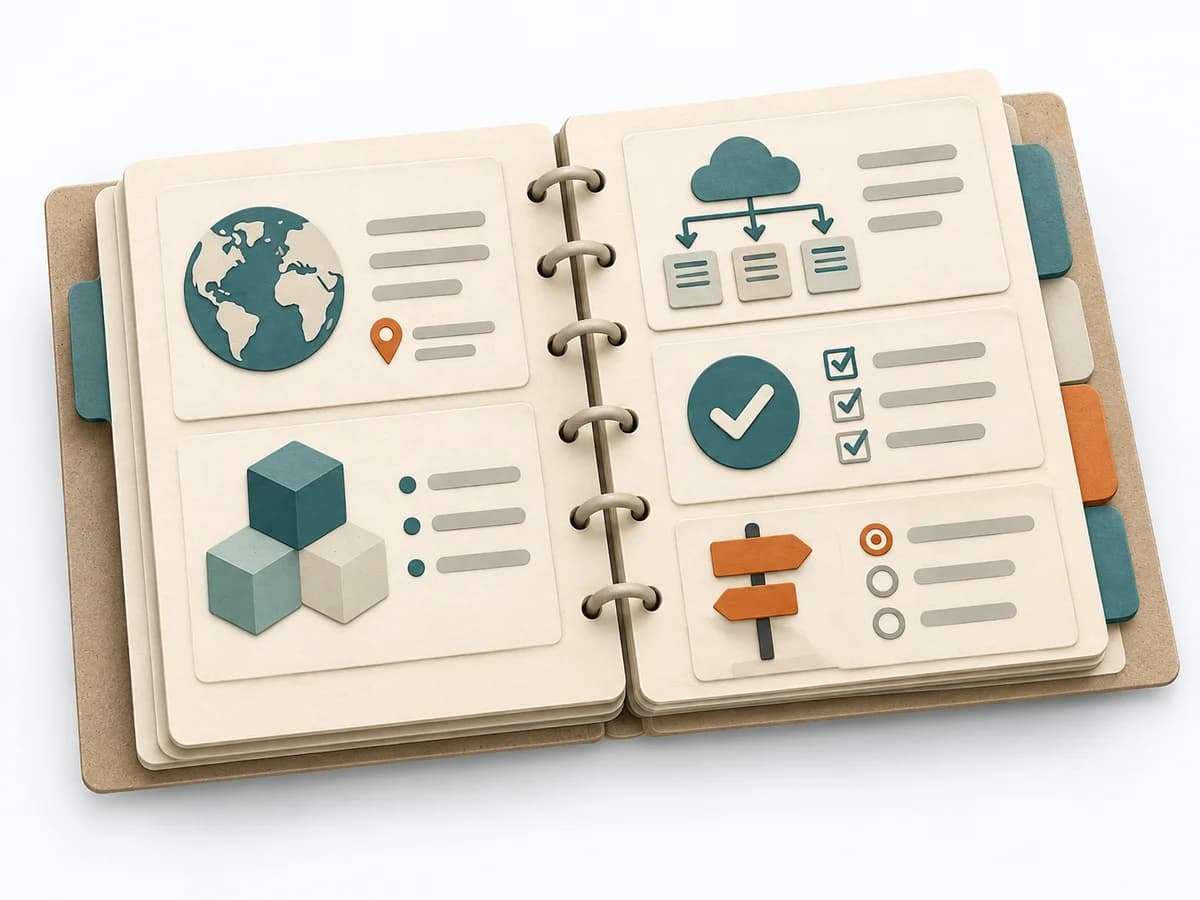
Instead of Views and Beyond, when you want to permanently document an architecture in an established, multi-part structure.
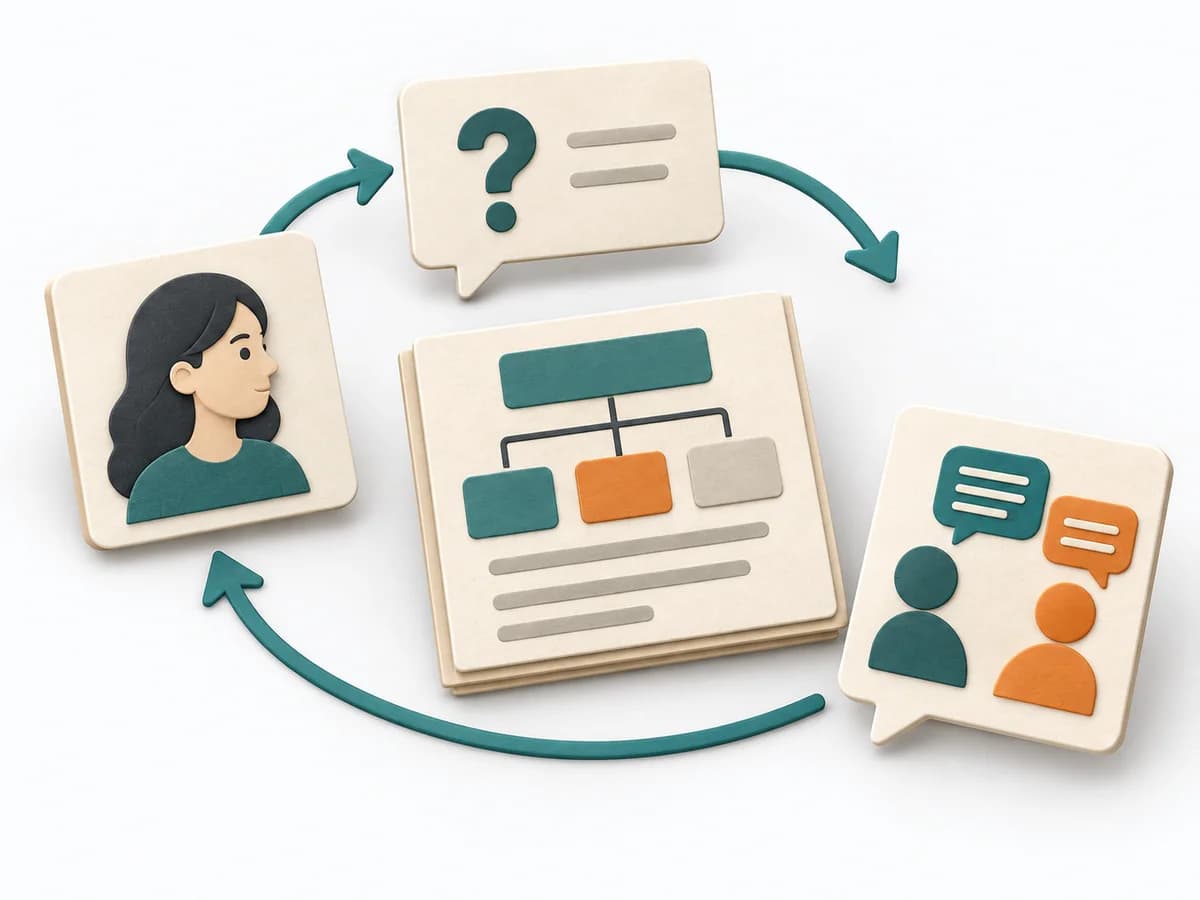
Prepares stakeholders, core messages, and artifacts so architecture communication connects deliberately.
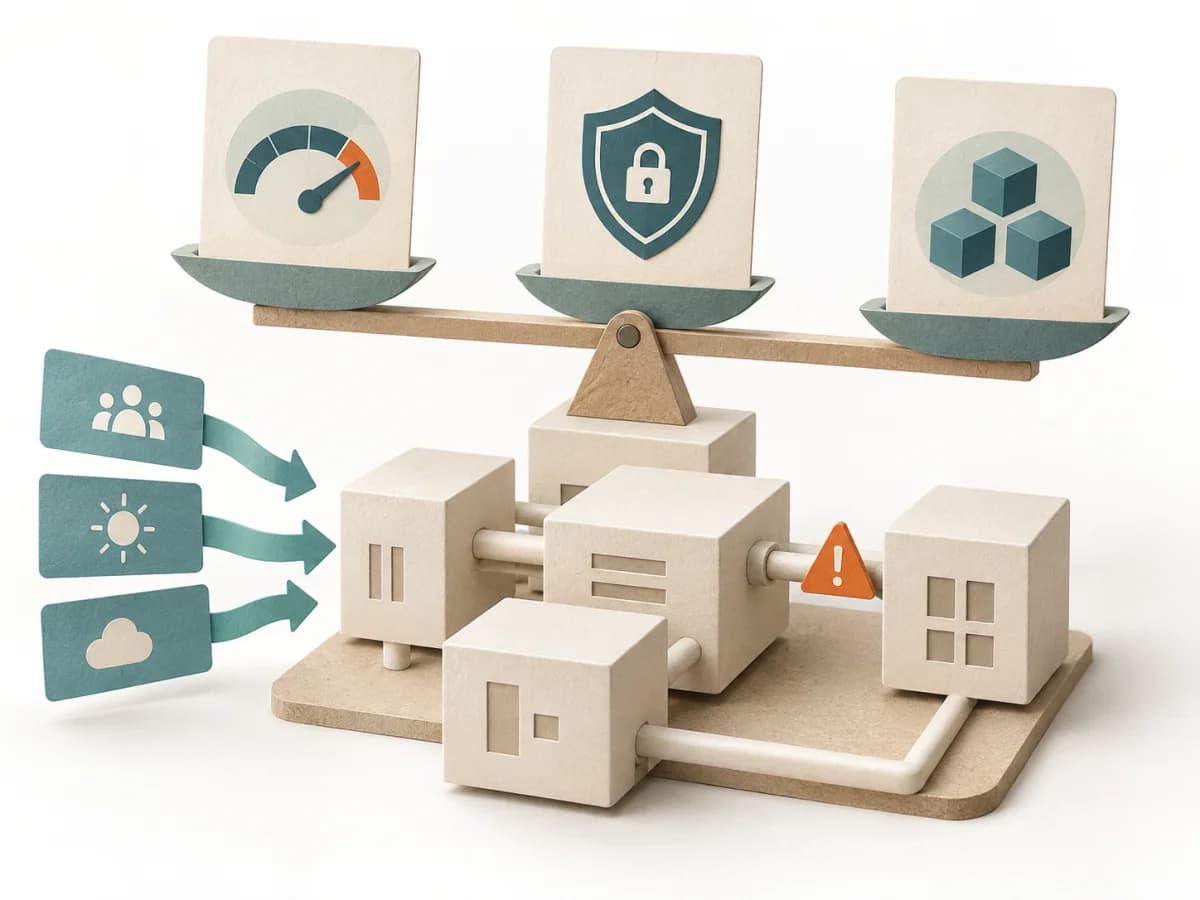
Examines how architecture decisions support important quality goals and makes risks and trade-offs visible.

Uses concrete tasks to show how well an architecture supports use and change.
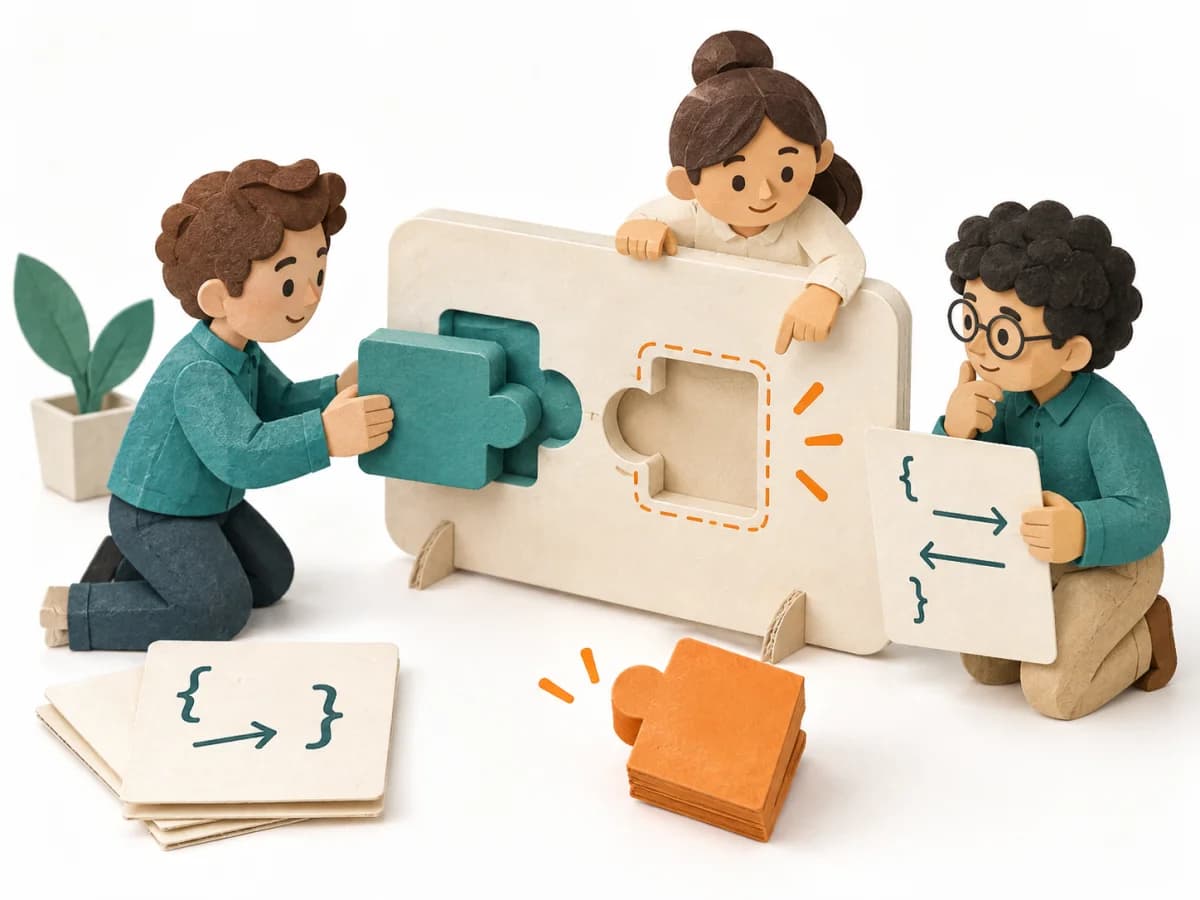
Developers try a preliminary technical design through typical tasks, showing what makes it easy or difficult to use.
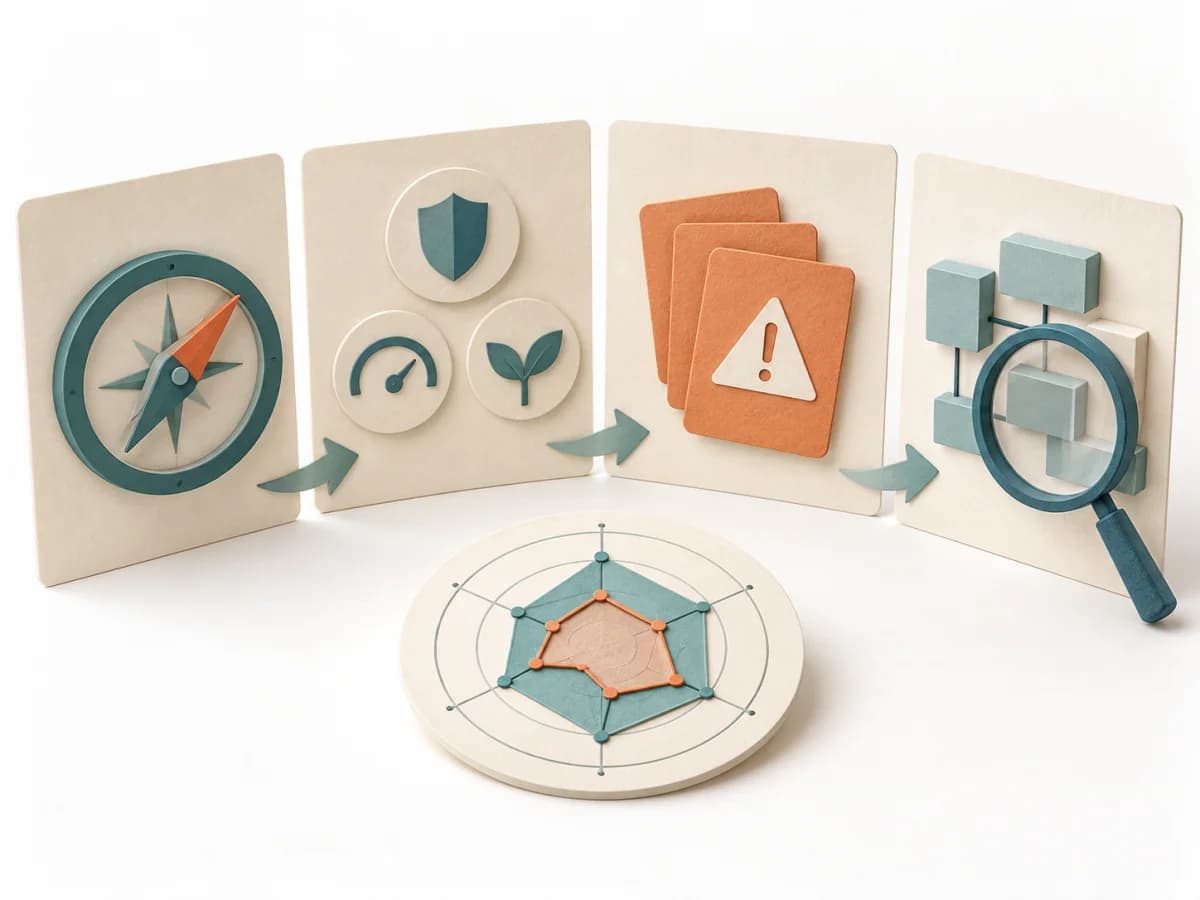
Helps a small team assess the main quality risks in its software and choose where to investigate further.