arc42: Worksheet
Prepare the decision, source evidence and next review.
# arc42: Worksheet

## Question
To be confirmed

## Desired outcome
To be confirmed

## Scope
Run the method
Time: See catalog planning range; no universal duration.

Complete this worksheet on paper or in your own document during the work.

## Preparation for this scope

### Method setup
- **Materials:** Shared visual workspace, source evidence, and an agreed decision question.
- **Roles:** Architect, developers, operations, domain stakeholders, decision owner.
- **Advance information:** Collect existing data, examples, constraints and relevant stakeholder perspectives.
- **Overall time needed:** Several focused sessions; size by system complexity and available evidence.
- **Setup:** Choose system, audience, level of detail and living-document owner. Capture business goals, quality goals and binding technical/organizational constraints. Describe external actors/systems, scope and the few decisions shaping the solution. Document relevant building blocks, runtime scenarios and deployment view only as needed. Link quality scenarios, risks, decisions and glossary; assign update triggers.

### Prepare for the work steps

#### Scope: Set system and documentation need
- System boundary, readers and existing architecture docs

#### Goals: Document goals, constraints and context
- Requirements, constraints and external systems

#### Views: Develop strategy and views
- Quality goals, current architecture and critical scenarios

#### Upkeep: Maintain quality, decisions and risks
- Quality scenarios, risks, technical debt and ownership


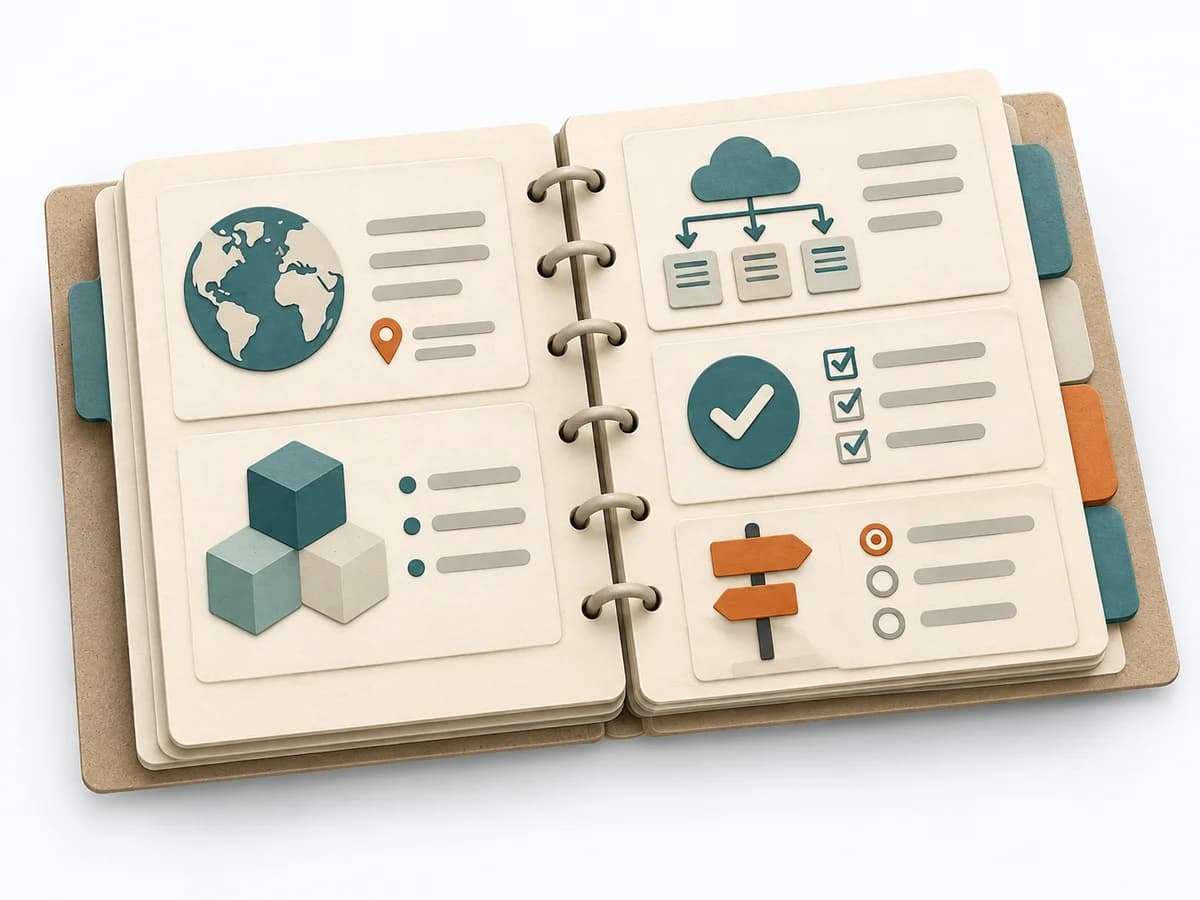
## arc42 architecture documentation

### Introduction and Goals
Record stakeholders, requirements and top quality goals.

...

### Constraints
Name technical, organizational and regulatory constraints.

...

### Context and Scope
Explain boundary, external partners and interfaces.

...

### Solution Strategy
Explain guiding approaches and key architecture decisions.

...

### Building Block View
Show relevant building blocks and responsibilities.

...

### Runtime View
Describe critical scenarios and interactions.

...

### Deployment View
Map infrastructure and software components.

...

### Crosscutting Concepts
Document recurring concepts and rules.

...

### Architecture Decisions
Link important decisions with status and rationale.

...

### Quality Requirements
State quality scenarios measurably.

...

### Risks and Technical Debt
Record risks, impact and response.

...

### Glossary
Define domain terms consistently.

...

This blank document contains only section prompts.

[arc42 at a glance](https://arc42.org/overview/)


## Scope: Set system and documentation need
Expected artifact: Lean documentation plan

Lean documentation plan

Entry:

...

- [ ] Does each section help stakeholders or development?

## Goals: Document goals, constraints and context
Expected artifact: Evidence-backed sections 1 to 3

Evidence-backed sections 1 to 3

Entry:

...

- [ ] Are quality goals verifiable and interfaces named?

## Views: Develop strategy and views
Expected artifact: Architecture description and relevant views

Architecture description and relevant views

Entry:

...

- [ ] Does each view answer a structural or quality question?

## Upkeep: Maintain quality, decisions and risks
Expected artifact: Living arc42 documentation

Living arc42 documentation

Entry:

...

- [ ] Can readers distinguish current, open and outdated content?

## Open questions and next steps

...

Method guide: https://methodatlas.meierhoff-systems.de/en/methods/arc42/run-sheet
C4 Model: Worksheet
Prepare the decision, source evidence and next review.
# C4 Model: Worksheet

## Question
To be confirmed

## Desired outcome
To be confirmed

## Scope
Run the method
Time: See catalog planning range; no universal duration.

Complete this worksheet on paper or in your own document during the work.

## Preparation for this scope

### Method setup
- **Materials:** Shared visual workspace, source evidence, and an agreed decision question.
- **Roles:** Architect or lead developer, developers, product/domain representative.
- **Advance information:** Collect existing data, examples, constraints and relevant stakeholder perspectives.
- **Overall time needed:** 60–120 min for an initial model; detail and review depend on system scope.
- **Setup:** Name software system, boundary, audience and question the diagram must answer. Show users and neighboring software systems with named relationships. Decompose the chosen system into applications/data stores/containers and technologies. Zoom into components or code only when the audience needs that level. Check consistent scope, relationship labels, legends and diagram owner.

### Prepare for the work steps

#### Question: Choose system, audience and question
- System boundary, discussion purpose and audience

#### Context: Draw system context
- Users, neighbouring systems and evidenced relationships

#### Containers: Add container view
- Context view, deployable software and data stores

#### Detail: Maintain only useful zoom levels
- Open architecture question, diagram convention and owner


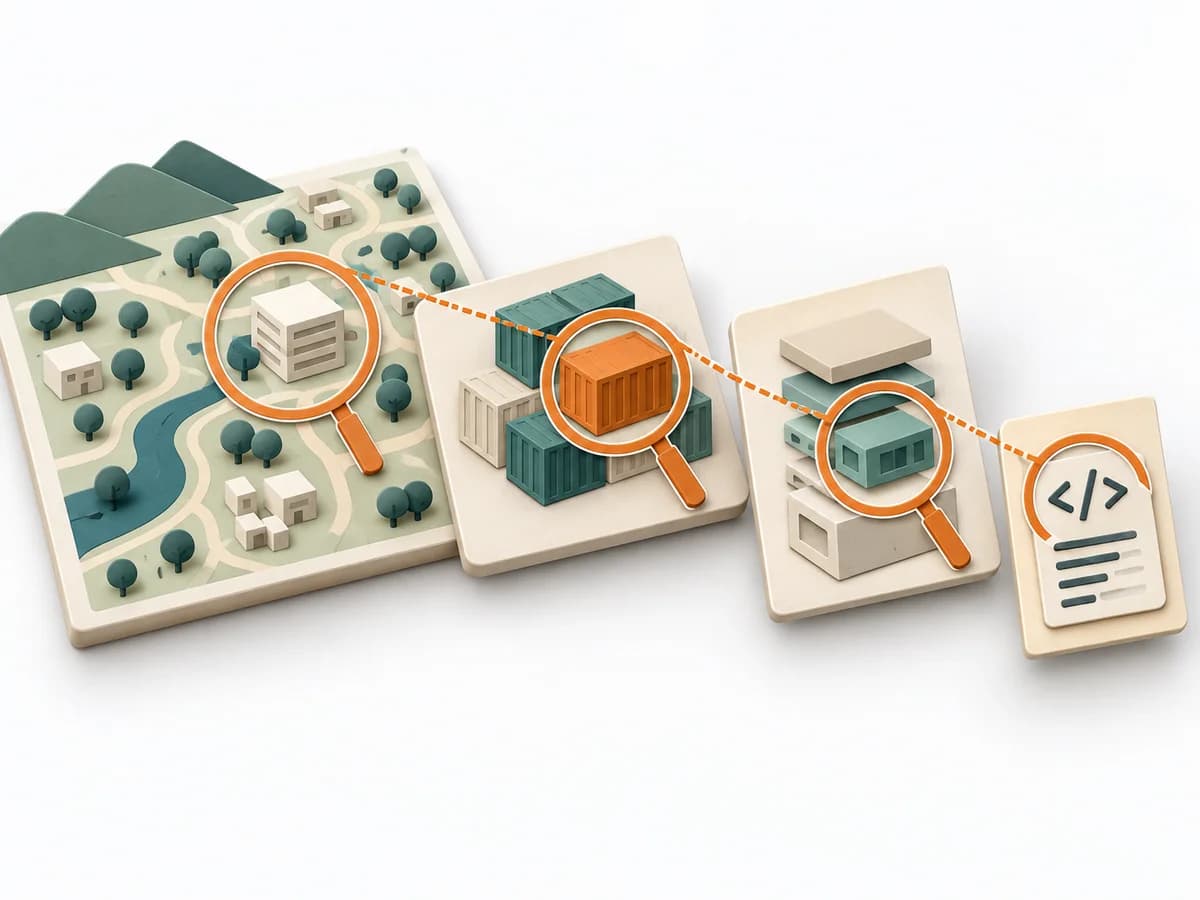
## C4 views

### System context
Show the system, people and neighbours with relationships.

...

### Container
Show applications, services and data stores inside the boundary.

...

### Component
Decompose internal components only to resolve a question.

...

### Code
Use code level only when detail is useful.

...

### Supporting diagrams
Add dynamic, deployment or landscape when the communication needs it.

...

This blank document contains only section prompts.

[C4 model: Diagrams](https://c4model.com/diagrams)


## Question: Choose system, audience and question
Expected artifact: Diagram brief

Diagram brief

Entry:

...

- [ ] Can an architecture view answer the question?

## Context: Draw system context
Expected artifact: System context diagram

System context diagram

Entry:

...

- [ ] Are dependencies and system boundary clear?

## Containers: Add container view
Expected artifact: Container diagram

Container diagram

Entry:

...

- [ ] Are containers executable or deployable units?

## Detail: Maintain only useful zoom levels
Expected artifact: Coherent set of C4 views

Coherent set of C4 views

Entry:

...

- [ ] Are terms, direction and detail clear to readers?

## Open questions and next steps

...

Method guide: https://methodatlas.meierhoff-systems.de/en/methods/c4-model/run-sheet
Architecture Decision Record: Worksheet
Plan work on an ADR from context through trade-offs to the agreed review.
# Architecture Decision Record: Worksheet

## Question
To be confirmed

## Desired outcome
To be confirmed

## Scope
Prepare and review an ADR
Time: Arrange drafting and review separately

Complete this worksheet on paper or in your own document during the work.

## Preparation for this scope

### Method setup
- **Materials:** A short text template, relevant architecture context, sources for considered options and a versioned location accessible to contributors.
- **Roles:** An owner writes the draft. Relevant engineering, architecture, product or operations contributors review its consequences. The agreed decision owner explicitly accepts the decision.
- **Advance information:** Gather the question, current architecture, affected quality requirements and known constraints. Link relevant earlier ADRs and sources.
- **Overall time needed:** Allow roughly 15 to 45 minutes for a focused draft. Investigation, discussion and review are additional and may be asynchronous. Agree on a suitable review point together.
- **Setup:** Assign a stable ID and short title, set status to proposed and create the record in the shared location. Agree on the decision and review process with contributors.

### Prepare for the work steps

#### Frame: Clarify decision and context
- Architecture question and current system context

#### Compare: Compare relevant options
- Decision context and realistic options

#### Decide: Review and record the decision
- Draft, trade-offs and affected perspectives

#### Maintain: Follow consequences and preserve history
- ADR with explicit status and follow-up tasks


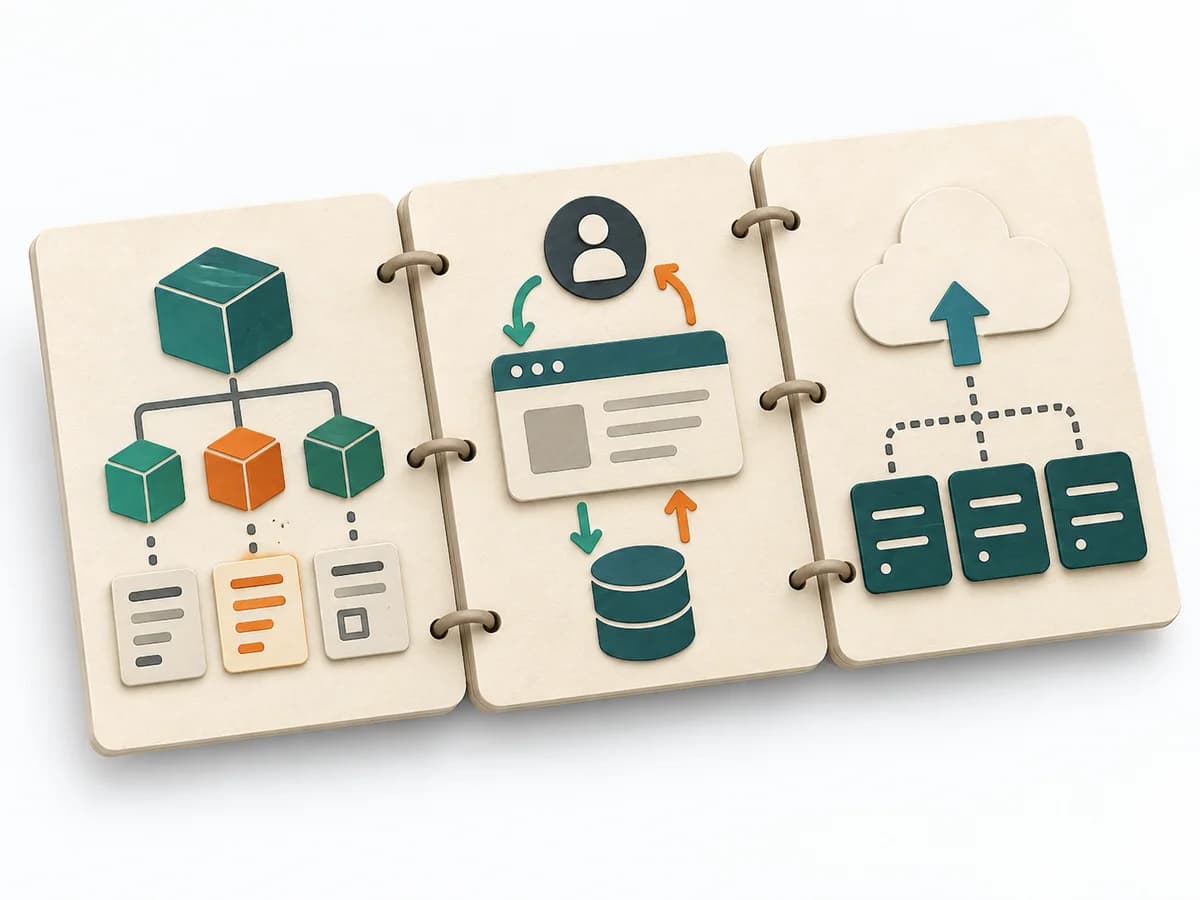
## ADR structure

### ID, title and status
Record a stable ID, decision question, date, contributors, owner and current status.

...

### Context and decision drivers
Why is this decision needed? Which requirements and constraints shape it?

...

### Considered options
Briefly compare relevant options, decisive differences, sources and uncertainties.

...

### Decision and rationale
Record the chosen option and its decisive rationale. Label a draft as a proposal.

...

### Consequences and follow-up
Describe relevant favorable and unfavorable consequences, uncertainties and concrete follow-up work.

...

### Review, status changes and links
Document review, explicit decision and date. Link sources and any predecessor or successor.

...

Begin with proposed status. Record acceptance explicitly. Link a changed decision as a new ADR and preserve its original rationale.

[Based on Michael Nygard, with options and review added](https://cognitect.com/blog/2011/11/15/documenting-architecture-decisions)


## Frame: Clarify decision and context
Expected artifact: Decision context

Question · significance · constraints · ownership

Entry:

...

- [ ] Can a future reader understand the starting point?

## Compare: Compare relevant options
Expected artifact: Traceable trade-offs

Option · relevant impact · uncertainty · source

Entry:

...

- [ ] Are realistic options evaluated against the same context?

## Decide: Review and record the decision
Expected artifact: ADR with an explicit status

Choice · rationale · consequences · status · date

Entry:

...

- [ ] Is the decision explicitly confirmed and recorded?
- [ ] Are relevant consequences and open tasks understandable?

## Maintain: Follow consequences and preserve history
Expected artifact: Linked decision history

Follow-up · trigger · predecessor · successor

Entry:

...

- [ ] Can the earlier rationale and current status be found?

## Open questions and next steps

...

Method guide: https://methodatlas.meierhoff-systems.de/en/methods/adr/run-sheet