Complete firstClear scope
Agree the subject, boundary and decision before filling the model.
A broad or mixed scope produces a misleading model.
A practical method guide: clarify prerequisites and materials, understand the complete process, and look up outputs, pitfalls, and stop criteria.
What needs to be finished first
Agree the subject, boundary and decision before filling the model.
Bring source material and people who know the work; distinguish facts from assumptions.
What needs to be ready before start
Shared visual workspace, source evidence, and an agreed decision question.
Architect or lead developer, developers, product/domain representative.
Collect existing data, examples, constraints and relevant stakeholder perspectives.
60–120 min for an initial model; detail and review depend on system scope.
Name software system, boundary, audience and question the diagram must answer. Show users and neighboring software systems with named relationships. Decompose the chosen system into applications/data stores/containers and technologies. Zoom into components or code only when the audience needs that level. Check consistent scope, relationship labels, legends and diagram owner.
The one question this method answers
Which diagrams let each audience understand the software architecture?
Phases with goal, actions, output and pitfall
Communicates software architecture through context, container, component and code diagrams at useful levels of detail.
Fictional worked example
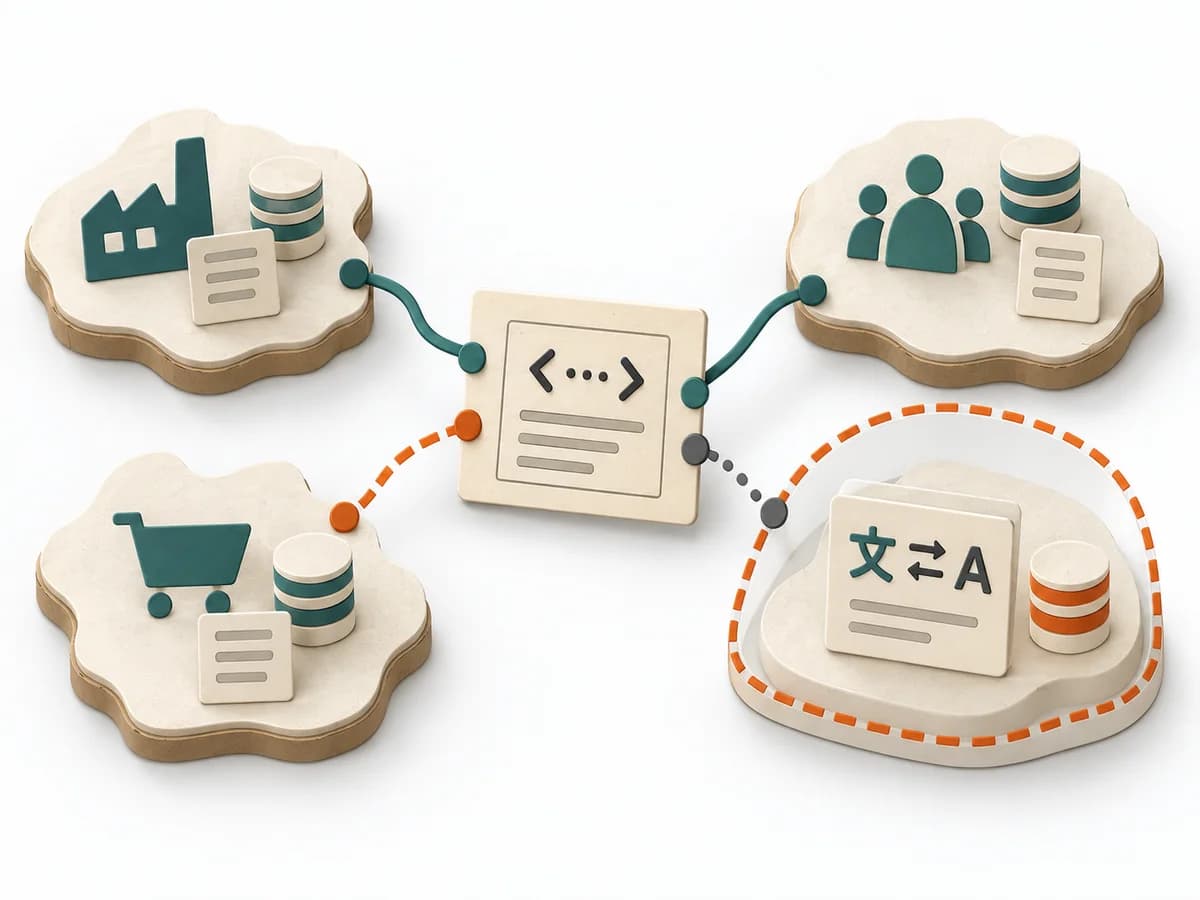
Fictional context diagram for a practice portal: patient uses web app; practice staff use admin interface; portal queries practice management and sends confirmations through email service. Container view below: web frontend, booking API, appointment database. Label the relationship: API reads open slots and requests reservation. No component view unless it answers a concrete question.
Show the system, people and neighbours with relationships.
Patient → practice portal → practice management.
Show applications, services and data stores inside the boundary.
Web app → booking API → appointment database.
Decompose internal components only to resolve a question.
Booking service checks availability and reservation.
Use code level only when detail is useful.
No code diagram without a concrete reader need.
Add dynamic, deployment or landscape when the communication needs it.
Deployment view for operations handover.
The example text is fictional; replace it with sourced project information.
Question

Goal
Diagram brief
Inputs for this step
Actions
Output
Diagram brief
Diagram brief
Quality check
Can an architecture view answer the question?
Pitfall
One diagram tries to show overview and implementation detail. Split by audience and zoom level.
Timing: Allow time according to scope and evidence; no universal duration.
Context
Goal
System context diagram
Inputs for this step
Actions
Output
System context diagram
System context diagram
Quality check
Are dependencies and system boundary clear?
Pitfall
Internal components appear at context level. Remove internals and explain the system of interest separately.
Timing: Allow time according to scope and evidence; no universal duration.
Containers
Goal
Container diagram
Inputs for this step
Actions
Output
Container diagram
Container diagram
Quality check
Are containers executable or deployable units?
Pitfall
“Container” is mistaken for a Docker container. Explain the C4 term and name the actual software unit.
Timing: Allow time according to scope and evidence; no universal duration.
Detail
Goal
Coherent set of C4 views
Inputs for this step
Actions
Output
Coherent set of C4 views
Coherent set of C4 views
Quality check
Are terms, direction and detail clear to readers?
Pitfall
Every level is generated by habit and becomes stale. Remove views without a communication purpose.
Timing: Allow time according to scope and evidence; no universal duration.
What comes out at the end
Sketch: what the artifact looks like
Communicates software architecture through context, container, component and code diagrams at useful levels of detail. Record scope, evidence, assumptions, owner and next review in the versioned artifact.
Record scope, date, participants, source version and owner. Note changed assumptions and the reason for each revision.
Prepare the decision, source evidence and next review.
To be confirmed
To be confirmed
Run the method Time: See catalog planning range; no universal duration.
Complete this worksheet on paper or in your own document during the work.
Show the system, people and neighbours with relationships.
...
Show applications, services and data stores inside the boundary.
...
Decompose internal components only to resolve a question.
...
Use code level only when detail is useful.
...
Add dynamic, deployment or landscape when the communication needs it.
...
This blank document contains only section prompts.
Expected artifact: Diagram brief
Diagram brief
Entry:
...
Expected artifact: System context diagram
System context diagram
Entry:
...
Expected artifact: Container diagram
Container diagram
Entry:
...
Expected artifact: Coherent set of C4 views
Coherent set of C4 views
Entry:
...
...
Method guide: https://methodatlas.meierhoff-systems.de/en/methods/c4-model/run-sheet
Concrete filled scenario, fictional example
Fictional example for orientation. Counts and timings describe this case and are not universal requirements.
Concrete filled scenario, fictional example
Fictional context diagram for a practice portal: patient uses web app; practice staff use admin interface; portal queries practice management and sends confirmations through email service. Container view below: web frontend, booking API, appointment database. Label the relationship: API reads open slots and requests reservation. No component view unless it answers a concrete question.
Recognize symptoms and steer against them
Quick overview, the full text is in the matching phase in the flow
One diagram tries to show overview and implementation detail.
Split by audience and zoom level.
Internal components appear at context level.
Remove internals and explain the system of interest separately.
“Container” is mistaken for a Docker container.
Explain the C4 term and name the actual software unit.
Every level is generated by habit and becomes stale.
Remove views without a communication purpose.
When to pause, resolve prerequisites, or choose another approach
Go to the profile for purpose, similar methods, and sources or continue to the next method in the catalog.