Purpose
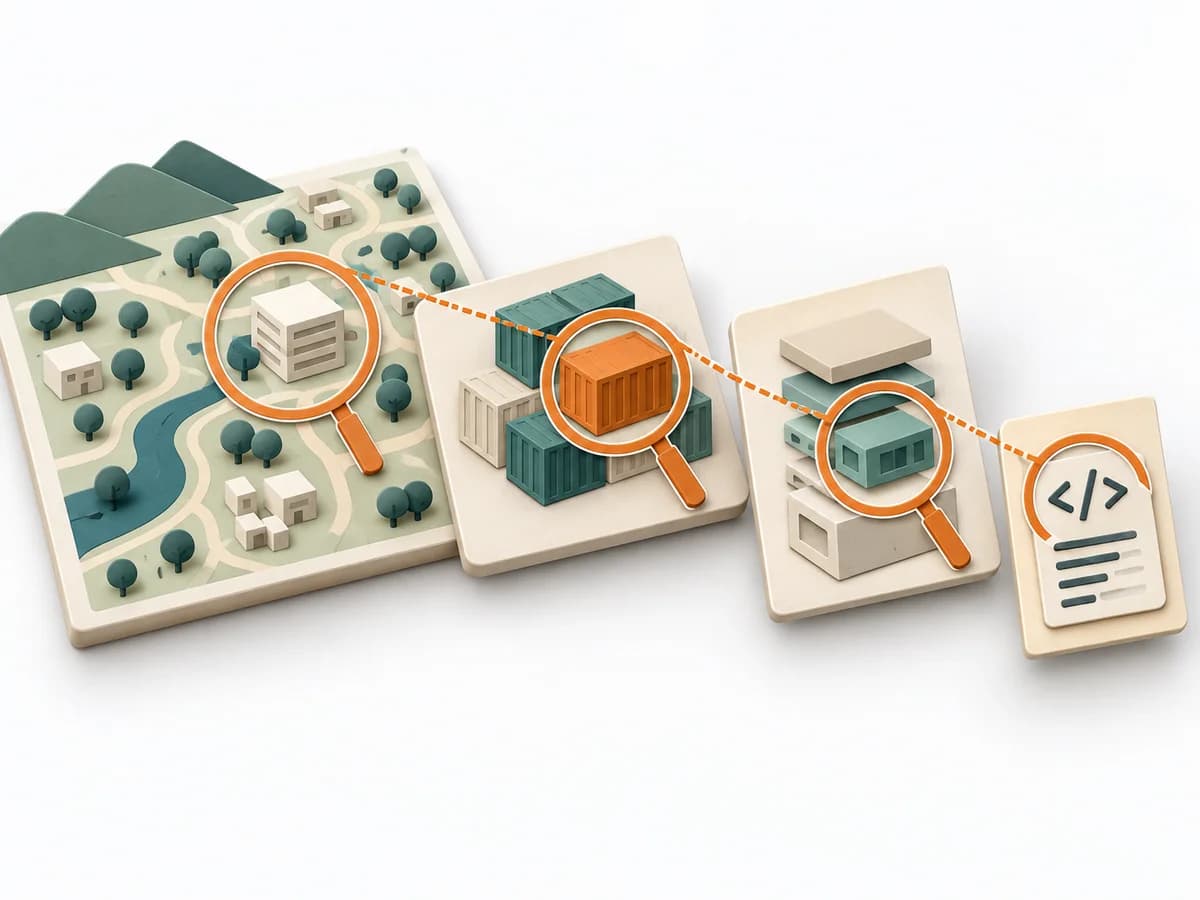
ARID examines how well developers can work with a technical design. It focuses on a part of the system that can still be revised, between the architecture overview and the detailed specification.
Architecture Analysis method
Examines how well developers can use a preliminary design for their tasks.
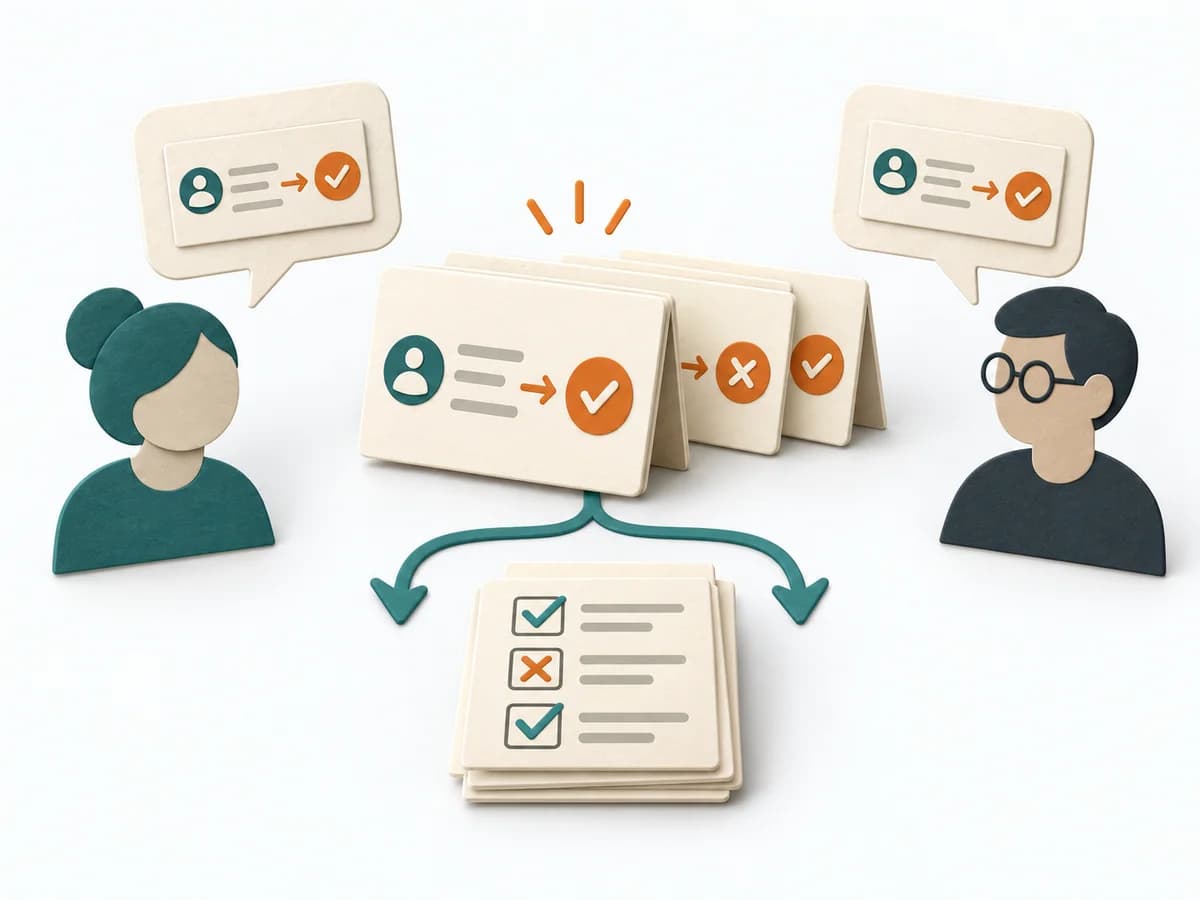
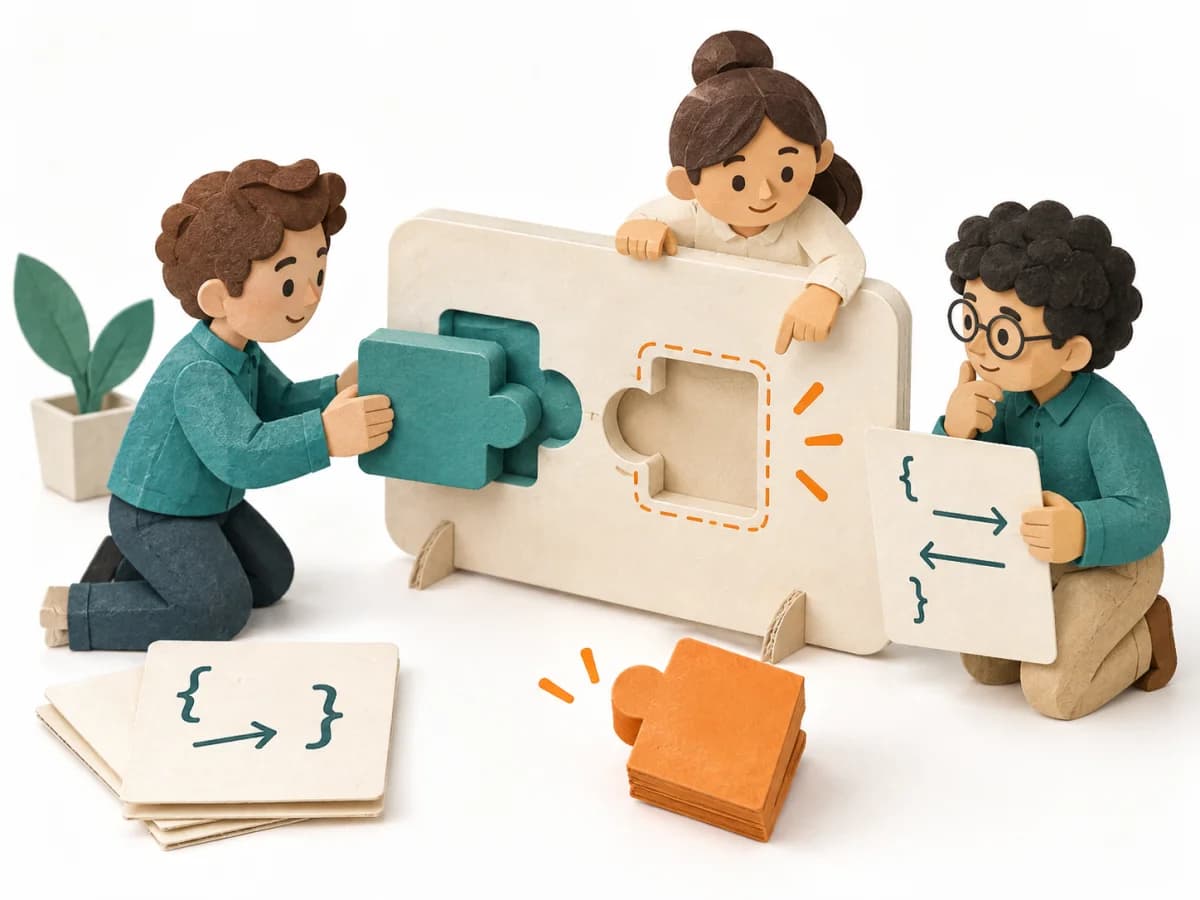
ARID helps teams try out interfaces while a design can still change. The developers who will use them choose typical tasks and work through them together. They write code or pseudocode, a simplified description of program steps. This reveals which interfaces are easy to use and where descriptions of their behavior are incomplete or contradictory.
Can developers accomplish their important tasks using this preliminary design?
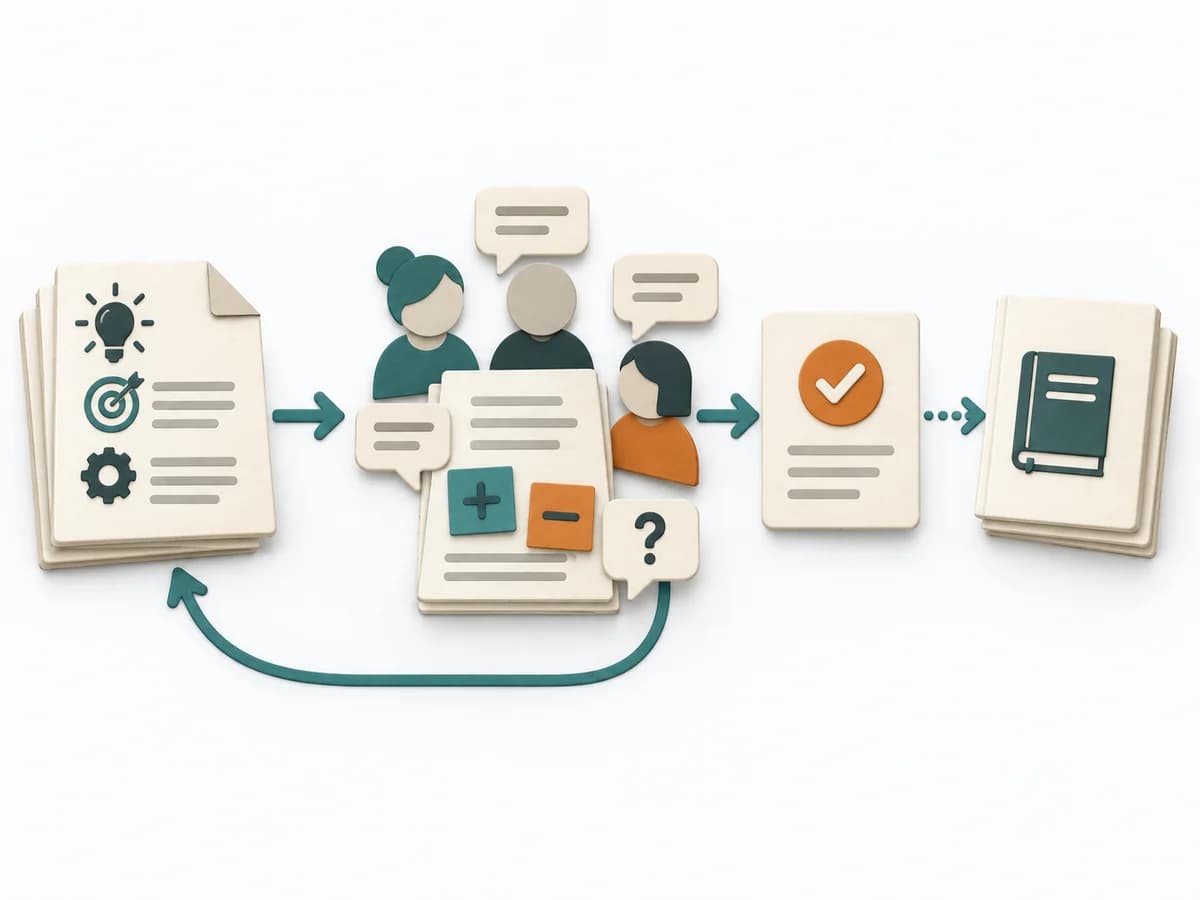
The five work sections group the nine original steps into preparation and a joint review. You can prepare the materials on your own. In the review, future users try out the design together.
Prepare
Design owners prepare interfaces and examples for the joint exercise.
Introduce
The group learns about the interfaces and how the active review will work.
Select
Reviewers contribute tasks from their work and select the most important together.
Exercise
Reviewers jointly write calls to the proposed interfaces and record their observations.
Capture
The group confirms the findings and agrees who will take the next steps.
Try the affected scenarios again after revising the design. Record resolved problems and scenarios still to explore.
For the preliminary design of a service, library or component. Developers who will use it take part in the review. The results show how well they can accomplish the selected tasks with the design.
Jointly written code or pseudocode with visible unresolved points.
Specific usage obstacles and unresolved interface rules, each with an owner to address it.
Fictional teaching example
A document template for your review. A separate fictional example shows how to review a reservation library.
Enter the design version, boundaries, participating developers and review roles.
Reservation library v0.3; two consuming teams; Alex facilitates.
Record tasks, priorities, selection reasons and scenarios still to explore.
Safe retry after timeout has highest priority; cancellation remains unexplored.
Link code or pseudocode to interfaces used, questions and assumptions.
After a timeout, it is unclear whether reserve(request) succeeded; calling it again could create a duplicate reservation.
Record the usage obstacle, affected location, owner and repeat check.
Identify the request with an idempotency key and add a status lookup; then repeat the scenario.
The example illustrates the method using invented information.
Paul C. Clements: Active Reviews for Intermediate Designs (SEI, 2000)
Choose the part of the design to review and invite its future users. Prepare interfaces, data types, expected behavior and examples.
ARID examines how well developers can work with a technical design. It focuses on a part of the system that can still be revised, between the architecture overview and the detailed specification.
Prepare an introduction, a working usage example, and possible tasks for the design. Developers add their own scenarios and choose the most important ones. Using the available interfaces and documents, they jointly produce code or pseudocode for those tasks. Record their questions and difficulties as review findings.
ARID needs a preliminary design with sufficiently described interfaces, examples, and explanations for concrete development tasks. Designers prepare the materials. The developers who will later work with the design try it from their application perspective. This reveals missing information or operations and awkward usage. Facilitation and note-taking preserve the observations. The findings show how well the design supports the tasks examined. Performance, security, and the overall architecture are examined in separate analyses.
Select tasks from the developers’ future work with the design. Rehearse the introduction and example beforehand. Let developers add their own scenarios and observe how they solve them. Keep interventions by designers brief. Record each additional explanation needed as a point to address in revisions. One person can prepare the review. The active review requires the future users, the designers, and a facilitator. Allow time afterward to review the findings.
The method guide walks execution through 5 phases, timing, 5 pitfalls, and clear stop criteria.
Open method guideYour perspective
Your feedback helps shape the next improvements to methodatlas.
Allow time for preparation and a joint review meeting. Set the scope around the most important application scenarios.
To be confirmed
To be confirmed
Entire review Time: Use 2 to 4 hours as a planning range for a focused review meeting. Allow additional time for preparation and follow-up; total effort depends on the design and scenarios.
Complete this worksheet on paper or in your own document during the work.
Enter the design version, boundaries, participating developers and review roles.
...
Record tasks, priorities, selection reasons and scenarios still to explore.
...
Link code or pseudocode to interfaces used, questions and assumptions.
...
Record the usage obstacle, affected location, owner and repeat check.
...
Add actual information and evidence. Mark unresolved items explicitly.
Paul C. Clements: Active Reviews for Intermediate Designs (SEI, 2000)
Expected artifact: Usable materials and assigned roles
Check that the materials, example and assigned roles are ready for the meeting.
Entry:
...
Expected artifact: Shared understanding and open questions
Record clarification questions and identify information still to be added.
Entry:
...
Expected artifact: Prioritized application scenarios
For each selected task, record why it matters for later use.
Entry:
...
Expected artifact: Code or pseudocode with findings
Link each question or obstacle to its location in the code or pseudocode.
Entry:
...
Expected artifact: Review record with revisions and repeat checks
Link revisions to the affected scenarios and arrange another check.
Entry:
...
...
Method guide: https://methodatlas.meierhoff-systems.de/en/methods/arid/run-sheet
Fitting alternatives with decision guidance, followed by other related methods.
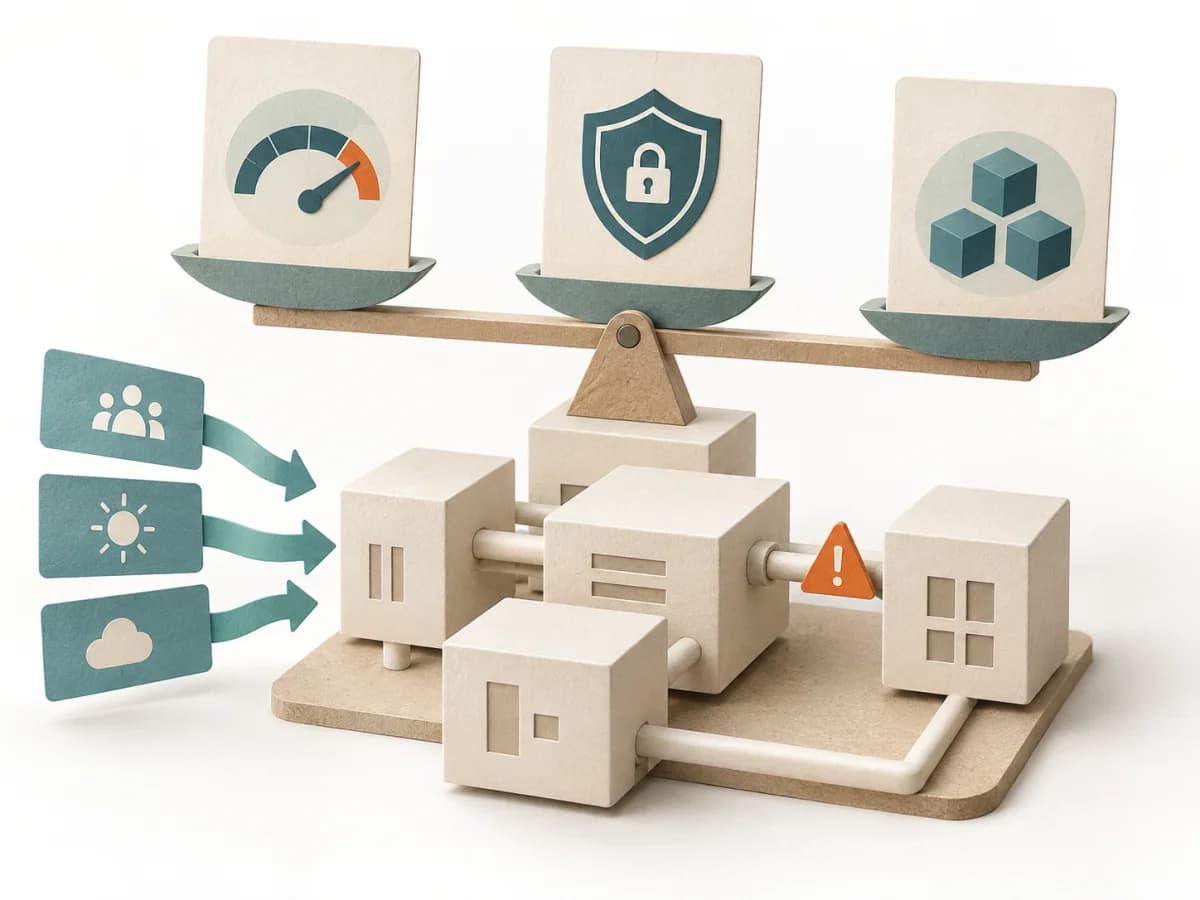
Choose ATAM to examine quality risks in the overall architecture and competing quality goals.

Uses concrete tasks to show how well an architecture supports use and change.
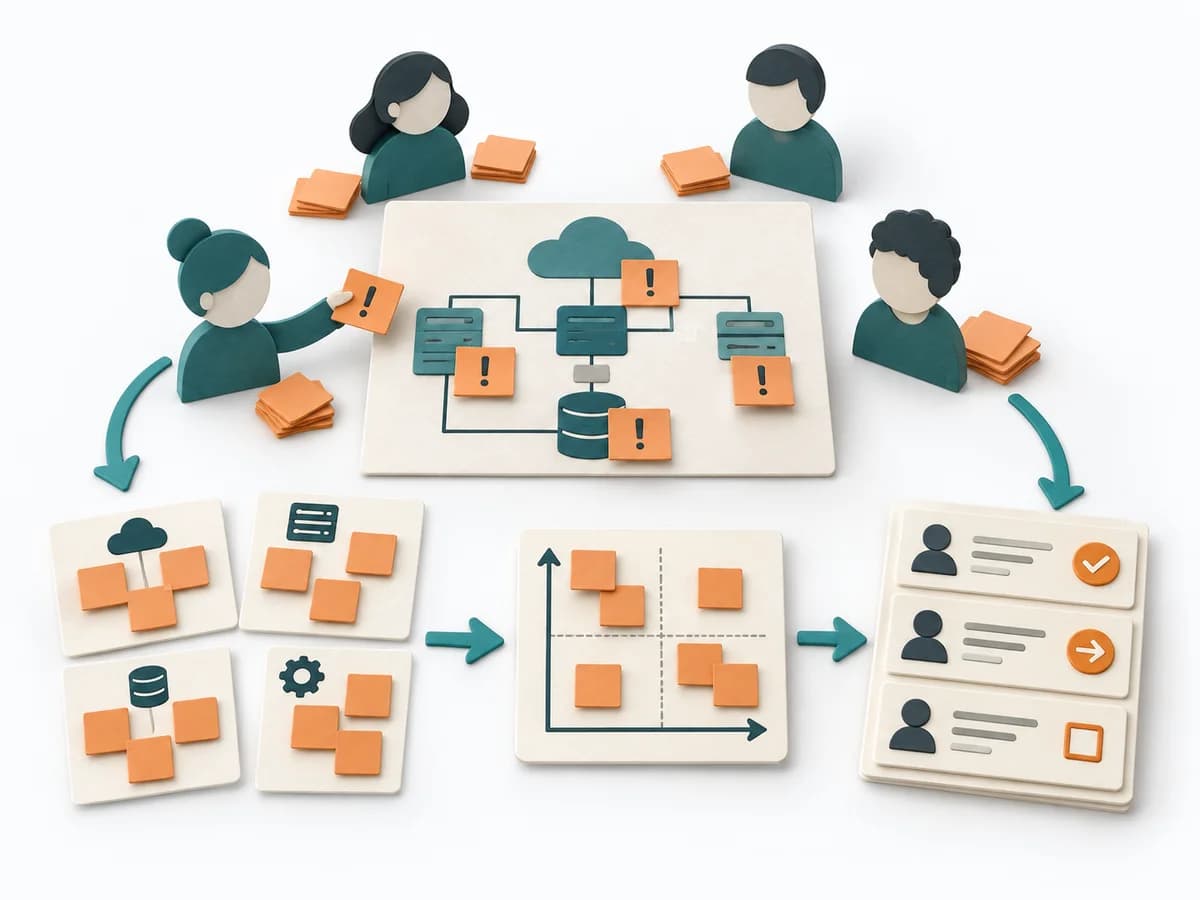
Moves architecture context, options, and consequences toward a concrete result through "place the architecture diagram or plan in the center", "set risk categories such as technical, organizational, and external", and "assign an owner and next steps for each top risk".
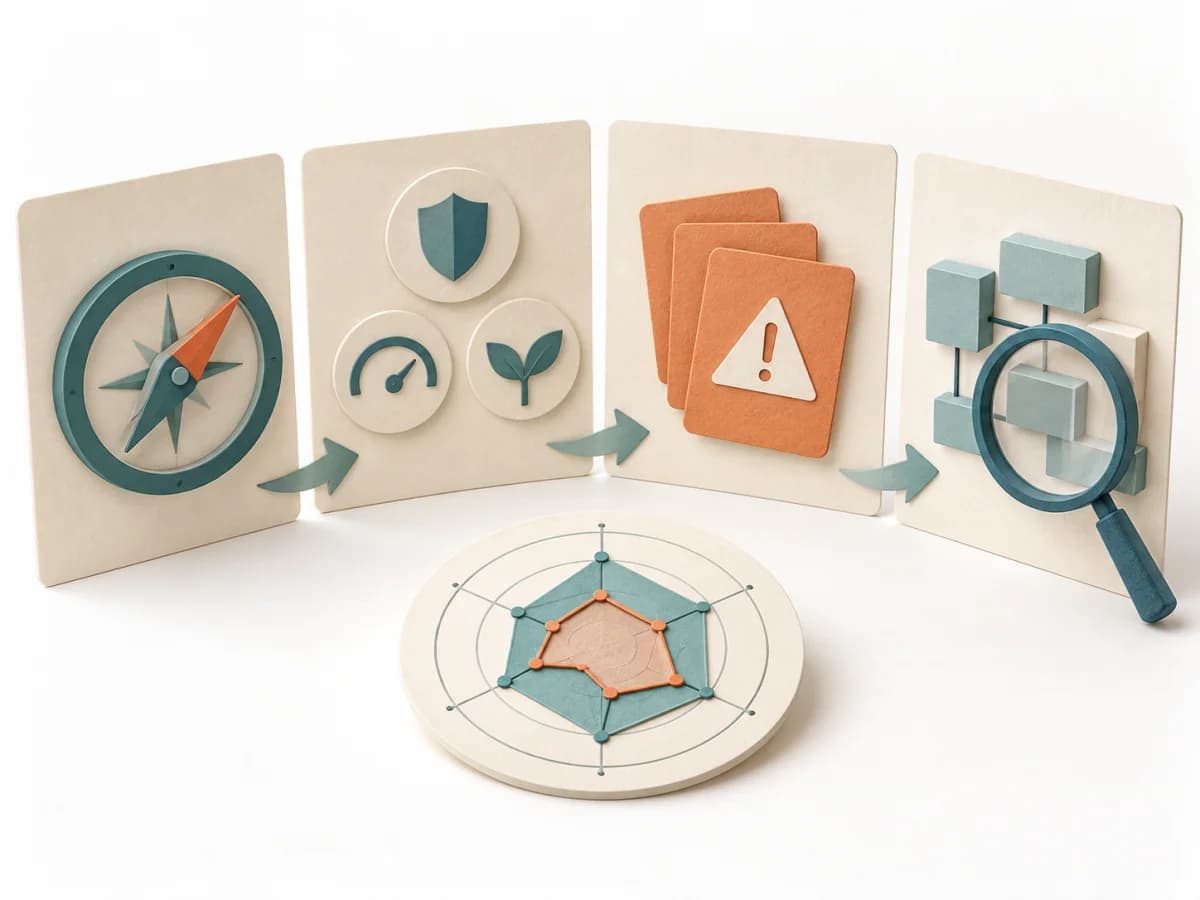
Helps a small team assess the main quality risks in its software and choose where to investigate further.

Gathers quality goals, prioritizes risks, and turns them into architecture topics evaluated together.

Connects several views of large systems and keeps cross-view information for the overall picture.