Purpose
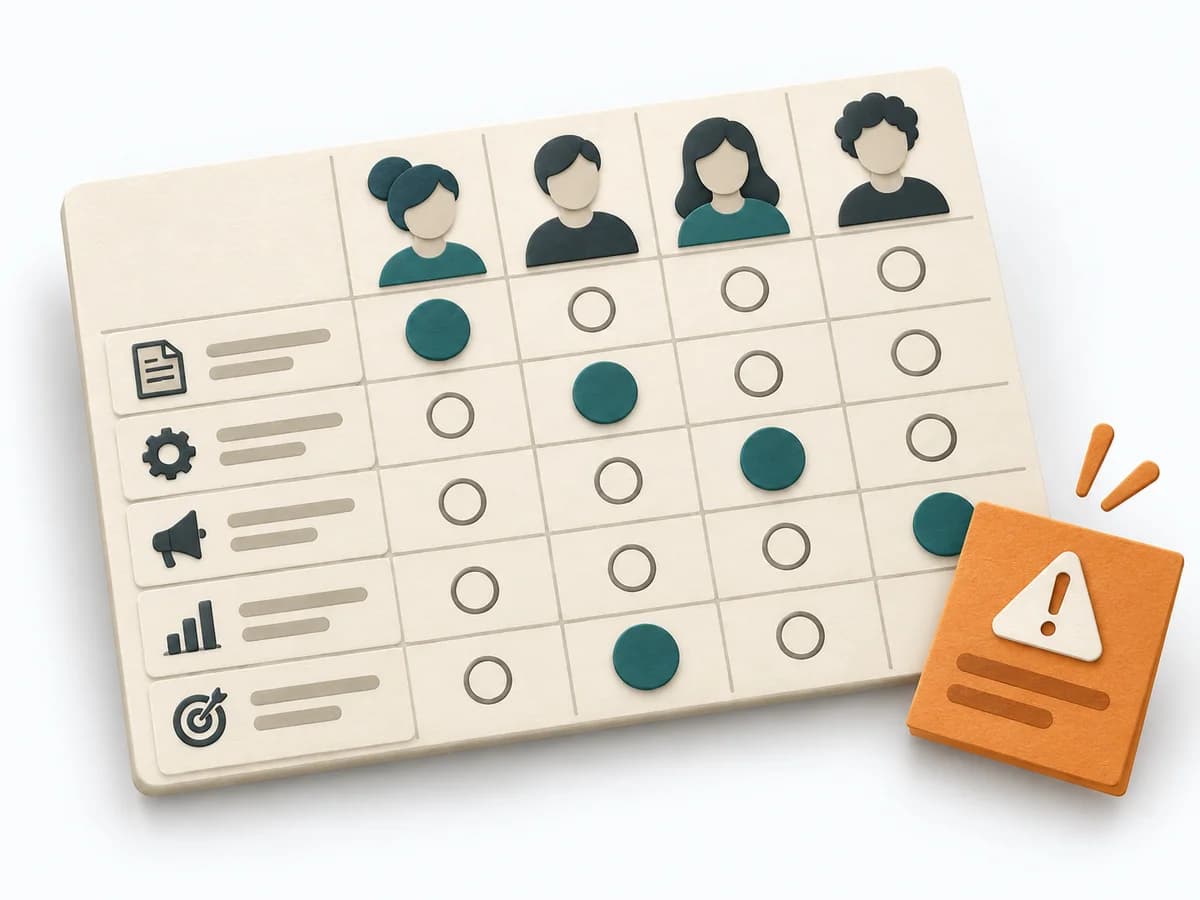
When work needs to move between different states or columns, it makes that movement and its handoffs legible. It sorts work by value, risk, and delivery ability. The result is captured as a ROAM Board and an Owner List.
Agile Decision method
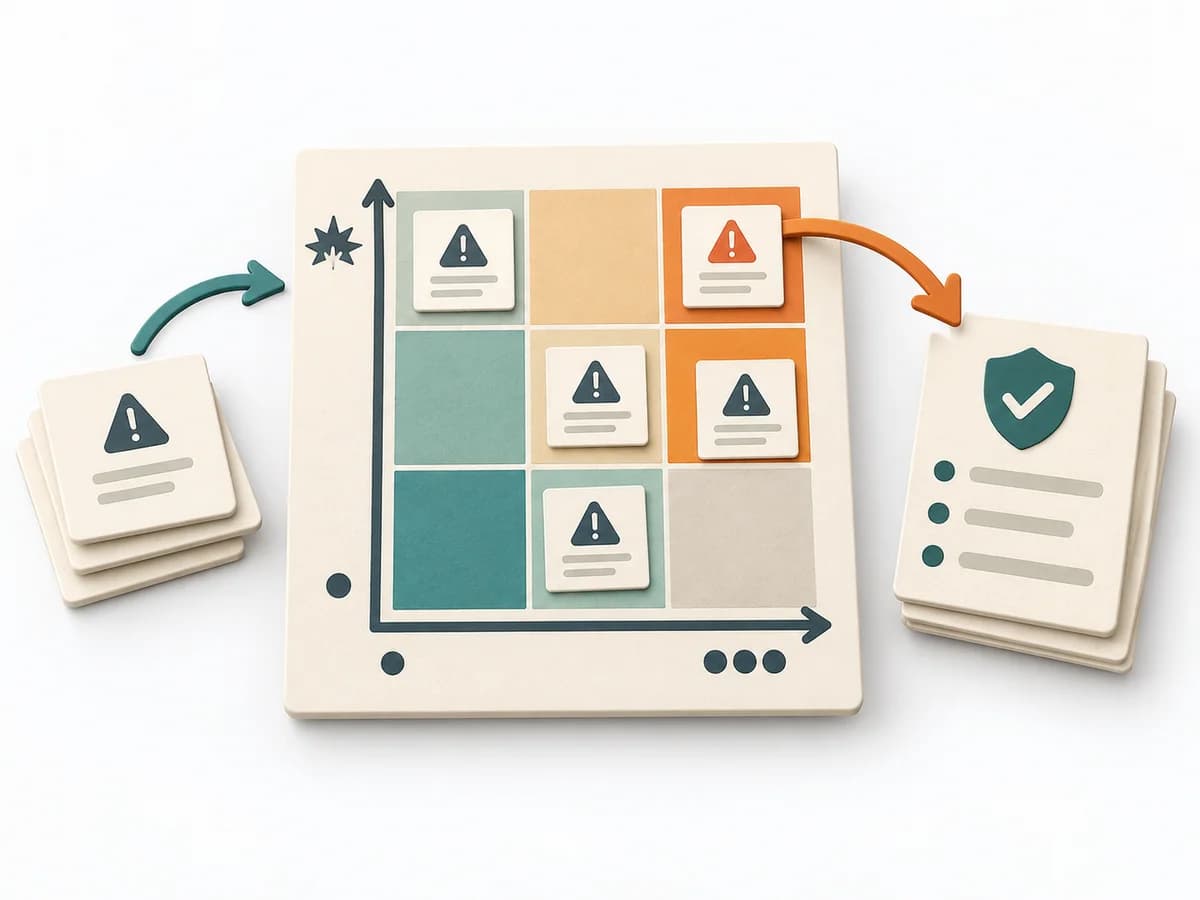
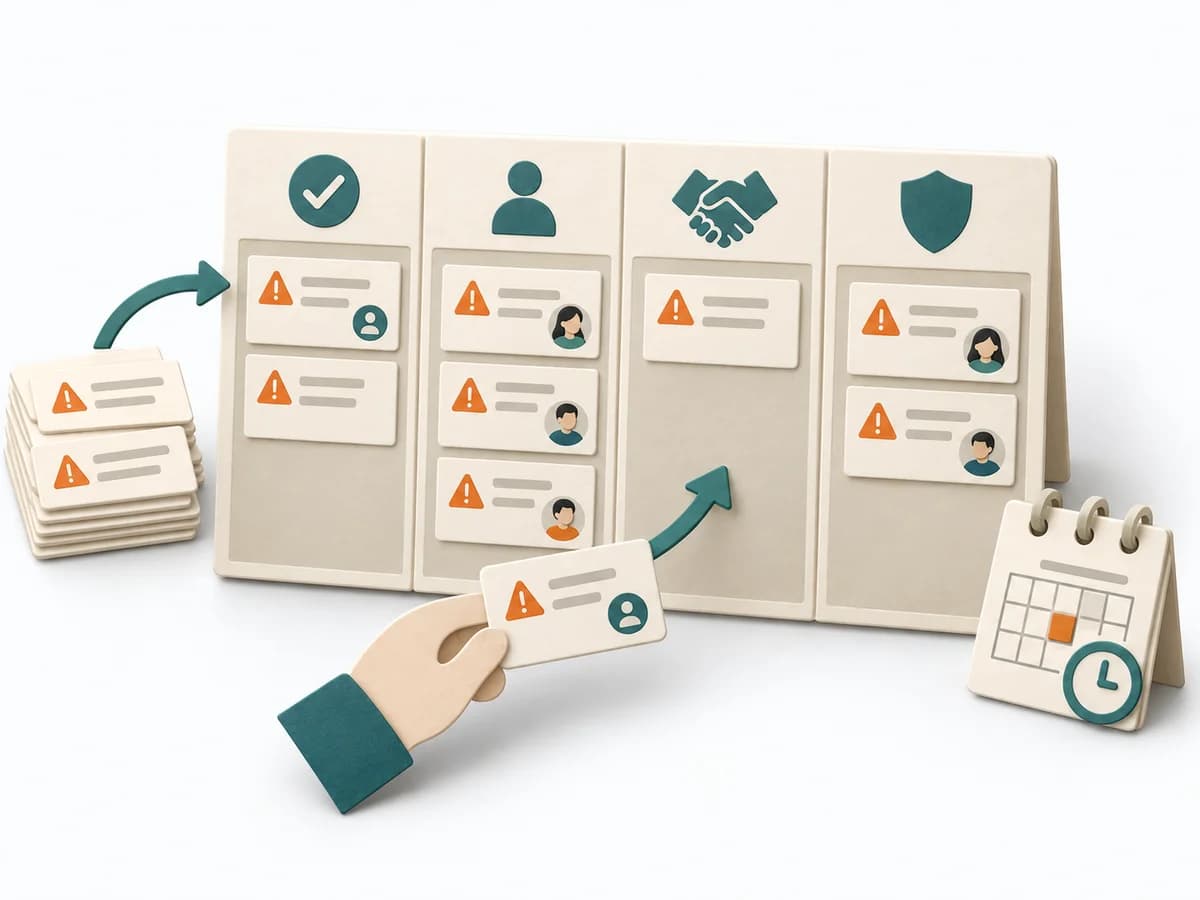
Assigns every relevant risk a treatment as Resolved, Owned, Accepted, or Mitigated.
ROAM is a collaborative risk-treatment practice for planning and review. Owned is an interim state with accountability, Accepted requires an authorised decision, Mitigated requires a concrete plan, and Resolved requires evidence that the concern has ended.
How will each relevant risk be treated, and what must happen before the next review?
Owned is not done. Accepted needs an authorised risk acceptor; Mitigated needs an action and residual uncertainty.
Prepare
Provide a bounded, understandable list of relevant risks with consequence and context.
Decide
Choose the appropriate treatment and record the decision rationale.
Commit
Make open risks actionable with owners, actions, acceptance authority, and the next review.
Review
Review risks regularly, justify transitions, and close completed cards traceably.
Review Owned and Mitigated risks at the agreed cadence; change status only with new evidence or an executed decision.
Useful after risk identification, especially for cross-team planning risks. It does not replace risk assessment or a detailed register.
Risks with an explicit treatment and documented rationale.
Open owners, actions, dates, acceptances, and status triggers.
Fictional worked example
Four treatment states with status-specific required information.
Test environment capacity
Additional capacity confirmed; risk ended on 14 June.
Certificate approval delayed
Clarification blocked
Owner Security; escalation by 21 June; treatment still undecided.
One-day shipping delay
Business owner accepted on 12 June; reconsider at >1 day or >5% of orders.
Identity provider outage
Fallback tested; residual switch-over risk up to five minutes; review 30 September.
Include only concrete risk scenarios and clarify the required ROAM decision for each.
When work needs to move between different states or columns, it makes that movement and its handoffs legible. It sorts work by value, risk, and delivery ability. The result is captured as a ROAM Board and an Owner List.
It keeps tasks on an easily movable board and shows where work is stuck or can move forward. This makes flow control in daily work more visible than in static lists, especially when demand keeps changing.
The ROAM Board is a simple state tracker often used in scaled agile after PI planning. Resolved means done, Owned means deliberately monitored with an owner, Accepted means consciously accepted without action, and Mitigated means active countermeasure. Each risk stays visible until it is Resolved or explicitly Accepted.
Keep the definitions of the four categories visible. Allow only one bucket per risk so clarity remains high. Set a review cadence, for example weekly.
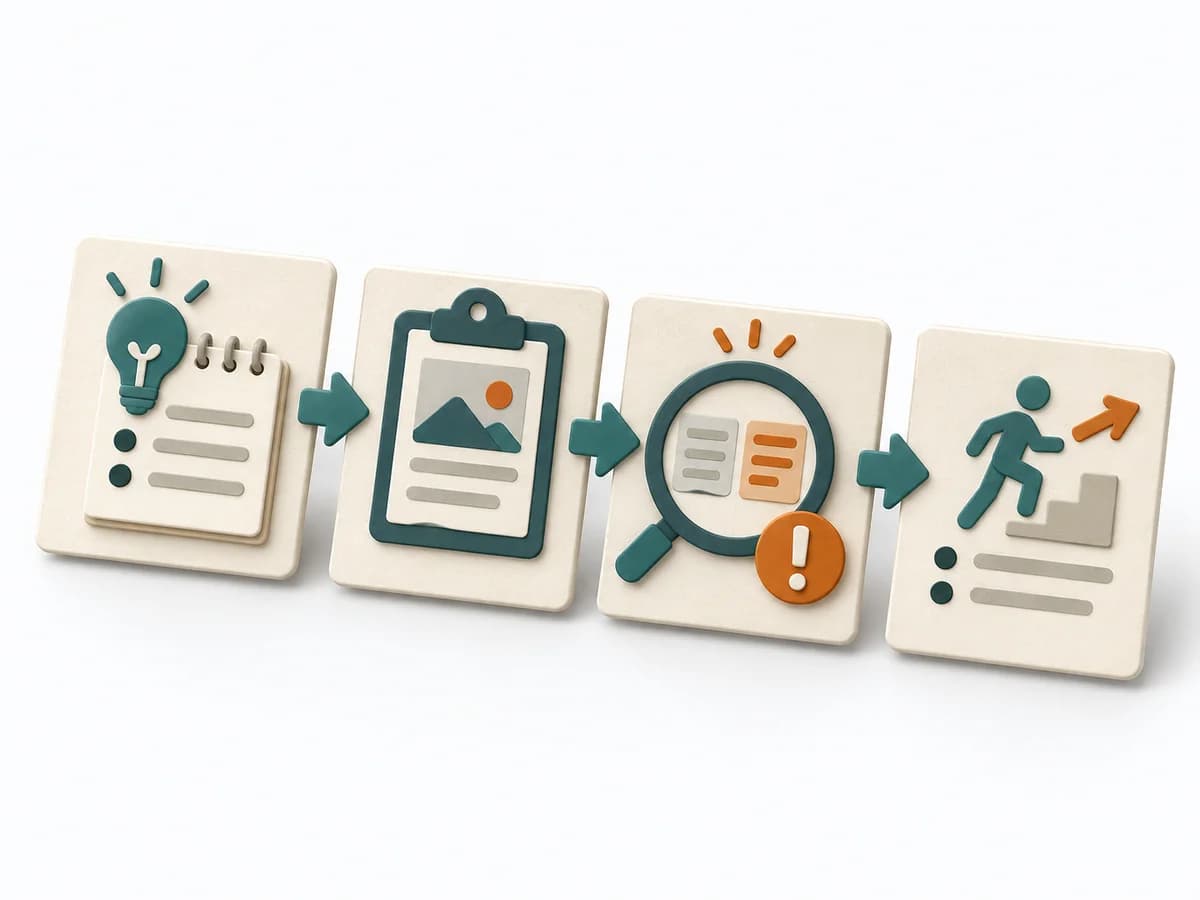
The method guide walks execution through 4 phases, timing, 4 pitfalls, and clear stop criteria.
Open method guideYour perspective
Your feedback helps shape the next improvements to methodatlas.
Set up the board once and establish a recurring review practice.
To be confirmed
To be confirmed
Establish ROAM practice Time: Ongoing practice with 10–20 minutes per review
Complete this worksheet on paper or in your own document during the work.
...
...
...
...
Resolved ...
Owned ...
Accepted ...
Mitigated ...
U.S. Department of Commerce Agile Framework
Expected artifact: Qualified risk list
Risk scenario · consequence · context · urgency
Entry:
...
Expected artifact: ROAM assignment
Category · rationale · residual uncertainty
Entry:
...
Expected artifact: Actionable board
Owner · action · date · evidence · acceptance
Entry:
...
Expected artifact: Versioned risk picture
Status history · new evidence · escalations
Entry:
...
...
Method guide: https://methodatlas.meierhoff-systems.de/en/methods/roam-board/run-sheet
Fitting alternatives with decision guidance, followed by other related methods.
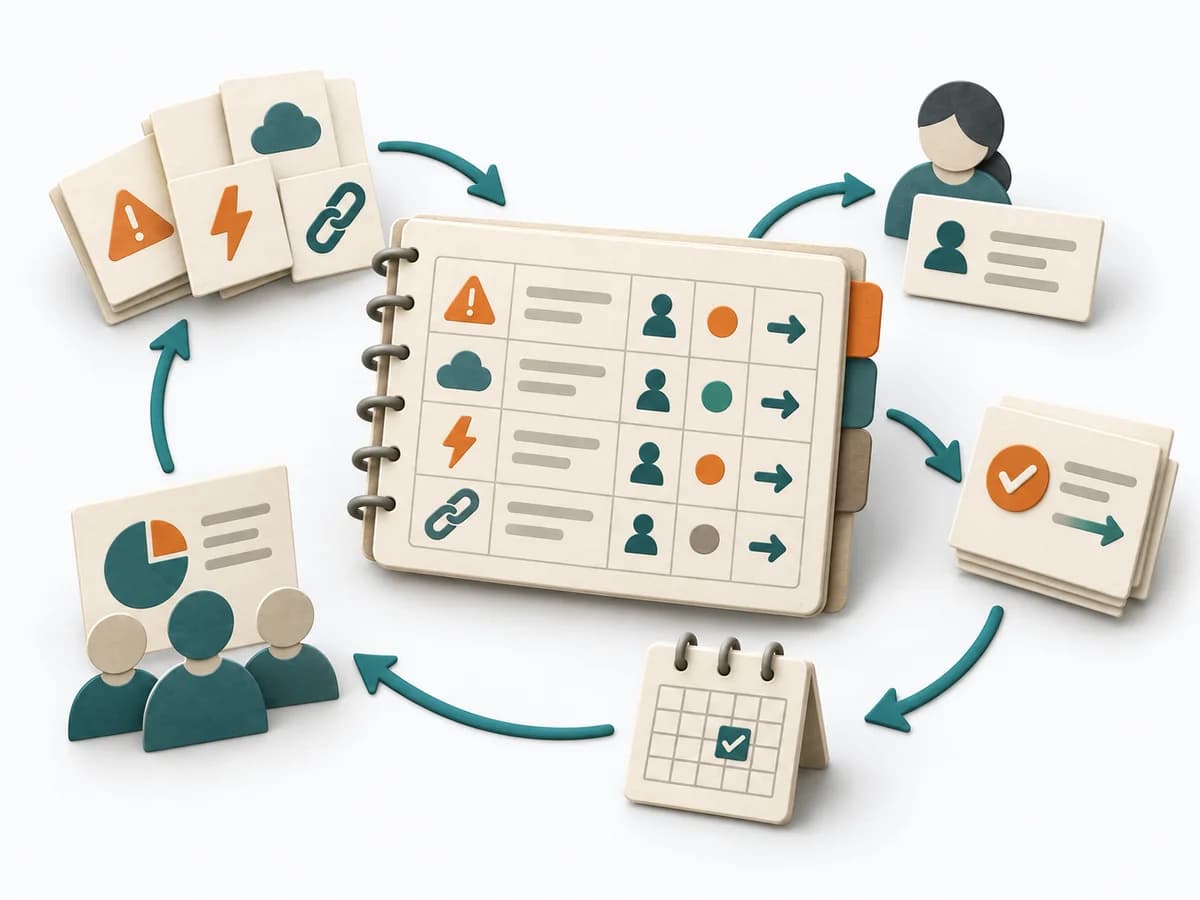
Instead of ROAM Board, choose RAID Log when you want to keep risks, assumptions, issues, and dependencies concisely in one project record.
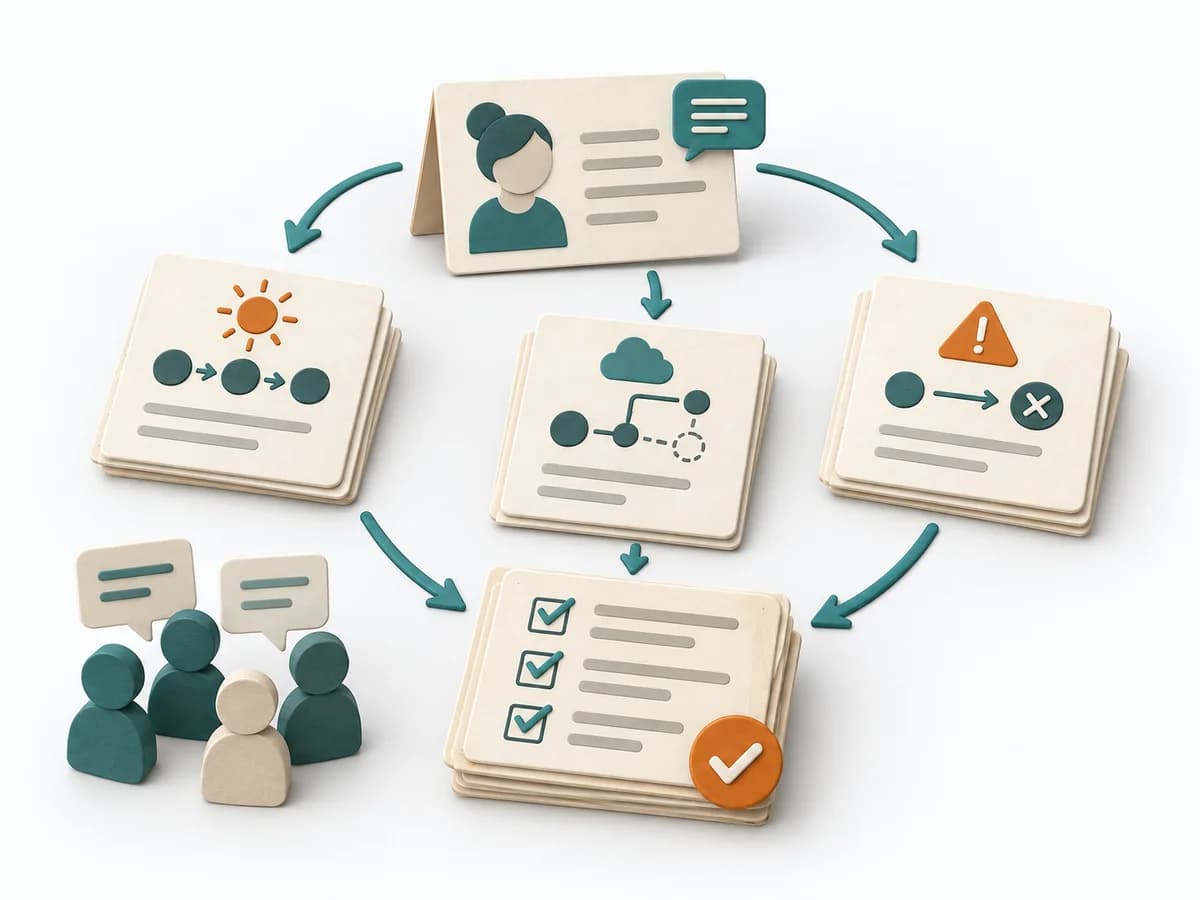
Moves backlog, sprint work, and team flow toward a concrete result through "pin the story summary to the whiteboard", "write the happy path as Given-When-Then", and "copy the criteria into the story tool".
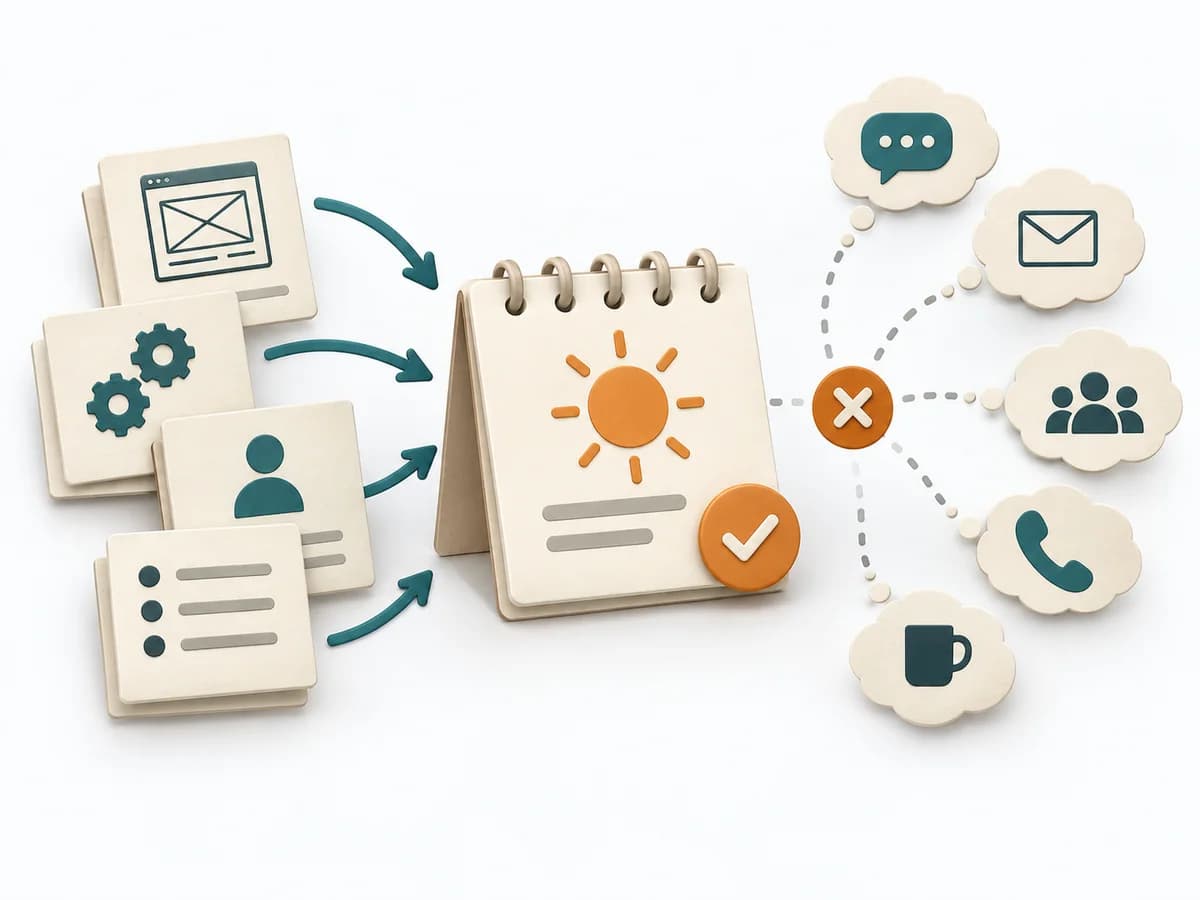
Moves backlog, sprint work, and team flow toward a concrete result through "explain the ideal day unit", "calibrate with a reference item", and "do not confuse it with calendar days".

Compares stories relatively, surfaces knowledge gaps, and produces a shared estimate with traceable assumptions.

Sorts backlog items roughly by reference sizes and flags early on which items will later need splitting or clarification.
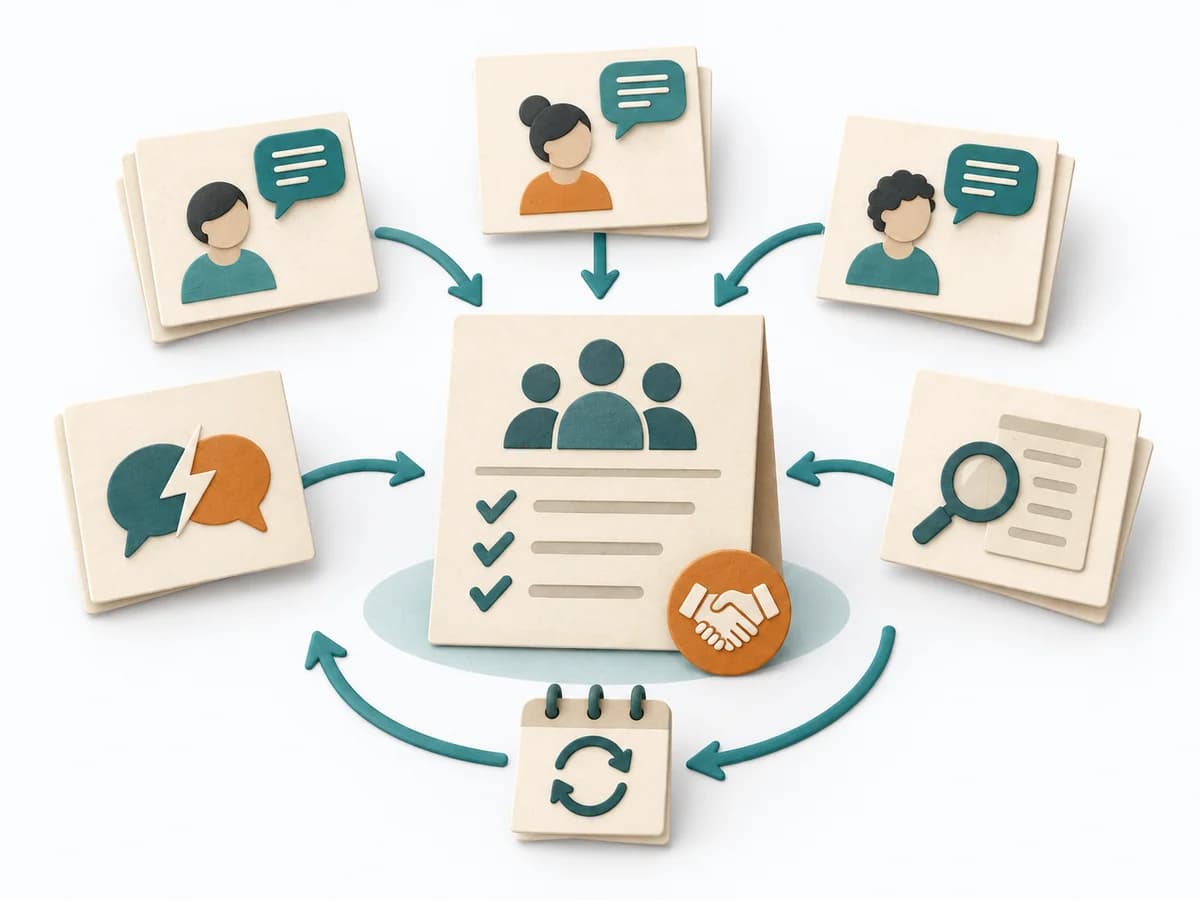
Jointly formulates valid working rules and clarifies how the team handles expectations, conflicts, and reviews.