Purpose
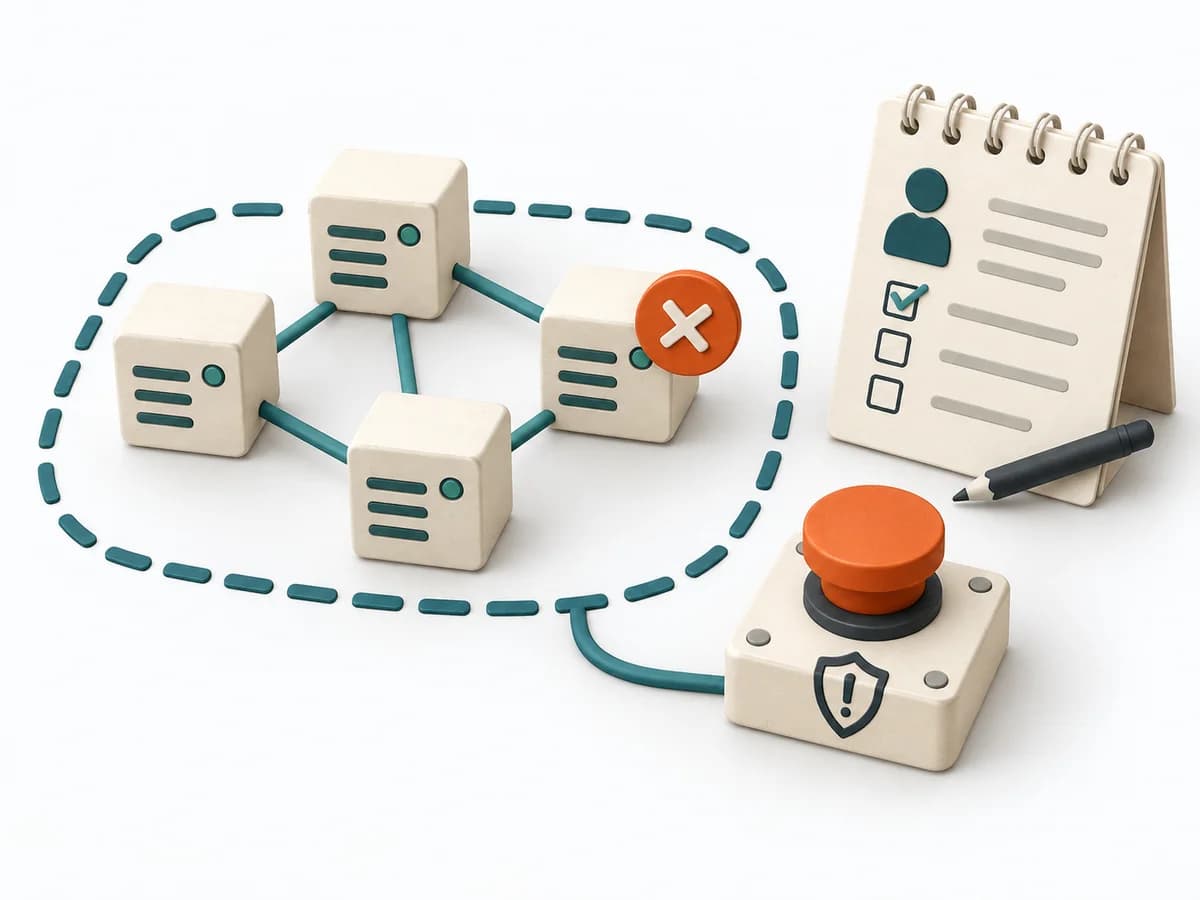
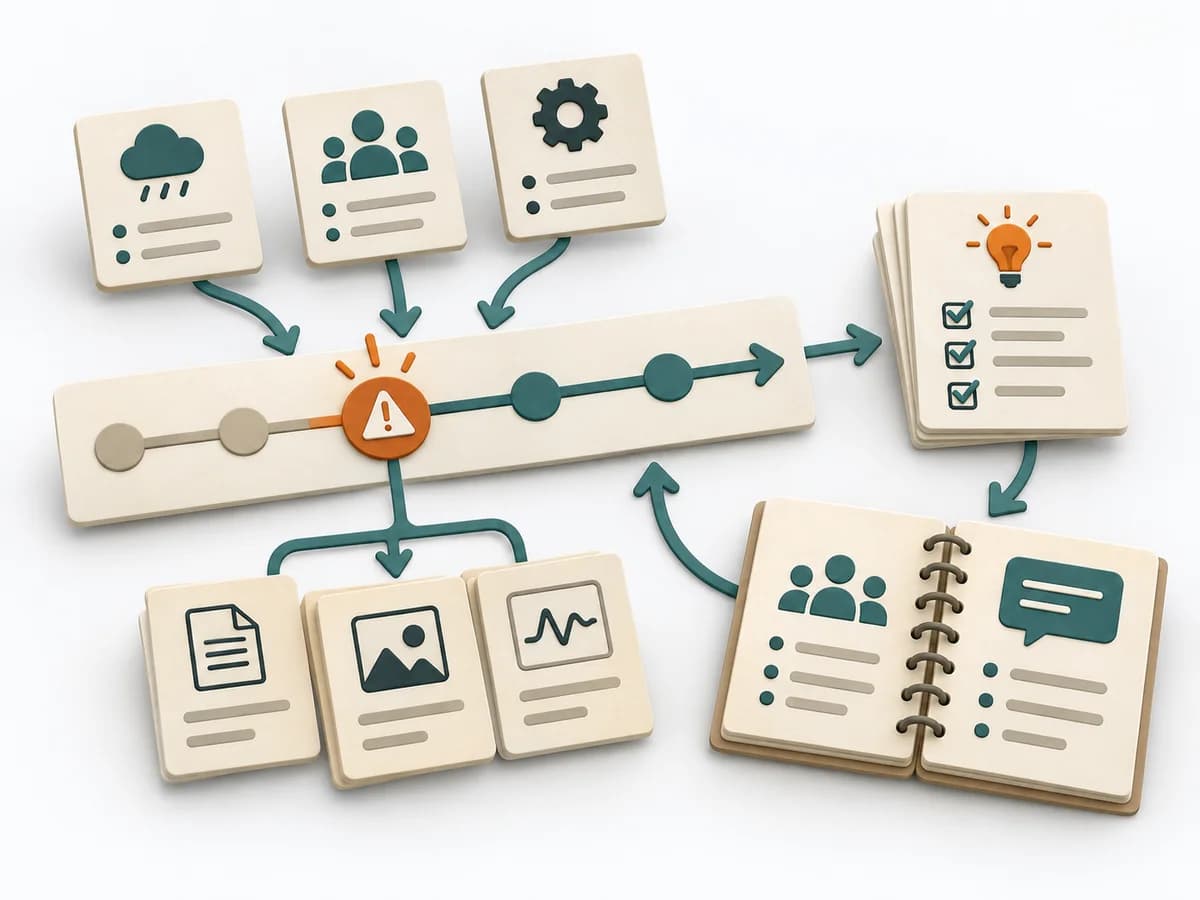
For operational work in a distributed team, the method links communication with direct system control. It records decisions right where the signal, the context, and the execution come together.
DevOps Operating practice
ChatOps makes operational actions and their context visible, traceable, and safely executable in team chat.
ChatOps makes operational actions and their context visible, traceable, and safely executable in team chat. It connects shared visibility with verifiable access and execution rules.
Which operational action benefits from shared visibility, and what controls prevent misuse?
Phases may be revisited; their order supports the work but does not replace domain judgment.
Operation
Choose a frequent, well-defined action that benefits from shared visibility.
Controls
Define allowed parameters, identity, approvals, audit log, and rollback.
Feedback
Start in a test environment; post context, execution, status, and result.
Review
Review commands and access regularly; remove unused or risky functions.
Review the result and open assumptions at the next suitable checkpoint. Record changes, ownership, and new evidence.
Use when: A recurring team operation with clear permissions, safe interfaces, and useful chat context.
The artifact records a frequent, well-defined action that benefits from shared visibility.
Evidence from a test environment with context, execution, status, and result.
Regular reviews of commands and access remove unused or risky functions.
Fictional worked example
Make operational actions and their context visible, traceable, and safely executable in team chat.
Describe operation, user need, and chat channel.
`/deploy staging payments` with allowlist and confirmed environment.
Record command permission, identity, approval, and rollback.
Staging direct; production requires two-person approval; service account least-privileged.
Add test result, error cases, and chat feedback.
Build ID, approval, start/end, status link, and error note in channel.
Record audit source, owner, and next security review.
Fictional run #D-184 succeeded; requester, approver, and rollback path recorded.
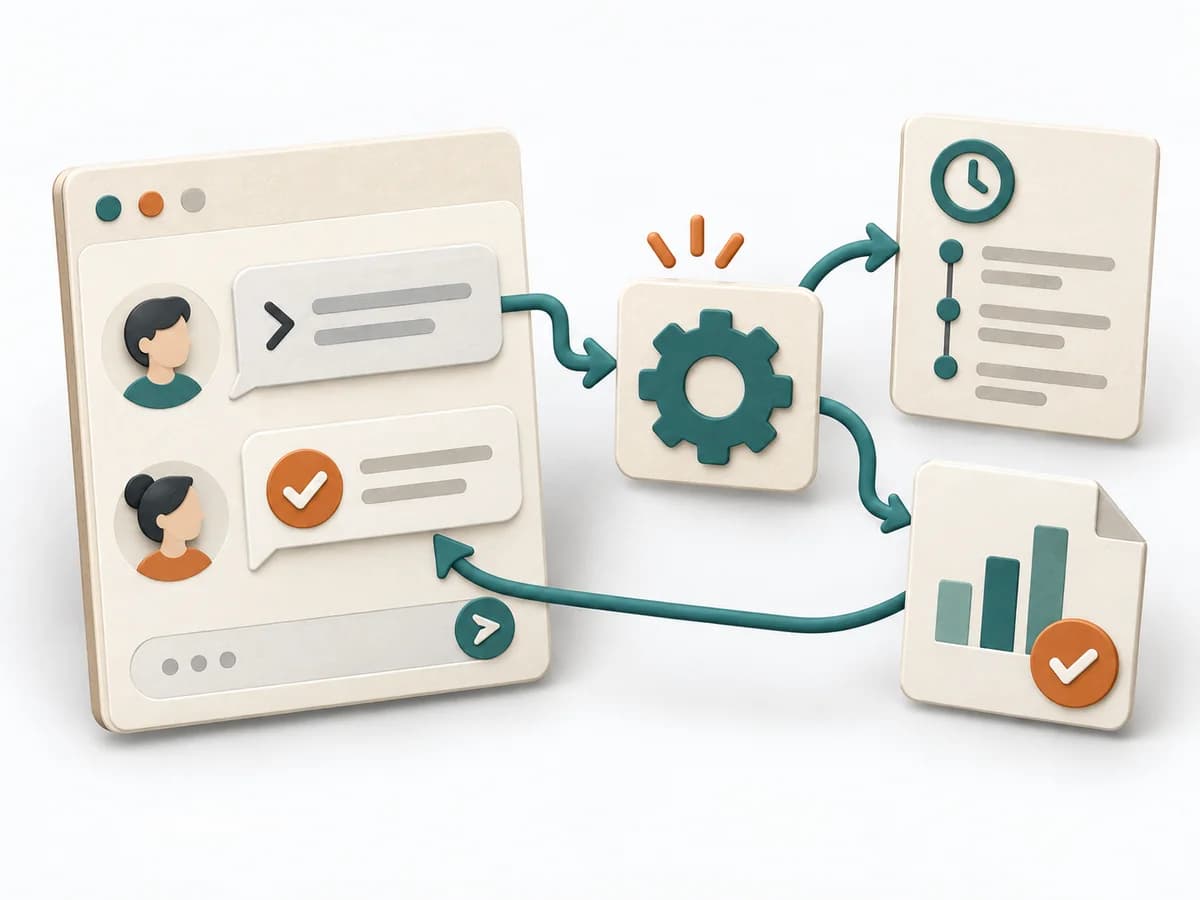
Fictional: `/deploy staging payments` shows the build, checks authorization, and posts deployment ID and result to the release channel. Production requires two-person approval; the bot only executes allowlisted commands. Failed attempt and rollback remain traceable in chat.
Using ChatOps to help Actions on-call engineers · GitHub Blog
Start with a bounded question, clarify access and participants, and collect available evidence. Make operational actions and their context visible, traceable, and safely executable in team chat.
For operational work in a distributed team, the method links communication with direct system control. It records decisions right where the signal, the context, and the execution come together.
Commands, status, and reactions run through the same channel so context doesn't fall apart between tools. This shortens follow-up questions and makes operational steps traceable afterward. Especially with alerts or smaller interventions, this creates a shared, checkable stream of work.
ChatOps connects operational communication, system signals, and executable steps into a traceable stream of work. Permissions, safe commands, and clear logging decide whether pace stays controllable. A noisy chat room turns into an operational tool once context loss between tools disappears.
Define visible channels, approved commands, and logging rules in advance so automation doesn't become a shadow tool. The method holds up when routine interventions stay traceable in the shared history and follow-up questions don't drift into private side channels. Close with tidied-up commands, clear permissions, and short documentation for recurring patterns.
The method guide walks execution through 4 phases, timing, 4 pitfalls, and clear stop criteria.
Open method guideYour perspective
Your feedback helps shape the next improvements to methodatlas.
Prepare ChatOps with a clear question, roles, and sources.
To be confirmed
To be confirmed
Plan the full method Time: Set according to scope and available evidence
Complete this worksheet on paper or in your own document during the work.
Describe operation, user need, and chat channel.
...
Record command permission, identity, approval, and rollback.
...
Add test result, error cases, and chat feedback.
...
Record audit source, owner, and next security review.
...
Blank worksheet: start with a bounded question. Enter observed facts only, mark assumptions, and record open questions and sources.
Using ChatOps to help Actions on-call engineers · GitHub Blog
Expected artifact: Suitable, bounded ChatOps use case
Suitable, bounded ChatOps use case
Entry:
...
Expected artifact: Least-privilege command and approval policy
Least-privilege command and approval policy
Entry:
...
Expected artifact: Tested command with useful feedback
Tested command with useful feedback
Entry:
...
Expected artifact: Auditable trace and review path
Auditable trace and review path
Entry:
...
...
Method guide: https://methodatlas.meierhoff-systems.de/en/methods/chatops/run-sheet
Fitting alternatives with decision guidance, followed by other related methods.
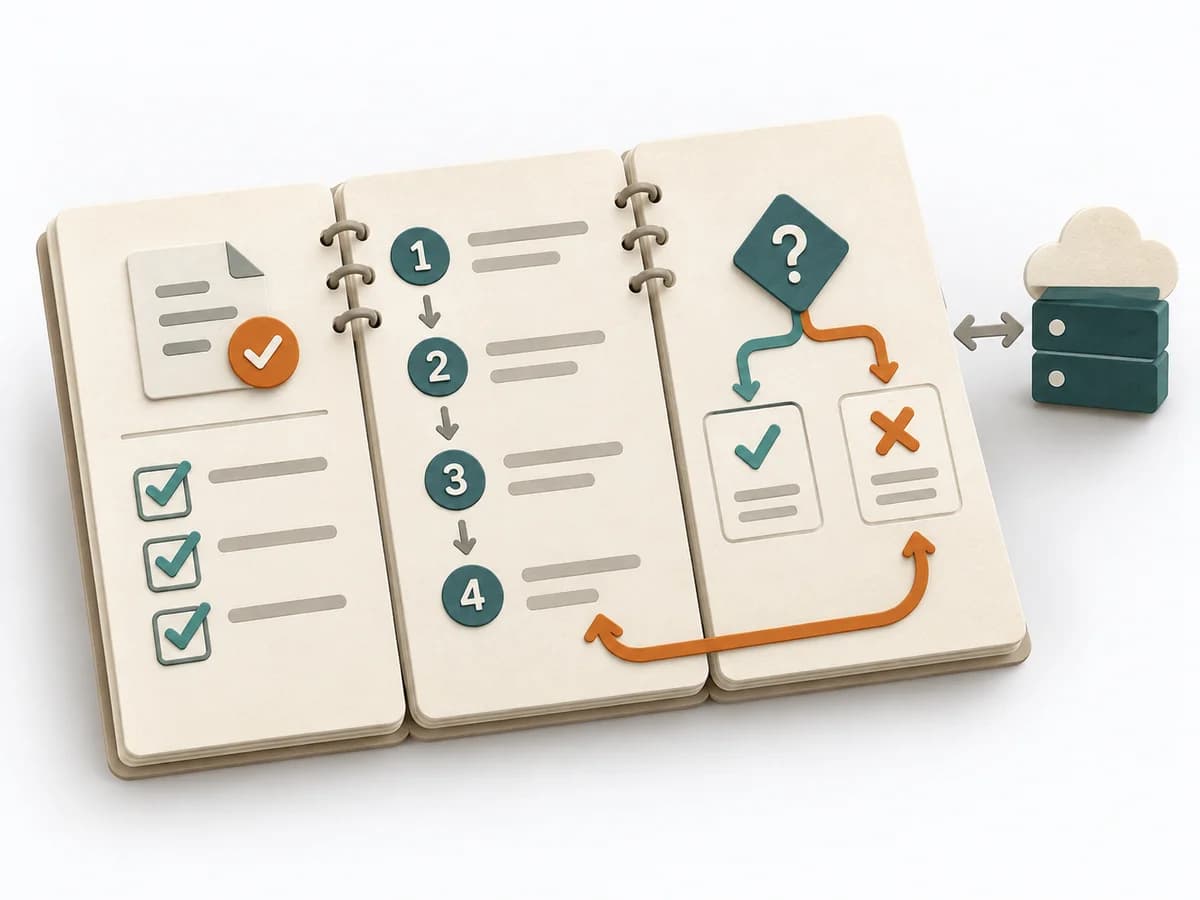
Instead of ChatOps, when you want to capture a recurring process as an action-oriented guide for people.
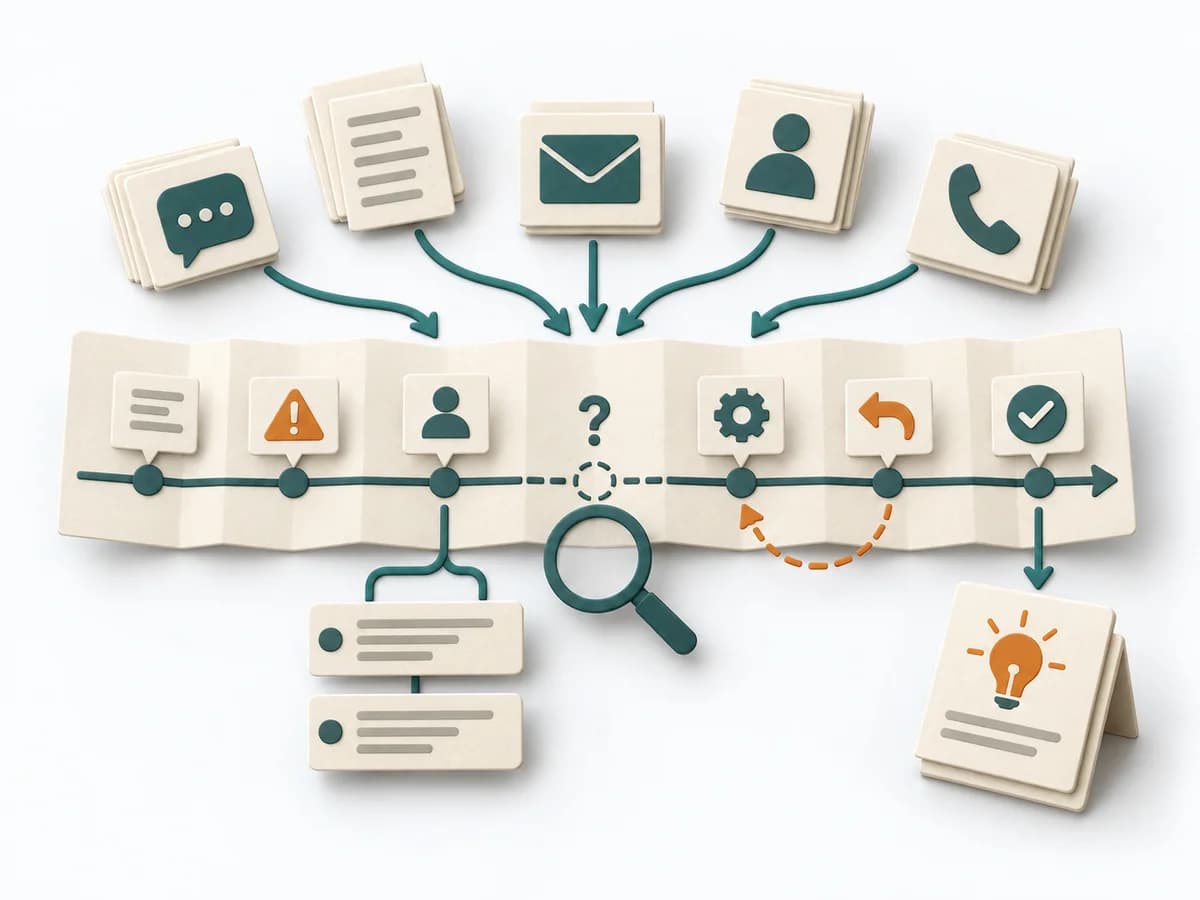
Arranges events, decisions, and delays chronologically and makes causes and lessons learned visible.
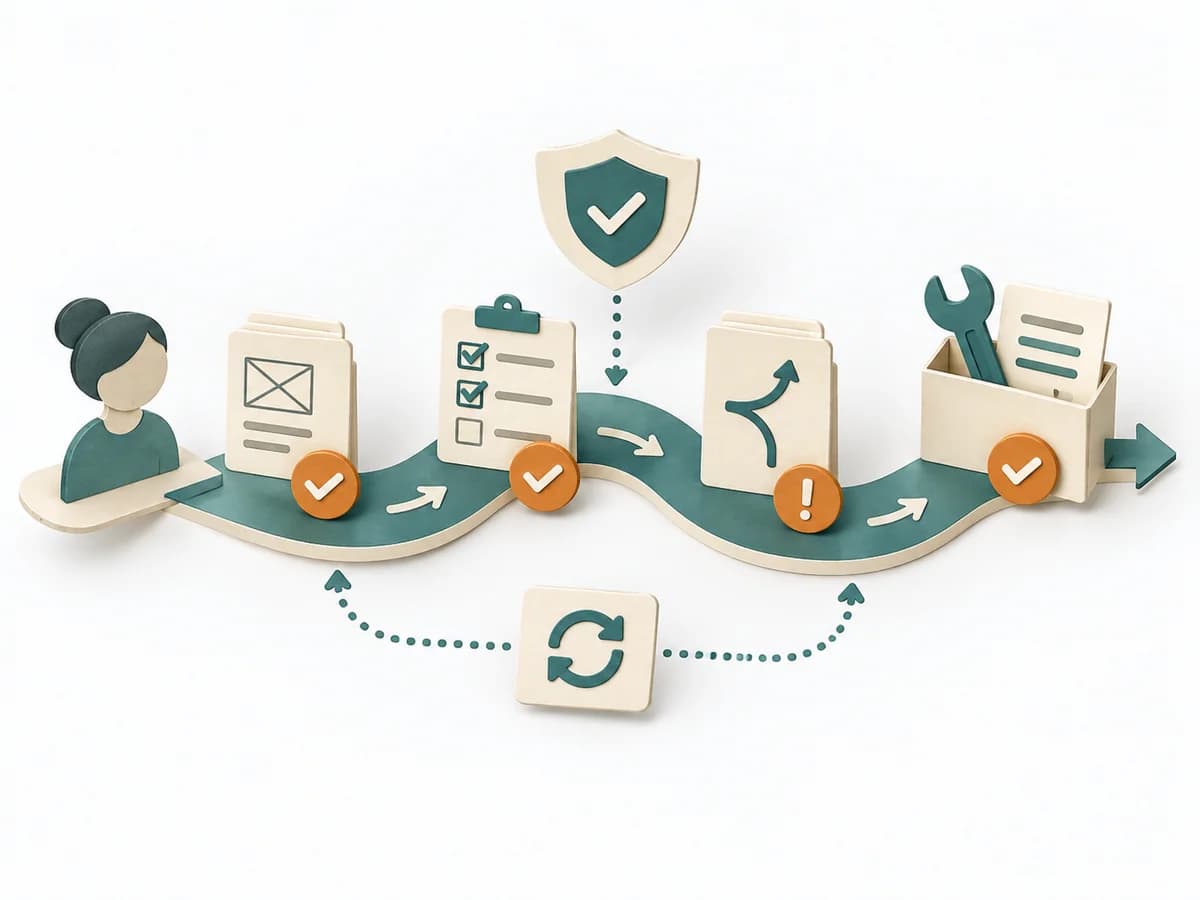
Describes the preferred default path for common use cases and adds templates, checks, and exceptions.
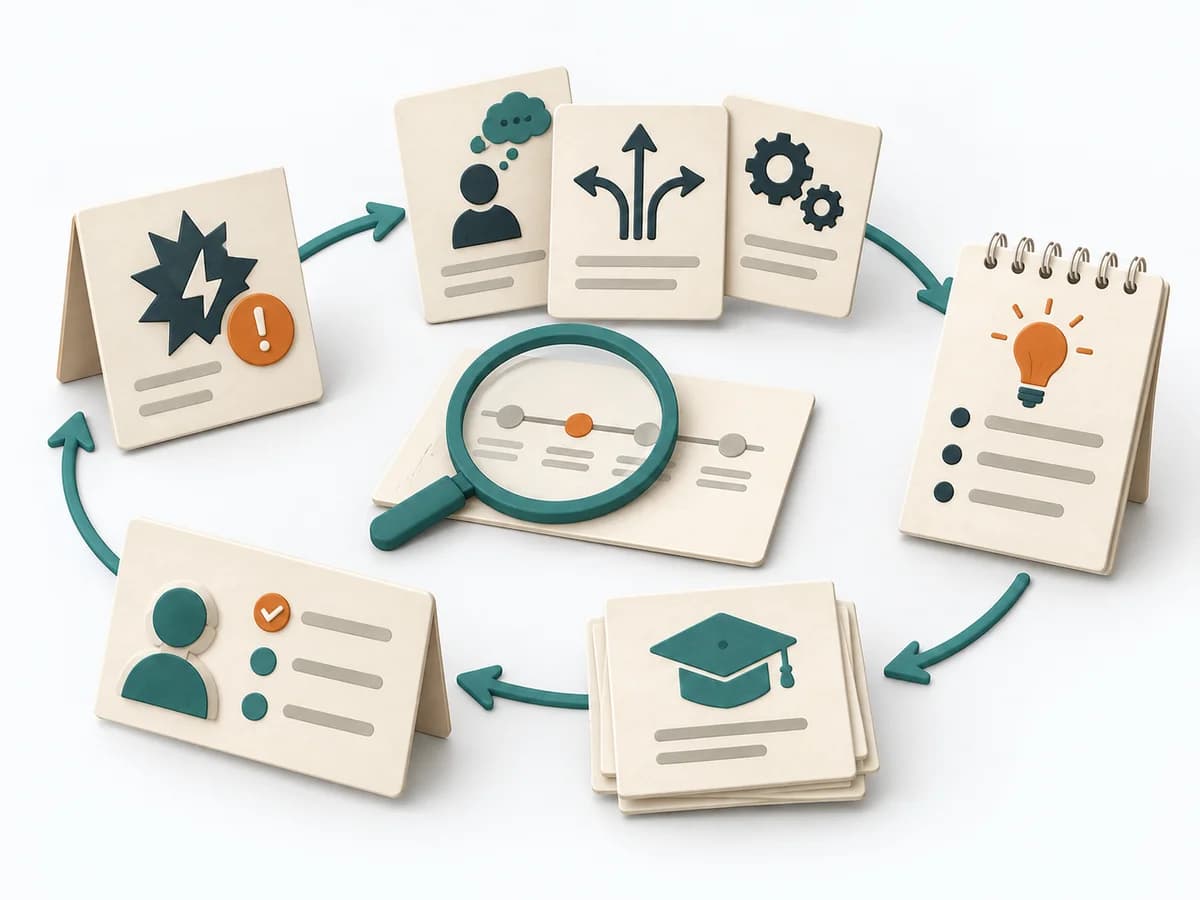
Examines an incident with a view to decisions, assumptions, and system factors, and records the resulting lessons.
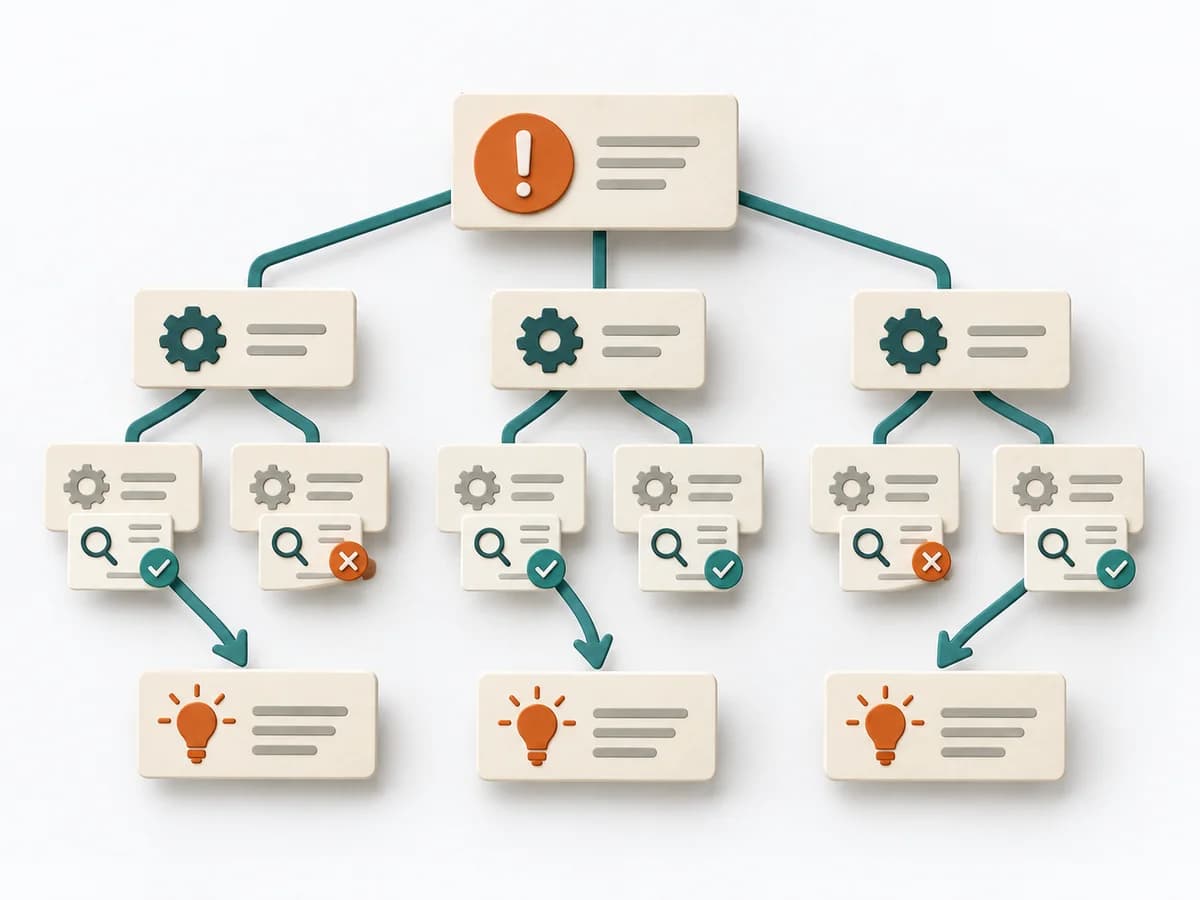
Clarifies workflows, data, causes, and improvements by framing the problem precisely, branching possible causes, and defining countermeasures.
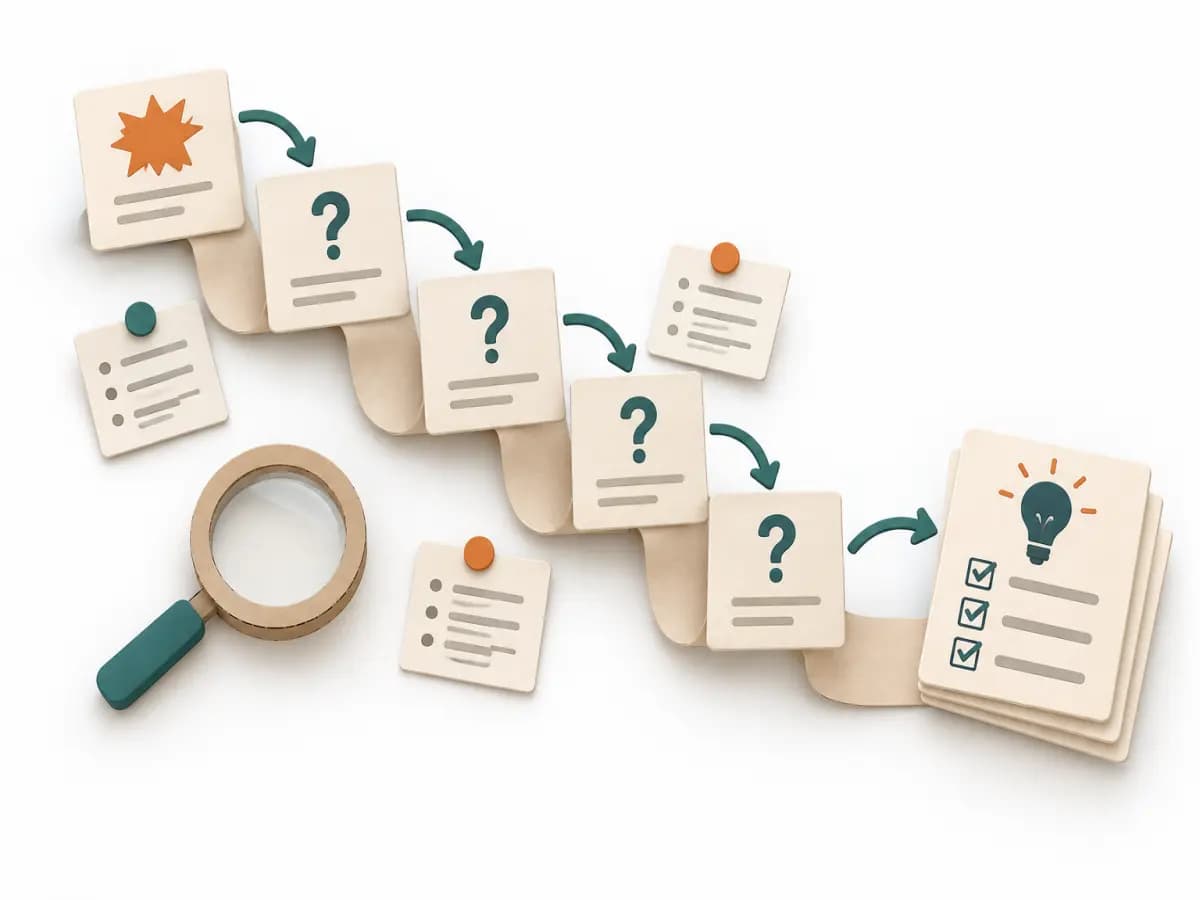
Asks its way step by step to a controllable cause and stops only once an effective countermeasure is within reach.