Purpose
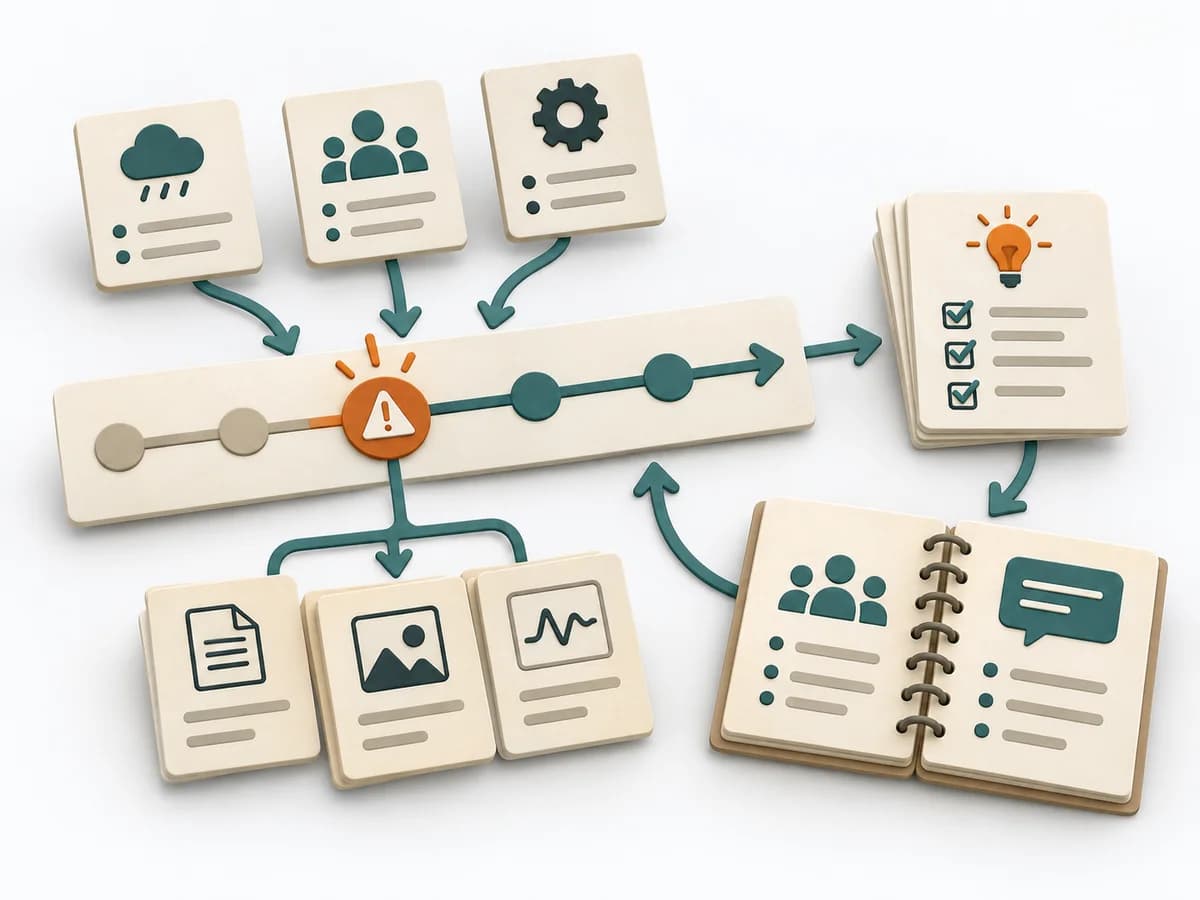
During an acute incident with several people involved, the method creates a clear leadership and communication structure. It reduces chaos when fast coordination and clean situational awareness are both needed at once.
DevOps Operating practice
Coordinates an active major incident with clear command, shared situation, communication, and documented handoff.
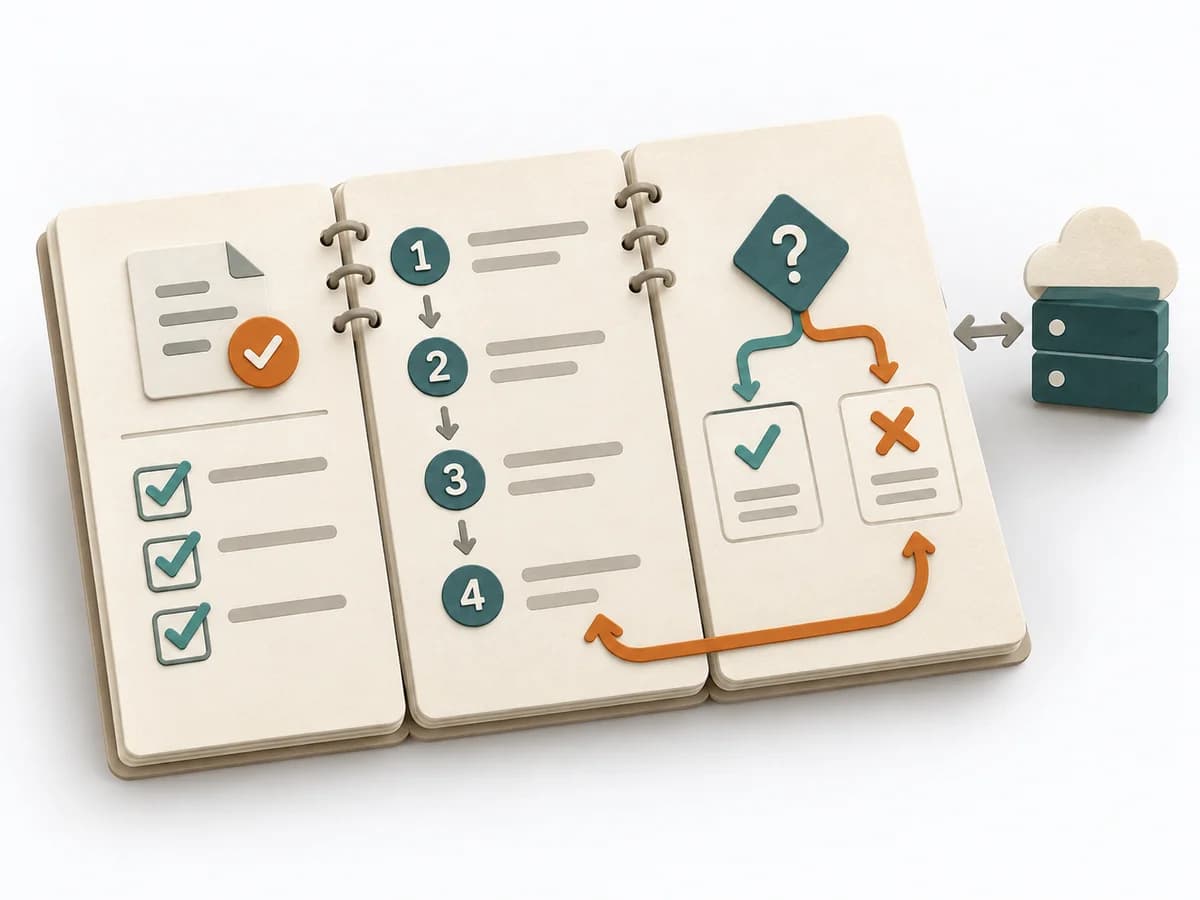
Incident Command coordinates an active major incident through clear command, a shared situation picture, communication, and a documented handoff. The method connects operational control with traceable transfer of responsibility.
Who commands, who works the technical problem, and how do we maintain a shared situation?
Phases may be revisited; their order supports the work but does not replace domain judgment.
Command
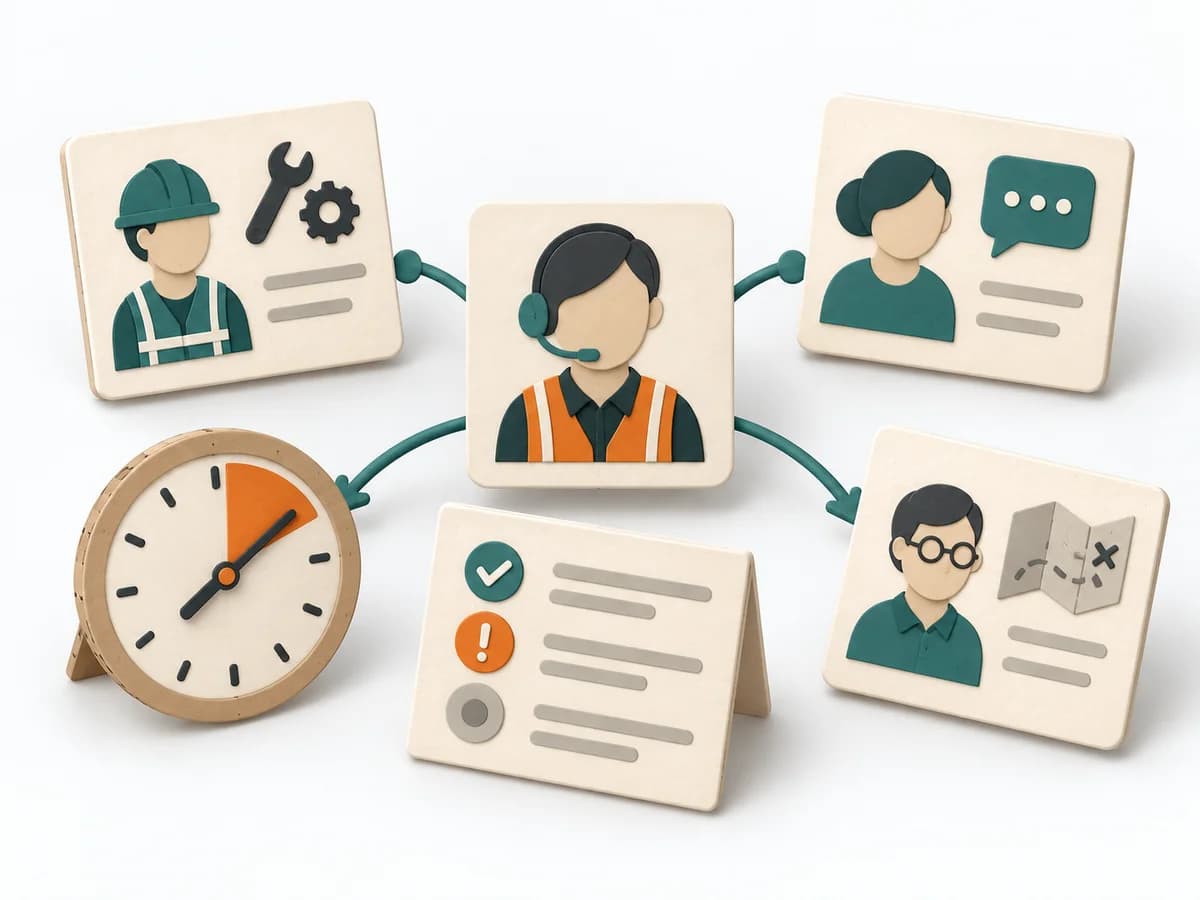
Set severity and objectives; name Incident Commander and assign roles.
Situation
Collect symptoms, user impact, systems, and confirmed facts in one log.
Coordination
Assign technical workstreams; set status cadence and audience.
Handover
Verify recovery, state residual risks, document command handoff, and schedule review.
Review the result and open assumptions at the next suitable checkpoint. Record changes, ownership, and new evidence.
Use when: An active incident requiring coordination, multiple responders, or external communication.
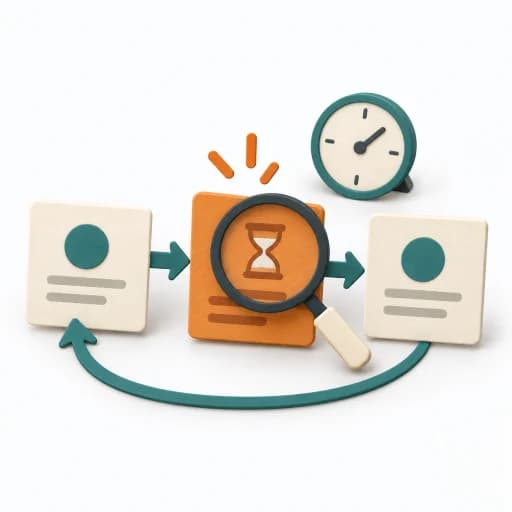
Severity, objectives, Incident Commander, and assigned roles.
Technical workstreams, status cadence, and audience.
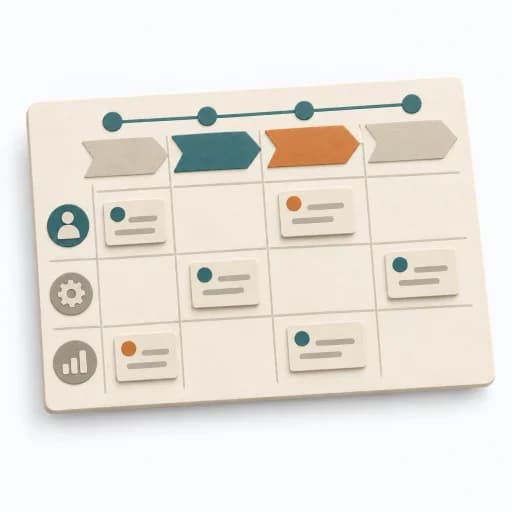
Verified recovery, stated residual risks, documented command handoff, and scheduled review.
Fictional worked example
Coordinate an active major incident with clear command, shared situation, communication, and documented handoff.
Record severity, Incident Commander, and start time.
Payment confirmations delayed; SEV-1 declared at 14:05.
Separate confirmed facts, hypotheses, impact, and open questions.
IC: Sam; Operations: Jo; Communications: Lee; Scribe: Pat.
Assign workstreams, update cadence, and audience.
15-minute situation update; one incident log; technical changes have an owner.
Document stability criteria, residual risk, and accepted handoff.
After queue stabilizes: IC hands off to service owner; schedule separate learning review.
Fictional: payment confirmation outage. Incident Commander coordinates and sets 15-minute updates; Operations Lead checks backlog and rollback; Communications Lead publishes customer status; Scribe logs timestamps. Once stable, roles are formally handed off and a separate postmortem is scheduled.
Start with a bounded question, clarify access and participants, and collect available evidence. Coordinate an active major incident with clear command, shared situation, communication, and documented handoff.
During an acute incident with several people involved, the method creates a clear leadership and communication structure. It reduces chaos when fast coordination and clean situational awareness are both needed at once.
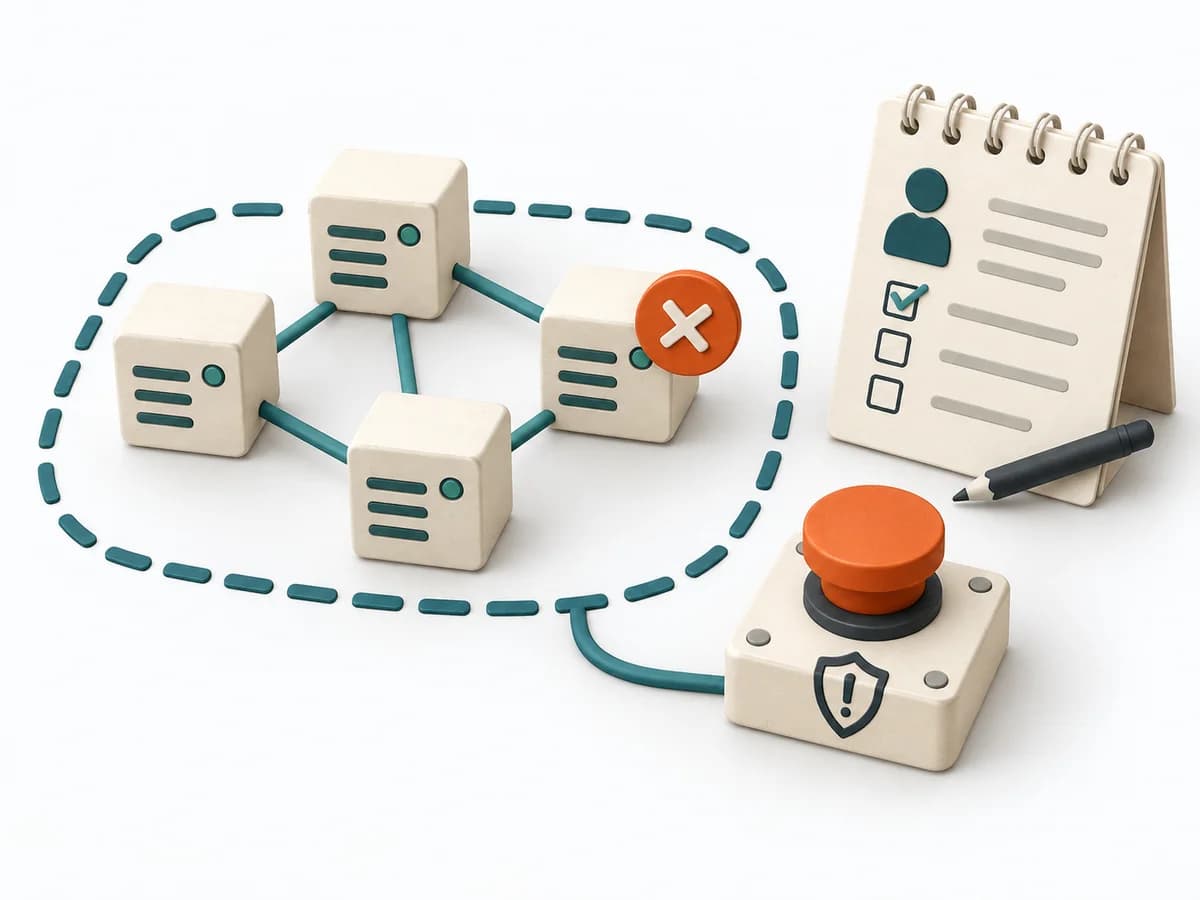
Central coordination keeps decisions, information, and responsibilities together while other roles absorb the operational pressure. Communication and intervention stay orderly even as the situation changes quickly. The benefit lies in fast alignment, not extra bureaucracy.
Incident Command bundles coordination, communication, and decision authority in acute situations. Roles should relieve pressure and keep status updates understandable while technical work runs in parallel. Extra titles help little; the approach works when confusion, duplicated effort, and stakeholder noise noticeably decrease.
Roles, communication channel, and escalation line should be clearly explained at the start of the incident, before operational hectic sets in. The turning point is reached when status communication no longer falls apart alongside repair work. Close with a clean handover or deliberate stand-down so no one stays stuck in a half-open response.
The method guide walks execution through 4 phases, timing, 4 pitfalls, and clear stop criteria.
Open method guideYour perspective
Your feedback helps shape the next improvements to methodatlas.
Prepare Incident Command with a clear question, roles, and sources.
To be confirmed
To be confirmed
Plan the full method Time: Set according to scope and available evidence
Complete this worksheet on paper or in your own document during the work.
Record severity, Incident Commander, and start time.
...
Separate confirmed facts, hypotheses, impact, and open questions.
...
Assign workstreams, update cadence, and audience.
...
Document stability criteria, residual risk, and accepted handoff.
...
Blank worksheet: start with a bounded question. Enter observed facts only, mark assumptions, and record open questions and sources.
Incident management at Google · Google Cloud
Expected artifact: Incident declaration and commander
Incident declaration and commander
Entry:
...
Expected artifact: Shared situation and impact summary
Shared situation and impact summary
Entry:
...
Expected artifact: Coordinated technical and communications work
Coordinated technical and communications work
Entry:
...
Expected artifact: Documented stabilization and command handoff
Documented stabilization and command handoff
Entry:
...
...
Method guide: https://methodatlas.meierhoff-systems.de/en/methods/incident-command/run-sheet
Fitting alternatives with decision guidance, followed by other related methods.
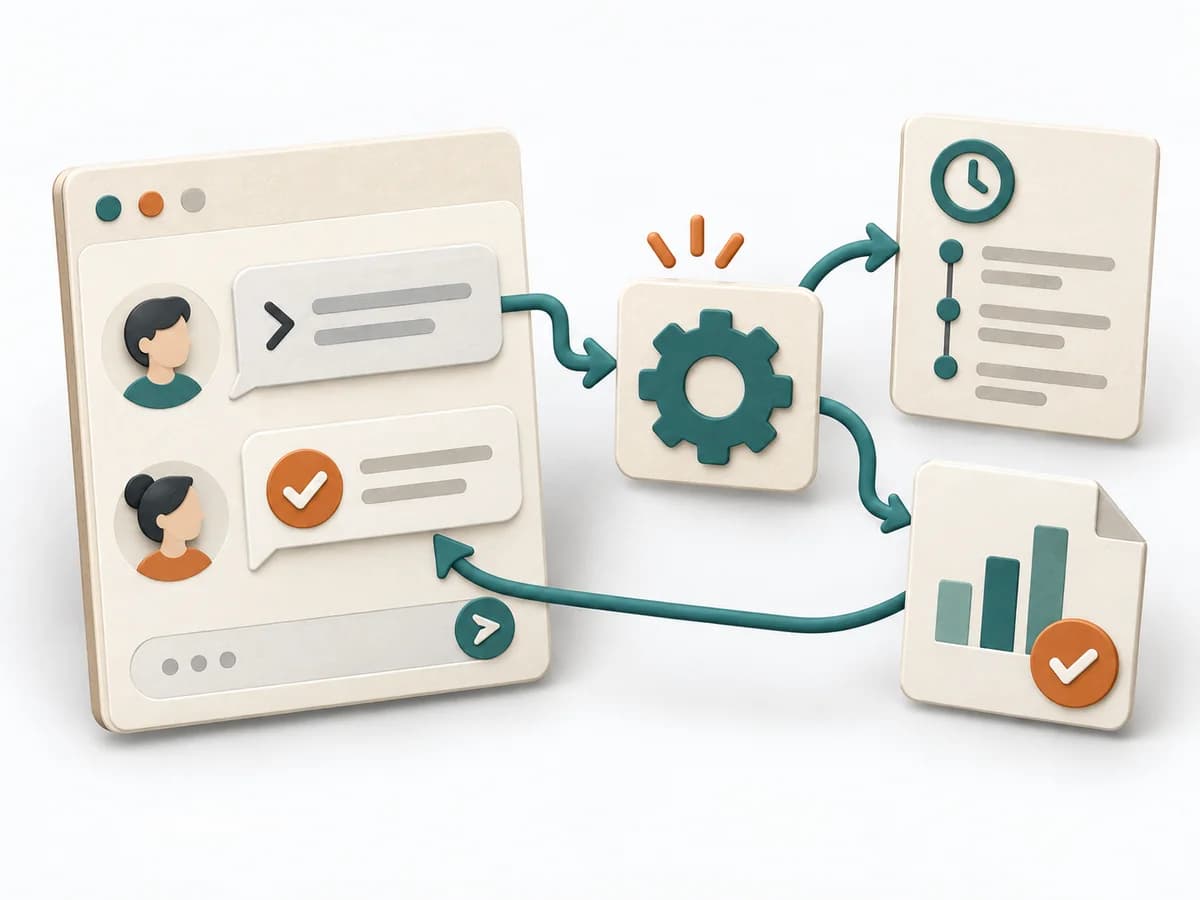
Instead of Incident Command, when you want to trigger operational steps directly in chat and keep them visible for the team.
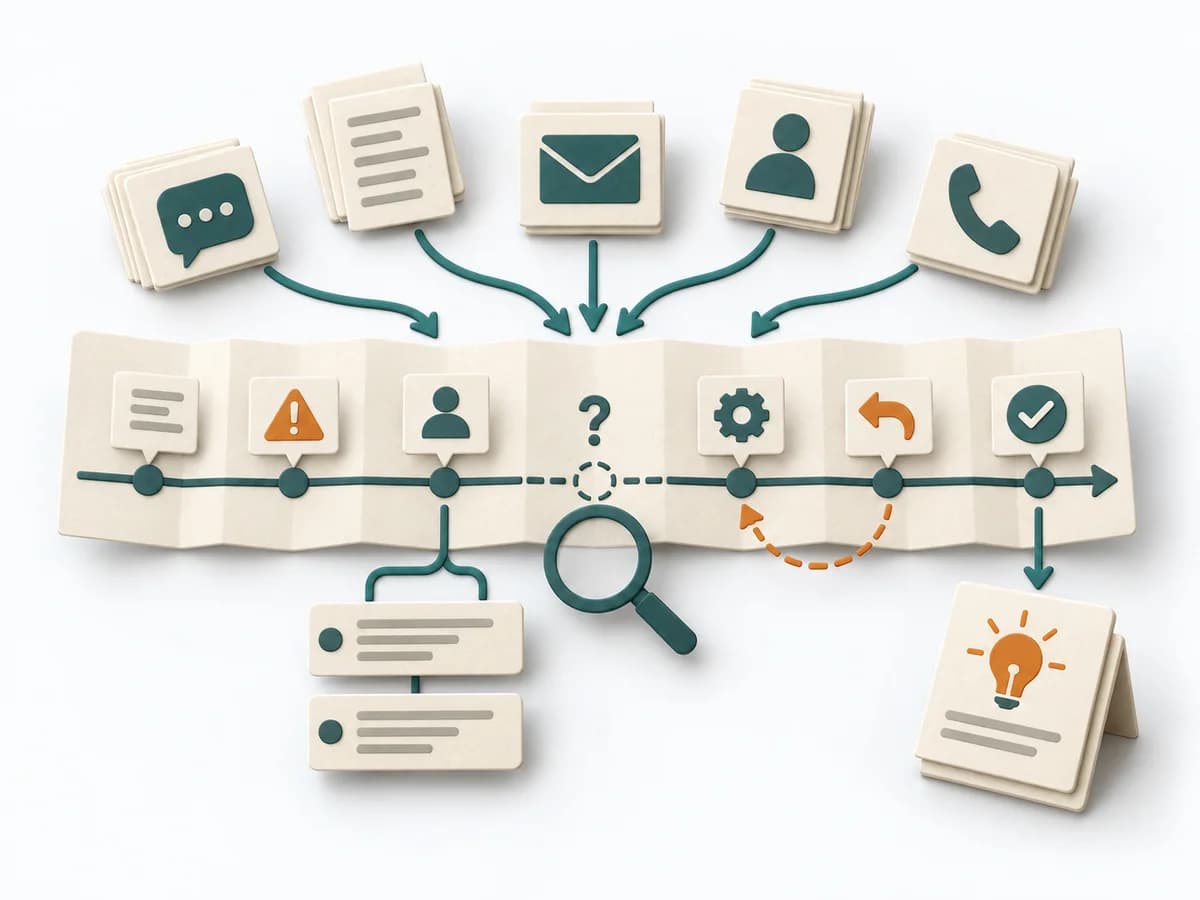
Arranges events, decisions, and delays chronologically and makes causes and lessons learned visible.
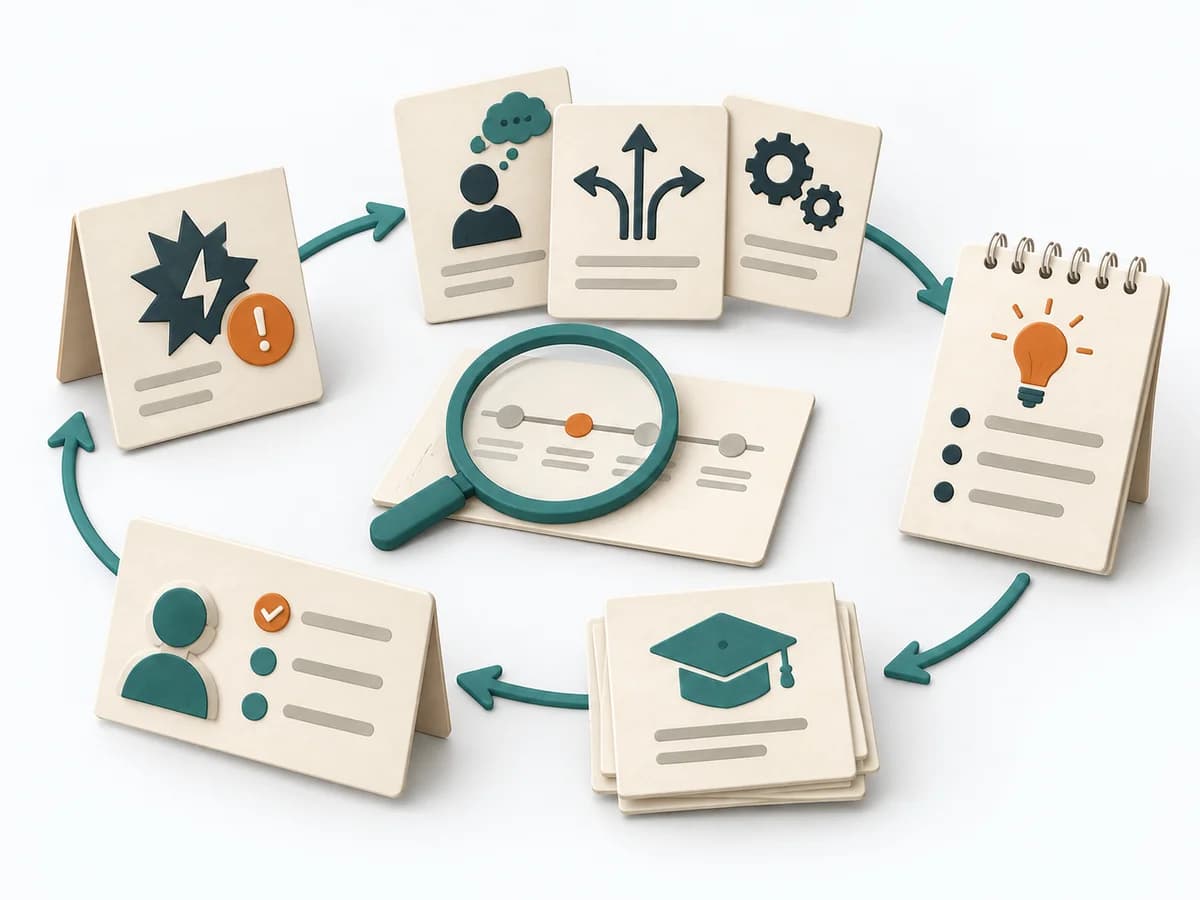
Examines an incident with a view to decisions, assumptions, and system factors, and records the resulting lessons.
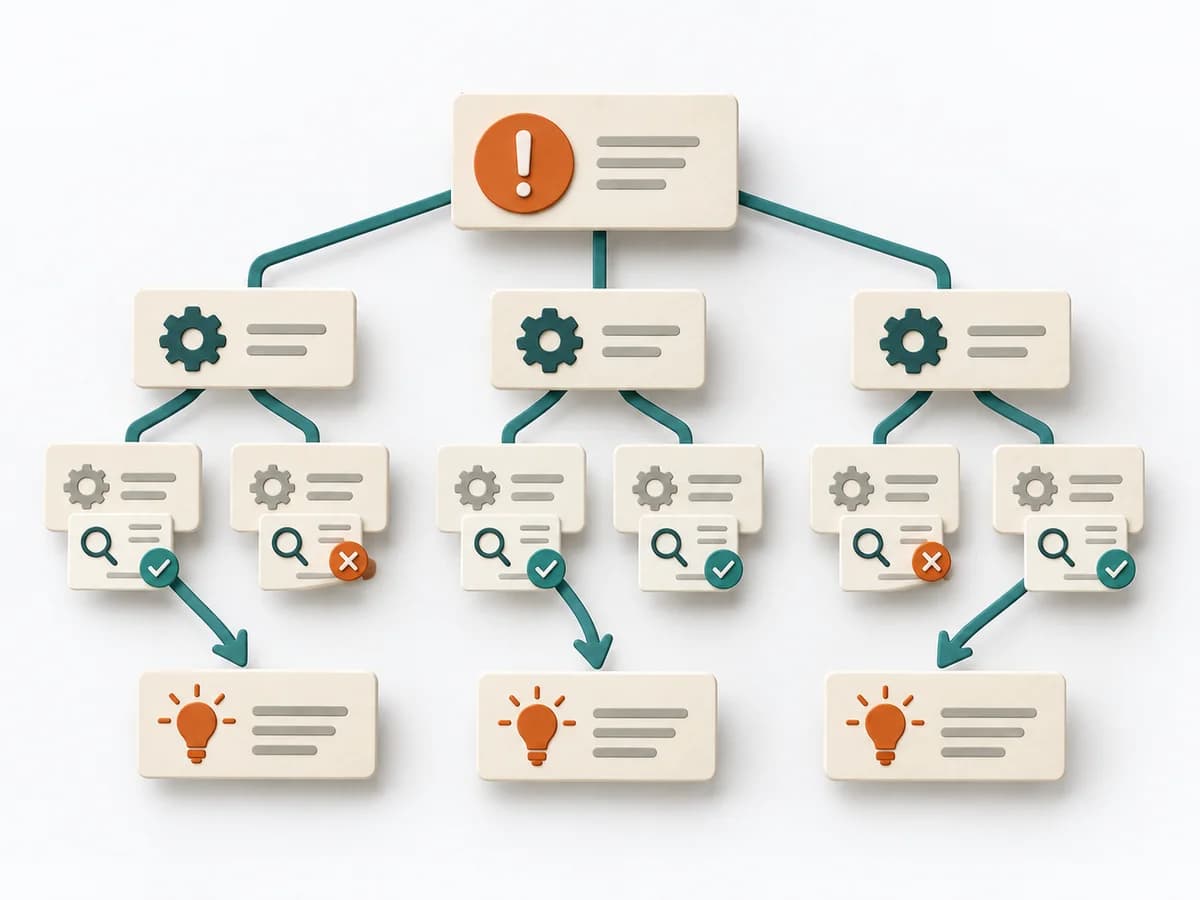
Clarifies workflows, data, causes, and improvements by framing the problem precisely, branching possible causes, and defining countermeasures.
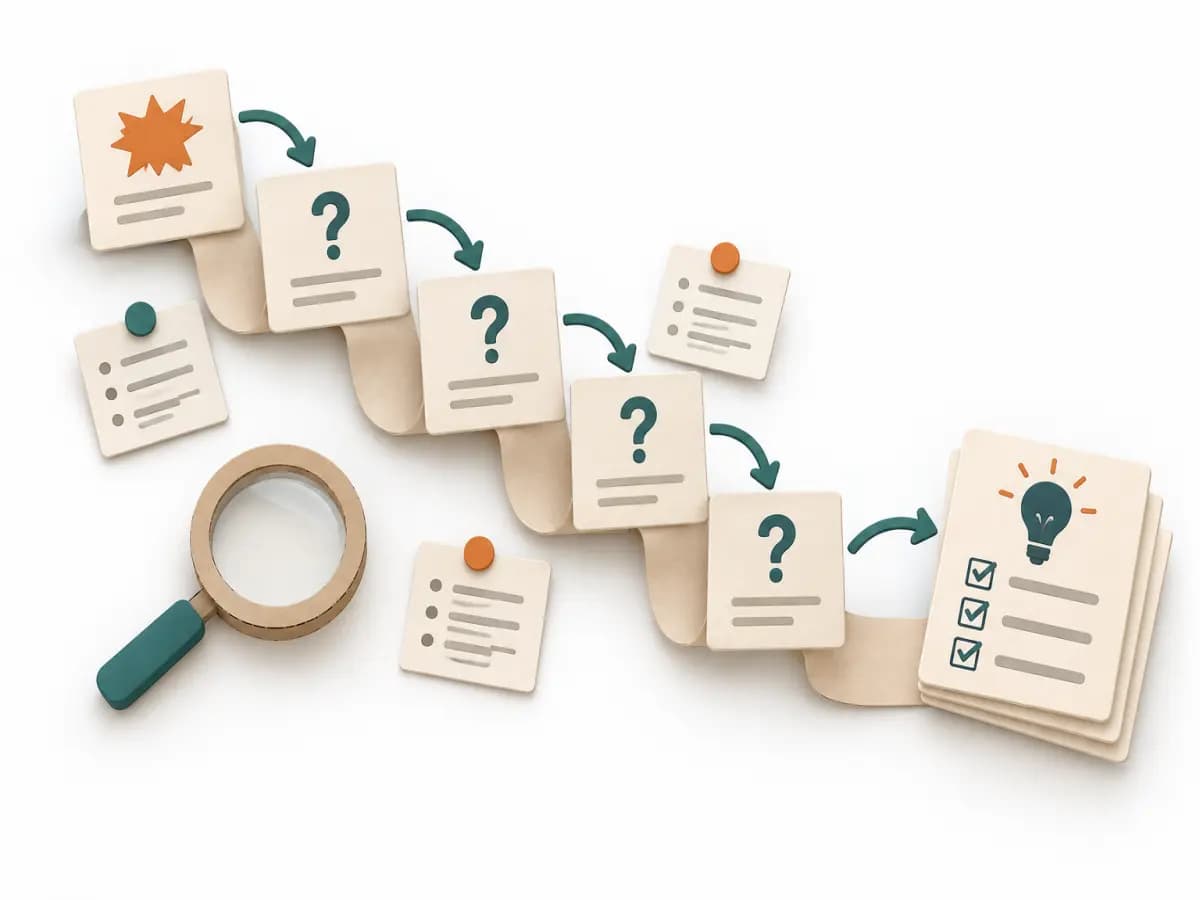
Asks its way step by step to a controllable cause and stops only once an effective countermeasure is within reach.
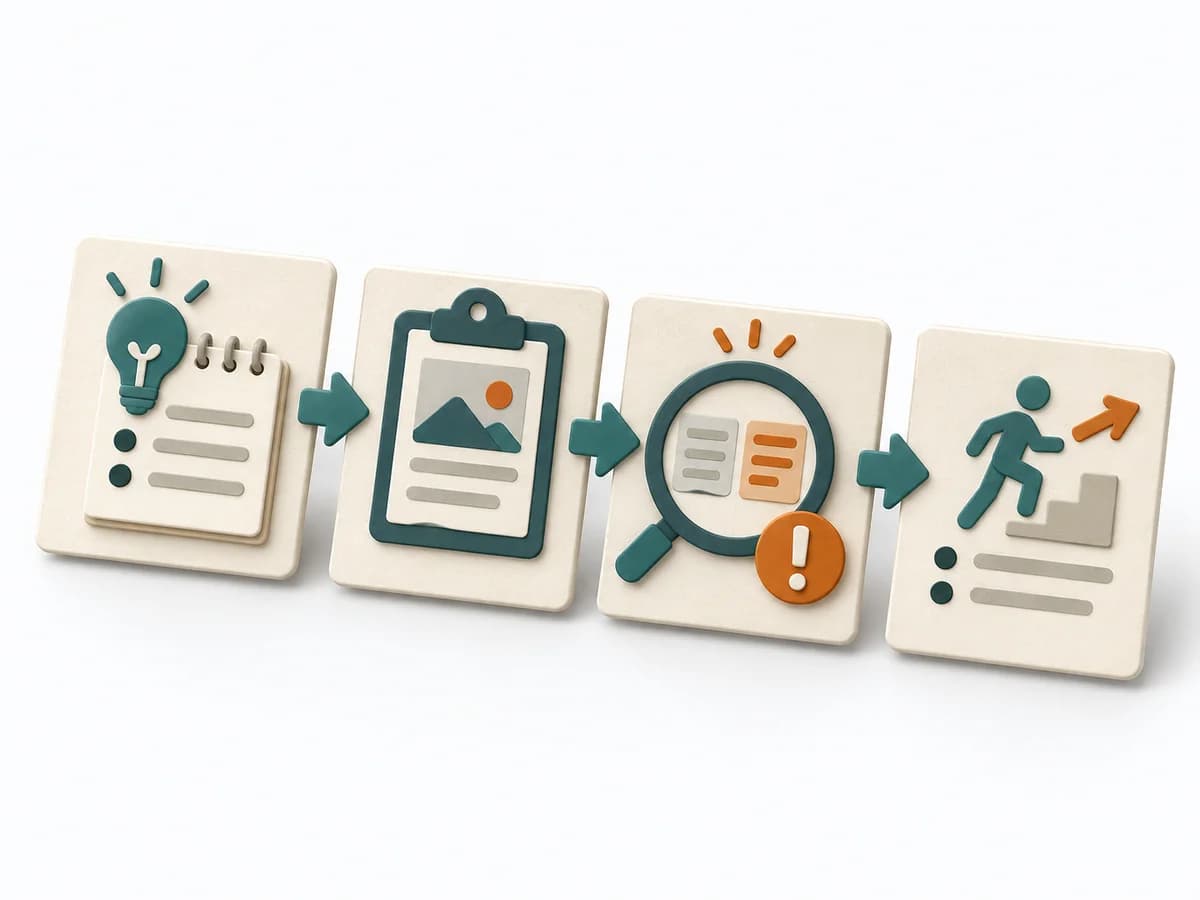
Compares goal and actual course, identifies deviations, and records concrete learning steps.