Complete firstClear scope
A recurring team operation with clear permissions, safe interfaces, and useful chat context.
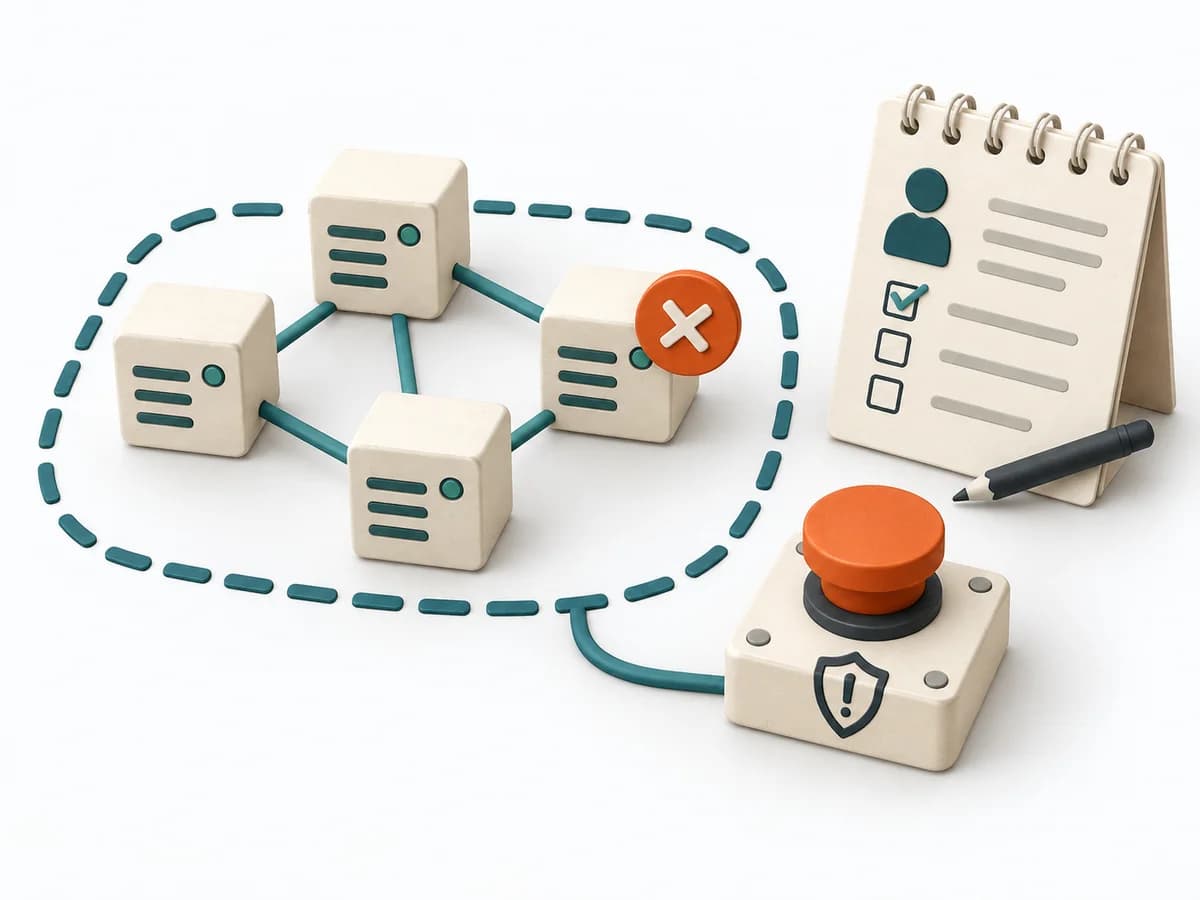
Without a boundary, data, perspectives, or flows become mixed.
A practical method guide: clarify prerequisites and materials, understand the complete process, and look up outputs, pitfalls, and stop criteria.
What needs to be finished first
A recurring team operation with clear permissions, safe interfaces, and useful chat context.
Relevant people and sources can be included.
What needs to be ready before start
Shared workspace, accessible sources, and a decision log.
Service owner · Security · bot owner · users
Clarify the question, timeframe, data access, roles, and known uncertainties in advance.
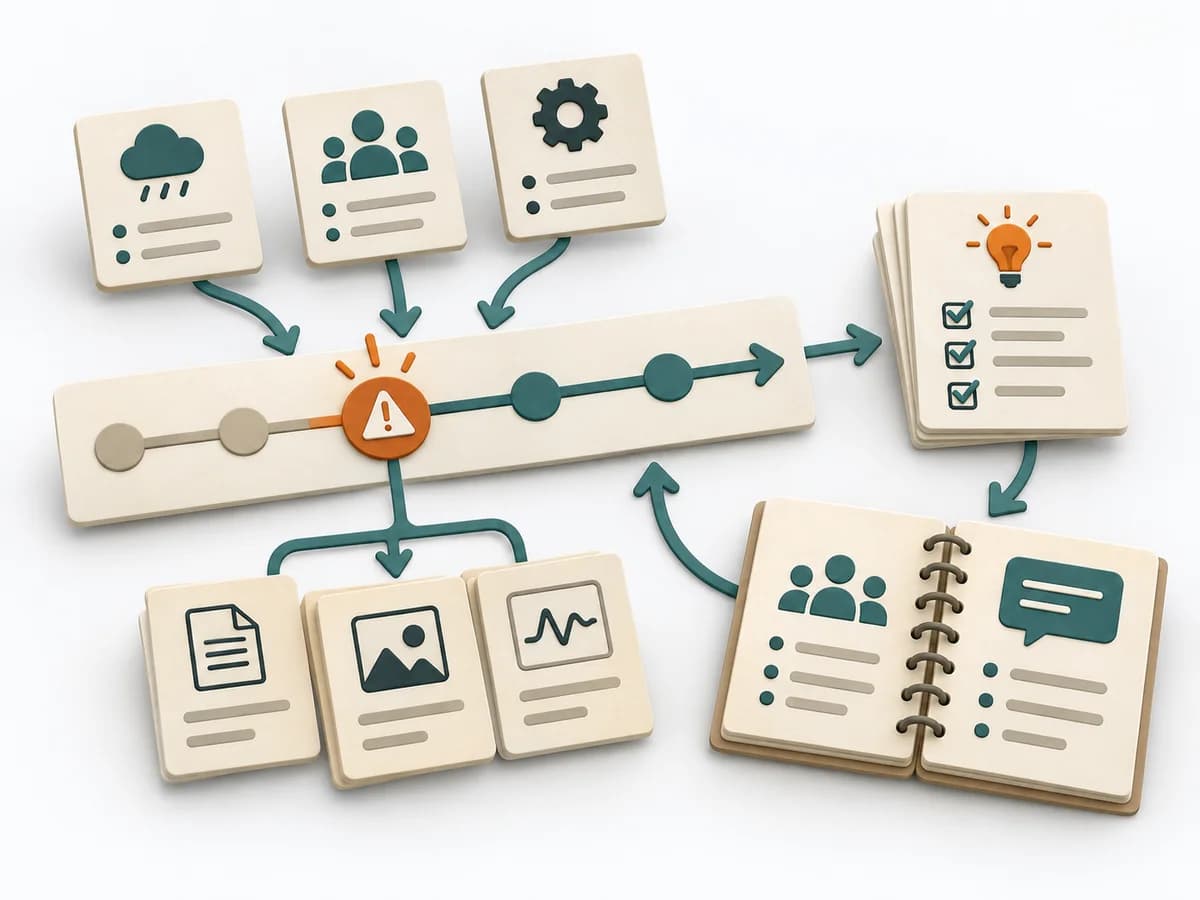
Several steps from use-case selection and permissions through pilot; then review access and use regularly.
Create a shared version. Label facts, assumptions, and decisions separately.
The one question this method answers
Which operational action benefits from shared visibility, and what controls prevent misuse?
Phases with goal, actions, output and pitfall
ChatOps makes operational actions and their context visible, traceable, and safely executable in team chat. It connects shared visibility with verifiable access and execution rules.
Fictional worked example
Make operational actions and their context visible, traceable, and safely executable in team chat.
Describe operation, user need, and chat channel.
`/deploy staging payments` with allowlist and confirmed environment.
Record command permission, identity, approval, and rollback.
Staging direct; production requires two-person approval; service account least-privileged.
Add test result, error cases, and chat feedback.
Build ID, approval, start/end, status link, and error note in channel.
Record audit source, owner, and next security review.
Fictional run #D-184 succeeded; requester, approver, and rollback path recorded.
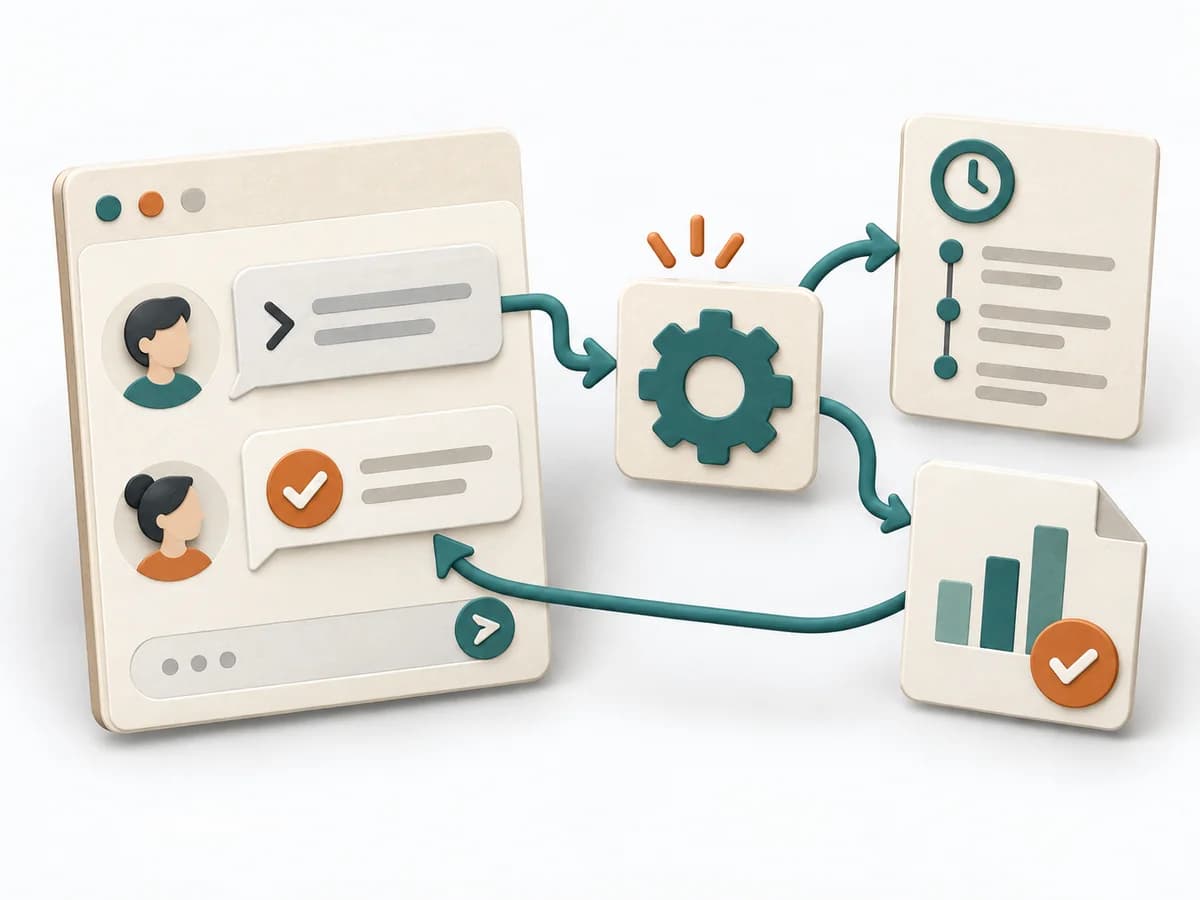
Fictional: `/deploy staging payments` shows the build, checks authorization, and posts deployment ID and result to the release channel. Production requires two-person approval; the bot only executes allowlisted commands. Failed attempt and rollback remain traceable in chat.
Using ChatOps to help Actions on-call engineers · GitHub Blog
Operation
Goal
Is chat the right place for this action?
Inputs for this step
Actions
Output
Suitable, bounded ChatOps use case
Suitable, bounded ChatOps use case
Quality check
Is chat the right place for this action?
Pitfall
Bot has excessive permissions Restrict service identity to the allowed action and environment.
Timing: Part of the agreed work block; research may be separate.
Controls
Goal
Are irreversible actions protected?
Inputs for this step
Actions
Output
Least-privilege command and approval policy
Least-privilege command and approval policy
Quality check
Are irreversible actions protected?
Pitfall
Command output leaks secrets Redact output and never expose credentials in chat.
Timing: Part of the agreed work block; research may be separate.
Feedback
Goal
Are errors actionable and safe?
Inputs for this step
Actions
Output
Tested command with useful feedback
Tested command with useful feedback
Quality check
Are errors actionable and safe?
Pitfall
Retry triggers duplicate action Use idempotency or confirmation for state-changing commands.
Timing: Part of the agreed work block; research may be separate.
Review
Goal
Can every action be attributed to an identity?
Inputs for this step
Actions
Output
Auditable trace and review path
Auditable trace and review path
Quality check
Can every action be attributed to an identity?
Pitfall
Chat log is not an audit trail Record identity, approval, target, and result in the authorized audit log.
Timing: Part of the agreed work block; research may be separate.
What comes out at the end
Sketch: what the artifact looks like
Versioned result with question, evidence, open issues, next action, ownership, and review date.
Record date, scope, sources, and changes. Preserve earlier observations.
Prepare ChatOps with a clear question, roles, and sources.
To be confirmed
To be confirmed
Plan the full method Time: Set according to scope and available evidence
Complete this worksheet on paper or in your own document during the work.
Describe operation, user need, and chat channel.
...
Record command permission, identity, approval, and rollback.
...
Add test result, error cases, and chat feedback.
...
Record audit source, owner, and next security review.
...
Blank worksheet: start with a bounded question. Enter observed facts only, mark assumptions, and record open questions and sources.
Using ChatOps to help Actions on-call engineers · GitHub Blog
Expected artifact: Suitable, bounded ChatOps use case
Suitable, bounded ChatOps use case
Entry:
...
Expected artifact: Least-privilege command and approval policy
Least-privilege command and approval policy
Entry:
...
Expected artifact: Tested command with useful feedback
Tested command with useful feedback
Entry:
...
Expected artifact: Auditable trace and review path
Auditable trace and review path
Entry:
...
...
Method guide: https://methodatlas.meierhoff-systems.de/en/methods/chatops/run-sheet
Concrete filled scenario, fictional example
Fictional example for orientation. Counts and timings describe this case and are not universal requirements.
Concrete filled scenario, fictional example
Fictional: /deploy staging payments shows the build, checks authorization, and posts deployment ID and result to the release channel. Production requires two-person approval; the bot only executes allowlisted commands. Failed attempt and rollback remain traceable in chat.
All names and values are invented for illustration. Unresolved explanations remain questions.
Recognize symptoms and steer against them
Quick overview, the full text is in the matching phase in the flow
Bot has excessive permissions
Restrict service identity to the allowed action and environment.
Command output leaks secrets
Redact output and never expose credentials in chat.
Retry triggers duplicate action
Use idempotency or confirmation for state-changing commands.
Chat log is not an audit trail
Record identity, approval, target, and result in the authorized audit log.
When to pause, resolve prerequisites, or choose another approach
Go to the profile for purpose, similar methods, and sources or continue to the next method in the catalog.