methodatlas
Method guideArchitecture

ARID (Active Reviews for Intermediate Designs)

A practical method guide: clarify prerequisites and materials, understand the complete process, and look up outputs, pitfalls, and stop criteria.

ComplexityMedium
Time2–4 h review as a planning range; preparation and evaluation additional
ParticipantsDesigners, developers as users, and facilitation
FormatWorkshop + async
MaturityEstablished
Create work plan
01

Prerequisite

What needs to be finished first

Complete firstUsable preliminary design

Interfaces, data types and expected behavior are described well enough for developers to work through tasks. Individual questions may still be open.

Develop a broad architecture idea into interfaces and examples before the joint coding exercise.
Complete firstDevelopers who will use the design

People who will use the design can identify typical tasks and program together.

Reviewing the materials alone helps with preparation. In the active review, future users work through the design together.
02

Preparation

What needs to be ready before start

Materials

Versioned design with interfaces, data types, expected behavior and examples; scenario list, shared editor and findings log.

People / roles

Design owners, future users as reviewers, a facilitator and a note-taker. Agree who will answer scenario questions. Reviewers need programming and domain knowledge.

Pre-read

Share design purpose and boundaries, interfaces and examples. Explain the reviewers’ active role.

Time needed

Use 2 to 4 hours as a planning range for a focused review meeting. Allow additional time for preparation and follow-up; total effort depends on the design and scenarios.

Setup

Keep code or pseudocode and findings visible together. Separate clarification from discussion of new design options.

03

Core question

The one question this method answers

Can developers accomplish their important tasks using this preliminary design?

04

Flow

Phases with goal, actions, output and pitfall

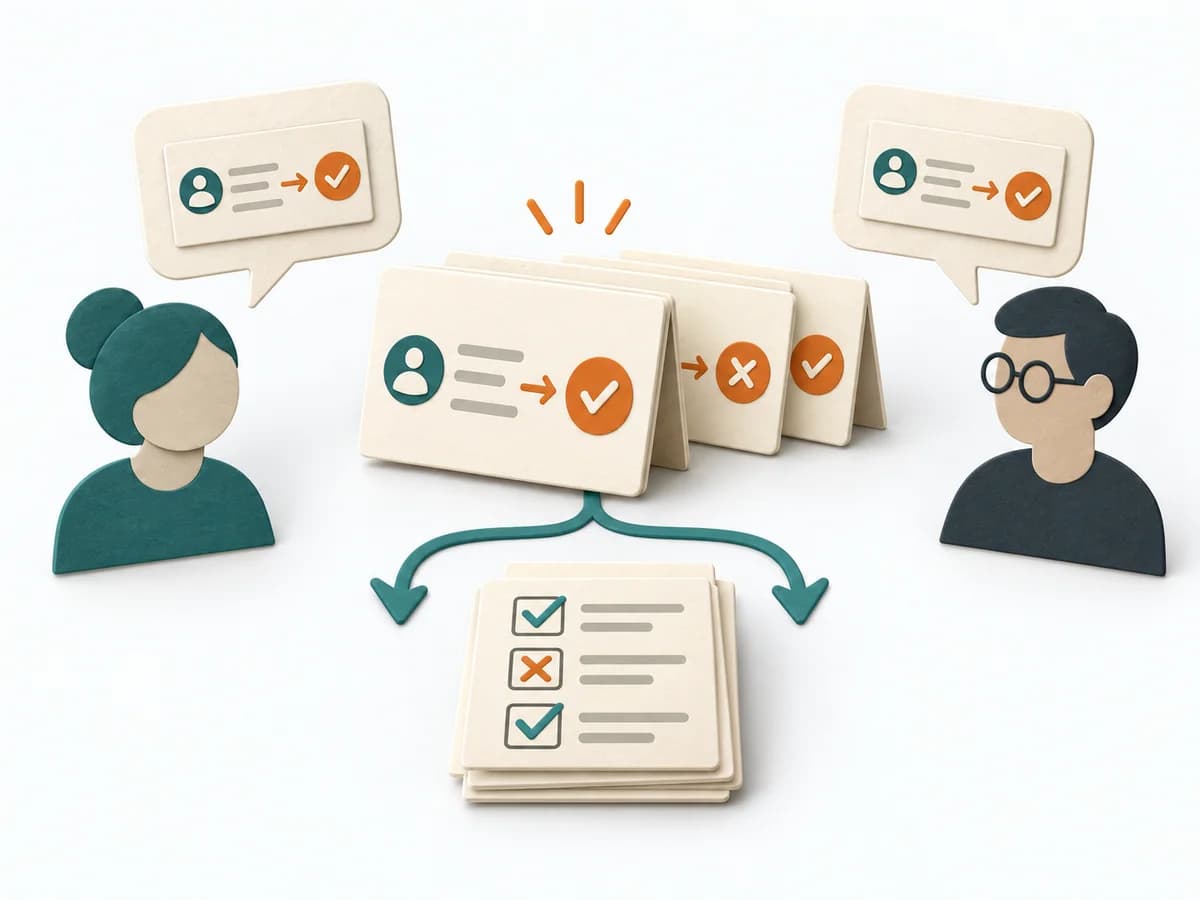
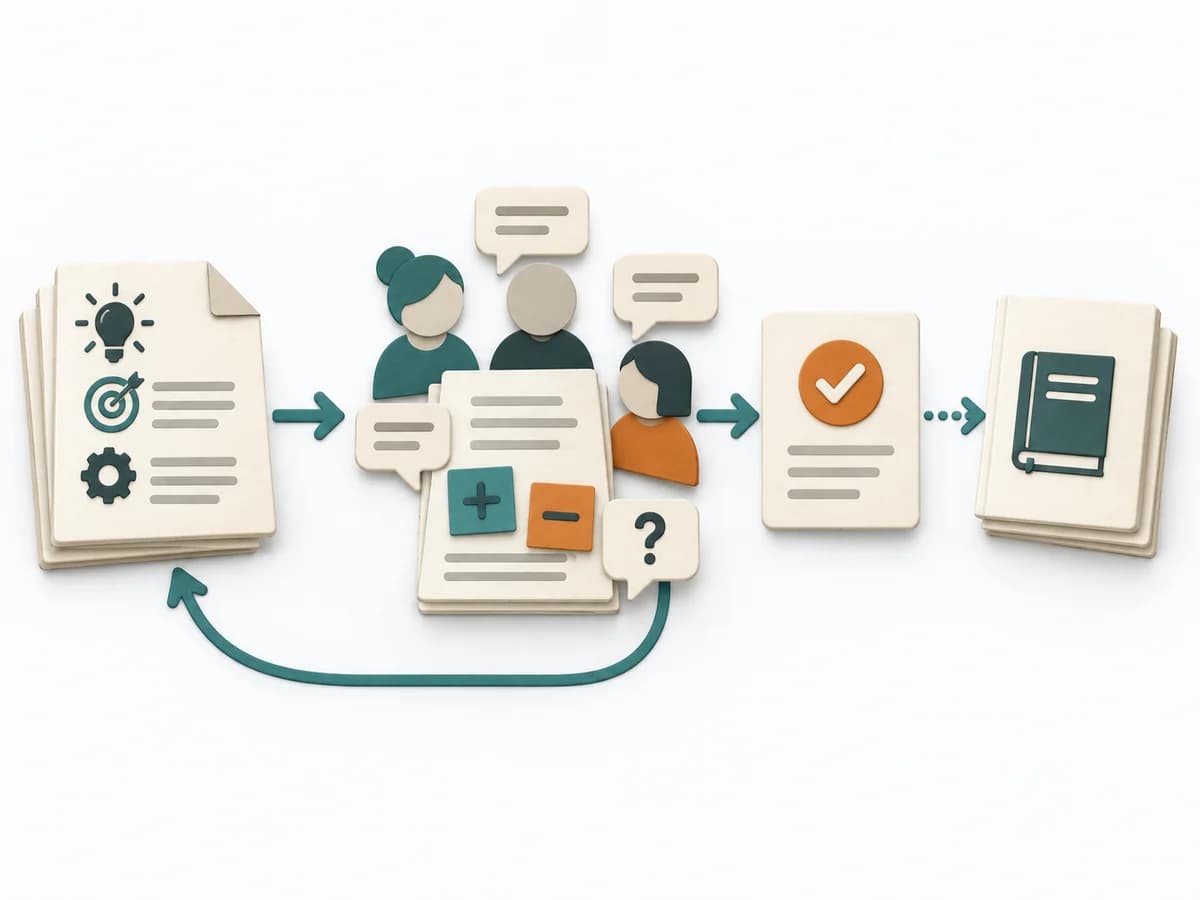
ARID helps teams try out interfaces while a design can still change. The developers who will use them choose typical tasks and work through them together. They write code or pseudocode, a simplified description of program steps. This reveals which interfaces are easy to use and where descriptions of their behavior are incomplete or contradictory.

ARID review record

Fictional teaching example

A document template for your review. A separate fictional example shows how to review a reservation library.

Design and reviewers

Enter the design version, boundaries, participating developers and review roles.

Reservation library v0.3; two consuming teams; Alex facilitates.

Scenarios and selection

Record tasks, priorities, selection reasons and scenarios still to explore.

Safe retry after timeout has highest priority; cancellation remains unexplored.

Code and observations

Link code or pseudocode to interfaces used, questions and assumptions.

After a timeout, it is unclear whether reserve(request) succeeded; calling it again could create a duplicate reservation.

Findings and revision

Record the usage obstacle, affected location, owner and repeat check.

Identify the request with an idempotency key and add a status lookup; then repeat the scenario.

The example illustrates the method using invented information.

Paul C. Clements: Active Reviews for Intermediate Designs (SEI, 2000)

  1. 1

    Prepare

    Invite developers and prepare materials

    Goal

    Developers can begin a typical task using the materials.

    Inputs for this step

    • Bounded design
    • Design owners and developers who will use the design

    Actions

    • Invite developers who will use the design to act as reviewers. Assign someone to facilitate, someone to take notes and someone to help with scenario questions.
    • Describe interfaces, data types and expected behavior using short examples. Rehearse the presentation with the facilitator.
    • Prepare seed scenarios as prompts and distribute invitations, materials and agenda.

    Output

    Usable materials and assigned roles

    Check that the materials, example and assigned roles are ready for the meeting.

    Quality check

    Can developers begin a typical task with these materials?

    Pitfall

    The presentation only shows internal architecture diagrams. Add callable interfaces and examples from the consuming application perspective.

    Timing: Prepare before the meeting; allow time according to scope.

  2. 2

    Introduce

    Present the method and design

    Goal

    Everyone understands the procedure and the proposed design.

    Inputs for this step

    • Design materials and seed scenarios

    Actions

    • Explain that reviewers will actively use the design and record findings.
    • Have the lead designer present interfaces and examples. Resolve factual questions and record missing information.
    • Collect questions about implementation details, design decisions and alternatives for follow-up.

    Output

    Shared understanding and open questions

    Record clarification questions and identify information still to be added.

    Quality check

    Are the interfaces and their expected behavior clear?

    Pitfall

    The meeting immediately switches to an alternative design. Focus the discussion on how developers can use the proposed interfaces.

    Timing: Allow time for the introduction according to the design’s scope.

  3. 3

    Select

    Collect and prioritize application scenarios

    Goal

    Developers determine the relevant tasks for the review.

    Inputs for this step

    • Understood design
    • Seed scenarios as prompts

    Actions

    • Collect tasks developers need to accomplish, including failure and boundary cases.
    • Merge duplicate scenarios. Let reviewers decide which tasks matter most for their work.
    • Record the scenarios you select and those left for later reviews.

    Output

    Prioritized application scenarios

    For each selected task, record why it matters for later use.

    Quality check

    Do priority tasks come from developers who will use the design?

    Pitfall

    Only prepared success examples are evaluated. Have reviewers add their own tasks and determine the priorities.

    Timing: A shared part of the meeting for selecting scenarios.

  4. 4

    Exercise

    Work through scenarios together in code

    Goal

    Concrete usage obstacles become visible through application.

    Inputs for this step

    • Prioritized scenarios
    • Interfaces and examples

    Actions

    • Start with the highest priority scenario and have reviewers jointly write code or pseudocode.
    • Use the proposed interfaces and record questions, assumptions, missing services and unclear error handling at the affected location.
    • Have the design owners answer factual questions. The reviewers write the calls themselves. Work through the other prioritized scenarios in the same way.

    Output

    Code or pseudocode with findings

    Link each question or obstacle to its location in the code or pseudocode.

    Quality check

    Can reviewers solve the task using the proposed interfaces?

    Pitfall

    The lead designer writes the solution for the reviewers. Let the reviewers continue the work themselves and record the support they need.

    Timing: This is the main activity; complex scenarios can take hours.

  5. 5

    Capture

    Agree findings and the next revision

    Goal

    The lead designer receives traceable results.

    Inputs for this step

    • Code or pseudocode and findings

    Actions

    • Summarize covered scenarios, successful paths and obstacles. Confirm finding wording with reviewers.
    • Assign an owner to each revision, domain question and technical check.
    • Record uncovered scenarios and arrange another exercise of revised interfaces.

    Output

    Review record with revisions and repeat checks

    Link revisions to the affected scenarios and arrange another check.

    Quality check

    Does each finding identify the task and the point where it arose?

    Pitfall

    A solved scenario is treated as approval of all quality goals. Name the scenarios completed successfully and the quality goals that require further technical checks.

    Timing: Closing block followed by later repeat checks.

05

Artifact

What comes out at the end

Form

Versioned record of scenarios, code or pseudocode, usage obstacles, open questions and next checks.

Versioning / ownership

Link each finding to the design version, scenario and relevant point in the code or pseudocode. Keep earlier reviews.

Tool alternatives
  • Shared code or pseudocode editor
  • Scenario and finding list
  • Versioned design materials

arid-markdown.md

Allow time for preparation and a joint review meeting. Set the scope around the most important application scenarios.

ARID (Active Reviews for Intermediate Designs): Worksheet

Question

To be confirmed

Desired outcome

To be confirmed

Scope

Entire review Time: Use 2 to 4 hours as a planning range for a focused review meeting. Allow additional time for preparation and follow-up; total effort depends on the design and scenarios.

Complete this worksheet on paper or in your own document during the work.

Preparation for this scope

Method setup

  • Materials: Versioned design with interfaces, data types, expected behavior and examples; scenario list, shared editor and findings log.
  • Roles: Design owners, future users as reviewers, a facilitator and a note-taker. Agree who will answer scenario questions. Reviewers need programming and domain knowledge.
  • Advance information: Share design purpose and boundaries, interfaces and examples. Explain the reviewers’ active role.
  • Overall time needed: Use 2 to 4 hours as a planning range for a focused review meeting. Allow additional time for preparation and follow-up; total effort depends on the design and scenarios.
  • Setup: Keep code or pseudocode and findings visible together. Separate clarification from discussion of new design options.

Prepare for the work steps

Prepare: Invite developers and prepare materials

  • Bounded design
  • Design owners and developers who will use the design

Introduce: Present the method and design

  • Design materials and seed scenarios

Select: Collect and prioritize application scenarios

  • Understood design
  • Seed scenarios as prompts

Exercise: Work through scenarios together in code

  • Prioritized scenarios
  • Interfaces and examples

Capture: Agree findings and the next revision

  • Code or pseudocode and findings

ARID review record

Design and reviewers

Enter the design version, boundaries, participating developers and review roles.

...

Scenarios and selection

Record tasks, priorities, selection reasons and scenarios still to explore.

...

Code and observations

Link code or pseudocode to interfaces used, questions and assumptions.

...

Findings and revision

Record the usage obstacle, affected location, owner and repeat check.

...

Add actual information and evidence. Mark unresolved items explicitly.

Paul C. Clements: Active Reviews for Intermediate Designs (SEI, 2000)

Prepare: Invite developers and prepare materials

Expected artifact: Usable materials and assigned roles

Check that the materials, example and assigned roles are ready for the meeting.

Entry:

...

  • Can developers begin a typical task with these materials?

Introduce: Present the method and design

Expected artifact: Shared understanding and open questions

Record clarification questions and identify information still to be added.

Entry:

...

  • Are the interfaces and their expected behavior clear?

Select: Collect and prioritize application scenarios

Expected artifact: Prioritized application scenarios

For each selected task, record why it matters for later use.

Entry:

...

  • Do priority tasks come from developers who will use the design?

Exercise: Work through scenarios together in code

Expected artifact: Code or pseudocode with findings

Link each question or obstacle to its location in the code or pseudocode.

Entry:

...

  • Can reviewers solve the task using the proposed interfaces?

Capture: Agree findings and the next revision

Expected artifact: Review record with revisions and repeat checks

Link revisions to the affected scenarios and arrange another check.

Entry:

...

  • Does each finding identify the task and the point where it arose?

Open questions and next steps

...

Method guide: https://methodatlas.meierhoff-systems.de/en/methods/arid/run-sheet

06

Example output

Concrete filled scenario, fictional example

Fictional example for orientation. Counts and timings describe this case and are not universal requirements.

arid-beispiel.md

Concrete filled scenario, fictional example

Fictional: Two teams try out a reservation library. After a timeout, they want to retry a reservation safely. In their joint pseudocode, they call reserve(request) again. This reveals that a safe retry needs a unique identifier for the same request, an idempotency key. They also need a way to check the status of the first reservation. The design owner adds both to the interface rules. The team then repeats the scenario. It investigates runtime and behavior under load in separate tests.

07

Pitfalls

Recognize symptoms and steer against them

Quick overview, the full text is in the matching phase in the flow

  1. Invite developers and prepare materialsThe presentation only shows internal architecture diagrams.View in phase
  2. Present the method and designThe meeting immediately switches to an alternative design.View in phase
  3. Collect and prioritize application scenariosOnly prepared success examples are evaluated.View in phase
  4. Work through scenarios together in codeThe lead designer writes the solution for the reviewers.View in phase
  5. Agree findings and the next revisionA solved scenario is treated as approval of all quality goals.View in phase
08

Stop criteria

When to pause, resolve prerequisites, or choose another approach

Completed scenarios have code or pseudocode and findings agreed by the group.
If unresolved interface questions block the exercise, the finding is recorded and the revision and next session are agreed.
Revisions and additional technical checks have owners.

Finished the method guide?

Go to the profile for purpose, similar methods, and sources or continue to the next method in the catalog.