Purpose
When many tasks need to be classified quickly, it sorts them by perceived effort and similarity. It reduces the effort of fine-grained estimation for large volumes.
Agile Decision method
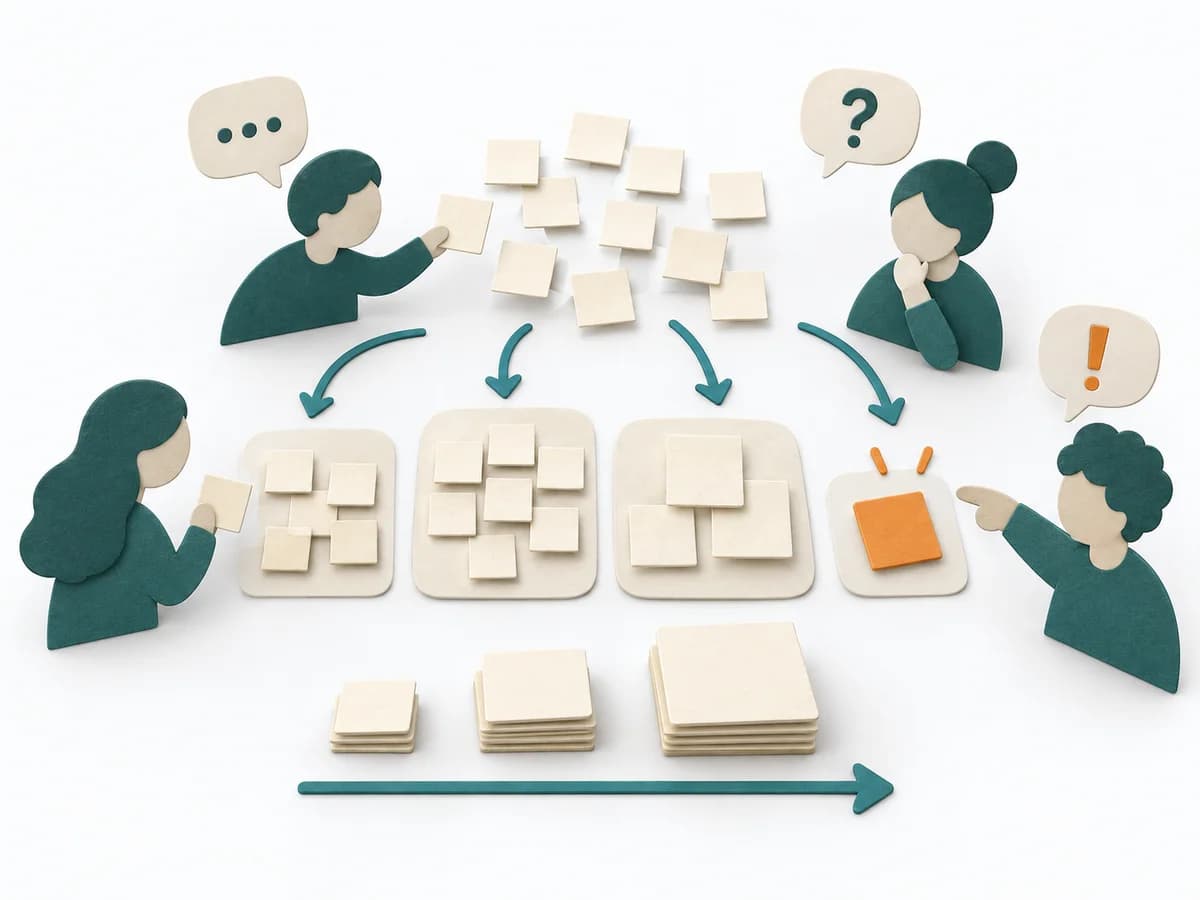
Affinity estimation lets a team group items silently, discuss differences, and produce consistent relative size views.
Affinity estimation places tasks relative to known reference items and condenses the assessment into clusters. Shared sorting uses pattern recognition and makes outliers visible for focused clarification.
How can the team quickly order many comparable items by relative size and discuss only genuine uncertainty?
The practice is repeated across comparable work items.
Frame
Set comparable items and one shared meaning of size.
Anchors
Place a known small, medium, and large item as relative orientation.
Sort
Team members silently place items relative to anchors; an item may be moved once.
Conflicts
On a second move request, put the item in discussion; resolve differences in scope and risk.
Calibrate
Name groups, inspect boundaries, and split or refer large and unclear items.
Add new evidence at review and version estimates with the prior state.
Wenn viele Aufgaben zügig eingeordnet werden müssen, sortiert sie nach wahrgenommenem Aufwand und Ähnlichkeit. Sie reduziert den Aufwand für Feinschätzung bei großen Mengen.
Relatively ordered and calibrated items with references, marked conflicts, assumptions, and split or clarification actions.
Fictional example
Fictional values show the actual method fields.
| Item | Included | Reference | First placement | Conflict | Outcome | Follow-up |
|---|---|---|---|---|---|---|
| Delete tokenAdd evidence and rationale. | Build, test, security, rollout | Small anchor: validation rule | Small | None | Small | Ready |
| Save cardAdd evidence and rationale. | Build, test, security review, rollout | Medium anchor: provider token | Medium/Large | Guest users and migration unclear | Medium | Scope fixed |
| Provider migrationAdd evidence and rationale. | Auth, migration, fallback, certification | Large anchor: new payment method | Beyond large | Several outcomes | Clarification pile | Split + spike |
All values are fictional.
Set item set, included work, and shared Definition of Done; remove unclear or unlike items first.
When many tasks need to be classified quickly, it sorts them by perceived effort and similarity. It reduces the effort of fine-grained estimation for large volumes.
It has tasks arranged in comparison to already known sizes and condenses the assessment into clusters. The shared sorting uses pattern recognition instead of individual debate and makes outliers visible exactly where they actually need to be clarified.
Affinity Estimation transfers affinity grouping into estimation. Instead of discussing each item at length, the team sorts many cards relative to one another from small to large. Then the clusters are labeled with sizes such as T-shirt sizes or story point buckets. Discussion happens mainly where items are unexpectedly placed or where several people have clearly different assumptions.
Prepare all items as cards and a visible size axis. Let the group sort silently first to avoid long debates. Discuss only outliers, unclear items, and cluster boundaries, then document assumptions and slicing candidates.
The method guide walks execution through 5 phases, timing, 5 pitfalls, and clear stop criteria.
Open method guideYour perspective
Your feedback helps shape the next improvements to methodatlas.
Set subject, data, roles, flow, and review.
To be confirmed
To be confirmed
Practice run Time: 30–60 minutes for 20–50 comparable items; analyse disputed items afterwards.
Complete this worksheet on paper or in your own document during the work.
| Item | Included | Reference | First placement | Conflict | Outcome | Follow-up |
|---|---|---|---|---|---|---|
| Delete token | ||||||
| Save card | ||||||
| Provider migration |
The blank worksheet contains prompts only.
Reference · original teaching example
Expected artifact: Comparison set
Set comparable items and one shared meaning of size.
Entry:
...
Expected artifact: Size anchors
Place a known small, medium, and large item as relative orientation.
Entry:
...
Expected artifact: First sort
Team members silently place items relative to anchors; an item may be moved once.
Entry:
...
Expected artifact: Clarification pile
On a second move request, put the item in discussion; resolve differences in scope and risk.
Entry:
...
Expected artifact: Relative estimate
Name groups, inspect boundaries, and split or refer large and unclear items.
Entry:
...
...
Method guide: https://methodatlas.meierhoff-systems.de/en/methods/affinity-estimation/run-sheet
Fitting alternatives with decision guidance, followed by other related methods.

Instead of Affinity Estimation, choose Planning Poker when you want to calibrate estimates relative to each other and surface shared assumptions.
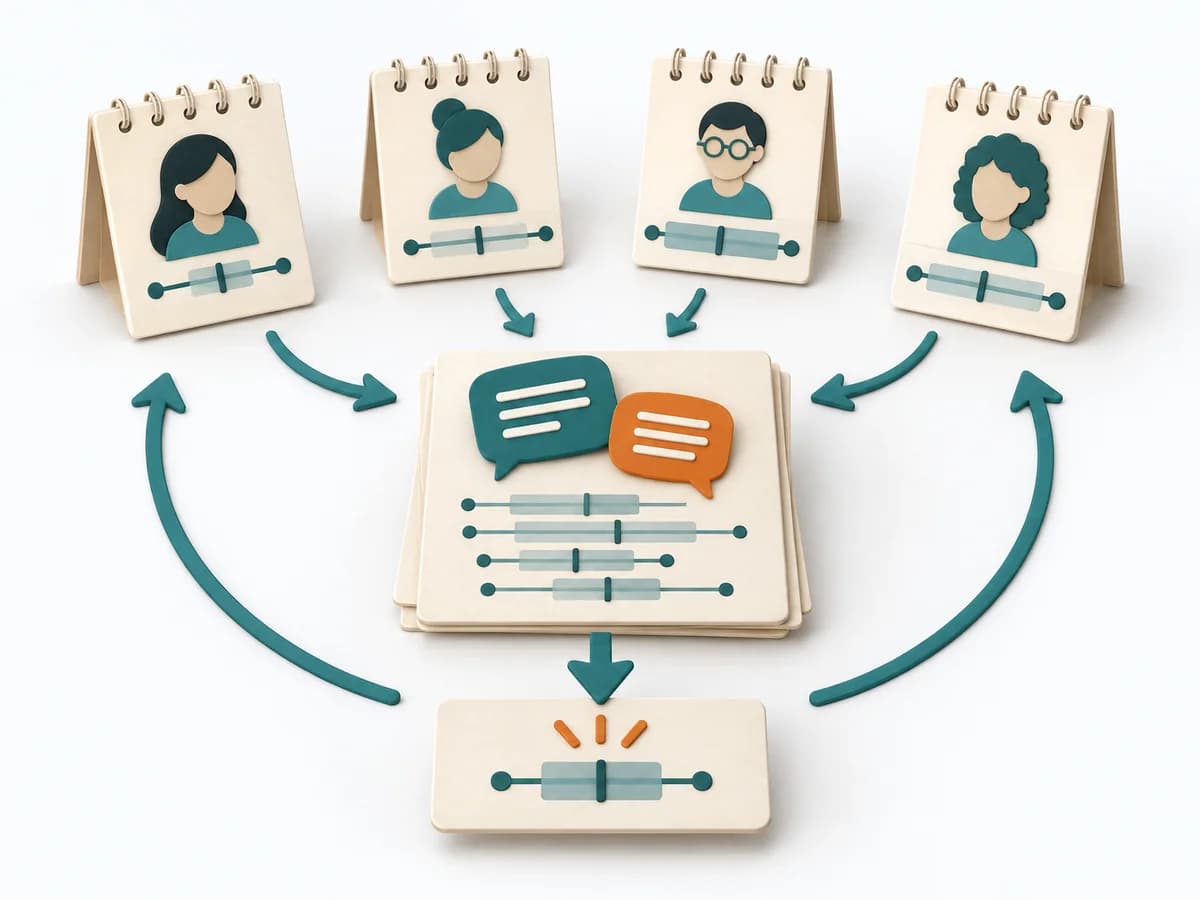
Instead of Affinity Estimation, choose Wideband Delphi when you want to make estimates more robust with several rounds of experts.
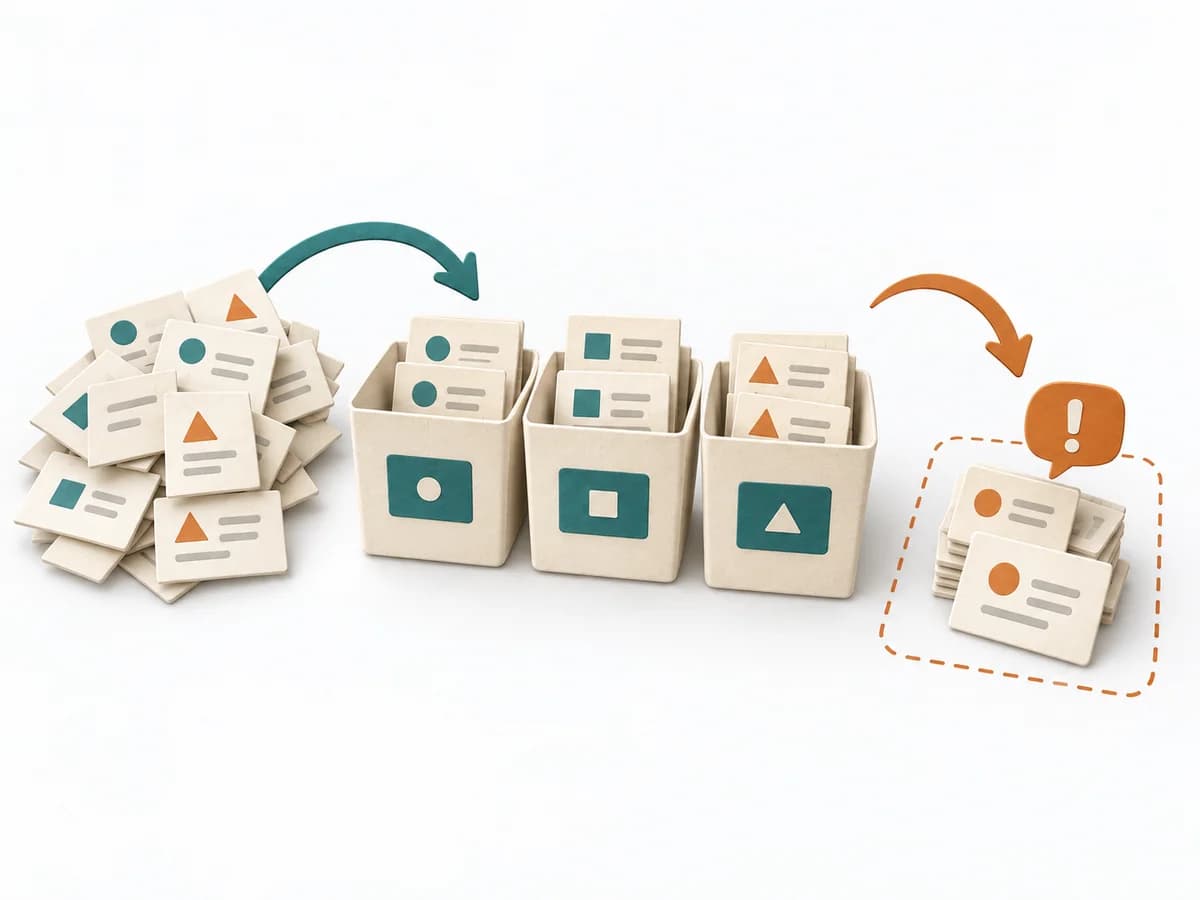
Moves backlog, sprint work, and team flow toward a concrete result through "prepare buckets and scale", "place reference items", and "flag large or unclear items".

Moves backlog, sprint work, and team flow toward a concrete result through "choose reference stories", "define the scale", and "interpret velocity only within the team".
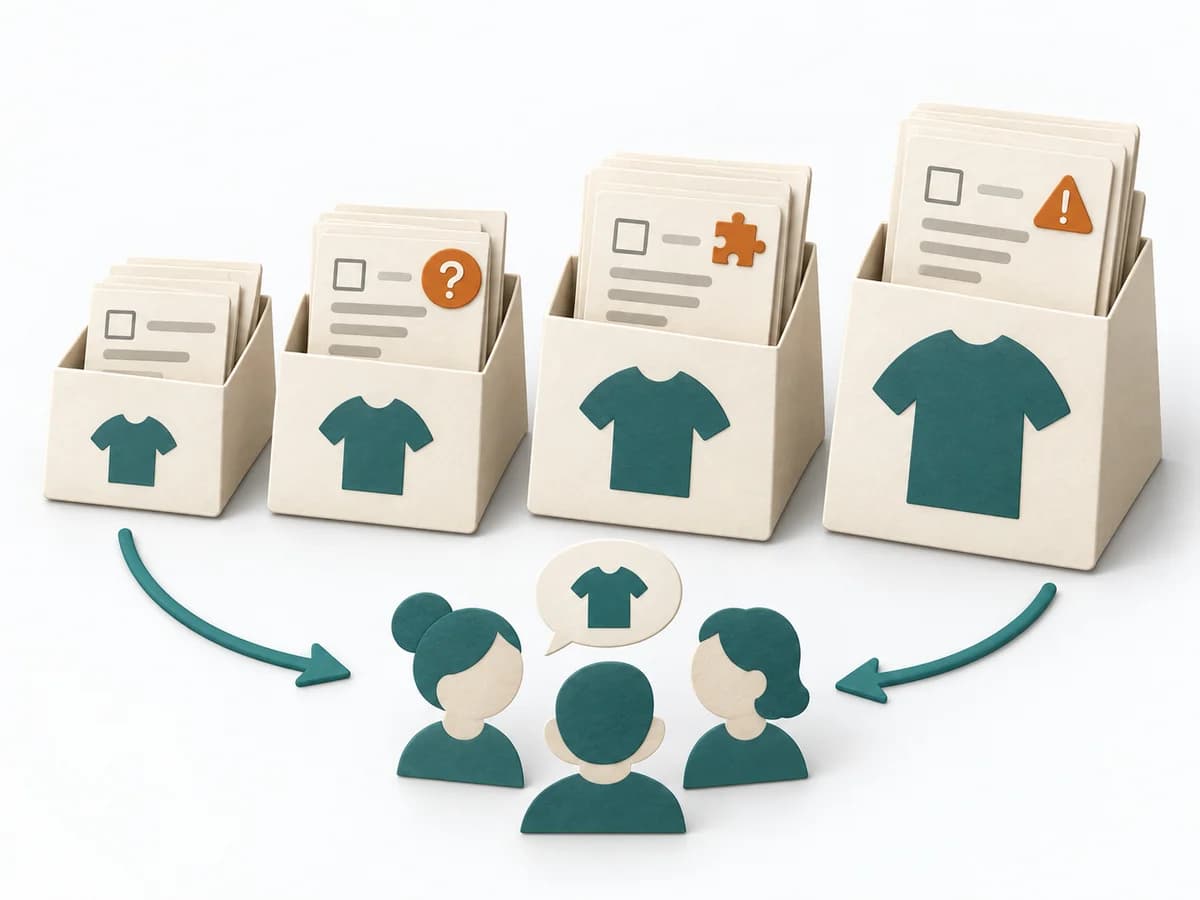
Sorts backlog items roughly by reference sizes and flags early on which items will later need splitting or clarification.

Moves backlog, sprint work, and team flow toward a concrete result through "explain the ideal day unit", "calibrate with a reference item", and "do not confuse it with calendar days".