Purpose
When users immediately turn the wrong way on a screen or wireframe, first click testing checks initial orientation at high speed. The first click shows early whether expectation, labeling, and wayfinding fit together.
UX Research Research method
Checks whether people first choose a suitable area of an interface for a specific task.
A first-click test checks whether people choose a useful first destination for a task in an interface or prototype. It is a focused signal, not a full usability evaluation.
Where do target users first click for this task, and what does that reveal about findability?
Where do target users first click for this task, and what does that reveal about findability?
Task
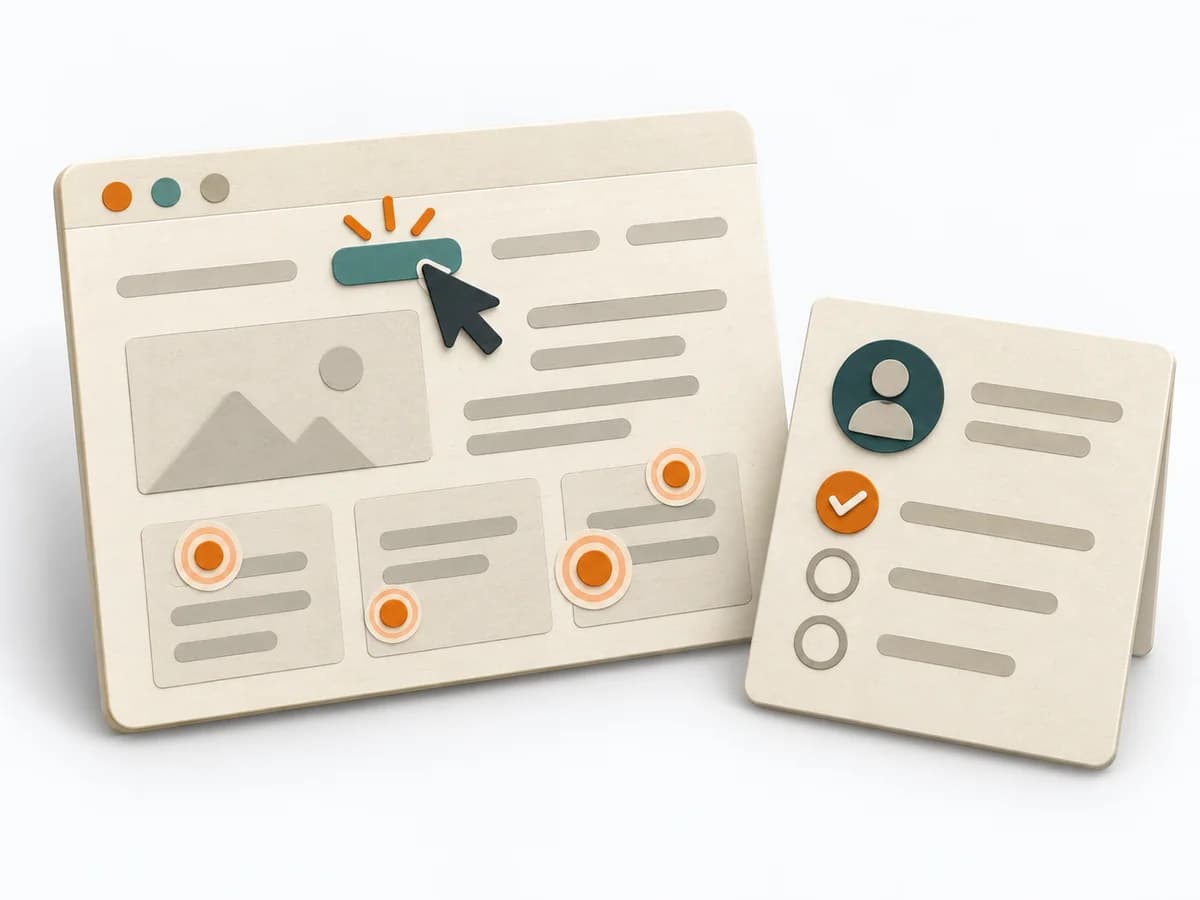
Write a realistic task and specify the first-click region that counts as success before testing.
Setup
Use the relevant screen or prototype; choose participants for the research question and report coverage limits.
Click
Let people start independently; record first click, time and any assistance separately.
Analysis
Compare clicks with expected regions; investigate misclicks without treating click rate as overall usability.
Update the work record when new evidence, changed constraints or the planned review changes an assumption.
For a specific navigation or findability question. Select participants for the research goal; do not claim universal benchmarks.

The test brief describes a realistic task for finding information or using a function and defines the successful first-click region before testing.

The setup uses the relevant screen or prototype, participants suited to the research question, and reported coverage limits.
Per-task observations contain the first click, time, and any assistance separately.
The findings compare clicks with expected regions and investigate misclicks in context. Click rate is not treated as an overall usability judgement.
Fictional example
A first-click result answers only the tested task and participant context.
What neutral task will participants attempt?
Find when reserved equipment can be collected.
Which first click counts as reaching the intended destination?
The confirmed pickup-status entry point.
Who was recruited, on what device, and with which limits?
People who manage rental reservations; purposive sample, no population claim.
What did the first click suggest and what remains uncertain?
Several first clicks on Account may indicate unclear status placement; further evidence needed.
A first-click result answers only the tested task and participant context.
Choose a target task, screen, participant group and success region before recruiting.
When users immediately turn the wrong way on a screen or wireframe, first click testing checks initial orientation at high speed. The first click shows early whether expectation, labeling, and wayfinding fit together.
For a concrete task, only the first orientation step is looked at, because that is where the mental map becomes visible fastest. The click patterns reveal whether the next step feels intuitive or whether the interface works against expectation.
First click testing helps because the first navigation step often reveals early whether people correctly interpret the interface. The method becomes meaningful when tasks are realistic and the entry screens are authentic enough to trigger genuine expectations. Good application reads click choice, hesitation, and search logic together so orientation weaknesses at entry points can be fixed precisely.
Prepare clear tasks that force a sensible first step, and make sure the tested material isn't artificially simplified. It gets demanding when people click by guessing rather than understanding; then additional observation or follow-up questions are needed. Close with the problematic entry points and decide which navigation or label change gets checked first.
The method guide walks execution through 4 phases, timing, 4 pitfalls, and clear stop criteria.
Open method guideYour perspective
Your feedback helps shape the next improvements to methodatlas.
Plan a session or initiative to match the actual scope of work.
To be confirmed
To be confirmed
Prepare the full method Time: Plan and recruit over one or more days; test time and sample depend on the question.
Complete this worksheet on paper or in your own document during the work.
What neutral task will participants attempt?
...
Which first click counts as reaching the intended destination?
...
Who was recruited, on what device, and with which limits?
...
What did the first click suggest and what remains uncertain?
...
Blank worksheet: prompts only; do not copy example data.
An introduction to first-click testing | Optimal Workshop
Expected artifact: Task, target and coding rule
Task, target and coding rule
Entry:
...
Expected artifact: Reproducible test setup
Reproducible test setup
Entry:
...
Expected artifact: Per-task first-click observations
Per-task first-click observations
Entry:
...
Expected artifact: Findings and next test
Findings and next test
Entry:
...
...
Method guide: https://methodatlas.meierhoff-systems.de/en/methods/first-click-testing/run-sheet
Fitting alternatives with decision guidance, followed by other related methods.
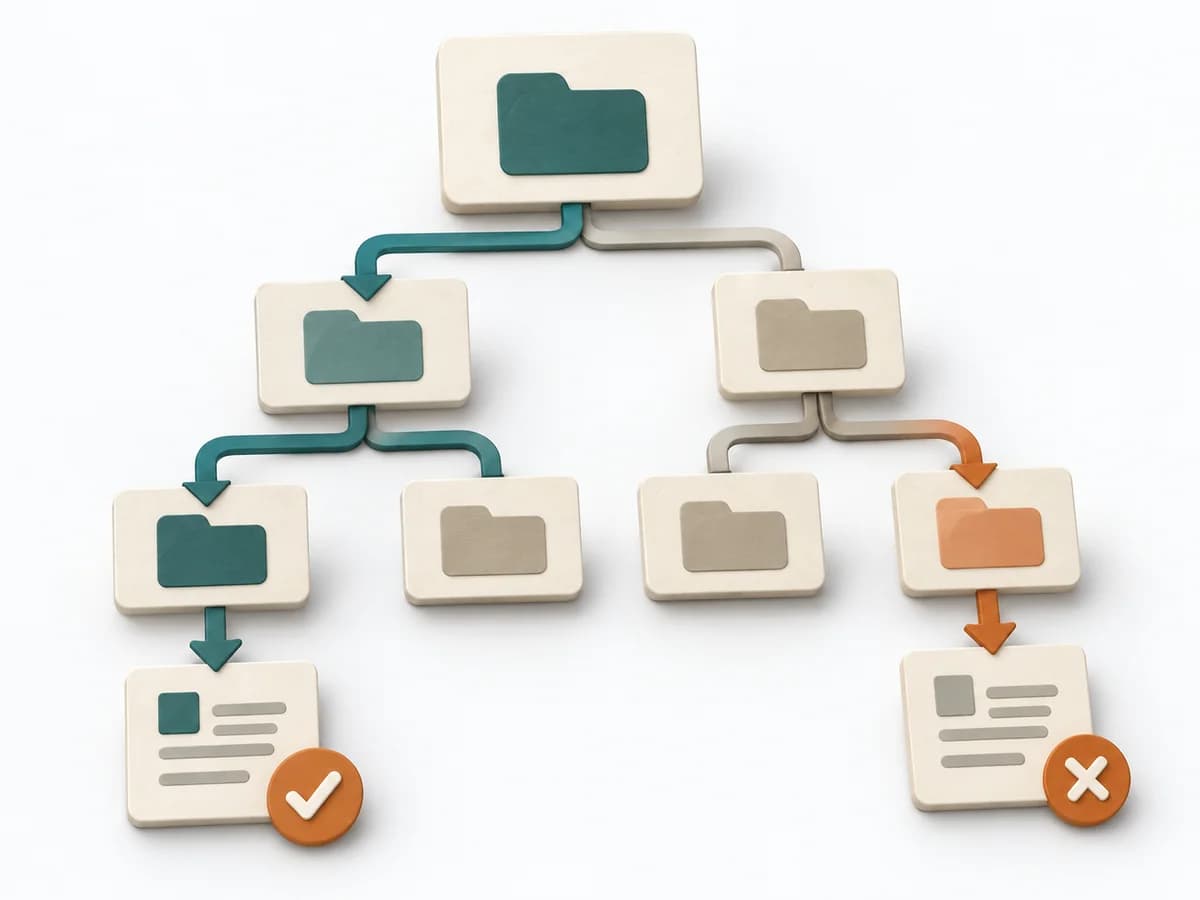
Instead of First-click Testing, when you want to use Tree Testing to test an existing information architecture for findability without a visual interface.
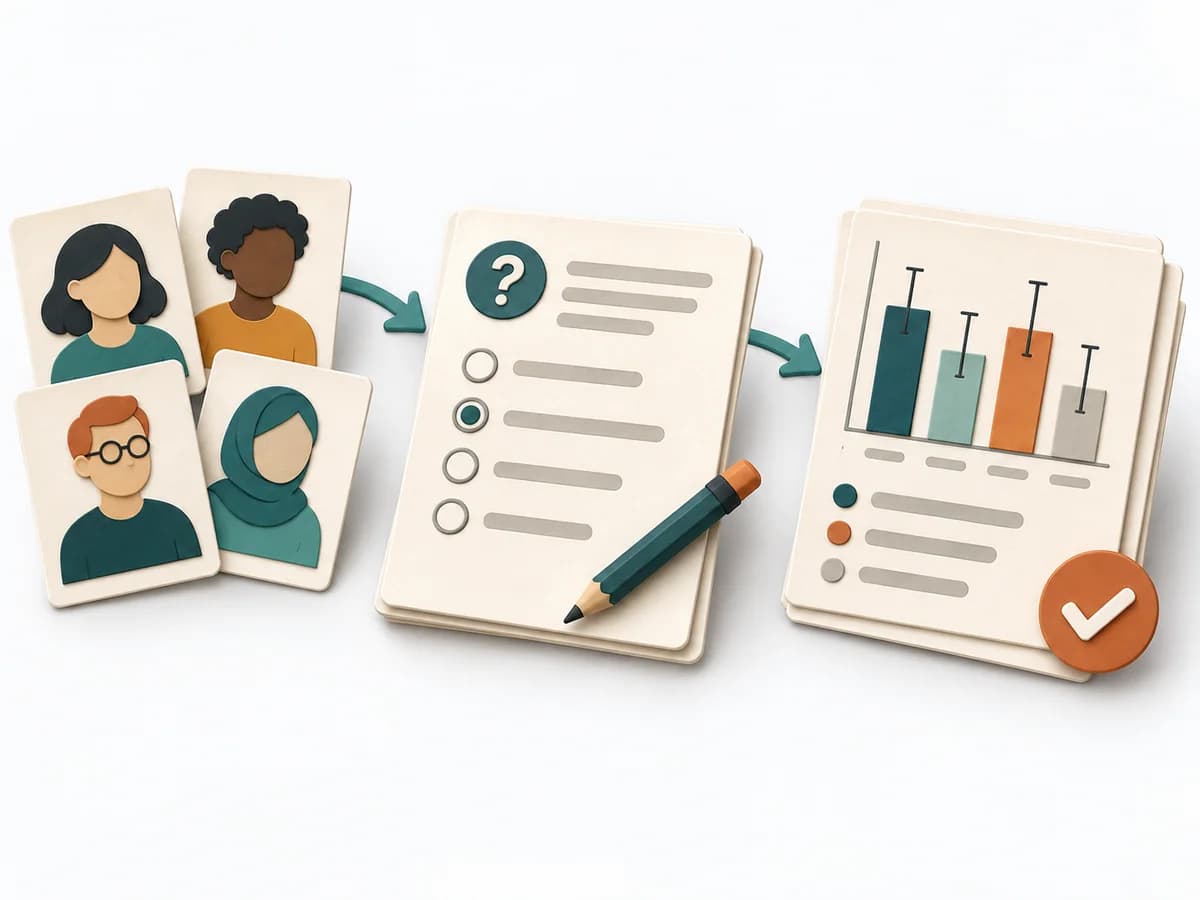
Collects answers in a scalable format and condenses them into results, charts, and segment insights.
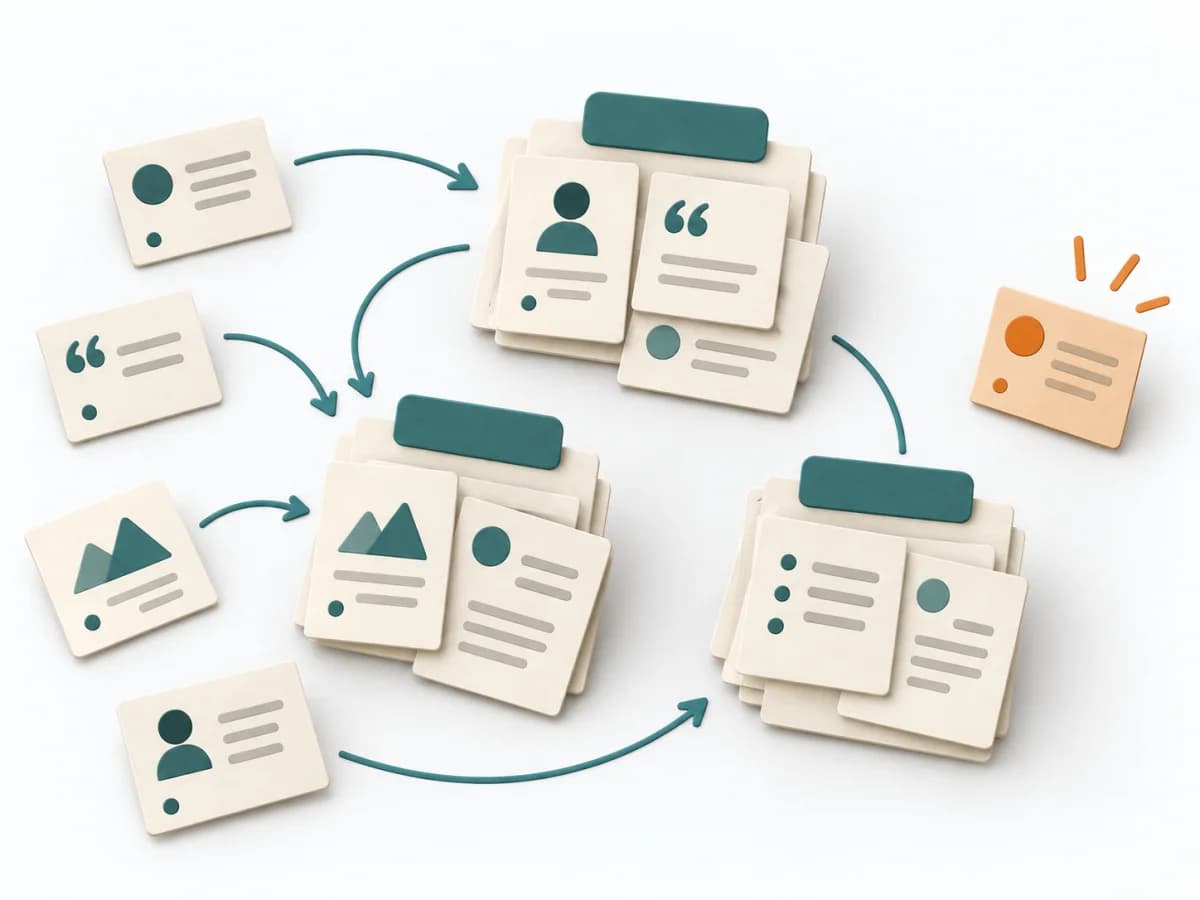
Clusters notes into themes, statements, and opportunities, translating raw material into clear implications.
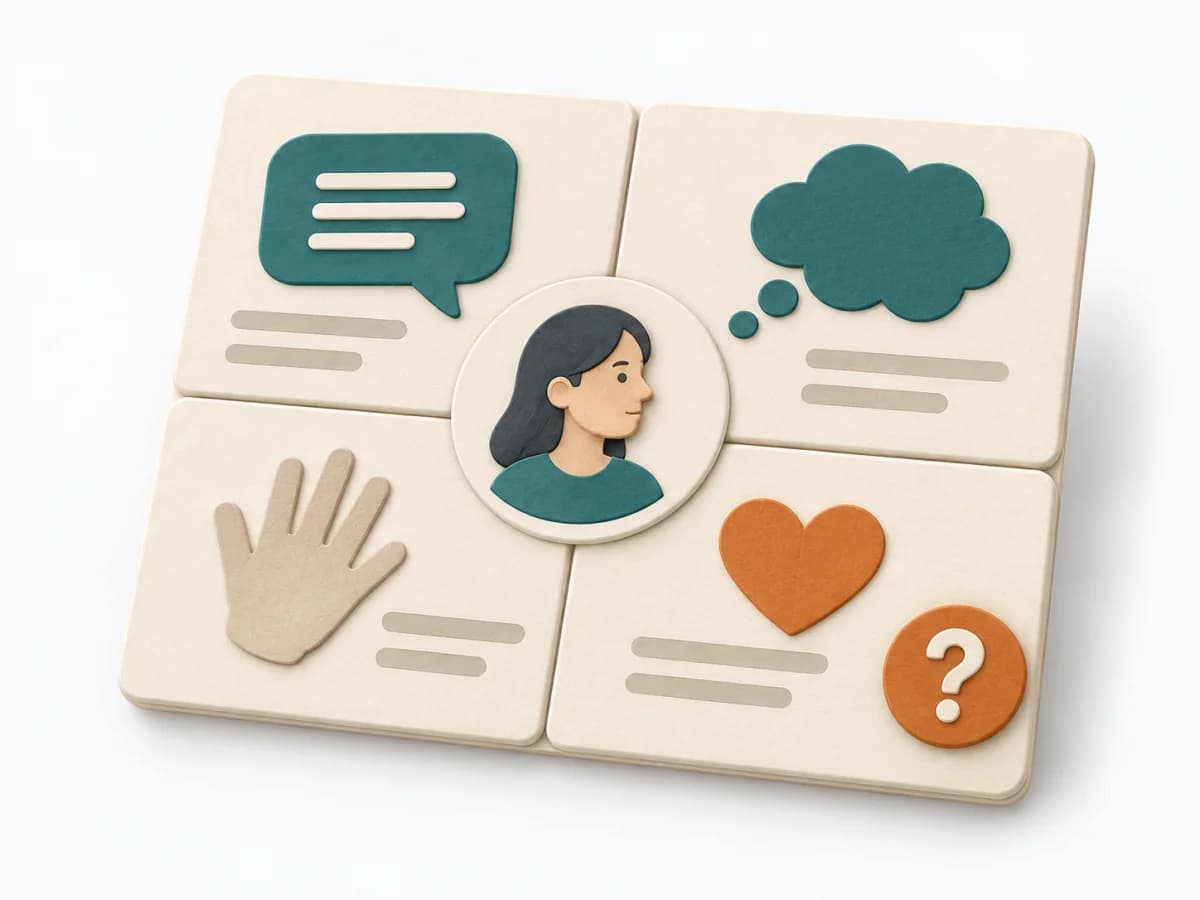
Sorts user perspectives into say, think, do, and feel, separating observed facts from assumptions.

Condenses conversations into themes, insights, and questions so needs and patterns become visible with evidence.
Observes real work in context and pairs it with follow-up questions to capture workflow insights precisely.