First-click Testing: Worksheet
Plan a session or initiative to match the actual scope of work.
# First-click Testing: Worksheet

## Question
To be confirmed

## Desired outcome
To be confirmed

## Scope
Prepare the full method
Time: Plan and recruit over one or more days; test time and sample depend on the question.

Complete this worksheet on paper or in your own document during the work.

## Preparation for this scope

### Method setup
- **Materials:** Interface or prototype, neutral wording, click logging, recruitment screener and analysis rules.
- **Roles:** Researcher/moderator · participants appropriate to the question · design owner.
- **Advance information:** Choose materials, data access and participants to fit the research or decision question.
- **Overall time needed:** Plan and recruit over one or more days; test time and sample depend on the question.
- **Setup:** Open the method-specific structure. Fictional examples are for orientation only; keep the blank worksheet separate from actual findings.

### Prepare for the work steps

#### Task: Define task and success rule
- Choose a target task, screen, participant group and success region before recruiting.
- Interface or prototype, neutral wording, click logging, recruitment screener and analysis rules.

#### Setup: Prepare interface and sample
- Task, target and coding rule
- Interface or prototype, neutral wording, click logging, recruitment screener and analysis rules.

#### Click: Capture first clicks unprompted
- Reproducible test setup
- Interface or prototype, neutral wording, click logging, recruitment screener and analysis rules.

#### Analysis: Interpret and iterate cautiously
- Per-task first-click observations
- Interface or prototype, neutral wording, click logging, recruitment screener and analysis rules.


## First-click Testing working record

### Task
What neutral task will participants attempt?

...

### Success area
Which first click counts as reaching the intended destination?

...

### Sample context
Who was recruited, on what device, and with which limits?

...

### Interpretation
What did the first click suggest and what remains uncertain?

...

Blank worksheet: prompts only; do not copy example data.

[An introduction to first-click testing | Optimal Workshop](https://www.optimalworkshop.com/101-guides/first-click-testing-101/an-intro-to-first-click-testing)


## Task: Define task and success rule
Expected artifact: Task, target and coding rule

Task, target and coding rule

Entry:

...

- [ ] Can the task be understood without interface hints?

## Setup: Prepare interface and sample
Expected artifact: Reproducible test setup

Reproducible test setup

Entry:

...

- [ ] Does sample reflect the use context?

## Click: Capture first clicks unprompted
Expected artifact: Per-task first-click observations

Per-task first-click observations

Entry:

...

- [ ] Was the click recorded without prompting?

## Analysis: Interpret and iterate cautiously
Expected artifact: Findings and next test

Findings and next test

Entry:

...

- [ ] Is the conclusion narrower than the evidence?

## Open questions and next steps

...

Method guide: https://methodatlas.meierhoff-systems.de/en/methods/first-click-testing/run-sheet
Tree Testing: Worksheet
Plan the tree version, search tasks, participant study, and analyzable path data.
# Tree Testing: Worksheet

## Question
To be confirmed

## Desired outcome
To be confirmed

## Scope
Evaluate one navigation hierarchy
Time: Multi-session study; duration depends on recruitment, format, tasks, and analysis.

Complete this worksheet on paper or in your own document during the work.

## Preparation for this scope

### Method setup
- **Materials:** Versioned navigation tree, search tasks with expected destinations, participant profile, test tool, and capture grid for first clicks and paths.
- **Roles:** Research lead prepares the tree and tasks. Participants search individually; moderation stays neutral. For remote studies, document sample quality and source.
- **Advance information:** Gather critical content, current hierarchy, audiences, known findability issues, and the pending structural decision.
- **Overall time needed:** Unmoderated studies may run over several days depending on recruitment; individual tasks often take only minutes. Plan setup, participant time, and analysis separately.
- **Setup:** Version tree labels and destinations, pilot tasks, and confirm the test surface shows only hierarchy navigation.

### Prepare for the work steps

#### Tree: Bound the hierarchy
- Name the content people must find and the hierarchy, labels, and levels to evaluate.

#### Tasks: Write tasks
- Versioned navigation tree with traceable destination nodes.

#### Paths: Collect paths
- Versioned task set with expected destinations and rationale.

#### Interpret: Interpret findability
- Task-level paths and final selections by participant.


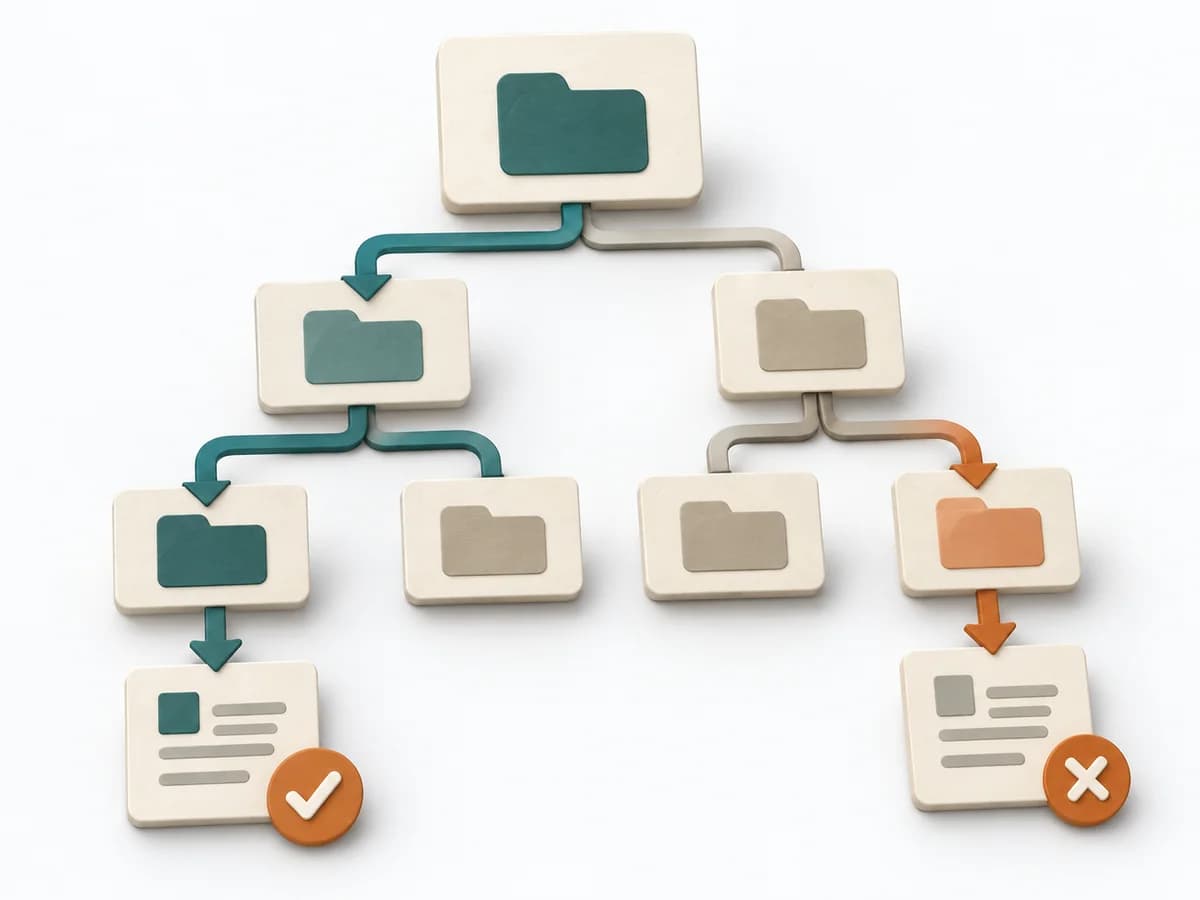
## Tree-test task paths

| Task path | Search task | Expected destination | First click and path | Finding or follow-up |
| --- | --- | --- | --- | --- |
| Wrong path |   |   |   |   |
| Direct path |   |   |   |   |

- **Wrong path:** A path ending at the wrong destination.
- **Direct path:** A path with the expected destination and no detour.

Blank template: capture your task, target, path, and finding.

[NN/G](https://www.nngroup.com/articles/tree-testing/)


## Tree: Bound the hierarchy
Expected artifact: Versioned navigation tree with traceable destination nodes.

Versioned navigation tree with traceable destination nodes.

Entry:

...

- [ ] The tree is complete enough for tasks and is not mixed with visual cues.

## Tasks: Write tasks
Expected artifact: Versioned task set with expected destinations and rationale.

Versioned task set with expected destinations and rationale.

Entry:

...

- [ ] Each task has a justified target; multiple plausible destinations are noted in advance.

## Paths: Collect paths
Expected artifact: Task-level paths and final selections by participant.

Task-level paths and final selections by participant.

Entry:

...

- [ ] Tasks, tree version, and participant code stay linked.

## Interpret: Interpret findability
Expected artifact: Findings about nodes, labels, and tasks with next structural tests.

Findings about nodes, labels, and tasks with next structural tests.

Entry:

...

- [ ] Success, directness, and uncertainty use a suitable sample and stated denominator.

## Open questions and next steps

...

Method guide: https://methodatlas.meierhoff-systems.de/en/methods/tree-testing/run-sheet