Complete firstClear scope
An active incident requiring coordination, multiple responders, or external communication.
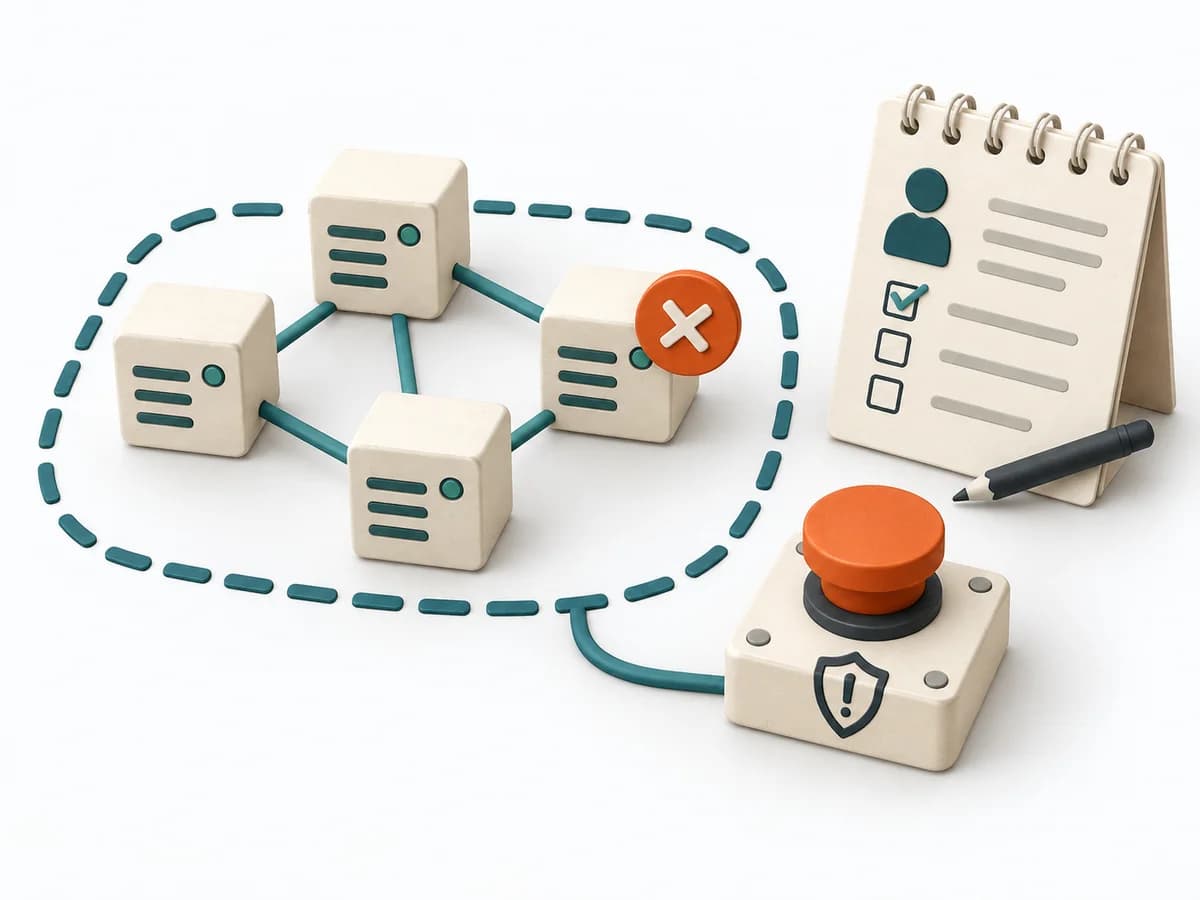
Without a boundary, data, perspectives, or flows become mixed.
A practical method guide: clarify prerequisites and materials, understand the complete process, and look up outputs, pitfalls, and stop criteria.
What needs to be finished first
An active incident requiring coordination, multiple responders, or external communication.
Relevant people and sources can be included.
What needs to be ready before start
Shared workspace, accessible sources, and a decision log.
Incident Commander · Operations · Communications · scribe
Clarify the question, timeframe, data access, roles, and known uncertainties in advance.
For the duration of the incident; roles, update cadence, and handoffs adapt to the situation.
Create a shared version. Label facts, assumptions, and decisions separately.
The one question this method answers
Who commands, who works the technical problem, and how do we maintain a shared situation?
Phases with goal, actions, output and pitfall
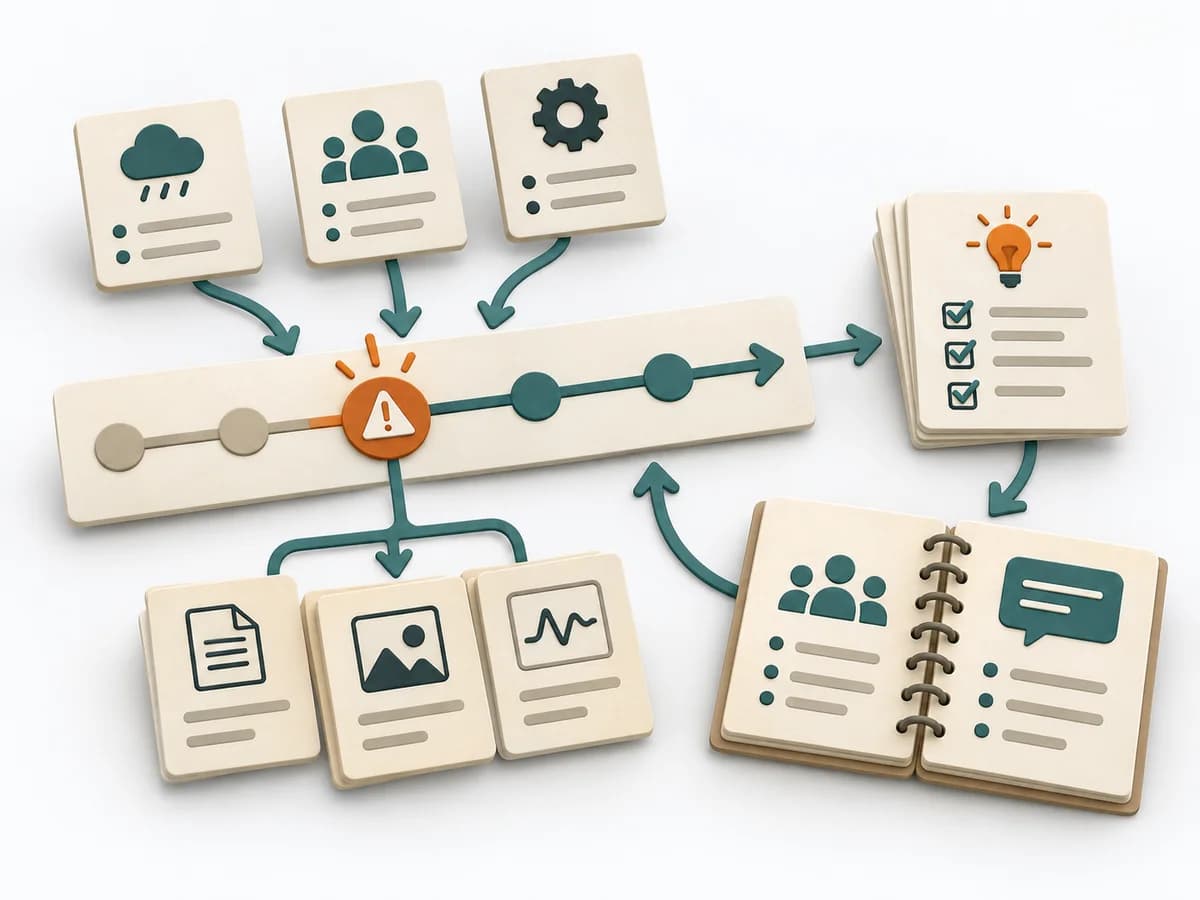
Incident Command coordinates an active major incident through clear command, a shared situation picture, communication, and a documented handoff. The method connects operational control with traceable transfer of responsibility.
Fictional worked example
Coordinate an active major incident with clear command, shared situation, communication, and documented handoff.
Record severity, Incident Commander, and start time.
Payment confirmations delayed; SEV-1 declared at 14:05.
Separate confirmed facts, hypotheses, impact, and open questions.
IC: Sam; Operations: Jo; Communications: Lee; Scribe: Pat.
Assign workstreams, update cadence, and audience.
15-minute situation update; one incident log; technical changes have an owner.
Document stability criteria, residual risk, and accepted handoff.
After queue stabilizes: IC hands off to service owner; schedule separate learning review.
Fictional: payment confirmation outage. Incident Commander coordinates and sets 15-minute updates; Operations Lead checks backlog and rollback; Communications Lead publishes customer status; Scribe logs timestamps. Once stable, roles are formally handed off and a separate postmortem is scheduled.
Command

Goal
Is one person clearly accountable for coordination?
Inputs for this step
Actions
Output
Incident declaration and commander
Incident declaration and commander
Quality check
Is one person clearly accountable for coordination?
Pitfall
Commander also executes technical tasks Separate command from hands-on investigation as the response grows.
Timing: Part of the agreed work block; research may be separate.
Situation

Goal
Are unresolved assumptions marked?
Inputs for this step
Actions
Output
Shared situation and impact summary
Shared situation and impact summary
Quality check
Are unresolved assumptions marked?
Pitfall
Multiple situation reports conflict Use one incident log and one authoritative status source.
Timing: Part of the agreed work block; research may be separate.
Coordination
Goal
Can responders help without conflicting parallel commands?
Inputs for this step
Actions
Output
Coordinated technical and communications work
Coordinated technical and communications work
Quality check
Can responders help without conflicting parallel commands?
Pitfall
Unverified theory shared as fact Distinguish confirmed, suspected, and unknown in updates.
Timing: Part of the agreed work block; research may be separate.
Handover
Goal
Are service and command responsibilities clearly handed off?
Inputs for this step
Actions
Output
Documented stabilization and command handoff
Documented stabilization and command handoff
Quality check
Are service and command responsibilities clearly handed off?
Pitfall
Handoff without explicit acceptance Incoming command explicitly accepts situation, goals, and open risks.
Timing: Part of the agreed work block; research may be separate.
What comes out at the end
Sketch: what the artifact looks like
Versioned result with question, evidence, open issues, next action, ownership, and review date.
Record date, scope, sources, and changes. Preserve earlier observations.
Prepare Incident Command with a clear question, roles, and sources.
To be confirmed
To be confirmed
Plan the full method Time: Set according to scope and available evidence
Complete this worksheet on paper or in your own document during the work.
Record severity, Incident Commander, and start time.
...
Separate confirmed facts, hypotheses, impact, and open questions.
...
Assign workstreams, update cadence, and audience.
...
Document stability criteria, residual risk, and accepted handoff.
...
Blank worksheet: start with a bounded question. Enter observed facts only, mark assumptions, and record open questions and sources.
Incident management at Google · Google Cloud
Expected artifact: Incident declaration and commander
Incident declaration and commander
Entry:
...
Expected artifact: Shared situation and impact summary
Shared situation and impact summary
Entry:
...
Expected artifact: Coordinated technical and communications work
Coordinated technical and communications work
Entry:
...
Expected artifact: Documented stabilization and command handoff
Documented stabilization and command handoff
Entry:
...
...
Method guide: https://methodatlas.meierhoff-systems.de/en/methods/incident-command/run-sheet
Concrete filled scenario, fictional example
Fictional example for orientation. Counts and timings describe this case and are not universal requirements.
Concrete filled scenario, fictional example
Fictional: payment confirmation outage. Incident Commander coordinates and sets 15-minute updates; Operations Lead checks backlog and rollback; Communications Lead publishes customer status; Scribe logs timestamps. Once stable, roles are formally handed off and a separate postmortem is scheduled.
All names and values are invented for illustration. Unresolved explanations remain questions.
Recognize symptoms and steer against them
Quick overview, the full text is in the matching phase in the flow
Commander also executes technical tasks
Separate command from hands-on investigation as the response grows.
Multiple situation reports conflict
Use one incident log and one authoritative status source.
Unverified theory shared as fact
Distinguish confirmed, suspected, and unknown in updates.
Handoff without explicit acceptance
Incoming command explicitly accepts situation, goals, and open risks.
When to pause, resolve prerequisites, or choose another approach
Go to the profile for purpose, similar methods, and sources or continue to the next method in the catalog.