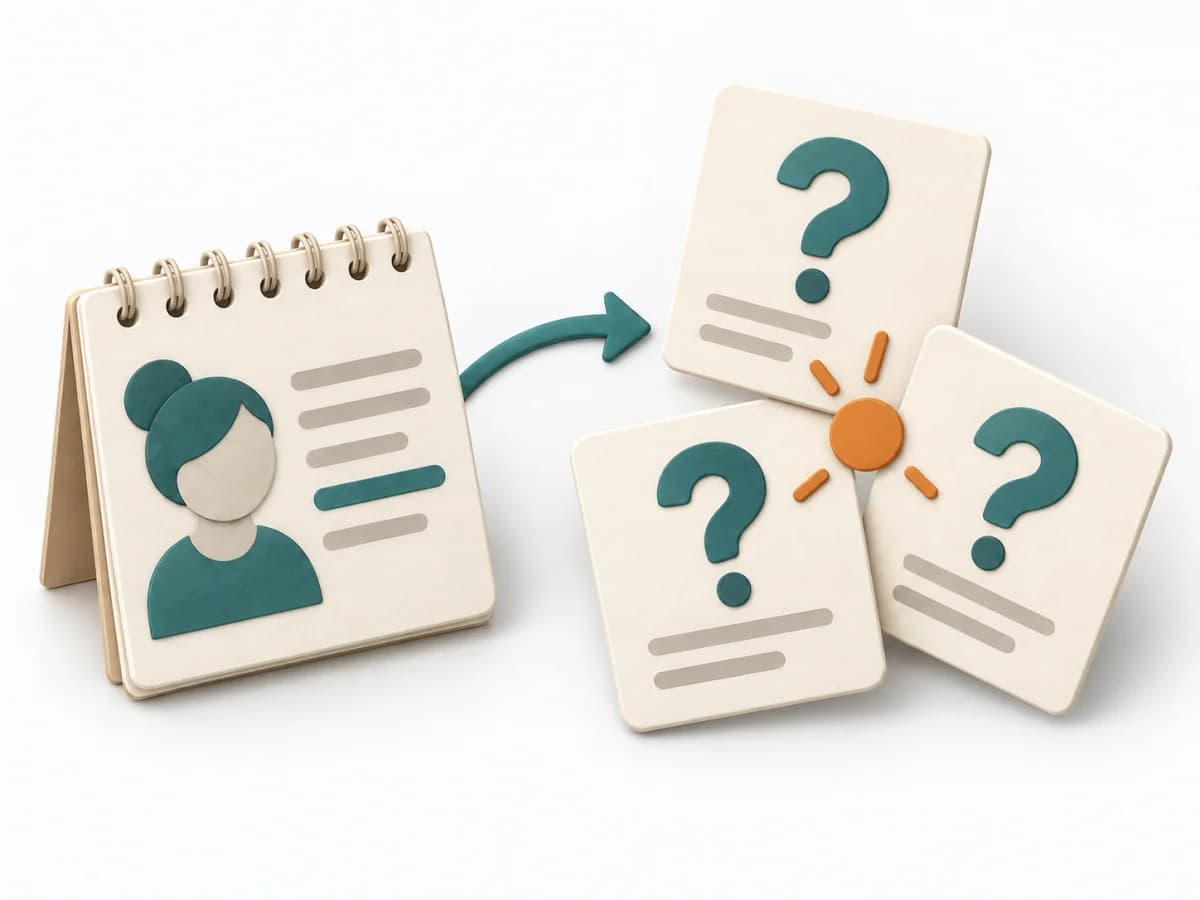
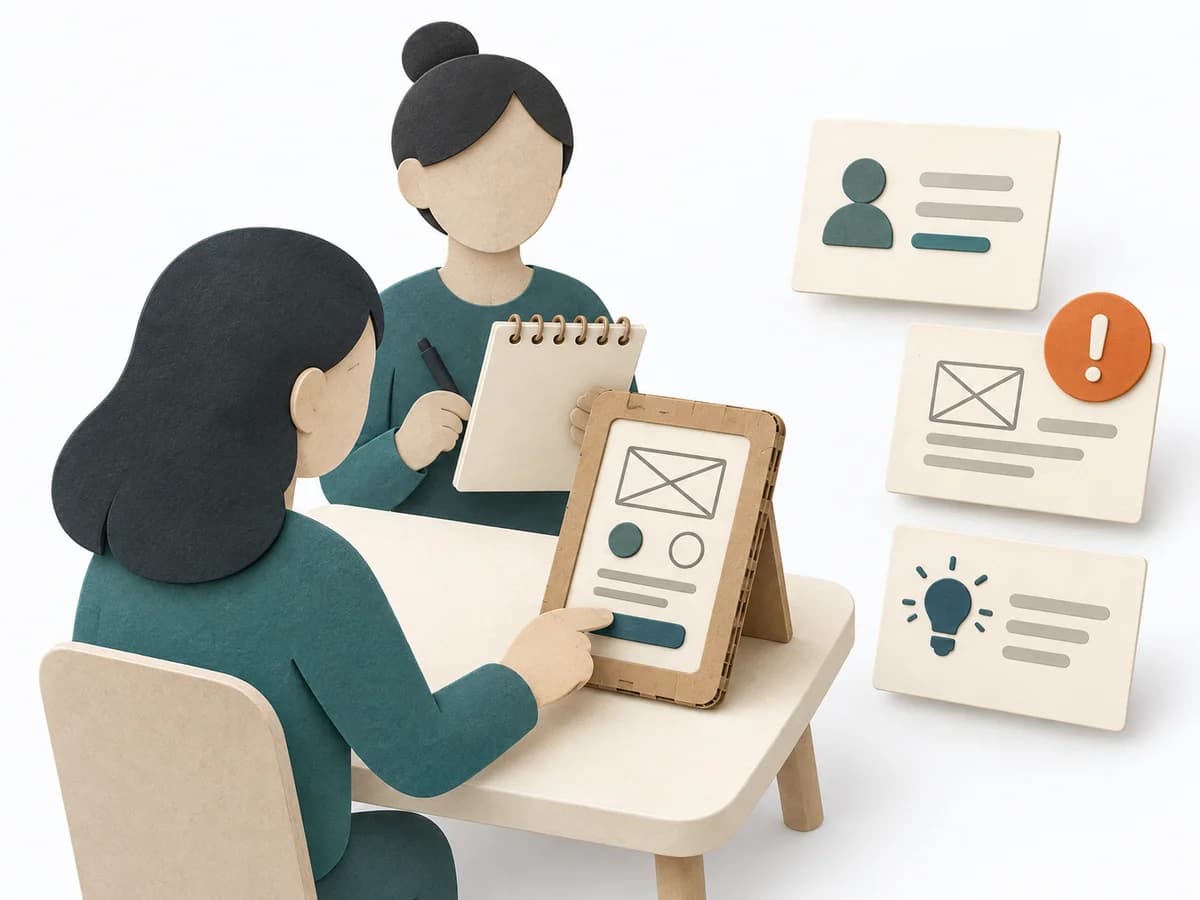
Qualitative conversations with real users from the target segment have been conducted or are firmly scheduled. Scope and selection follow learning needs, access, and risk.
Design Thinking
A practical method guide: clarify prerequisites and materials, understand the complete process, and look up outputs, pitfalls, and stop criteria.
Prerequisite
What needs to be finished first
The most important stakeholders, a sponsor with decision mandate, and a budget frame for prototypes and tests are documented.
Preparation
What needs to be ready before start
Workshop room with wall space or Miro board with phase lanes; stickies in five colors; pens; prototyping materials (paper, cardboard, click tools like Figma); test setup; recruiting list for user tests.
One facilitator for overall flow; one to two researchers for interviews and synthesis; two to four designers and engineers; one sponsor with decision mandate (at least at phase transitions); test users for phase 5.
Problem space as one paragraph, not as a solution idea; target group and access to it; known constraints (budget, compliance, technology); prior solution attempts and why they failed.
Iterative work over days to several weeks, sized to learning needs, access, and the initiative
Phase lanes on the wall: Empathize, Define, Ideate, Prototype, Test. Fix sponsor reviews between every phase. Start recruiting for phase 5 in phase 1, not later.
Core question
The one question this method answers
Which real user problem is worth solving, and which solution idea survives a test with real users?
Flow
Phases with goal, actions, output and pitfall
From initial observations to a clear problem and a prototype you can test with users.
- 1
Empathize
Understand

Goal
Understand users' everyday context and actual needs.
Inputs for this step
- A focused usage situation
- Access to relevant users and consent for conversations
Actions
- Ask about specific past situations and observe use.
- Record quotes, behavior, workarounds and open questions separately from your interpretations.
Output
Research notes
Observation · context · evidence · open question
Quality check
Do observations come from the relevant usage situation? Can observations be distinguished from assumptions?
Pitfall
The team collects agreement with an already preferred solution. Return to past behavior and concrete difficulties. Label open assumptions.
Timing: Several research appointments over days; plan scope around learning needs and access.
- 2
Define
Frame the problem

Goal
Derive a traceable problem from the observations.
Inputs for this step
- Research notes with evidence
- Recurring patterns and unresolved contradictions
Actions
- Cluster observations and choose a relevant need.
- Record the user, need and supporting insight as a problem statement. Derive an open solution question.
Output
Problem Statement
User · need · supporting insight · evidence
Quality check
Are user, need and evidence clear? Does the statement allow different solutions?
Pitfall
The statement already requests an app or a particular feature. Describe the underlying need and save the solution idea for ideation.
Timing: Focused synthesis blocks; return to research when evidence is missing.
- 3
Ideate
Develop ideas

Goal
Make different possible solutions visible and comparable.
Inputs for this step
- A focused problem statement
- An open How Might We question and relevant constraints
Actions
- Sketch several ideas individually, then build on them together.
- Include contrasting approaches and select a concept to test with a clear rationale.
Output
Concept selection
Idea · value assumption · open question · selection rationale
Quality check
Do the approaches differ meaningfully? Is the assumption to be tested documented?
Pitfall
The first obvious idea is chosen before alternatives are visible. Run another round with deliberately different approaches. Adapt idea-count prompts to the situation.
Timing: One or more ideation and selection blocks suited to the problem space.
- 4
Prototype
Build a prototype

Goal
Make the central assumption testable with limited effort.
Inputs for this step
- A selected concept
- A clear test question and an observable usage situation
Actions
- Choose the minimum representation that can investigate the question meaningfully.
- Prepare paper, role play, a click-through prototype or Wizard of Oz and rehearse the test briefly.
Output
Prototype
Draft or link · test question · deliberately omitted parts
Quality check
Can users try a relevant action? Is effort limited to what the test question requires?
Pitfall
The prototype turns into a full product build. Check each detail for its contribution to the test question and limit fidelity deliberately.
Timing: Short building and testing cycles; effort depends on the test question.
- 5
Test
Test and learn

Goal
Use observed behavior to decide the next step.
Inputs for this step
- A prototype and test question
- Relevant test participants and an observation guide
Actions
- Let users try relevant tasks without leading them toward the solution.
- Synthesize observations and contradictions. Continue, revise or reject the assumption and record the next action.
Output
Test Learnings
Observation · evidence · remaining uncertainty · decision · next action
Quality check
Is the decision supported by observed behavior? Are uncertainties, ownership and the next learning step clear?
Pitfall
Praise for the prototype is treated as evidence of successful use. Consider behavior and statements separately. Investigate contradictions and justify participant selection and sample size.
Timing: Several tests and a synthesis; adapt scope and repetition to uncertainty and the target group.
Artifact
What comes out at the end
Sketch: what the artifact looks like
Structured documentation with research notes, clustered insights, POV statement, selected HMW question, ideation outputs, prototype links, test protocols per user, patterns, and final decision with owner and next action.
One iteration per folder with date and problem space as title. Archive previous iterations without overwriting. Document phase-to-phase decisions with date and sponsor sign-off.
- Miro or FigJam as workshop board with phase lanes
- Figma for clickable prototypes
- Notion or Confluence for synthesis and decision documentation
- Lookback or Maze for user tests
design-thinking-working-template.md
Prepare a session or a whole initiative. Your ready-to-use plan takes shape on the right.
Design Thinking: Worksheet
Question
To be confirmed
Desired outcome
To be confirmed
Scope
Whole initiative Time: Multiple dates, to be scheduled
Complete this worksheet on paper or in your own document during the work.
Preparation for this scope
Method setup
- Materials: Workshop room with wall space or Miro board with phase lanes; stickies in five colors; pens; prototyping materials (paper, cardboard, click tools like Figma); test setup; recruiting list for user tests.
- Roles: One facilitator for overall flow; one to two researchers for interviews and synthesis; two to four designers and engineers; one sponsor with decision mandate (at least at phase transitions); test users for phase 5.
- Advance information: Problem space as one paragraph, not as a solution idea; target group and access to it; known constraints (budget, compliance, technology); prior solution attempts and why they failed.
- Overall time needed: Iterative work over days to several weeks, sized to learning needs, access, and the initiative
- Setup: Phase lanes on the wall: Empathize, Define, Ideate, Prototype, Test. Fix sponsor reviews between every phase. Start recruiting for phase 5 in phase 1, not later.
Prepare for the work steps
Empathize: Understand
- A focused usage situation
- Access to relevant users and consent for conversations
Define: Frame the problem
- Research notes with evidence
- Recurring patterns and unresolved contradictions
Ideate: Develop ideas
- A focused problem statement
- An open How Might We question and relevant constraints
Prototype: Build a prototype
- A selected concept
- A clear test question and an observable usage situation
Test: Test and learn
- A prototype and test question
- Relevant test participants and an observation guide
Empathize: Understand
Expected artifact: Research notes
Observation · context · evidence · open question
Entry:
...
- Do observations come from the relevant usage situation?
- Can observations be distinguished from assumptions?
Define: Frame the problem
Expected artifact: Problem Statement
User · need · supporting insight · evidence
Entry:
...
- Are user, need and evidence clear?
- Does the statement allow different solutions?
Ideate: Develop ideas
Expected artifact: Concept selection
Idea · value assumption · open question · selection rationale
Entry:
...
- Do the approaches differ meaningfully?
- Is the assumption to be tested documented?
Prototype: Build a prototype
Expected artifact: Prototype
Draft or link · test question · deliberately omitted parts
Entry:
...
- Can users try a relevant action?
- Is effort limited to what the test question requires?
Test: Test and learn
Expected artifact: Test Learnings
Observation · evidence · remaining uncertainty · decision · next action
Entry:
...
- Is the decision supported by observed behavior?
- Are uncertainties, ownership and the next learning step clear?
Open questions and next steps
...
Method guide: https://methodatlas.meierhoff-systems.de/en/methods/design-thinking/run-sheet
Example output
Concrete filled scenario, fictional example
Fictional example for orientation. Counts and timings describe this case and are not universal requirements.
design-thinking-beispiel.md
Concrete filled scenario, fictional example
Design Thinking — Independent tax advisory, client communication (Q2 2026)
Empathize: 7 interviews with solo tax advisors, 2 days of contextual observation in Sabine's office. 12 workarounds documented (WhatsApp for documents, Excel lists for follow-ups).
POV: Sabine, a solo tax advisor with 80 clients, needs a way to assign incoming documents to the correct client because she sorts each email manually and loses 6 hours per week.
HMW: How might we automatically assign documents to the right client without clients changing their behavior?
Ideation: 47 ideas, 3 concepts selected for prototyping: (1) email forwarding with tag detection, (2) client upload portal, (3) WhatsApp bot.
Prototype: Figma click dummy for concept 1 (9 screens) plus Wizard-of-Oz setup, where a researcher manually assigns tags.
Test: 6 tax advisors, 60 minutes each. 5/6 understood the concept immediately, 4/6 wanted to use it now, 2/6 had concerns about confidentiality in WhatsApp-like tag routing.
Decision (Sponsor: @marcus, 18.05.2026): Continue with concept 1, with explicit opt-in per client. One-week implementation spike first, then a pilot with 5 advisors.
Pitfalls
Recognize symptoms and steer against them
Quick overview, the full text is in the matching phase in the flow
- UnderstandThe team collects agreement with an already preferred solution.View in phase
- Frame the problemThe statement already requests an app or a particular feature.View in phase
- Develop ideasThe first obvious idea is chosen before alternatives are visible.View in phase
- Build a prototypeThe prototype turns into a full product build.View in phase
- Test and learnPraise for the prototype is treated as evidence of successful use.View in phase
Understand
The team collects agreement with an already preferred solution.
Return to past behavior and concrete difficulties. Label open assumptions.
Frame the problem
The statement already requests an app or a particular feature.
Describe the underlying need and save the solution idea for ideation.
Develop ideas
The first obvious idea is chosen before alternatives are visible.
Run another round with deliberately different approaches. Adapt idea-count prompts to the situation.
Build a prototype
The prototype turns into a full product build.
Check each detail for its contribution to the test question and limit fidelity deliberately.
Test and learn
Praise for the prototype is treated as evidence of successful use.
Consider behavior and statements separately. Investigate contradictions and justify participant selection and sample size.
Stop criteria
When to pause, resolve prerequisites, or choose another approach
Finished the method guide?
Go to the profile for purpose, similar methods, and sources or continue to the next method in the catalog.