Complete firstContent inventory
The content relevant to the structure question is listed and can be described as individual cards.
Missing or duplicated items distort grouping patterns.
A practical method guide: clarify prerequisites and materials, understand the complete process, and look up outputs, pitfalls, and stop criteria.
What needs to be finished first
The content relevant to the structure question is listed and can be described as individual cards.
Open, closed, or hybrid sorting matches the specific discovery or evaluation question.
Audience experience and use context are understood.
What needs to be ready before start
Research question, one card per content item, neutral sorting instructions, and a capture grid. Use a piloted digital sorting tool for remote studies.
A research or moderation lead explains the format neutrally and records questions. Participants sort individually; a group discussion can obscure individual results.
Record the content inventory, audience, sort question, intended use of findings, and known internal categories.
About 20–45 minutes for an individual sort. Plan preparation, recruitment, and comparative analysis separately; remote studies may run over several days.
Shuffle cards and check readability. For moderated work, explain the rules without examples that imply the expected taxonomy.
The one question this method answers
Which content groups and terms fit the mental models of the relevant audience?
Phases with goal, actions, output and pitfall
Card sorting makes mental models and useful terms visible as participants group clearly worded content cards using their own logic. The results provide structure hypotheses for later information architecture.
Fictional teaching example
Track content cards, groups, participant labels, and open structure questions.
| Sort finding | Content cards | Participant group | Participant label | Analysis question |
|---|---|---|---|---|
| Example groupRecord a group from one individual sort. | Search for a tool; check availability | P1: grouped together | Find a suitable tool | Does this grouping recur in other sorts? |
| VariationKeep a single card or alternative placement visible. | View pickup location | P1: separate group | Plan pickup | Is pickup its own task or part of reservation? |
Keep group labels in the participant’s wording.
Frame

Goal
Decide which structure decision the sort should inform.
Inputs for this step
Actions
Output
Focused information-architecture question.
Focused information-architecture question.
Quality check
The method fits a content-grouping question, not a visual-design review.
Pitfall
The team wants to assess navigation, page layout, and labels all at once. Separate grouping from later tree tests or interface tests.
Timing: 20–30 minutes for focus and scope
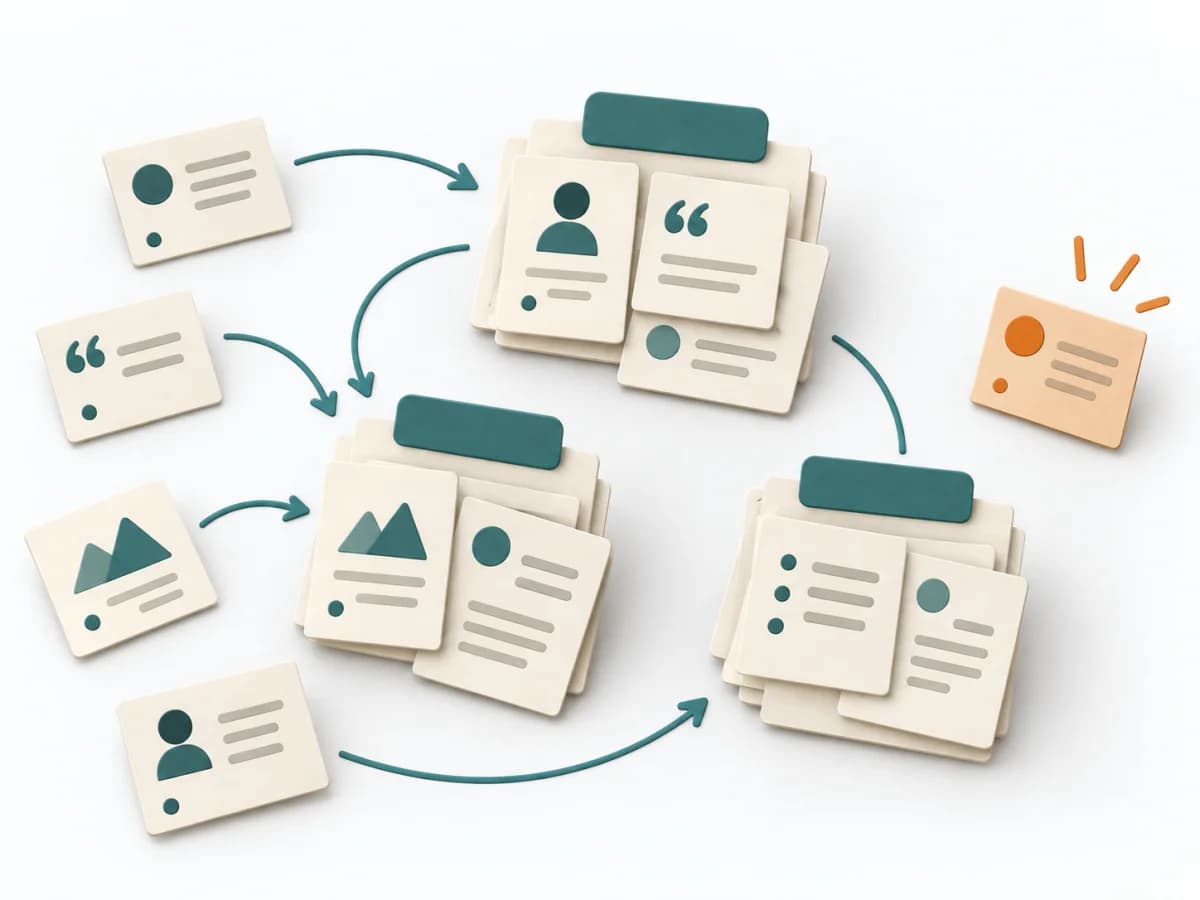
Cards
Goal
Write clear cards and select a sorting format.
Inputs for this step
Actions
Output
Versioned card set, sort format, and moderator notes.
Versioned card set, sort format, and moderator notes.
Quality check
Each card represents content; open sorting does not prescribe categories.
Pitfall
Ambiguous cards or an overloaded set produce noisy sorting. Bound the content, simplify labels, and pilot the set.
Timing: 30–60 minutes for card set and pilot
Sort
Goal
Let participants sort independently and explain their labels.
Inputs for this step
Actions
Output
Individual sorts with participant-created group names and comments.
Individual sorts with participant-created group names and comments.
Quality check
Sorts remain separate; the moderator does not correct a participant’s logic.
Pitfall
The moderator suggests a category or reinterprets groups. Ask why items belong together and capture the participant’s wording.
Timing: 20–45 minutes per moderated sort; unmoderated varies
Synthesize

Goal
Compare sorts and turn similarities and differences into structure hypotheses.
Inputs for this step
Actions
Output
Structure hypotheses with open label questions and follow-up needs.
Structure hypotheses with open label questions and follow-up needs.
Quality check
Interpretations trace to individual sorts; disagreement is retained.
Pitfall
A cluster is adopted directly as the final category. Form multiple hypotheses and check findability with tree testing.
Timing: Analysis time in addition to participant time
What comes out at the end
Sketch: what the artifact looks like
Versioned card set, sort format, individual sorts, participant labels, analysis notes, and structure hypotheses.
Date the card set, sort format, and question. Preserve original sorts; add derived clusters as analysis instead of overwriting raw data.
Prepare content cards, sorting format, and analysis of individual sorts.
To be confirmed
To be confirmed
One focused sorting study Time: Multi-session research initiative; duration depends on sorting format, recruitment, and comparative analysis.
Complete this worksheet on paper or in your own document during the work.
| Sort finding | Content cards | Participant group | Participant label | Analysis question |
|---|---|---|---|---|
| Example group | ||||
| Variation |
Blank template: add your own cards, groups, labels, and analysis questions.
Expected artifact: Focused information-architecture question.
Focused information-architecture question.
Entry:
...
Expected artifact: Versioned card set, sort format, and moderator notes.
Versioned card set, sort format, and moderator notes.
Entry:
...
Expected artifact: Individual sorts with participant-created group names and comments.
Individual sorts with participant-created group names and comments.
Entry:
...
Expected artifact: Structure hypotheses with open label questions and follow-up needs.
Structure hypotheses with open label questions and follow-up needs.
Entry:
...
...
Method guide: https://methodatlas.meierhoff-systems.de/en/methods/card-sorting/run-sheet
Concrete filled scenario, fictional example
Fictional example for orientation. Counts and timings describe this case and are not universal requirements.
Concrete filled scenario, fictional example
All content and sorts are fictional. No study was conducted.
Question: Which content do borrowers expect to see together when planning a tool loan?
Sort format: Fictional open sort with four cards: “Search for a tool,” “Check availability,” “View pickup location,” and “Find repair help.”
Example sort P1: “Search for a tool” and “Check availability” are grouped under the participant-created label “Find a suitable tool.” “View pickup location” is a separate group, “Plan pickup.” “Find repair help” remains separate.
Observation: P1 moved cards individually and grouped pickup only after checking availability.
Hypothesis: Search and stock may belong together; pickup appears to be a later planning task. One sort is insufficient to decide a category.
Next step: Compare alternatives across more individual sorts and test the resulting navigation with tree testing.
Recognize symptoms and steer against them
Quick overview, the full text is in the matching phase in the flow
The team wants to assess navigation, page layout, and labels all at once.
Separate grouping from later tree tests or interface tests.
Ambiguous cards or an overloaded set produce noisy sorting.
Bound the content, simplify labels, and pilot the set.
The moderator suggests a category or reinterprets groups.
Ask why items belong together and capture the participant’s wording.
A cluster is adopted directly as the final category.
Form multiple hypotheses and check findability with tree testing.
When to pause, resolve prerequisites, or choose another approach
Go to the profile for purpose, similar methods, and sources or continue to the next method in the catalog.