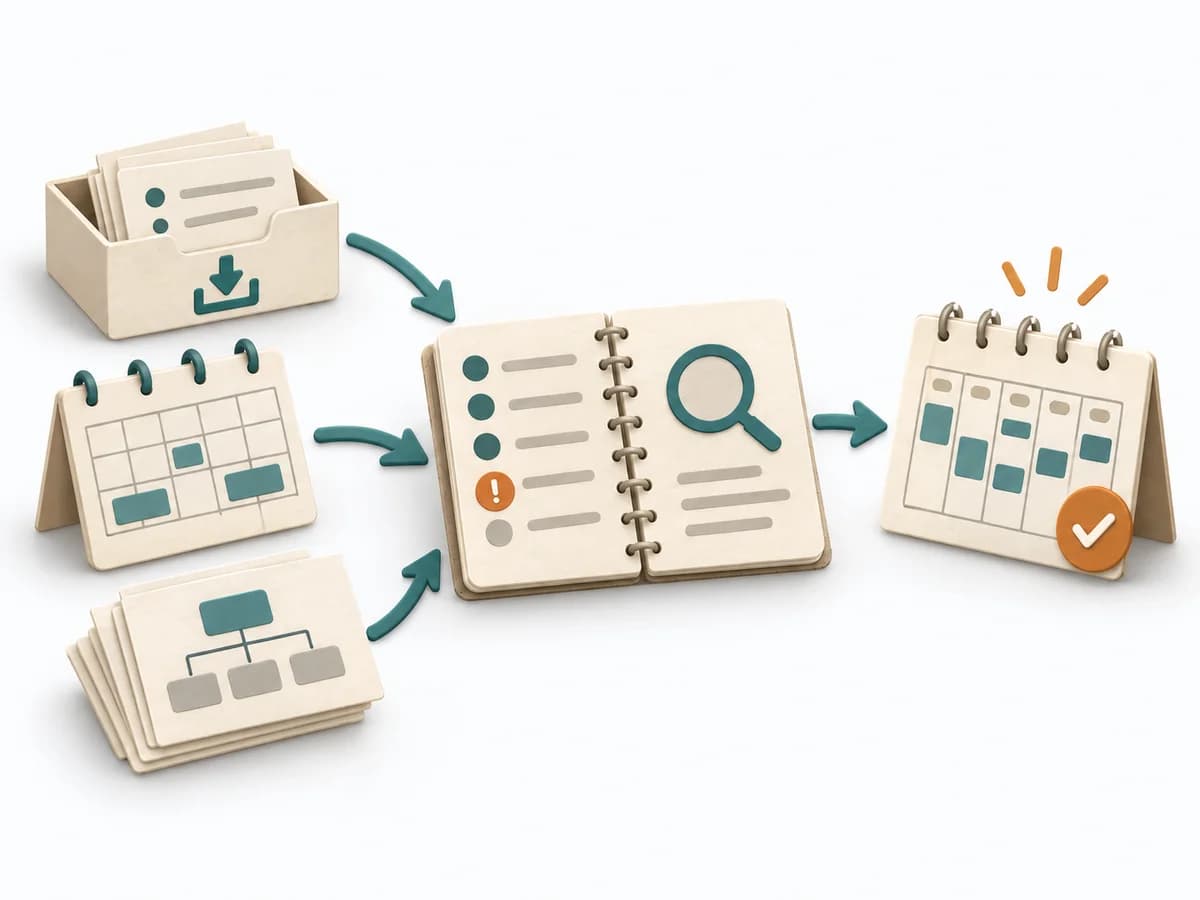
Complete firstCalendar and priorities
Available time and fixed appointments are known; tasks have identifiable priorities.
Without priorities, overload is simply copied into the calendar.
A practical method guide: clarify prerequisites and materials, understand the complete process, and look up outputs, pitfalls, and stop criteria.
What needs to be finished first
Available time and fixed appointments are known; tasks have identifiable priorities.
What needs to be ready before start
Calendar or daily grid, task list, duration estimates and room for replanning.
Person planning; affected teammates for shared commitments.
Collect working hours, fixed appointments, tasks and deadlines; include breaks and transitions as real time.
10–20 minutes daily planning; brief adjustments during the day
Open a daily grid with start and end times; enter fixed appointments first and leave room for revisions.
The one question this method answers
When will I work on which outcome within my actual capacity?
Phases with goal, actions, output and pitfall
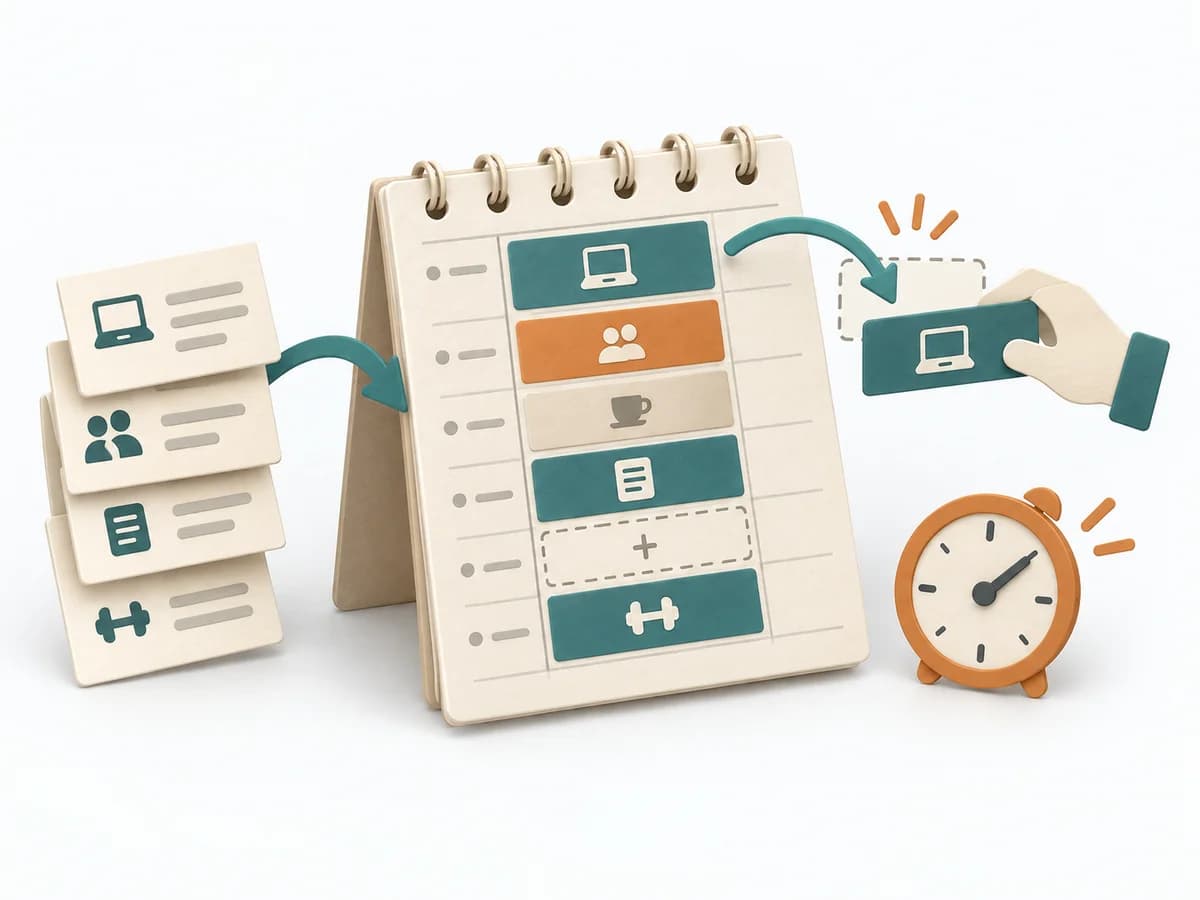
Time blocking translates priorities into concrete calendar intervals. Fixed appointments, focused work, reactive tasks and rest share the same limited capacity; the plan is deliberately revised when circumstances change.
Fictional example
Time blocking translates priorities into concrete calendar intervals. Fixed appointments, focused work, reactive tasks and rest share the same limited capacity; the plan is deliberately revised when circumstances change.
Which working hours, breaks and fixed appointments bound the plan?
Fictional: 09:00–13:00; meeting 10:30–11:00, break 11:00–11:15.
Record start, end and outcome for each block including buffer.
09:00–10:15 proposal; 10:15–10:30 buffer; 10:30–11:00 meeting; 11:00–11:15 break; 11:15–12:00 support; 12:00–12:45 tests; 12:45–13:00 buffer/review.
What changes and which work is deliberately reconsidered as a result?
Support takes until 12:15. Tests are limited to 30 minutes; remaining cases receive a new block tomorrow at 09:00.
Which variance improves the next estimate or capacity assumption?
Support took 60 rather than 45 minutes: reserve 60 minutes on launch days in future.
All example details are fictional and illustrate the application.
Make capacity visible
Goal
Available time windows
Inputs for this step
Actions
Output
Available time windows
Is available time calculated without double booking?
Quality check
Is available time calculated without double booking?
Pitfall
A whole workday is treated as free despite appointments. Block fixed commitments first and plan only remaining intervals.
Timing: 3–5 minutes
Assign work blocks
Goal
Feasible block schedule
Inputs for this step
Actions
Output
Feasible block schedule
Does each block have a purpose and fit its interval?
Quality check
Does each block have a purpose and fit its interval?
Pitfall
Blocks touch with no transition time. Insert transitions and buffer and remove overflow.
Timing: 5–10 minutes
Execute and replan
Goal
Updated daily plan
Inputs for this step
Actions
Output
Updated daily plan
Are changes visible rather than extra parallel commitments?
Quality check
Are changes visible rather than extra parallel commitments?
Pitfall
A delay silently shifts the whole day. Recalculate remaining capacity and decide how to handle overflow.
Timing: 2–5 minutes
Compare plan and reality
Goal
Improved planning assumptions
Inputs for this step
Actions
Output
Improved planning assumptions
Does the observation change the next plan?
Quality check
Does the observation change the next plan?
Pitfall
Schedule variance is treated as personal failure. Correct the assumption about duration or availability.
Timing: 3–5 minutes
What comes out at the end
Sketch: what the artifact looks like
Non-overlapping schedule with concrete work goals, appointments, breaks, buffer and recorded changes.
Record date and scope; retain the previous version and reason when changing it.
Collect working hours, fixed appointments, tasks and deadlines; include breaks and transitions as real time.
To be confirmed
To be confirmed
Complete cycle Time: 10–20 minutes daily planning; brief adjustments during the day
Complete this worksheet on paper or in your own document during the work.
Which working hours, breaks and fixed appointments bound the plan?
...
Record start, end and outcome for each block including buffer.
...
What changes and which work is deliberately reconsidered as a result?
...
Which variance improves the next estimate or capacity assumption?
...
Answer the prompts with your own information. Explicitly mark unknowns and assumptions.
Expected artifact: Available time windows
Is available time calculated without double booking?
Entry:
...
Expected artifact: Feasible block schedule
Does each block have a purpose and fit its interval?
Entry:
...
Expected artifact: Updated daily plan
Are changes visible rather than extra parallel commitments?
Entry:
...
Expected artifact: Improved planning assumptions
Does the observation change the next plan?
Entry:
...
...
Method guide: https://methodatlas.meierhoff-systems.de/en/methods/time-blocking/run-sheet
Concrete filled scenario, fictional example
Fictional example for orientation. Counts and timings describe this case and are not universal requirements.
Concrete filled scenario, fictional example
Time boundary: Fictional: 09:00–13:00; meeting 10:30–11:00, break 11:00–11:15.
Time blocks: 09:00–10:15 proposal; 10:15–10:30 buffer; 10:30–11:00 meeting; 11:00–11:15 break; 11:15–12:00 support; 12:00–12:45 tests; 12:45–13:00 buffer/review.
Replanning: Support takes until 12:15. Tests are limited to 30 minutes; remaining cases receive a new block tomorrow at 09:00.
Planning learning: Support took 60 rather than 45 minutes: reserve 60 minutes on launch days in future.
Recognize symptoms and steer against them
Quick overview, the full text is in the matching phase in the flow
A whole workday is treated as free despite appointments.
Block fixed commitments first and plan only remaining intervals.
Blocks touch with no transition time.
Insert transitions and buffer and remove overflow.
A delay silently shifts the whole day.
Recalculate remaining capacity and decide how to handle overflow.
Schedule variance is treated as personal failure.
Correct the assumption about duration or availability.
When to pause, resolve prerequisites, or choose another approach
Go to the profile for purpose, similar methods, and sources or continue to the next method in the catalog.