Complete firstConcrete subject
Choose one learning item and one application case; clarify that the explanation is being tested.
Without a boundary the run becomes generic and untestable.
A practical method guide: clarify prerequisites and materials, understand the complete process, and look up outputs, pitfalls, and stop criteria.
What needs to be finished first
Choose one learning item and one application case; clarify that the explanation is being tested.
Explaining specialist · learner · optional observer or interpreter
What needs to be ready before start
One clear learning item, accessible illustration, and a concrete application case
Explaining specialist · learner · optional observer or interpreter
Choose one learning item and one application case; clarify that the explanation is being tested. Prepare real cases, sources, and boundaries.
5–20 minutes per learning item; explain gaps and check again.
Create a workspace with Clear explanation · Restatement · Understanding gap · New explanation · Confirmed use; keep example values separate from live data.
The one question this method answers
Can the learner restate and apply the information correctly in their own words?
Phases with goal, actions, output and pitfall
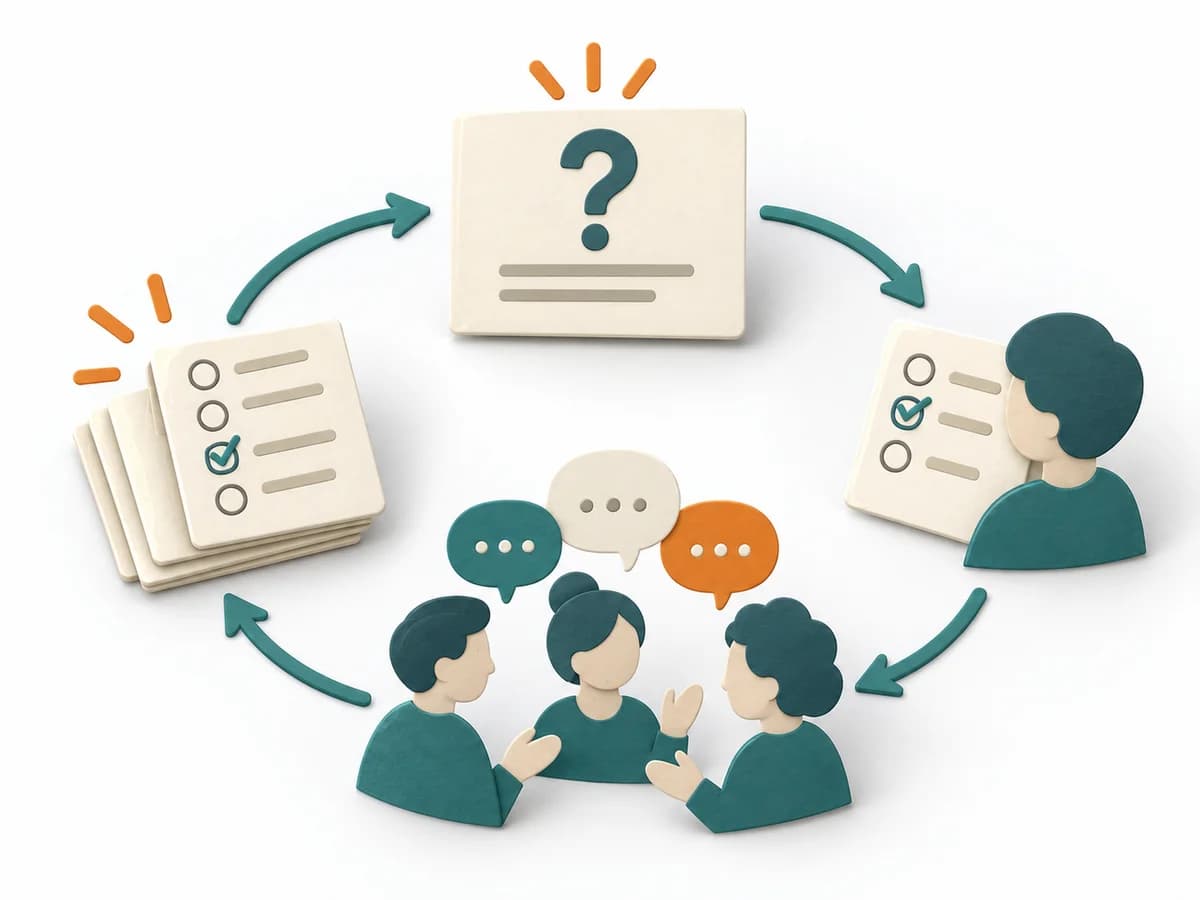
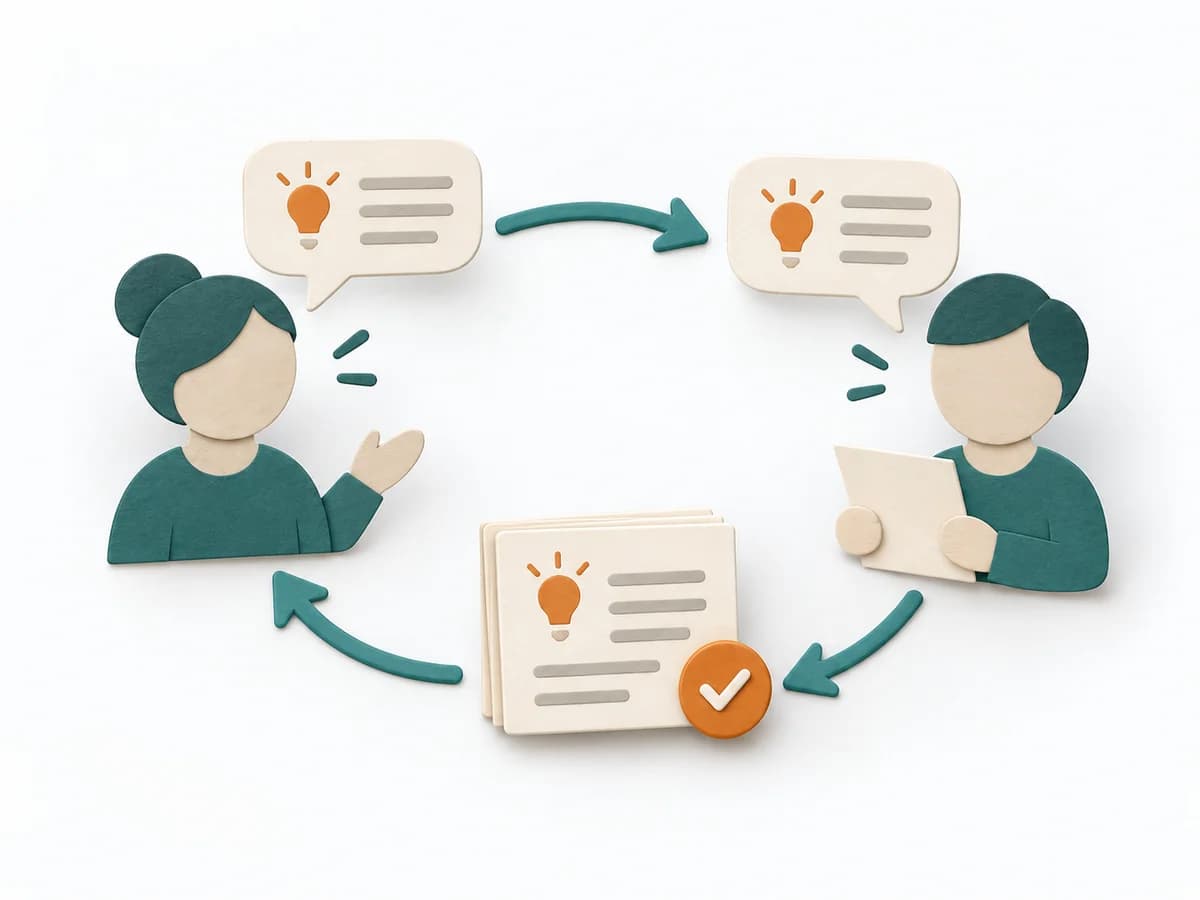
One person explains information or a procedure in their own words. The other person then repeats the content and reveals what is understood and where gaps remain. The shared version is refined until it is usable.
Fictional example
Fictional values are assigned to explicit method fields.
Explain and demonstrate one learning item in plain language
Explanation: cancel a reservation by 18:00; call Support afterwards.
Ask the learner respectfully to restate it in their own words
“I can cancel in the portal at any time and see the refund there.”
Listen and note correct application and misunderstandings
Gap: the learner does not know about the 18:00 lock and still expects portal cancellation.
Re-explain only missing points using different words or representation
New explanation uses a calendar image and two times rather than repeating the rule.
Request teach-back again and close with an application case
Saturday 19:00 case: learner names the support number and keeps the booking ID ready.
All details are fictional.
Explain
Goal
Clear explanation: Explain and demonstrate one learning item in plain language.
Inputs for this step
Actions
Output
Clear explanation
Explain and demonstrate one learning item in plain language
Quality check
Does the explanation contain one learning item and one concrete action?
Pitfall
When the explanation covers several learning items at once, the learner cannot later show what they understood. Limit the explanation to one learning item and one concrete action and demonstrate it clearly.
Timing: Use the time needed within the overall frame; close the step only after its check passes.
Restate
Goal
Restatement: Ask the learner respectfully to restate it in their own words.
Inputs for this step
Actions
Output
Restatement
Ask the learner respectfully to restate it in their own words
Quality check
Is it clear that the explanation, not the person, is being tested?
Pitfall
When the request to restate sounds like testing the person, they shut down out of embarrassment instead of restating freely. Kindly clarify that the explanation, not the person, is being tested before asking for the restatement.
Timing: Use the time needed within the overall frame; close the step only after its check passes.
Gap
Goal
Understanding gap: Listen and note correct application and misunderstandings.
Inputs for this step
Actions
Output
Understanding gap
Listen and note correct application and misunderstandings
Quality check
Are the restatement and observed understanding recorded accurately?
Pitfall
When the restatement is only summarized instead of captured precisely, the real gap stays invisible. Record the restatement and observed understanding as verbatim or precisely as possible.
Timing: Use the time needed within the overall frame; close the step only after its check passes.
Correct
Goal
New explanation: Re-explain only missing points using different words or representation.
Inputs for this step
Actions
Output
New explanation
Re-explain only missing points using different words or representation
Quality check
Does the re-explanation address the visible gap exactly?
Pitfall
When the entire explanation is repeated instead of closing the specific gap, the learner loses patience. Re-explain only the visible gap and use a different wording or representation for it.
Timing: Use the time needed within the overall frame; close the step only after its check passes.
Transfer
Goal
Confirmed use: Request teach-back again and close with an application case.
Inputs for this step
Actions
Output
Confirmed use
Request teach-back again and close with an application case
Quality check
Can the learner solve the new application case without prompting?
Pitfall
When the round ends right after the restatement, it stays open whether the person can also apply what they learned. Request teach-back again and close with a new application case without prompting.
Timing: Use the time needed within the overall frame; close the step only after its check passes.
What comes out at the end
Sketch: what the artifact looks like
Confirmed use with evidence, open points, owner, and review.
Record date, owner, source state, and review date; preserve earlier versions.
Plan subject, participation, complete flow, and review.
To be confirmed
To be confirmed
Complete run Time: 5–20 minutes per learning item; explain gaps and check again.
Complete this worksheet on paper or in your own document during the work.
Explain and demonstrate one learning item in plain language
...
Ask the learner respectfully to restate it in their own words
...
Listen and note correct application and misunderstandings
...
Re-explain only missing points using different words or representation
...
Request teach-back again and close with an application case
...
The blank worksheet contains prompts only.
Reference source · original teaching example
Expected artifact: Clear explanation
Explain and demonstrate one learning item in plain language
Entry:
...
Expected artifact: Restatement
Ask the learner respectfully to restate it in their own words
Entry:
...
Expected artifact: Understanding gap
Listen and note correct application and misunderstandings
Entry:
...
Expected artifact: New explanation
Re-explain only missing points using different words or representation
Entry:
...
Expected artifact: Confirmed use
Request teach-back again and close with an application case
Entry:
...
...
Method guide: https://methodatlas.meierhoff-systems.de/en/methods/teach-back/run-sheet
Concrete filled scenario, fictional example
Fictional example for orientation. Counts and timings describe this case and are not universal requirements.
Concrete filled scenario, fictional example
Explanation: cancel a reservation by 18:00; call Support afterwards.
“I can cancel in the portal at any time and see the refund there.”
Gap: the learner does not know about the 18:00 lock and still expects portal cancellation.
New explanation uses a calendar image and two times rather than repeating the rule.
Saturday 19:00 case: learner names the support number and keeps the booking ID ready.
Recognize symptoms and steer against them
Quick overview, the full text is in the matching phase in the flow
When the explanation covers several learning items at once, the learner cannot later show what they understood.
Limit the explanation to one learning item and one concrete action and demonstrate it clearly.
When the request to restate sounds like testing the person, they shut down out of embarrassment instead of restating freely.
Kindly clarify that the explanation, not the person, is being tested before asking for the restatement.
When the restatement is only summarized instead of captured precisely, the real gap stays invisible.
Record the restatement and observed understanding as verbatim or precisely as possible.
When the entire explanation is repeated instead of closing the specific gap, the learner loses patience.
Re-explain only the visible gap and use a different wording or representation for it.
When the round ends right after the restatement, it stays open whether the person can also apply what they learned.
Request teach-back again and close with a new application case without prompting.
When to pause, resolve prerequisites, or choose another approach
Go to the profile for purpose, similar methods, and sources or continue to the next method in the catalog.