Complete firstCurrent work understood
At least one active outcome and ongoing responsibility are named.
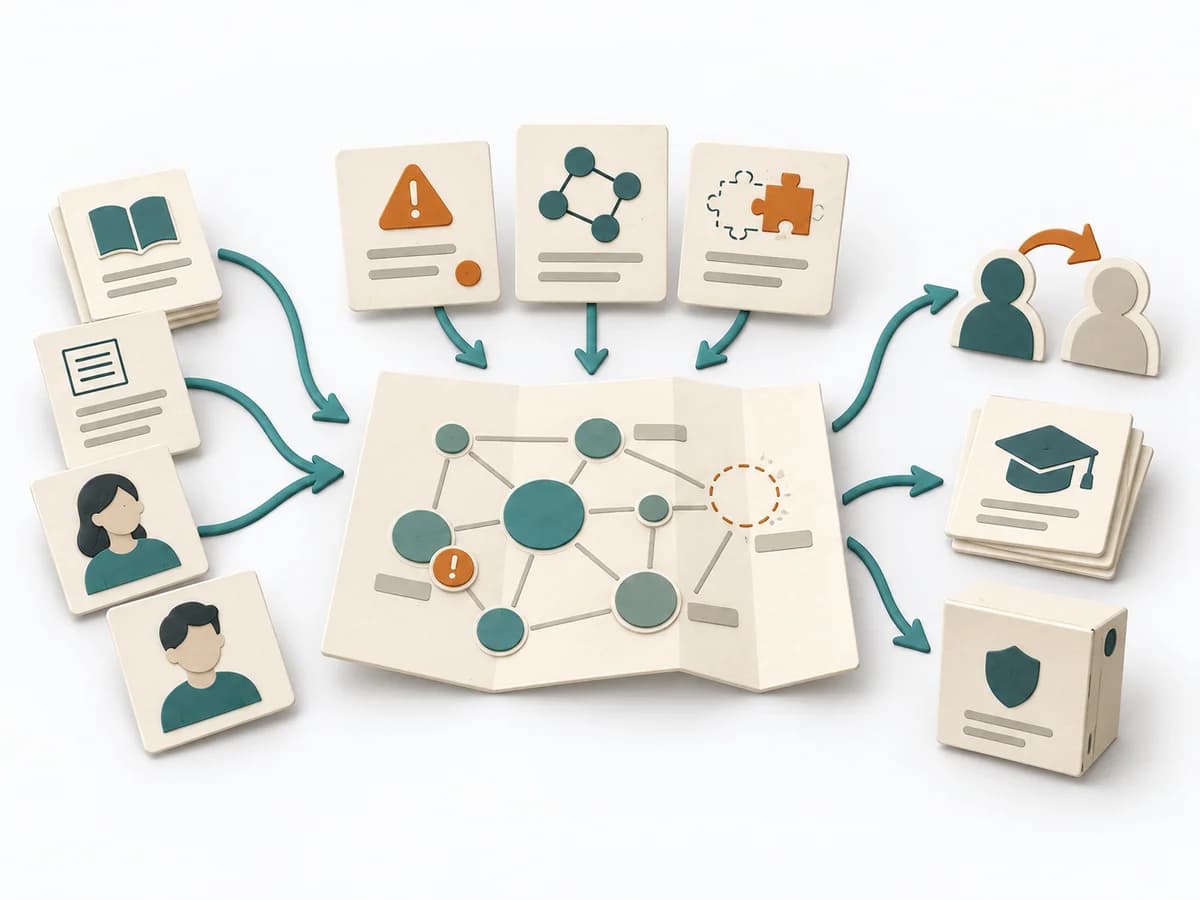
Without action relevance, the result is merely another topic hierarchy.
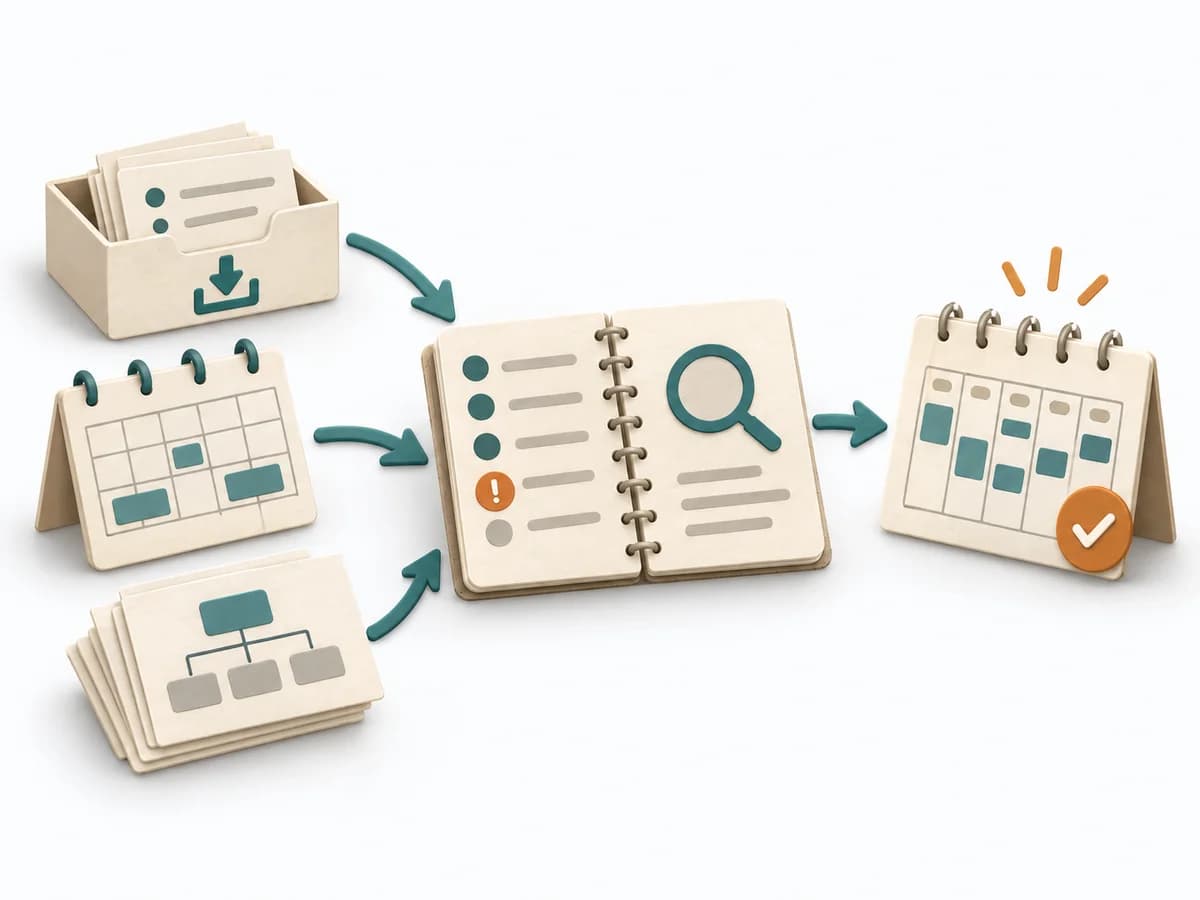
A practical method guide: clarify prerequisites and materials, understand the complete process, and look up outputs, pitfalls, and stop criteria.
What needs to be finished first
At least one active outcome and ongoing responsibility are named.
What needs to be ready before start
Current project list, personal responsibilities and access to notes and files.
The person using the material and maintaining the collection.
Gather active finite outcomes, ongoing standards and recurring topics of interest.
30–60 minutes for one initial area; a few minutes of ongoing upkeep.
Create Projects, Areas, Resources and Archives; organize material for current work first.
The one question this method answers
Where is this information needed for a current outcome or ongoing responsibility?
Phases with goal, actions, output and pitfall
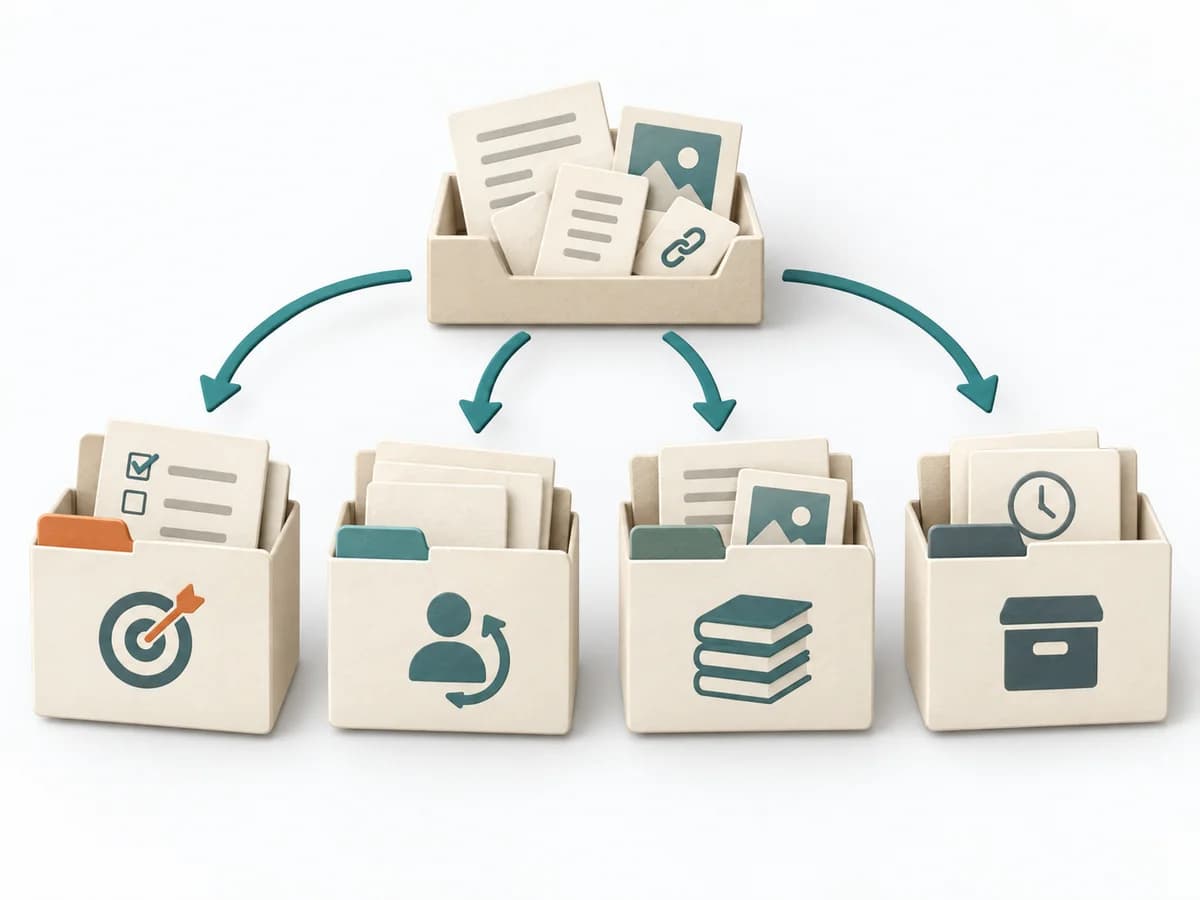
PARA separates finite projects, ongoing areas of responsibility, topical resources and inactive archives. Storage follows use. Material can move between categories when a project ends or a new need appears.
Fictional example
PARA separates finite projects, ongoing areas of responsibility, topical resources and inactive archives. Storage follows use. Material can move between categories when a project ends or a new need appears.
Which finite outcome needs this material?
Course portal relaunch by 30 November; usability notes and release plan.
Which ongoing standard does this support?
Website operations: accessibility, availability and monthly content review.
For which useful future topic is material collected?
Web typography: technical articles and design examples.
Which contents are currently inactive?
The 2024 relaunch with its decisions and completed drafts.
When is material moved or reactivated?
After relaunch Lea archives the project folder and links the operations checklist from the Website operations area.
All situations and people are fictional.
Inventory
Goal
Current projects and areas
Inputs for this step
Actions
Output
Current projects and areas
A finite outcome and ongoing standard are different organizing units.
Quality check
Are finite projects distinguished from ongoing responsibilities?
Pitfall
A topic is treated as a project although no finishable outcome exists. Add a concrete outcome or classify it as an Area or Resource.
Timing: 10–20 minutes
Classify
Goal
Justified PARA placement
Inputs for this step
Actions
Output
Justified PARA placement
Projects, Areas, Resources and Archives distinguish current usefulness.
Quality check
Is placement justified by intended use?
Pitfall
Copies of the same file diverge in several collections. Choose one authoritative original and link to it from other contexts.
Timing: A few minutes per item
Retrieve
Goal
Usable linked collection
Inputs for this step
Actions
Output
Usable linked collection
Test the collection through real retrieval.
Quality check
Can the material for the next real task be found quickly?
Pitfall
The folders look tidy but active material remains in an inbox. Choose the next task and organize the material needed for it.
Timing: 10–20 minutes
Maintain
Goal
Current collection without stale projects
Inputs for this step
Actions
Output
Current collection without stale projects
An archive remains searchable and can return material to active use.
Quality check
Do active collections reflect work that is actually underway?
Pitfall
Completed projects obscure current work and resources are never reused. Confirm active projects during review and deliberately archive completed ones.
Timing: During review and status changes
What comes out at the end
Sketch: what the artifact looks like
Retrievable project and area material with explicit transitions to resources and archives.
Retain originals and relevant versions; check links after moving and archive inactive content rather than deleting it unchecked.
Store digital information by its current relevance to action.
To be confirmed
To be confirmed
Plan the practice Time: 30–60 minutes for one initial area; a few minutes of ongoing upkeep.
Complete this worksheet on paper or in your own document during the work.
Which finite outcome needs this material?
...
Which ongoing standard does this support?
...
For which useful future topic is material collected?
...
Which contents are currently inactive?
...
When is material moved or reactivated?
...
Enter your own information; connect open commitments to a next action.
Expected artifact: Current projects and areas
A finite outcome and ongoing standard are different organizing units.
Entry:
...
Expected artifact: Justified PARA placement
Projects, Areas, Resources and Archives distinguish current usefulness.
Entry:
...
Expected artifact: Usable linked collection
Test the collection through real retrieval.
Entry:
...
Expected artifact: Current collection without stale projects
An archive remains searchable and can return material to active use.
Entry:
...
...
Method guide: https://methodatlas.meierhoff-systems.de/en/methods/para-method/run-sheet
Concrete filled scenario, fictional example
Fictional example for orientation. Counts and timings describe this case and are not universal requirements.
Concrete filled scenario, fictional example
Projects: Course portal relaunch by 30 November; usability notes and release plan.
Areas: Website operations: accessibility, availability and monthly content review.
Resources: Web typography: technical articles and design examples.
Archives: The 2024 relaunch with its decisions and completed drafts.
Transition rule: After relaunch Lea archives the project folder and links the operations checklist from the Website operations area.
Recognize symptoms and steer against them
Quick overview, the full text is in the matching phase in the flow
A topic is treated as a project although no finishable outcome exists.
Add a concrete outcome or classify it as an Area or Resource.
Copies of the same file diverge in several collections.
Choose one authoritative original and link to it from other contexts.
The folders look tidy but active material remains in an inbox.
Choose the next task and organize the material needed for it.
Completed projects obscure current work and resources are never reused.
Confirm active projects during review and deliberately archive completed ones.
When to pause, resolve prerequisites, or choose another approach
Go to the profile for purpose, similar methods, and sources or continue to the next method in the catalog.