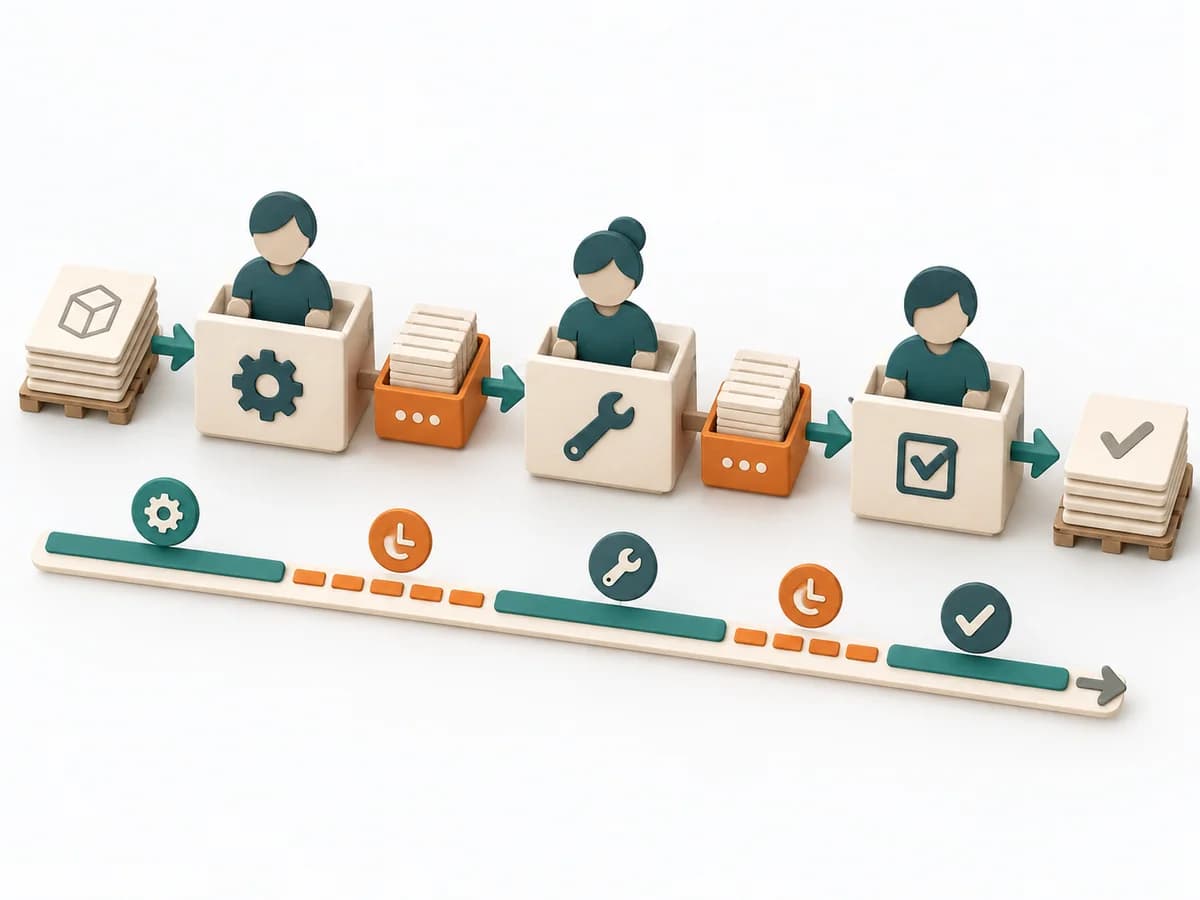
Complete firstAn observable workflow
The group can bound a service, its work items and relevant work stages.
A board without clear scope mixes different work systems.
A practical method guide: clarify prerequisites and materials, understand the complete process, and look up outputs, pitfalls, and stop criteria.
What needs to be finished first
The group can bound a service, its work items and relevant work stages.
Participants can expose started work and agree on intake, limits and completion.
What needs to be ready before start
Shared board, representative work items, visible policies and start and finish dates. A simple physical board can support the initial work.
People in the workflow · ownership of policies and improvement · stakeholders as needed
Gather real items, actual waiting and handover steps, known blockers and available time data.
Setup and initial trials across several appointments; ongoing practice afterward.
Define work item types, start and finish points, relevant states, WIP control and transition policies. Establish a Service Level Expectation (SLE) with elapsed time and probability, initially a clearly labeled estimate and later based on historical Cycle Times. Limits fit your workflow and are reviewed; no fixed team-size formula is prescribed.
The one question this method answers
What helps us finish started work promptly and more predictably within our agreed workflow?
Phases with goal, actions, output and pitfall
Kanban makes the actual workflow visible, connects it to explicit policies, and actively manages started work. Observations and flow data provide the basis for targeted improvements.
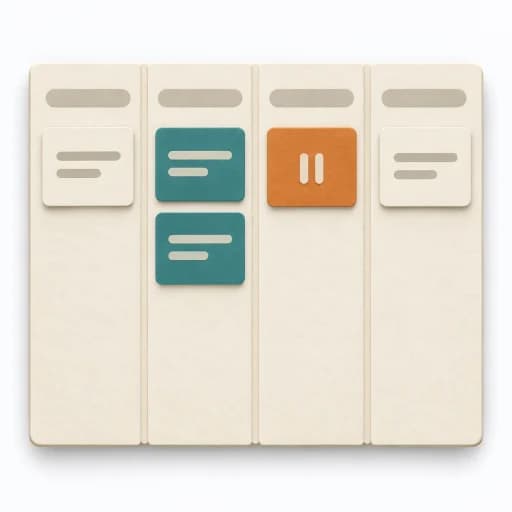
Fictional board · 3 started items
Fictional booking app board. Boundaries and limits are example policies; adapt them to your actual workflow.
Improve search hint
Not started
Simplify booking
Started 3 days ago
Clarify error message
Started 1 day ago
Check reminders
Blocked
Access missing; started 5 days ago
Update help text
Completed; outside WIP
Setup
Goal
The group understands what flows through the system.
Inputs for this step
Actions
Output
Definition of Workflow
Scope · items · start · finish · states
Quality check
Do columns represent actual states? Are start and finish unambiguous?
Pitfall
A standard board hides important waiting and review steps. Follow a real item and adapt the board to the observed workflow.
Timing: Setup appointment, then review against real work.
Policies
Goal
Started work has clear limits and policies.
Inputs for this step
Actions
Output
Visible working policies
WIP · pull · blockers · SLE
Quality check
Do policies prevent uncontrolled starts? Is the SLE labeled as a forecast?
Pitfall
Limits are exceeded without response and blocked cards hidden. Count blocked work and agree on how to finish existing items.
Timing: Separate setup step with a later review.
Active work
Goal
The team responds to stalled flow.
Inputs for this step
Actions
Output
Actively managed work
Next action · ownership · blocker
Quality check
Does blocked work still count as WIP? Does aging work have a next action?
Pitfall
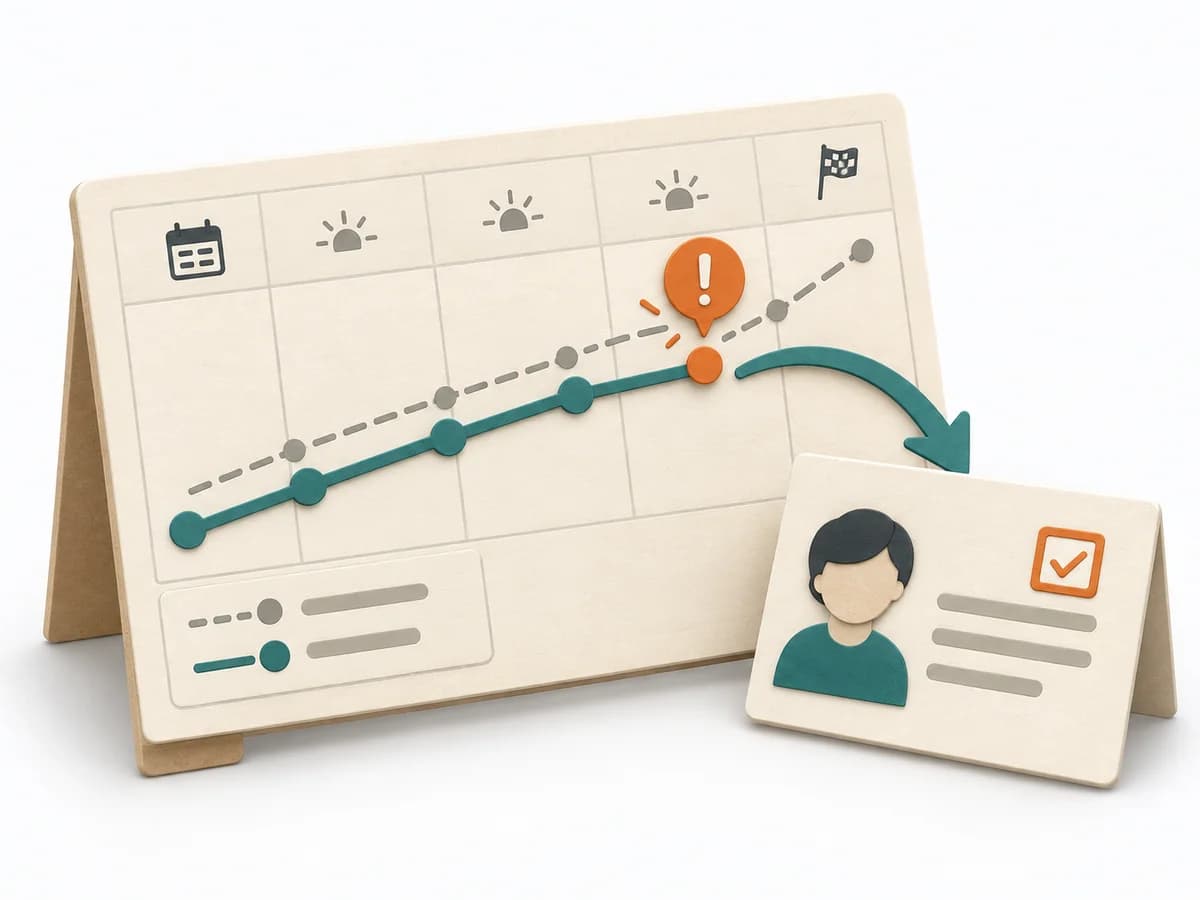
New items start while older ones wait unnoticed. Review aging or blocked work together and enable the next completion.
Timing: Recurring, with short shared checks as needed.
Observe
Goal
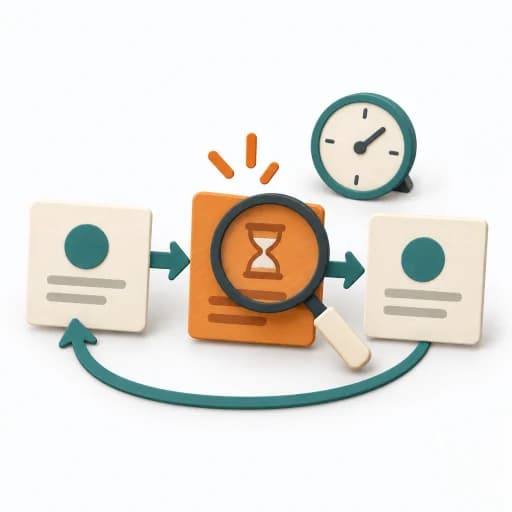
The group detects changes using consistent measurement.
Inputs for this step
Actions
Output
Flow observations
WIP · Throughput · Work Item Age · Cycle Time
Quality check
Are measurement boundaries stable? Are open and completed items distinguished?
Pitfall
An average hides very old items and wide variation. Review old open items and the distribution of completed times separately.
Timing: Ongoing capture and regular shared review.
Improve
Goal
A small change improves flow in a traceable way.
Inputs for this step
Actions
Output
Improvement experiment
Change · expected effect · review
Quality check
Is the expected effect observable? Will the change be reviewed?
Pitfall
Several policies change together without evaluation. Try one manageable change with comparable observations.
Timing: Recurring reviews, observing effects over a suitable period.
What comes out at the end
Sketch: what the artifact looks like
Living Definition of Workflow with board, WIP policies, SLE, start and finish dates, visible blockers and documented improvement experiments.
Record scope, date, evidence version and owner. Document changes with their reason and next review date.
Plan setup, initial trials and regular reviews. Select one step to prepare a specific appointment.
To be confirmed
To be confirmed
Set up and continue Kanban Time: Several setup steps, followed by ongoing management and improvement
Complete this worksheet on paper or in your own document during the work.
...
WIP limit: ...
...
WIP limit: ...
...
...
WIP boundary ...
Pull and completion ...
Blocker ...
SLE and learning ...
The Kanban Guide · original educational rendering
Expected artifact: Definition of Workflow
Scope · items · start · finish · states
Entry:
...
Expected artifact: Visible working policies
WIP · pull · blockers · SLE
Entry:
...
Expected artifact: Actively managed work
Next action · ownership · blocker
Entry:
...
Expected artifact: Flow observations
WIP · Throughput · Work Item Age · Cycle Time
Entry:
...
Expected artifact: Improvement experiment
Change · expected effect · review
Entry:
...
...
Method guide: https://methodatlas.meierhoff-systems.de/en/methods/kanban/run-sheet
Concrete filled scenario, fictional example
Fictional example for orientation. Counts and timings describe this case and are not universal requirements.
Concrete filled scenario, fictional example
Workflow: Ready → In progress → Review → Done. Start is entry into “In progress”; finish is entry into “Done”.
Current state: Two items in progress and one in review mean 3 WIP. The blocked review item still counts. Ready and done items sit outside this WIP boundary.
Next action: Review has reached its limit of 1. The team resolves missing access and supports completion before pulling more work into the full column.
Learning: Capture start and finish dates, inspect open item age and treat an initial SLE transparently as an estimate. An SLE is a probabilistic forecast, not a delivery guarantee.
Recognize symptoms and steer against them
Quick overview, the full text is in the matching phase in the flow
A standard board hides important waiting and review steps.
Follow a real item and adapt the board to the observed workflow.
Limits are exceeded without response and blocked cards hidden.
Count blocked work and agree on how to finish existing items.
New items start while older ones wait unnoticed.
Review aging or blocked work together and enable the next completion.
An average hides very old items and wide variation.
Review old open items and the distribution of completed times separately.
Several policies change together without evaluation.
Try one manageable change with comparable observations.
When to pause, resolve prerequisites, or choose another approach
Go to the profile for purpose, similar methods, and sources or continue to the next method in the catalog.