View methods side by side.
Choose up to four methods. Add them using the search and share the comparison by copying its link.
| Criterion |  Business Strategy Scenario Planning | 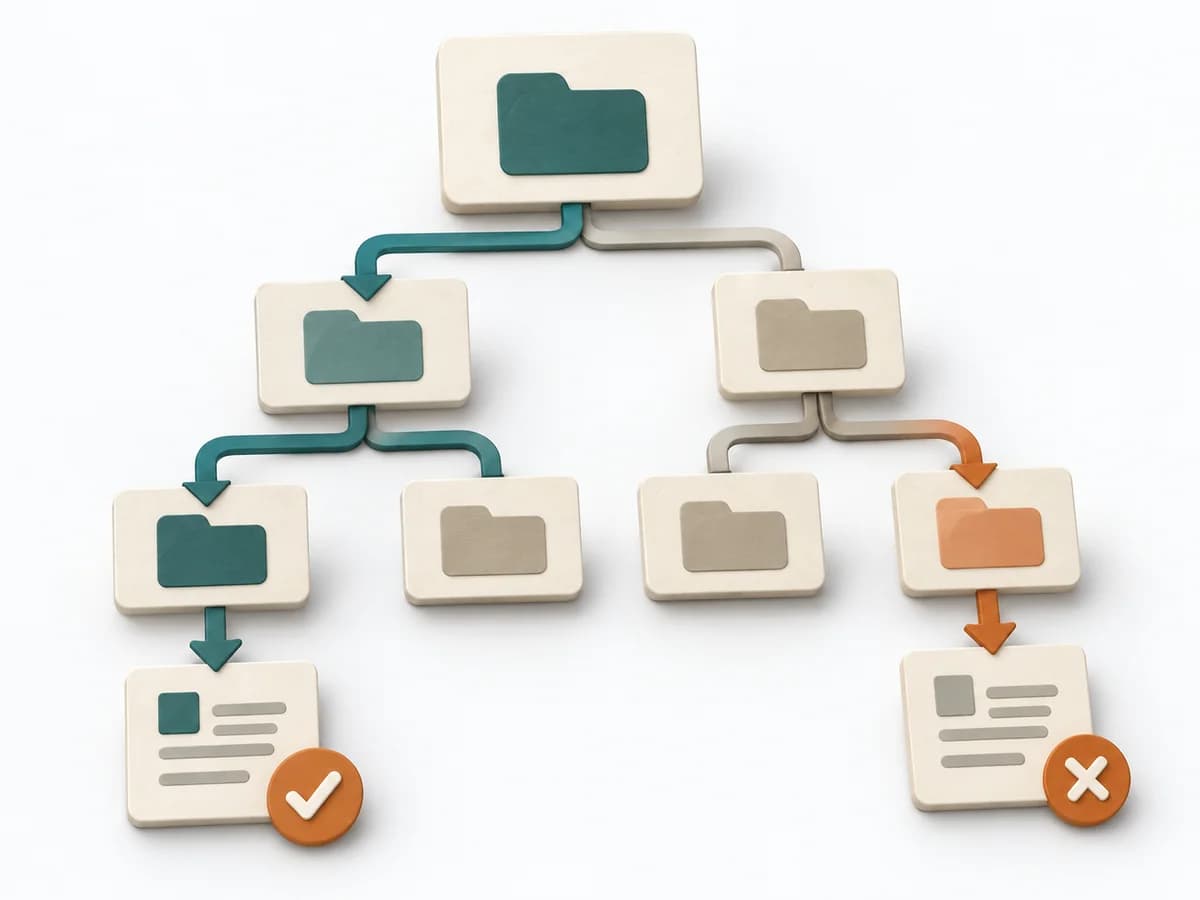 UX Research Tree Testing |  Business Strategy GAP Analysis |  UX Research First-click Testing |
|---|---|---|---|---|
Purposedifferent | Scenario Planning opens the view to several plausible futures instead of a single forecast. The method protects strategies from depending on too narrow an expected path. | When a navigation exists but search paths still fail, tree testing checks findability without visual distraction. The method shows whether labels, levels, and paths really lead to the intended destination. | GAP Analysis compares the current state with a target picture and makes the distance manageable. It becomes useful when, ahead of new initiatives, it must become clear which capabilities, processes, or resources are missing. | When users immediately turn the wrong way on a screen or wireframe, first click testing checks initial orientation at high speed. The first click shows early whether expectation, labeling, and wayfinding fit together. |
Complexitydifferent | High | Medium | Medium | Low |
Timedifferent | 0.5-2 Tage | 1-2 Tage | 1-3 h | 1-2 Tage |
Participantsdifferent | 4-12 | Based on research question | 2-8 | 10-30 |
Formatdifferent | Workshop | Async | Workshop + async | Async |
Outputdifferent | Scenario Set, Strategic Implications, Robust Options | Findability Metrics, Path Analysis, Revised IA | Gap Matrix, Action Plan, Risk Notes | Click Heatmap, Success Rate, Design Recommendations |
Tagsno overlap | StrategyUncertaintyPlanning | Information architectureNavigationFindability | StrategyAnalysisPlanning | UXNavigationFindabilityValidation |