View methods side by side.
Choose up to four methods. Add them using the search and share the comparison by copying its link.
| Criterion |  Decision Making RAPID |  UX Design Customer Journey Canvas | 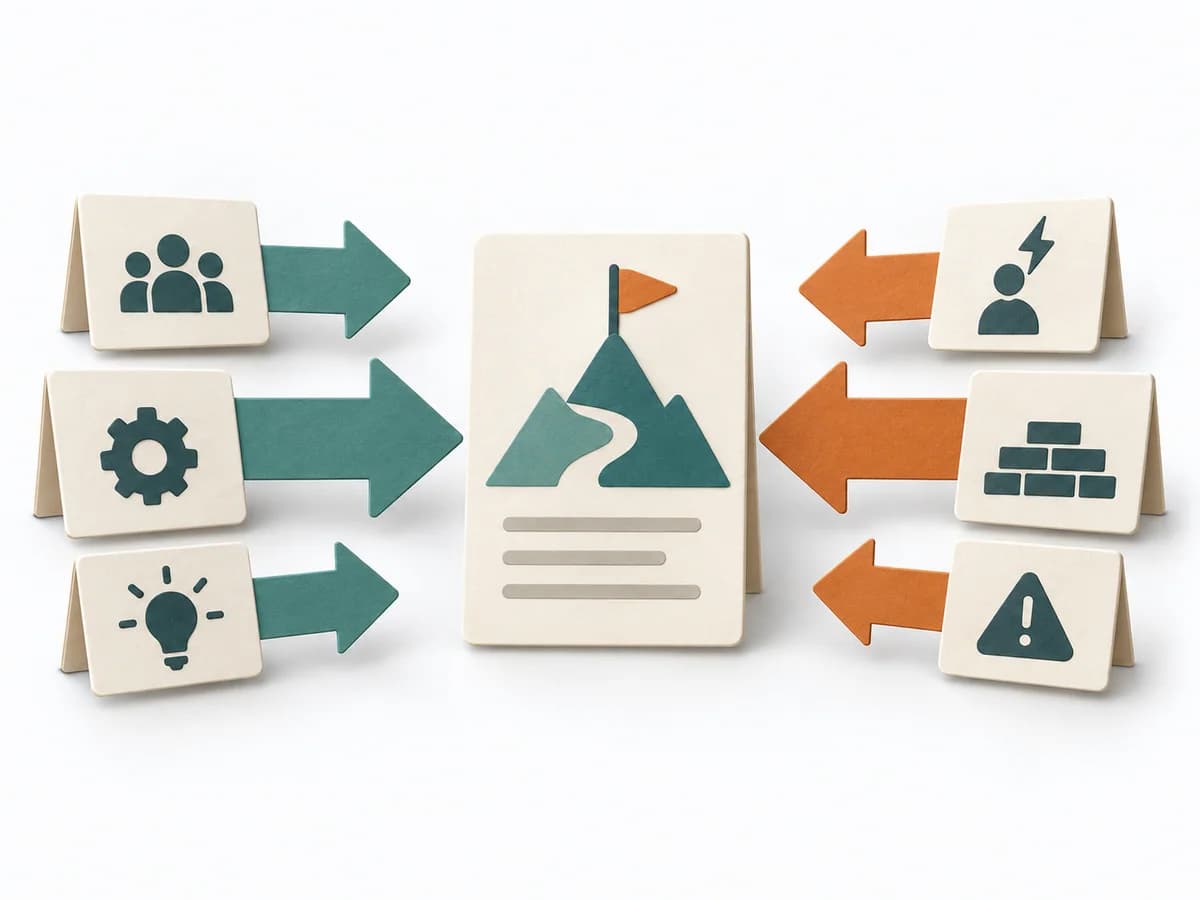 Decision Making Force Field Analysis | 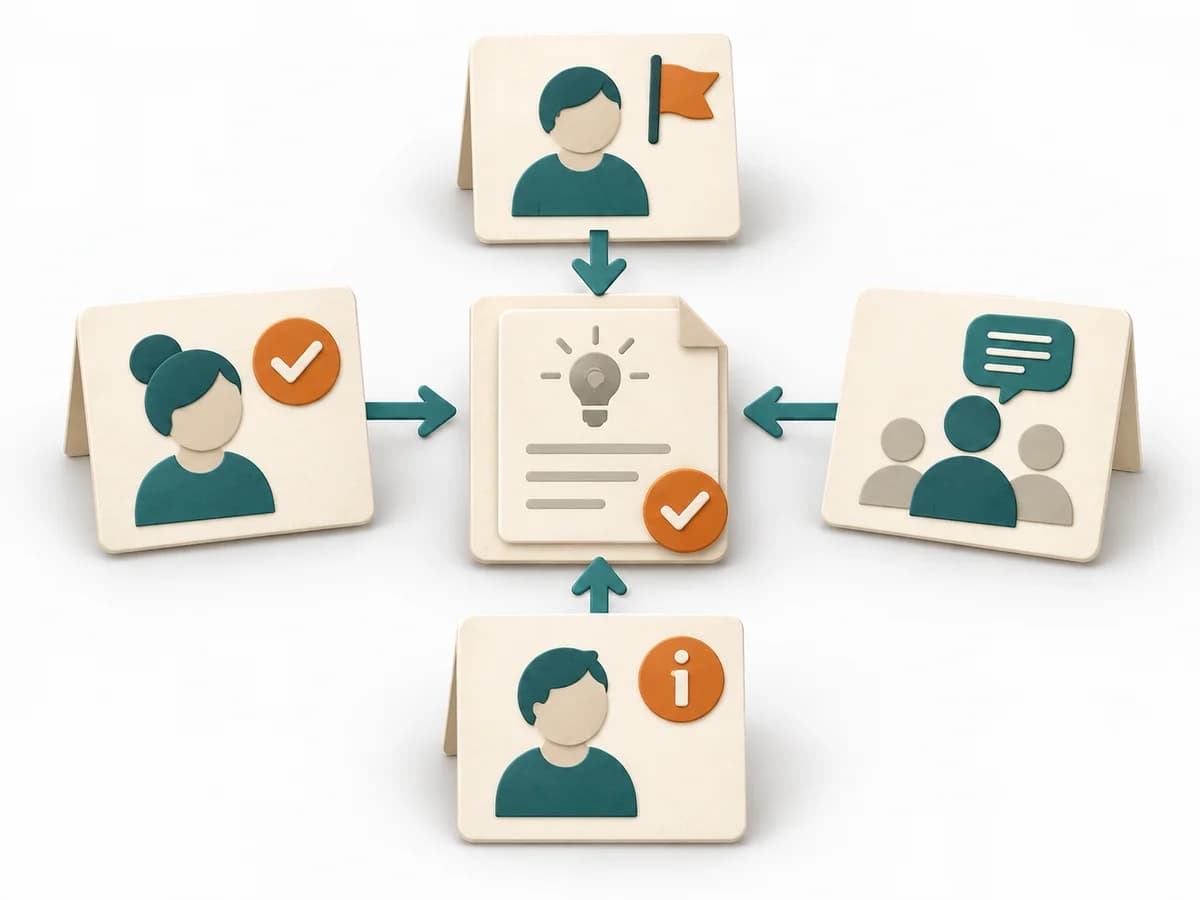 Decision Making DACI |
|---|---|---|---|---|
Purposedifferent | In complex management decisions, clarity is often missing about who recommends, who agrees, and who makes the decision. RAPID creates this assignment and stabilizes decisions across several levels. | When a journey needs to be understood across several phases, it arranges experience, touchpoints, and opportunities into one picture. It makes gaps and friction along the user path clear. | In change initiatives, supporting and restraining forces sit at the table at the same time. Force Field Analysis makes these tensions explicit and shows where change can be pushed forward by strengthening or relieving. | In cross-functional decisions, responsibilities quickly blur between approval, influence, and execution. DACI arranges these roles so decision pressure, contribution, and information stay cleanly separated. |
Complexitydifferent | Medium | Medium | Low | Low |
Timedifferent | 45-90 min | 1-3 h | 45-90 min | 30-60 min |
Participantsdifferent | 3-12 | 3-10 | 3-12 | 2-10 |
Formatdifferent | Workshop + async | Workshop | Workshop | Workshop + async |
Outputdifferent | RAPID Role Map, Recommendation, Decision Log | Customer Journey Canvas, Pain Points, Experience Opportunities | Force Field Map, Change Levers, Risk Notes | DACI Matrix, Decision Owner, Decision Log |
Tagsno overlap | DecisionRolesGovernance | JourneyCustomerService designCanvas | ChangeDecisionStrategy | DecisionRolesGovernanceAlignment |