View methods side by side.
Choose up to four methods. Add them using the search and share the comparison by copying its link.
| Criterion | 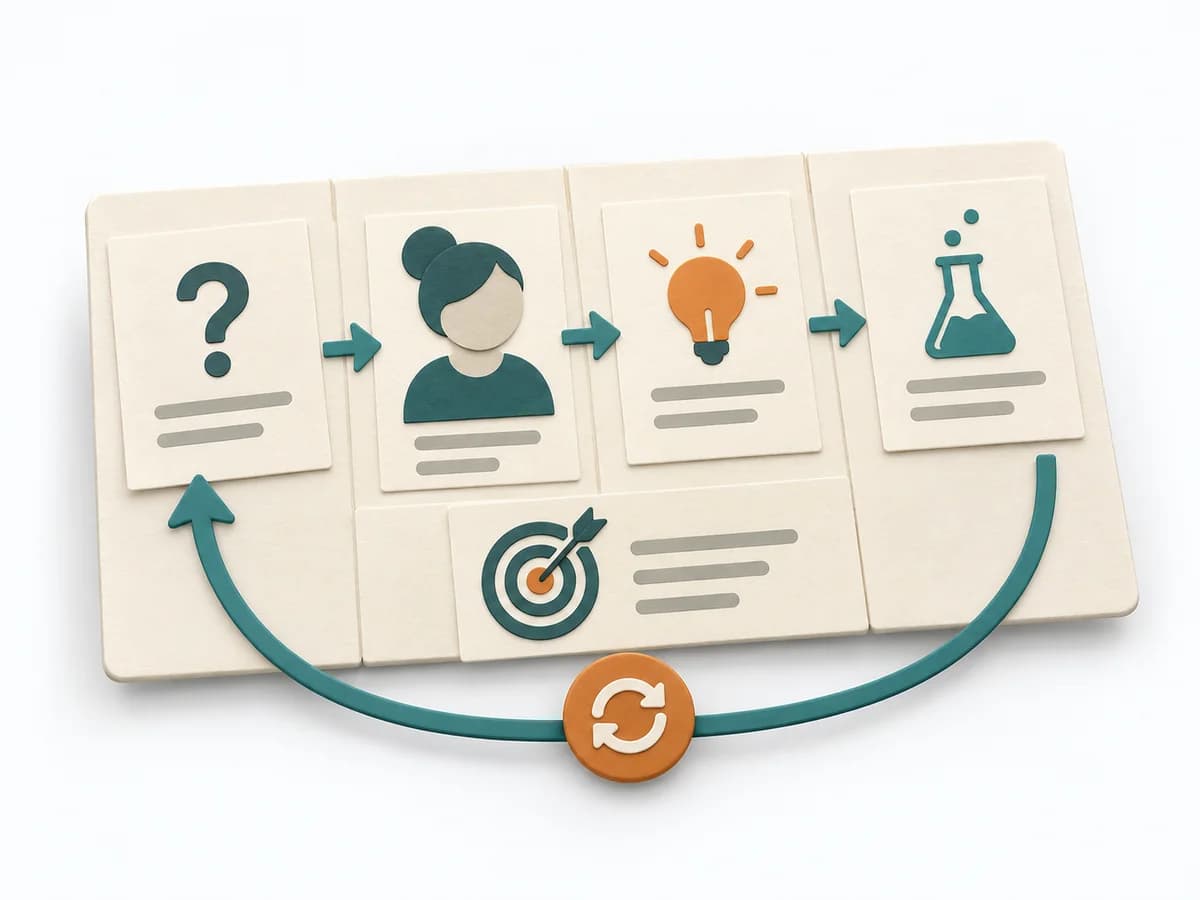 UX Design Lean UX Canvas | 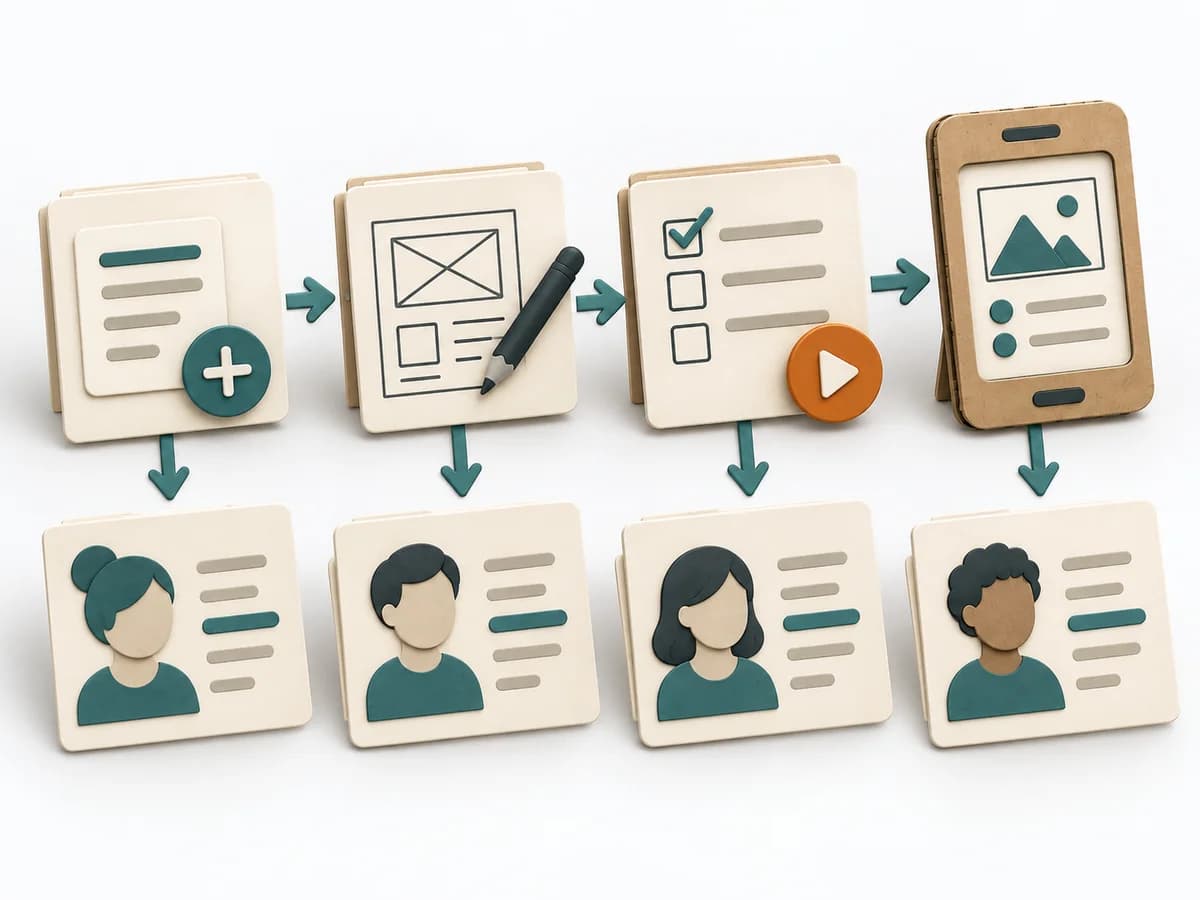 Knowledge Modeling Event Modeling | 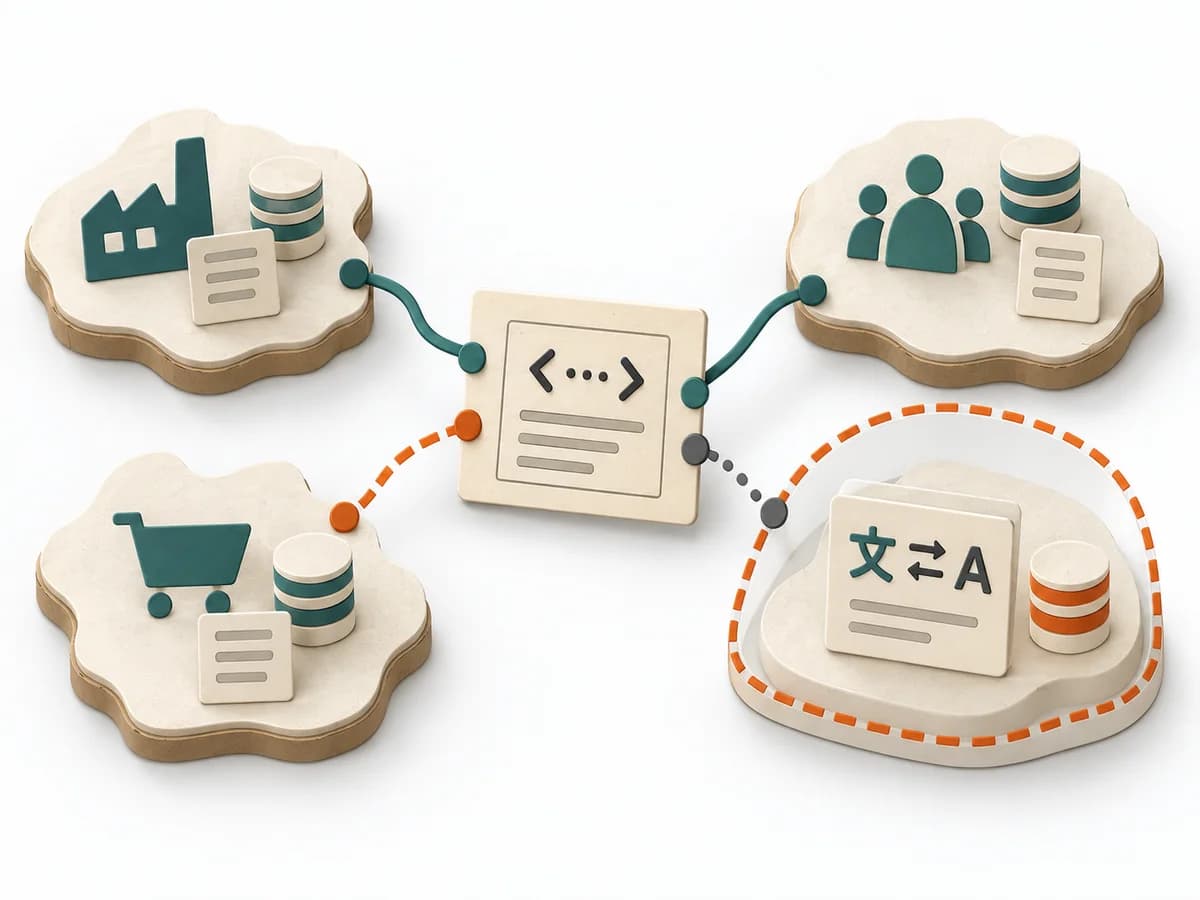 Domain Modeling Context Map | 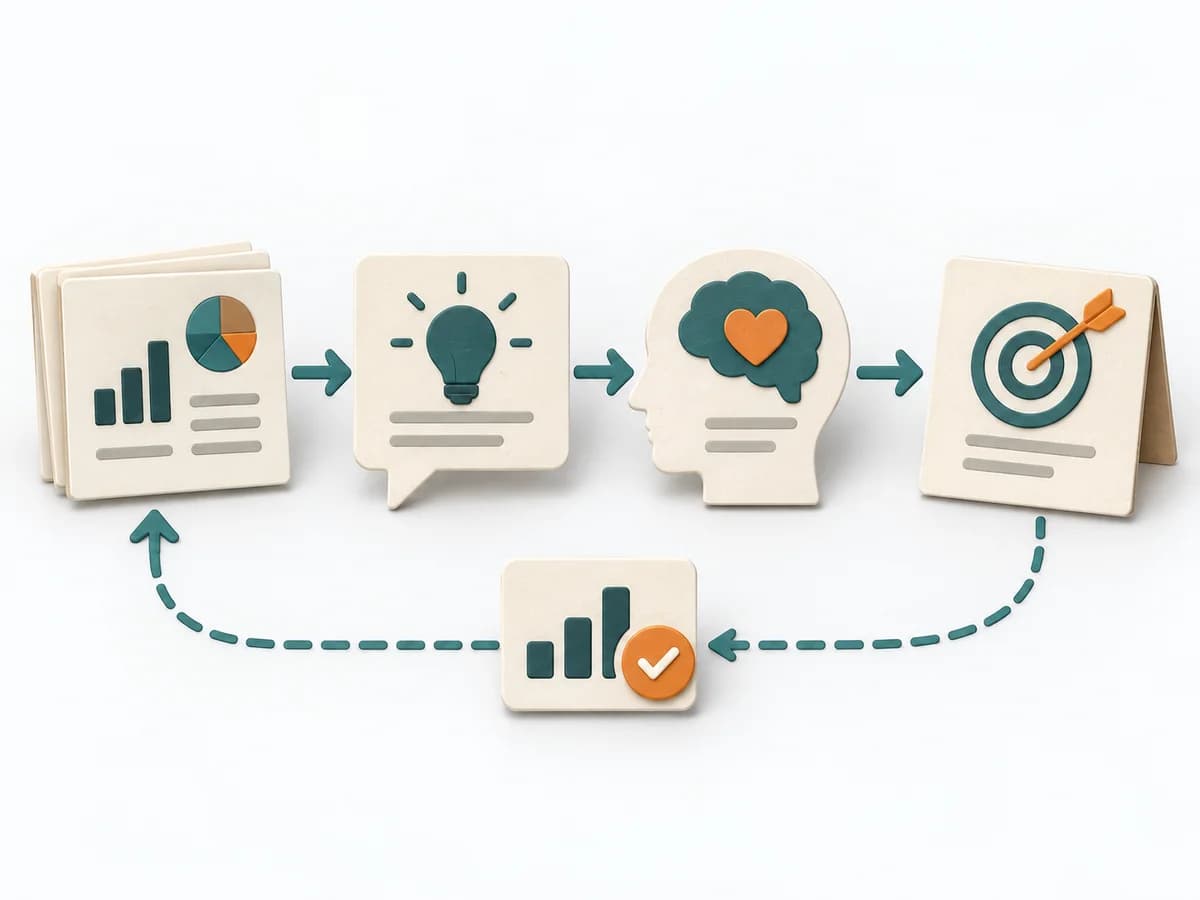 Product Strategy DIBB |
|---|---|---|---|---|
Purposedifferent | The Lean UX Canvas helps clarify user behavior, touchpoints, and concept decisions. It makes assumptions and desired outcomes visible and captures the result as a completed canvas, hypothesis list, and first experiment. | Event Modeling connects business workflows with commands, events, and views into one coherent mental model. It helps design behavior, UI, and technical slices from the same underlying logic. | When several contexts need to talk to each other, it makes their relationships and dependencies legible. It helps sort integration pressure and responsibilities across system boundaries. | DIBB helps clarify target groups, value, goals, and priorities by making the logic behind a decision explicit. It captures results as a DIBB document, belief list, bet list, and learning report. |
Complexitydifferent | Medium | Medium | Medium | Low |
Timedifferent | 2-3 h | 2-6 h | 1-3 h | 1-2 h |
Participantsdifferent | 3-8 | 2-8 | 2-8 | 2-8 |
Formatsame | Workshop + async | Workshop + async | Workshop + async | Workshop + async |
Outputdifferent | Completed Lean UX Canvas, Hypothesis list, First experiment | Event Model, UI Flow, Commands, Read Models | Context Map, Integration Patterns, Boundary Notes | DIBB document, Belief list, Bet list, Learning report |
Tagsno overlap | CanvasHypothesisOutcomesDiscovery | EventsBlueprintDomain-Driven DesignBehavior | Domain-Driven DesignBoundariesStrategy | StrategyDecisionAssumptionsHypothesis |