View methods side by side.
Choose up to four methods. Add them using the search and share the comparison by copying its link.
| Criterion | 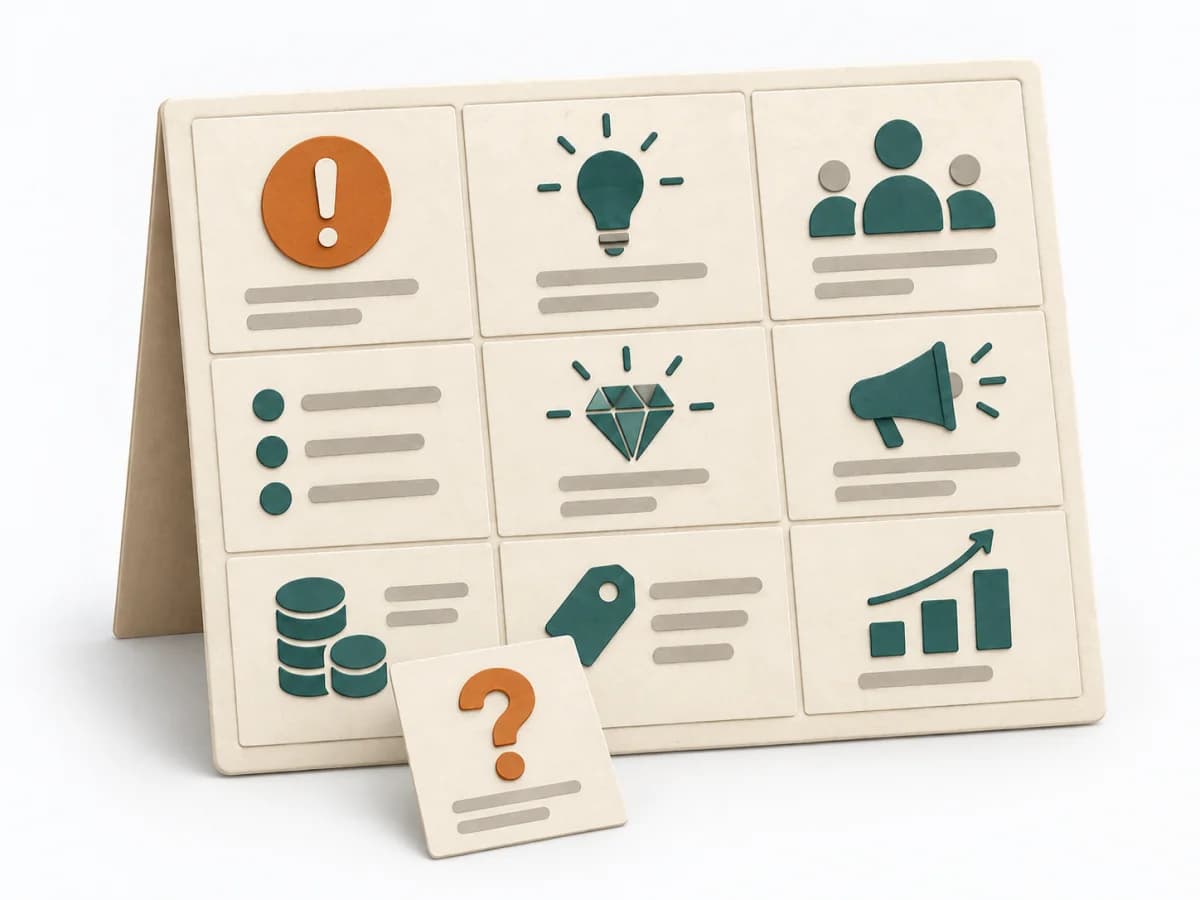 Product Strategy Lean Canvas |  Architecture Architecture Communication Canvas | 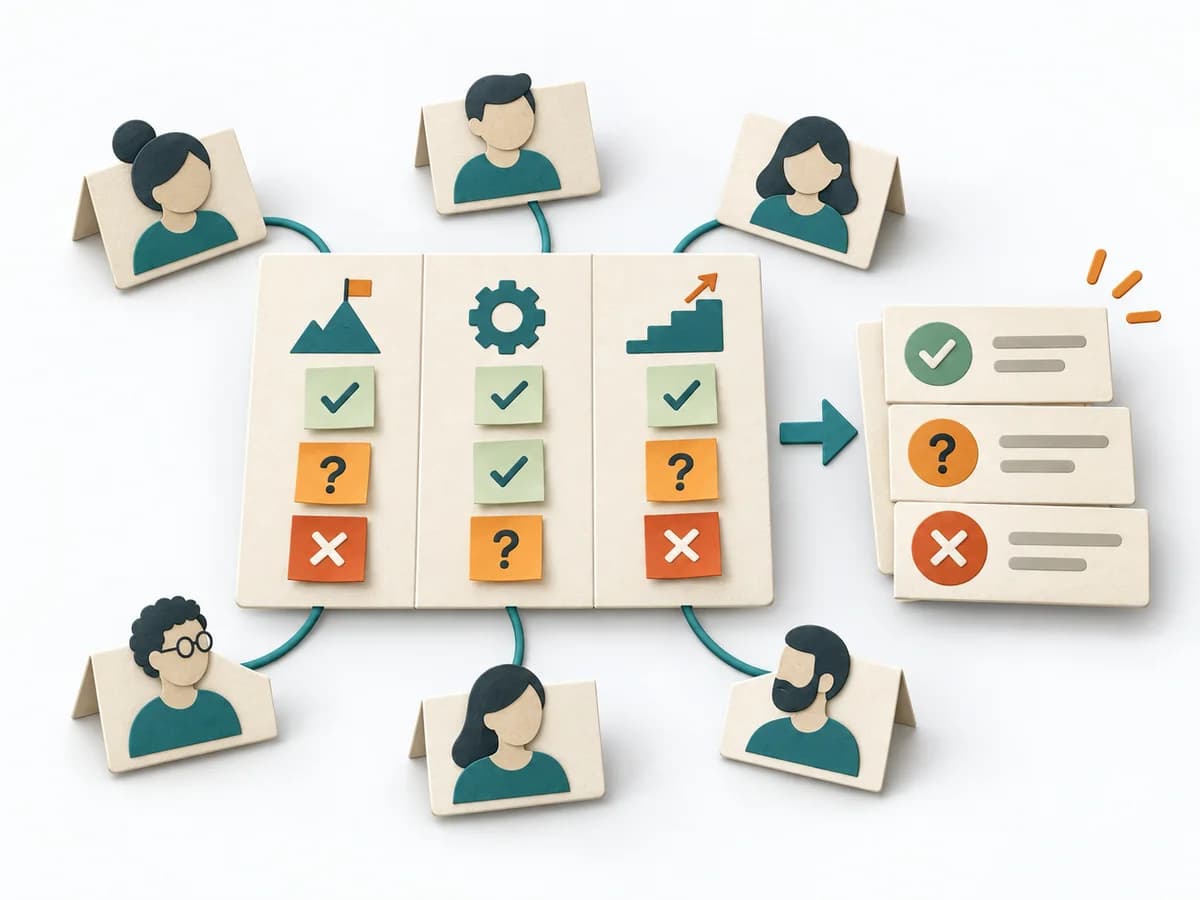 Facilitation Alignment Mapping | 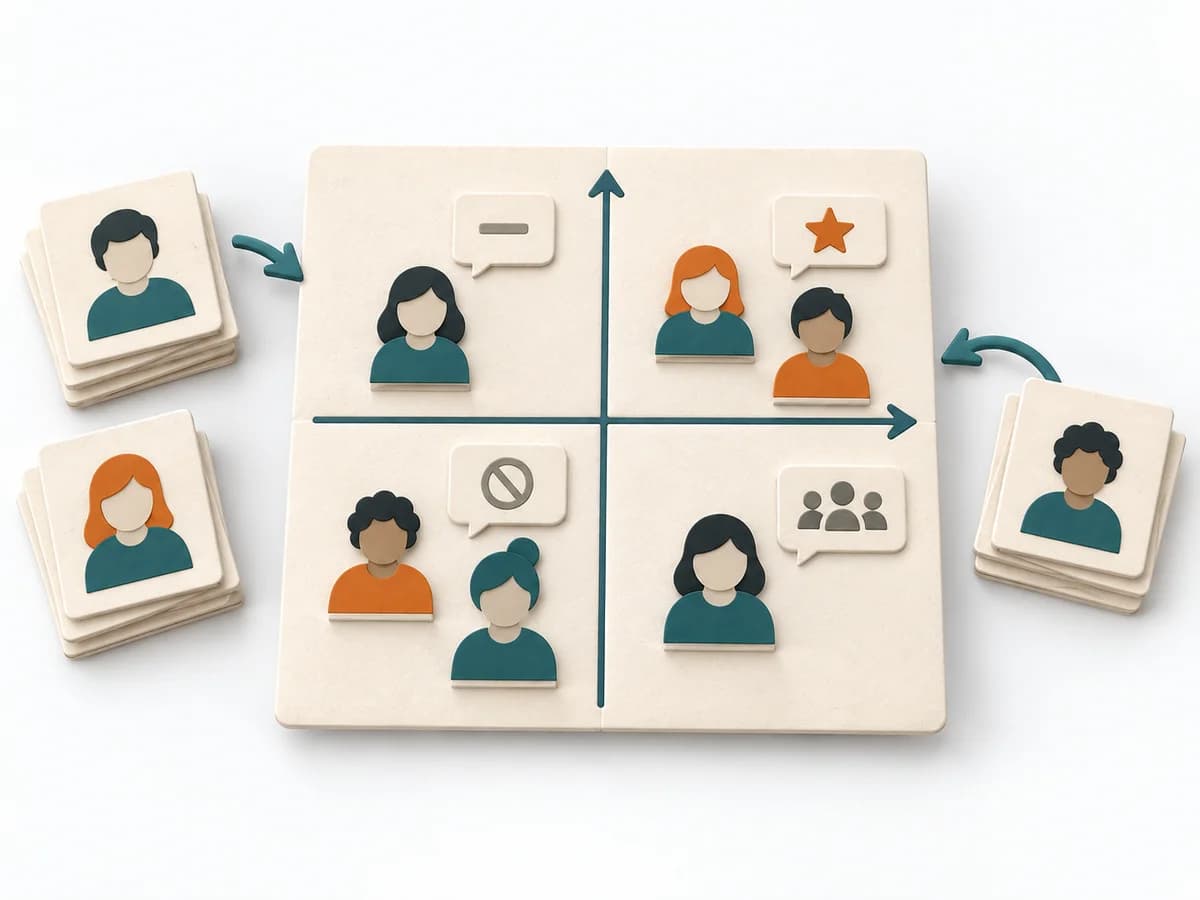 Facilitation Power Interest Grid |
|---|---|---|---|---|
Purposedifferent | When an early product bet still has too many open points, it brings target group, problem, and assumptions into a single view. It condenses the idea so core risks become nameable. | The Architecture Communication Canvas plans architecture communication so the right people receive the right message. The method turns technical complexity into deliberate communication design. | When several people work toward one goal but hold different mental maps, Alignment Mapping makes the discrepancies visible. It arranges goals, assumptions, and priorities so shared direction becomes verifiable. | When many stakeholders compete for attention at once, the Power Interest Grid sorts them by influence and stake. It turns individual contributions into a visible selection. The result is captured as a Power Interest Grid and a stakeholder-specific strategy. |
Complexitydifferent | Medium | Medium | Medium | Low |
Timedifferent | 45-90 min | 60-120 min | 1-2 h | 30-60 min |
Participantsdifferent | 1-6 | 2-8 | 4-12 | 2-8 |
Formatdifferent | Workshop + async | Workshop + async | Workshop | Workshop |
Outputdifferent | Lean Canvas, Core Assumptions, Experiment Backlog | Communication Canvas, Stakeholder Messages, Architecture Communication Plan | Alignment Map, Open Issues, Decision Questions | Power Interest Grid, Strategy per Stakeholder |
Tagsno overlap | StartupLeanAssumptionsBusiness model | ArchitectureCommunicationStakeholdersCanvas | AlignmentStakeholdersStrategyFacilitation | StakeholdersFacilitationAlignmentPlanning |