View methods side by side.
Choose up to four methods. Add them using the search and share the comparison by copying its link.
| Criterion | 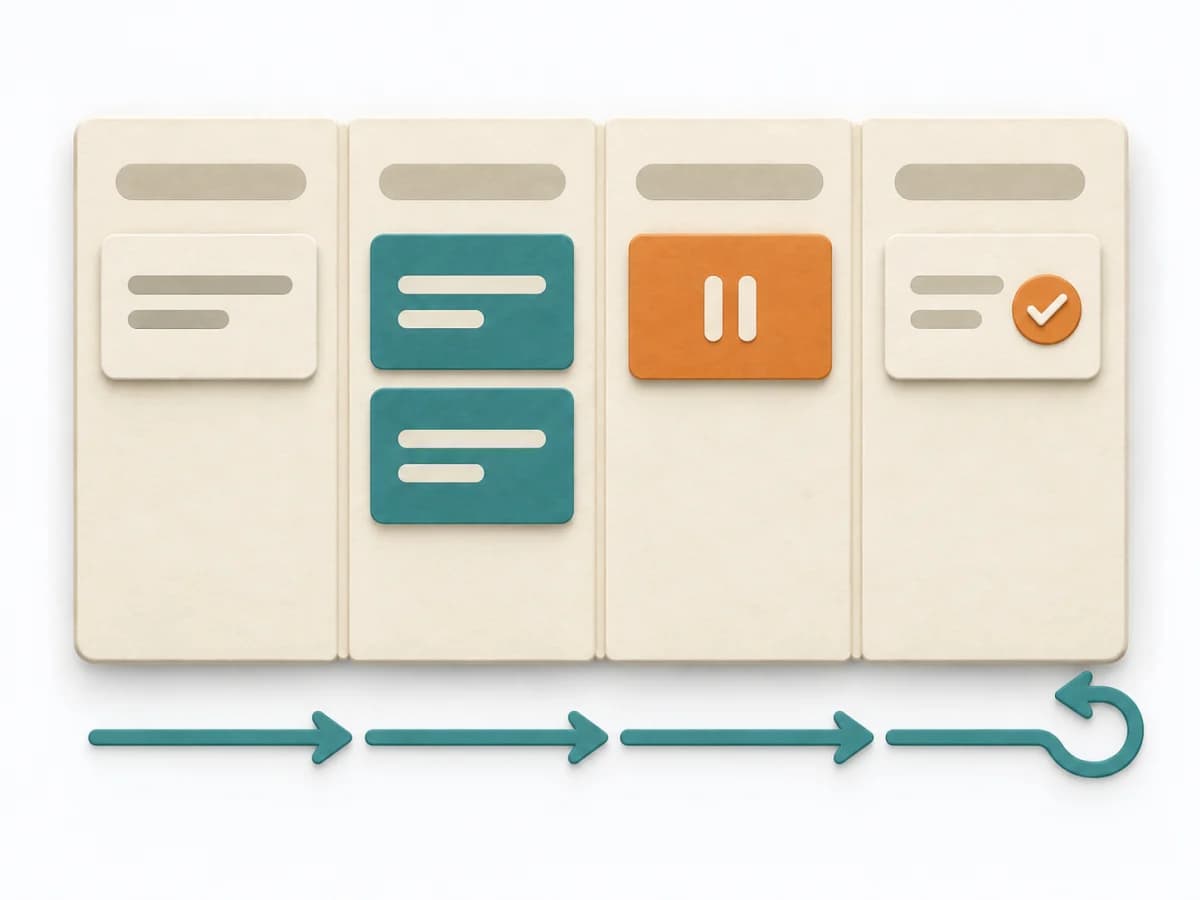 Engineering Kanban | 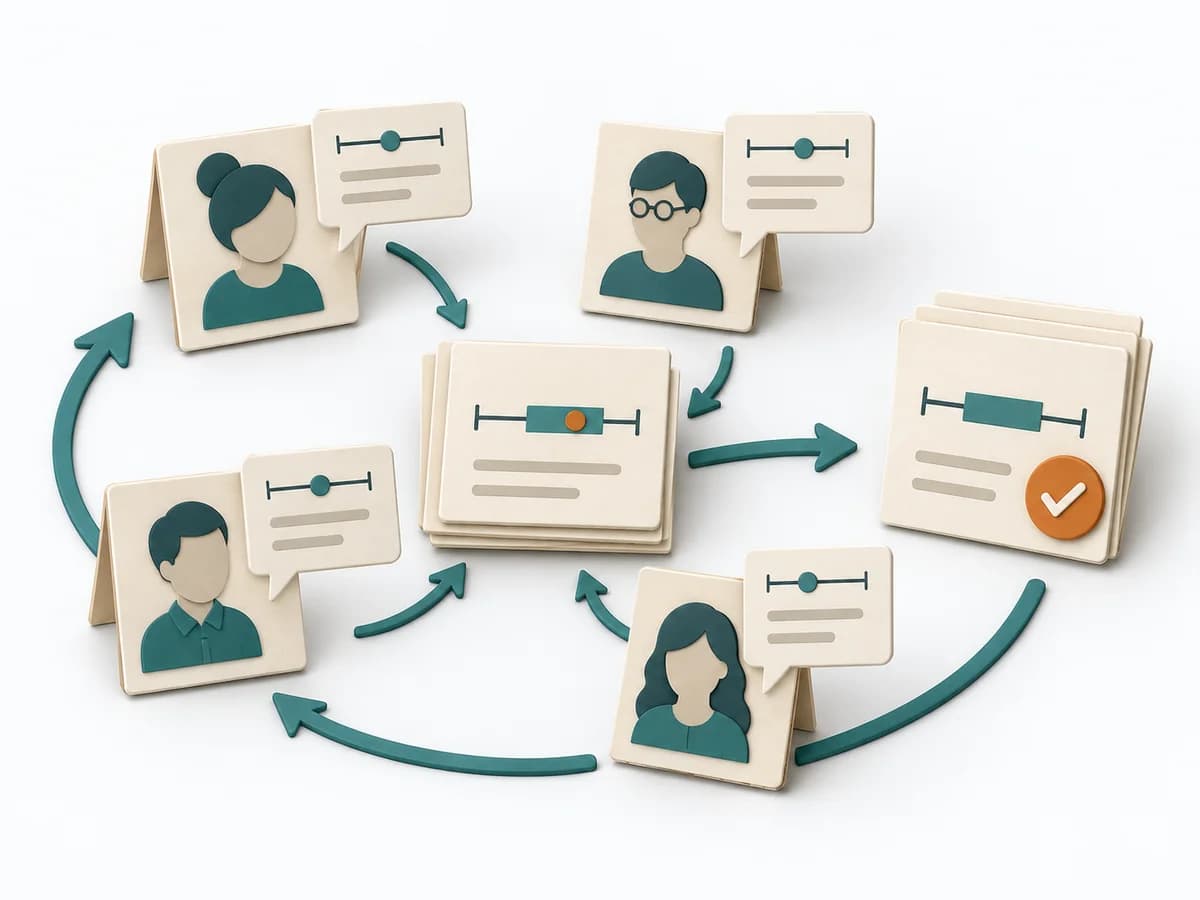 Decision Making Delphi Method | 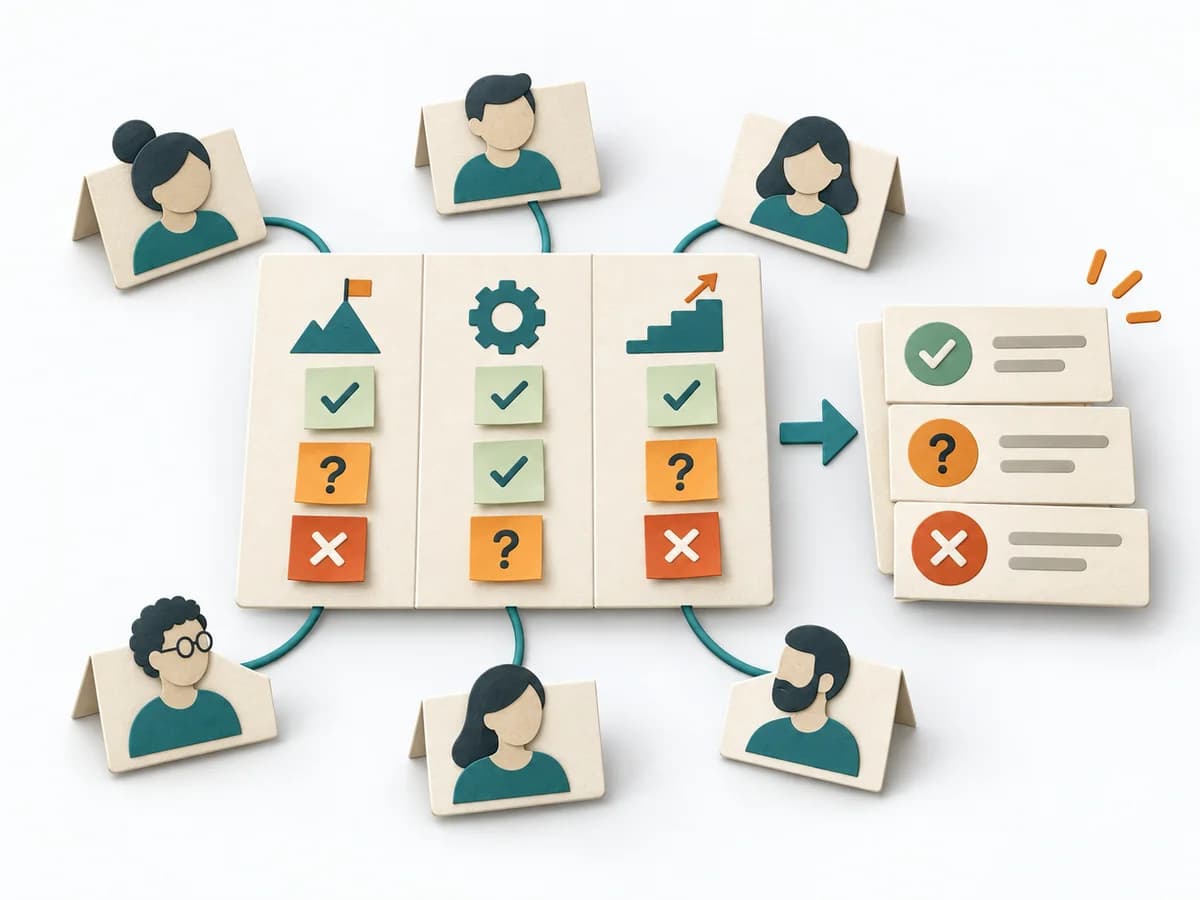 Facilitation Alignment Mapping | 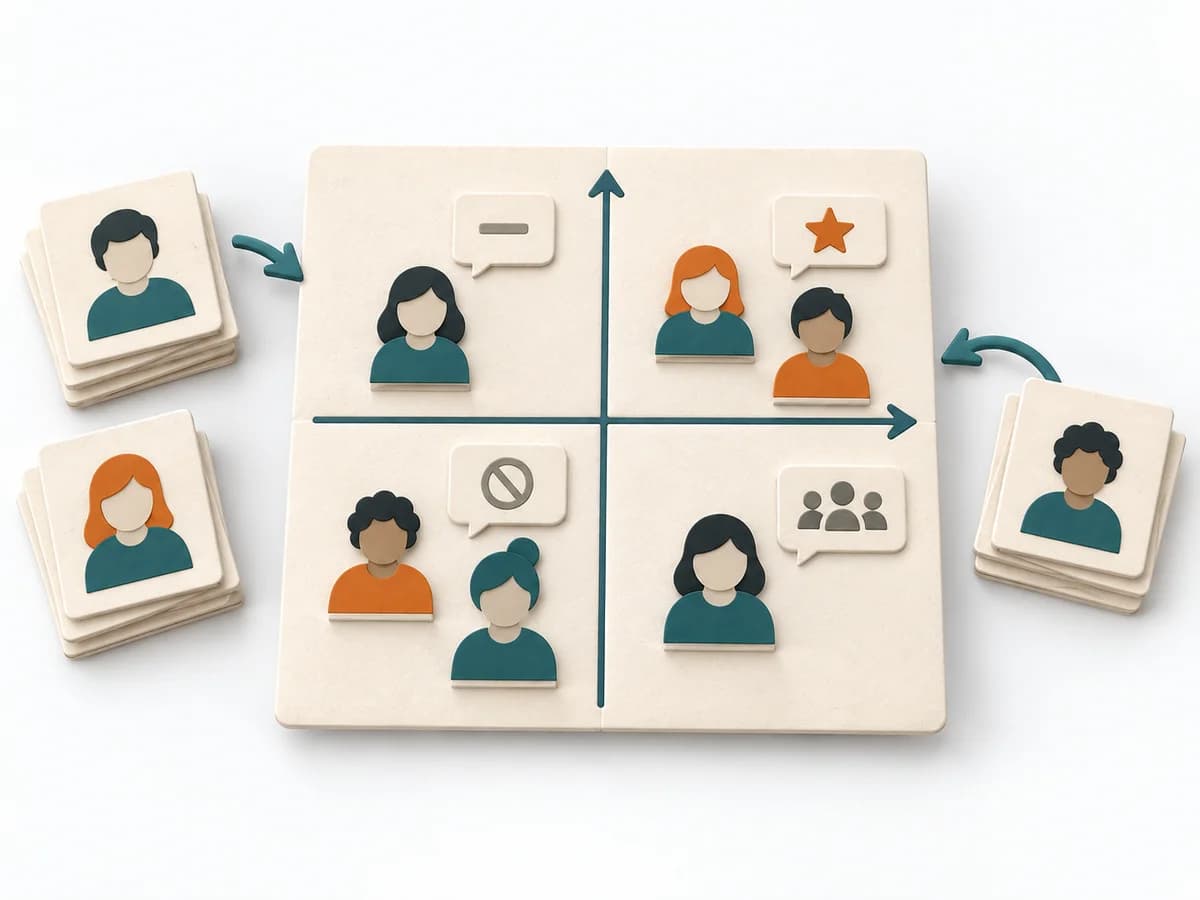 Facilitation Power Interest Grid |
|---|---|---|---|---|
Purposedifferent | When work sits in too many parallel streams, throughput suffers and no one sees the bottlenecks. Kanban makes the flow of work visible and limits overload so a system becomes calmer and more predictable. | When knowledge is distributed and direct dominance should be avoided, groups quickly fall under the sway of their opinion leaders. The Delphi Method gathers assessments iteratively and gradually brings expert judgments closer together. | When several people work toward one goal but hold different mental maps, Alignment Mapping makes the discrepancies visible. It arranges goals, assumptions, and priorities so shared direction becomes verifiable. | When many stakeholders compete for attention at once, the Power Interest Grid sorts them by influence and stake. It turns individual contributions into a visible selection. The result is captured as a Power Interest Grid and a stakeholder-specific strategy. |
Complexitydifferent | Medium | High | Medium | Low |
Timedifferent | Ongoing | 1-4 Wochen | 1-2 h | 30-60 min |
Participantsdifferent | 2-12 | 6-30 Experten | 4-12 | 2-8 |
Formatdifferent | Workshop + async | Async | Workshop | Workshop |
Outputdifferent | Kanban board, WIP policies, Flow metrics | Expert Forecast, Consensus Range, Assumption Notes | Alignment Map, Open Issues, Decision Questions | Power Interest Grid, Strategy per Stakeholder |
Tagsno overlap | FlowVisual managementDelivery | ForecastingExpertsDecisionStrategy | AlignmentStakeholdersStrategyFacilitation | StakeholdersFacilitationAlignmentPlanning |