View methods side by side.
Choose up to four methods. Add them using the search and share the comparison by copying its link.
| Criterion | 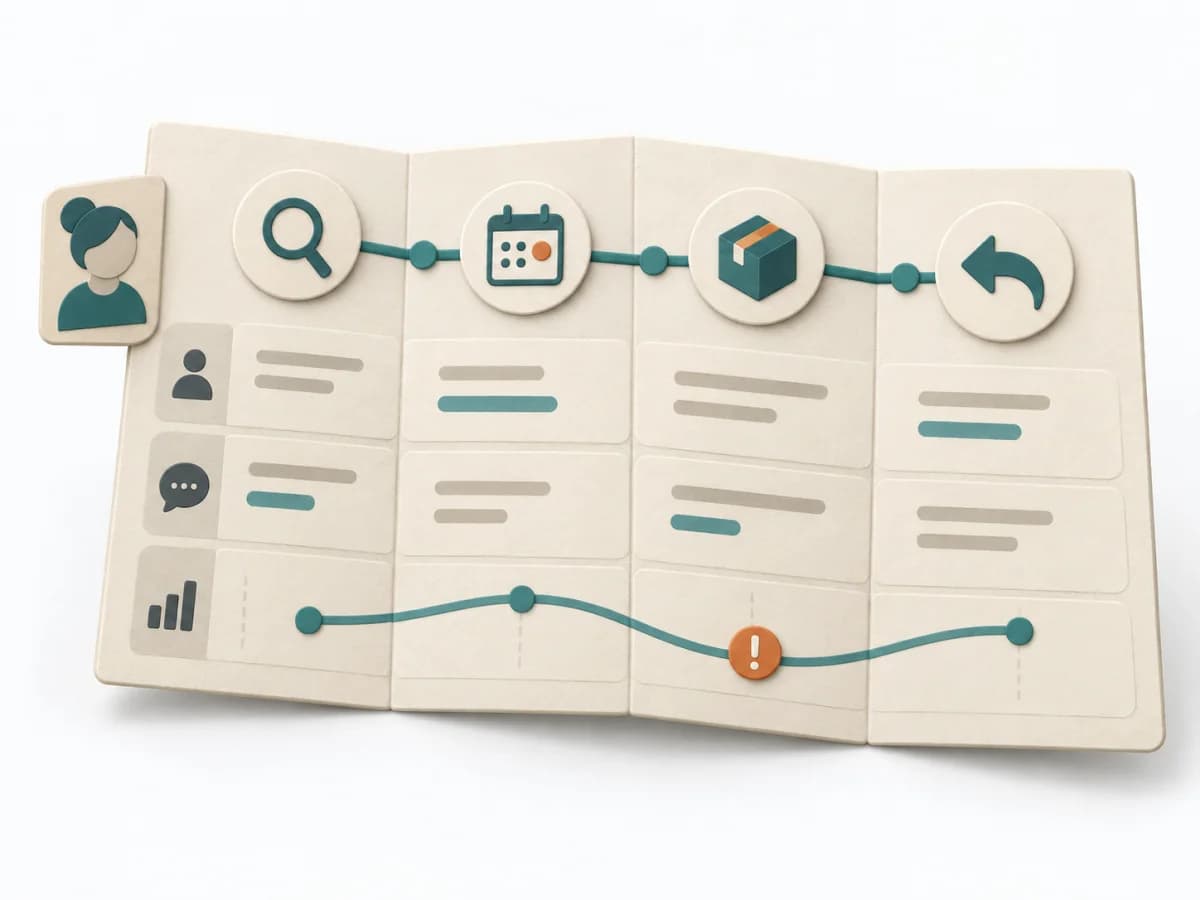 UX Research Customer Journey Mapping | 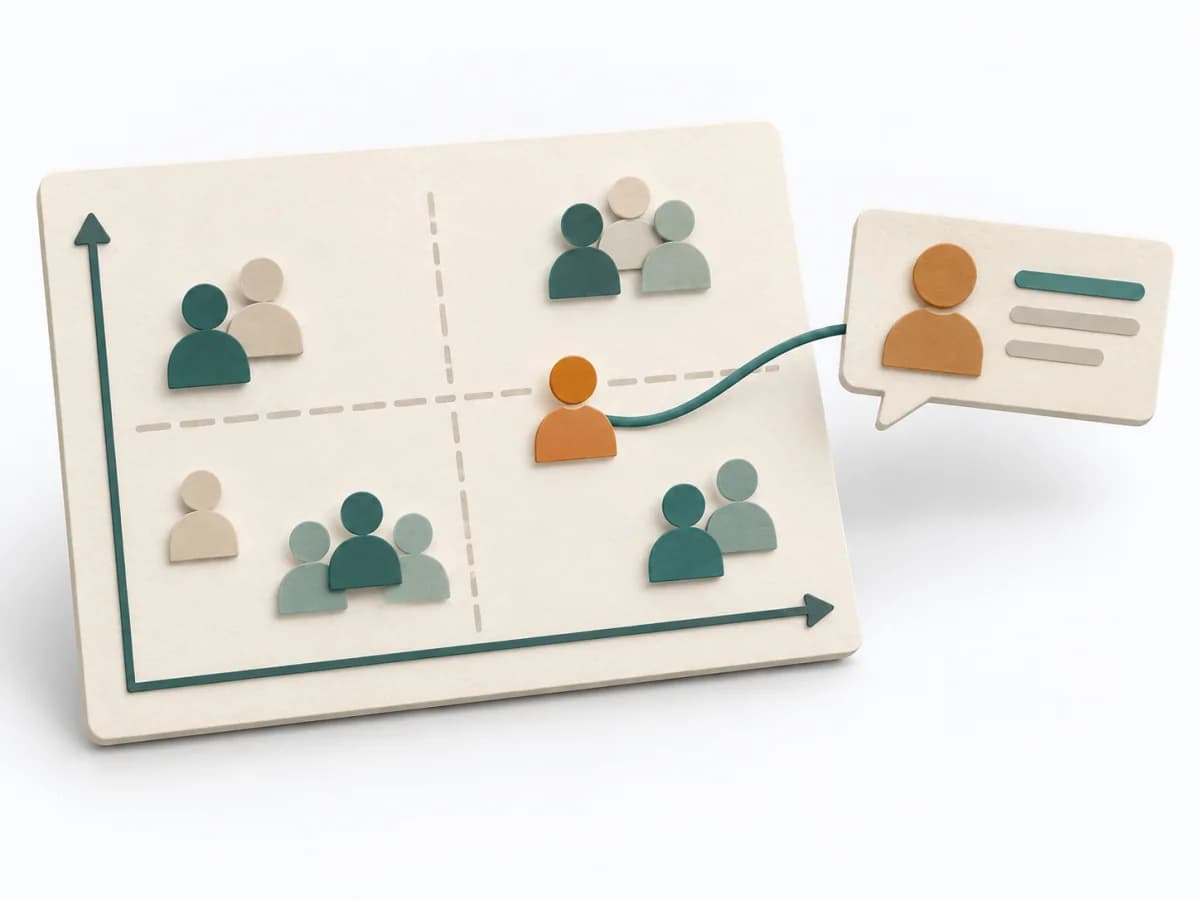 Facilitation Stakeholder Mapping | 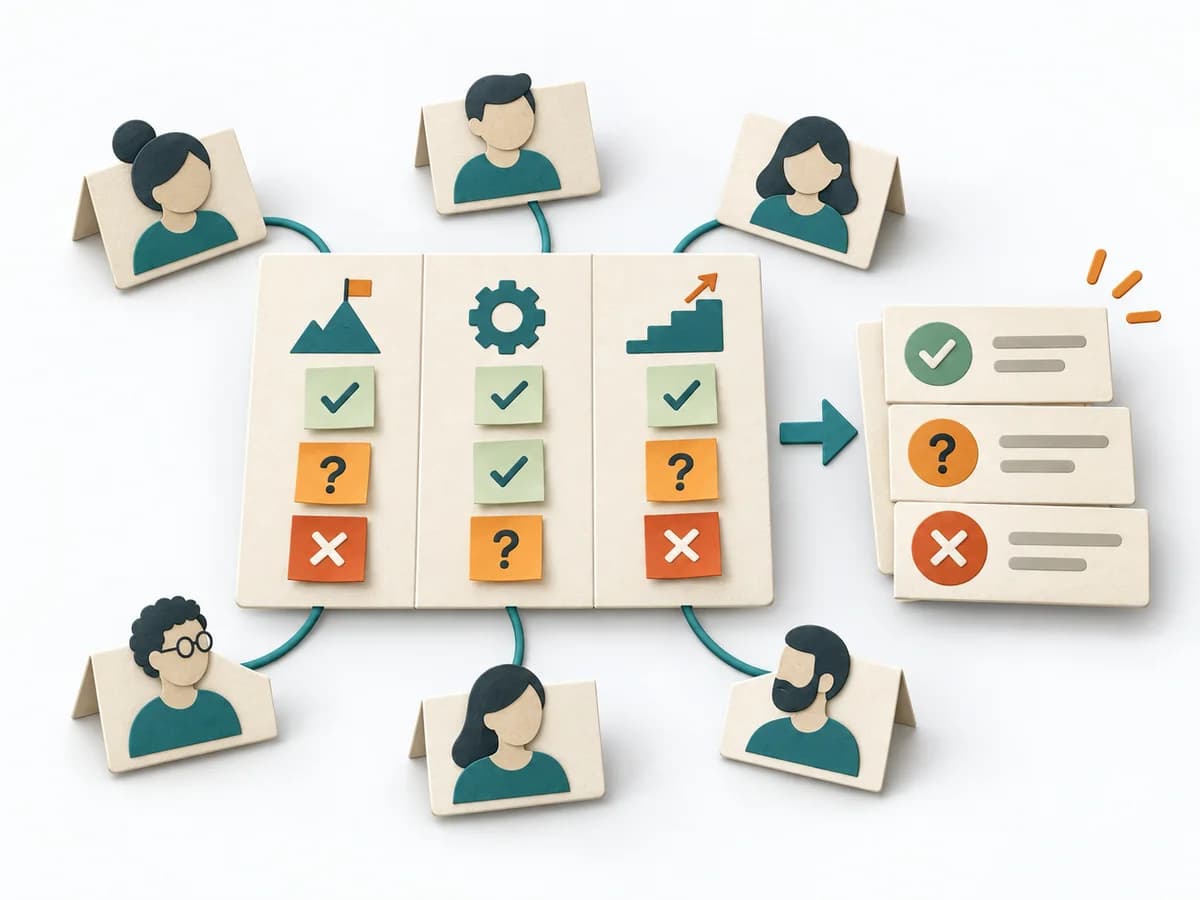 Facilitation Alignment Mapping | 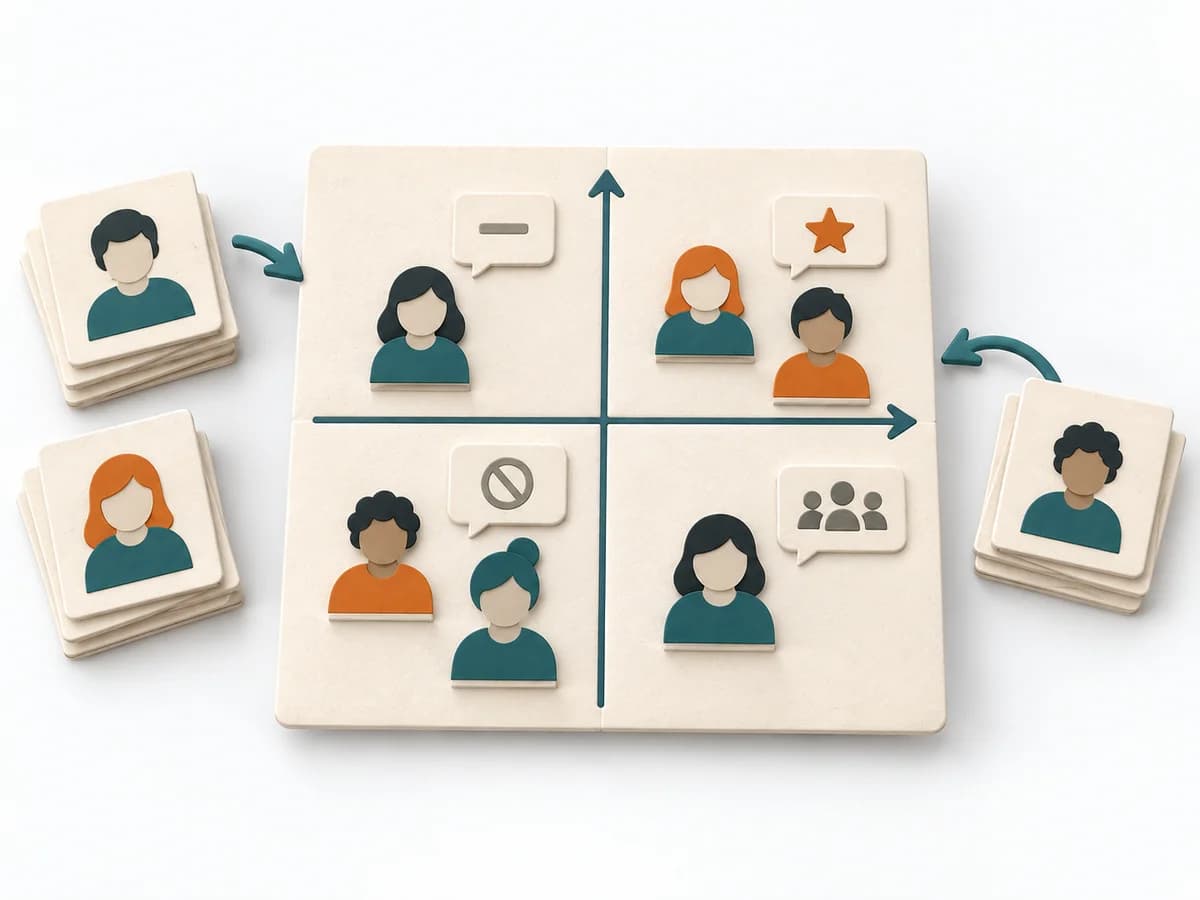 Facilitation Power Interest Grid |
|---|---|---|---|---|
Purposedifferent | When a user journey falls apart across many touchpoints, customer journey mapping makes the experience visible as a coherent arc. Phases, emotions, and breaks become legible enough to prioritize critical moments deliberately. | When an initiative depends on many people, interests, and power dynamics, Stakeholder Mapping systematically orders the environment. It shows who influences, who is affected, and where relationship management or safeguarding matters first. | When several people work toward one goal but hold different mental maps, Alignment Mapping makes the discrepancies visible. It arranges goals, assumptions, and priorities so shared direction becomes verifiable. | When many stakeholders compete for attention at once, the Power Interest Grid sorts them by influence and stake. It turns individual contributions into a visible selection. The result is captured as a Power Interest Grid and a stakeholder-specific strategy. |
Complexitydifferent | Medium | Low | Medium | Low |
Timedifferent | 2-4 h | 60–90 min | 1-2 h | 30-60 min |
Participantsdifferent | 4-10 | 2-8 | 4-12 | 2-8 |
Formatdifferent | Workshop | Workshop + async | Workshop | Workshop |
Outputdifferent | Journey Map, Pain-point List, Opportunity Backlog | Stakeholder Map, Engagement Plan, Risk Notes | Alignment Map, Open Issues, Decision Questions | Power Interest Grid, Strategy per Stakeholder |
Tagsno overlap | JourneyServiceService design | StakeholdersAlignmentFacilitationChange | AlignmentStakeholdersStrategyFacilitation | StakeholdersFacilitationAlignmentPlanning |