View methods side by side.
Choose up to four methods. Add them using the search and share the comparison by copying its link.
| Criterion | 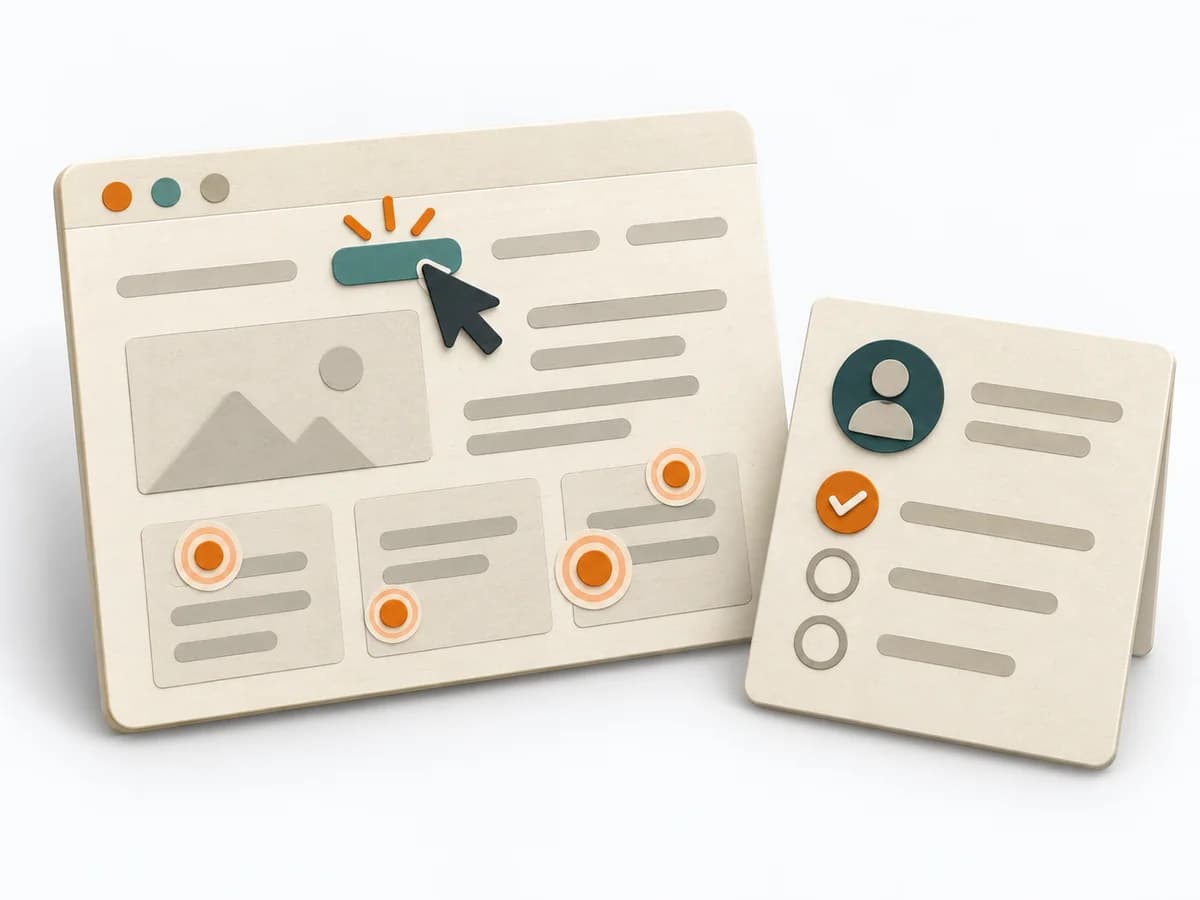 UX Research First-click Testing | 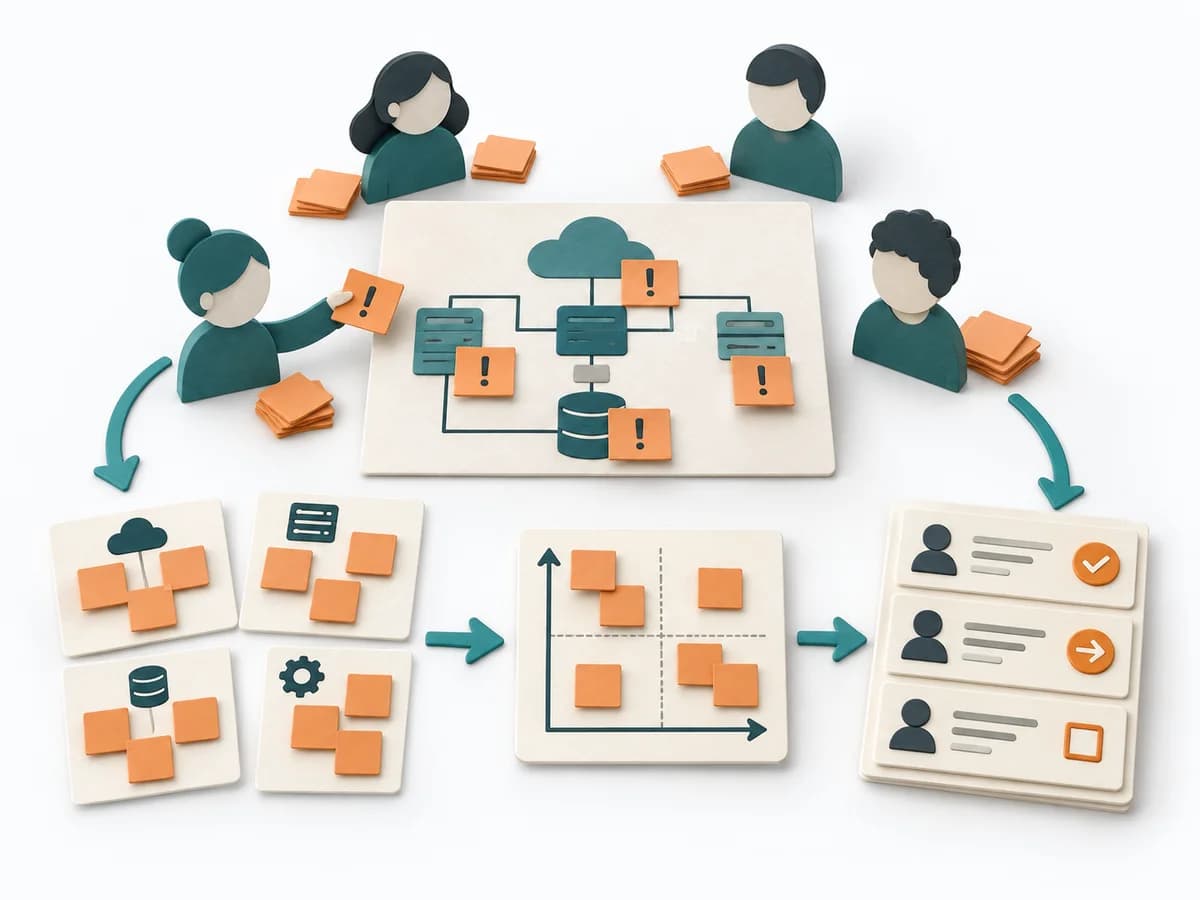 Architecture Risk Storming | 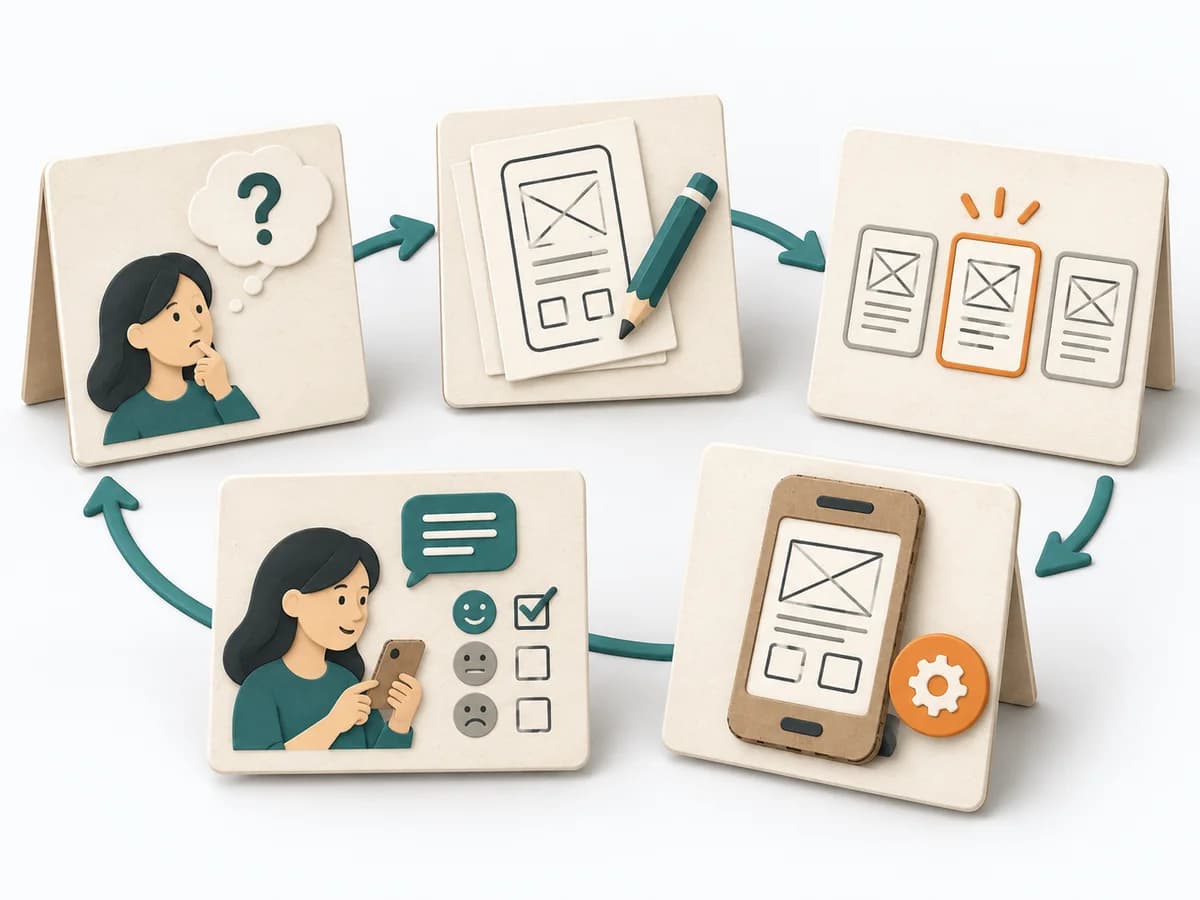 Innovation Design Sprint | 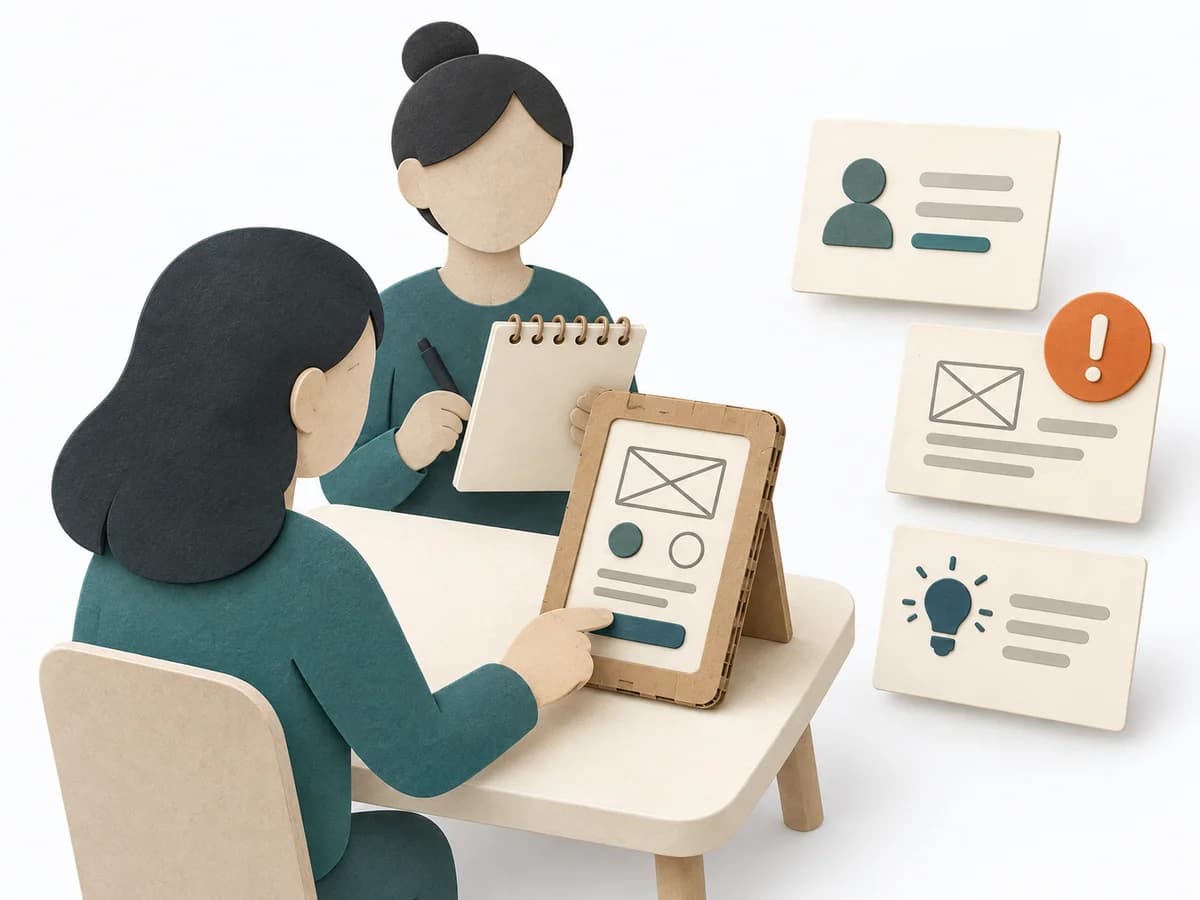 UX Research Usability Testing |
|---|---|---|---|---|
Purposedifferent | When users immediately turn the wrong way on a screen or wireframe, first click testing checks initial orientation at high speed. The first click shows early whether expectation, labeling, and wayfinding fit together. | Helps clarify architecture context, options, and consequences in concrete terms. It organizes technical context, alternatives, and consequences. The result is captured as an Annotated Diagram, a Prioritized Risk List, and an Action Backlog. | When the product question is unclear and time pressure is high, the method takes a team from an open idea to a testable solution. It connects problem understanding, decision, and learning in one compact format, lowering the risk of spending a lot of energy on a mere guess. | When a product is built but people get stuck on tasks, usability testing shows the friction at concrete points. Observed use instead of self-report makes visible where orientation, understanding, or interaction breaks down. |
Complexitydifferent | Low | Low | High | Medium |
Timedifferent | 1-2 Tage | 60-90 min | 4-5 Tage | 1-2 h je Session |
Participantsdifferent | 10-30 | 4-12 | 5-8 | Based on research question |
Formatdifferent | Async | Workshop | Workshop | Workshop + async |
Outputdifferent | Click Heatmap, Success Rate, Design Recommendations | Annotated Diagram, Prioritized Risk List, Action Backlog | Prototype, Test Findings, Decision Rationale | Usability Issues, Severity List, Recommendations |
Tags1 shared | UXNavigationFindabilityValidation | RiskArchitectureWorkshopValidation | Design sprintPrototypeValidationInnovation | ValidationUXPrototype |