View methods side by side.
Choose up to four methods. Add them using the search and share the comparison by copying its link.
| Criterion |  Knowledge Modeling Domain Storytelling | 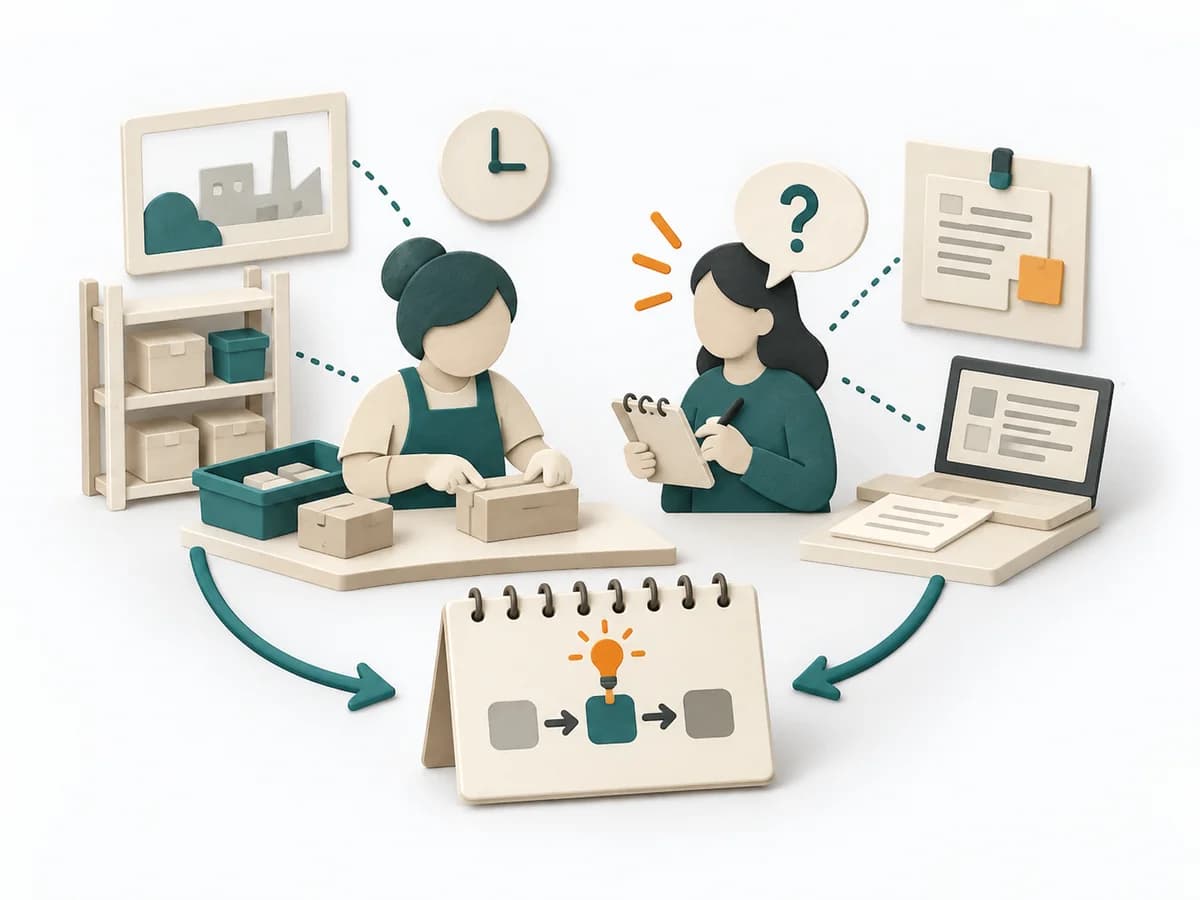 UX Research Contextual Inquiry | 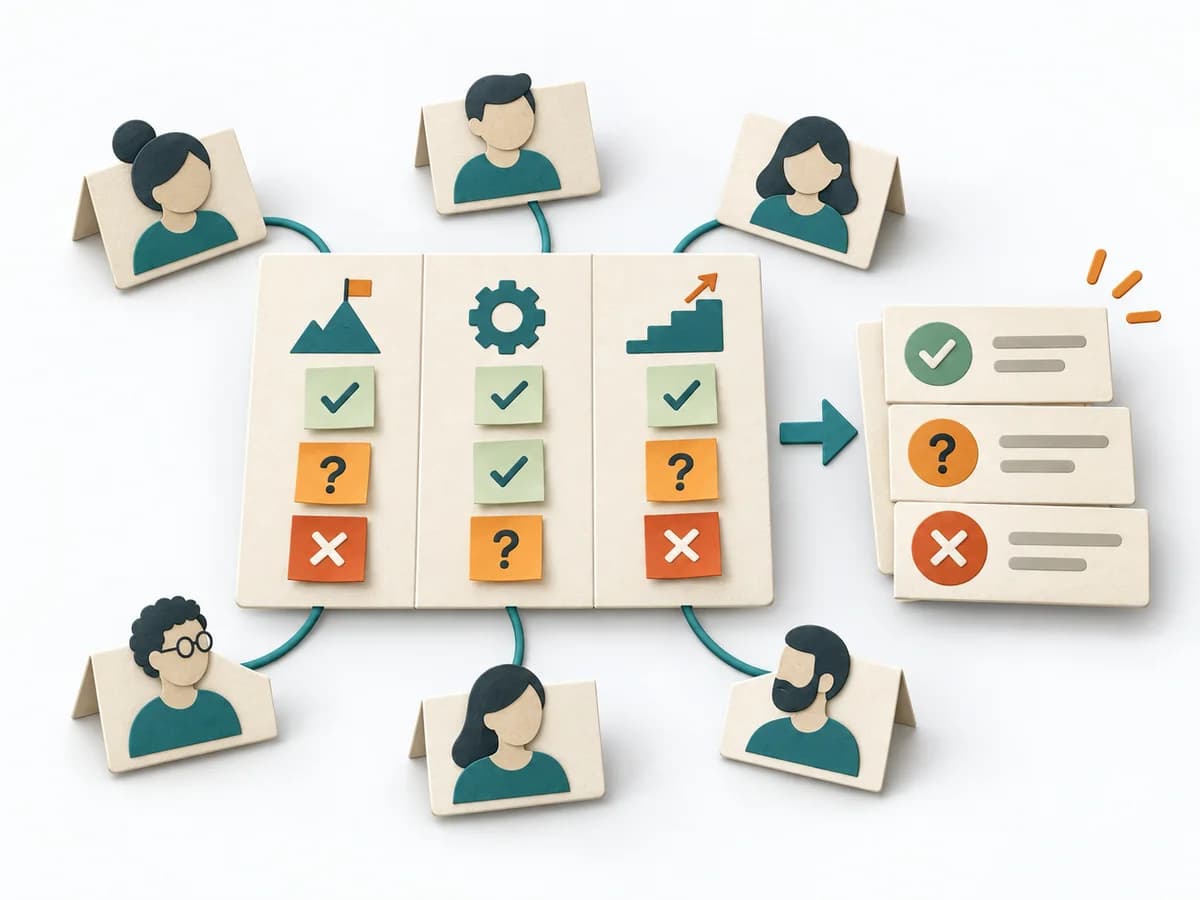 Facilitation Alignment Mapping | 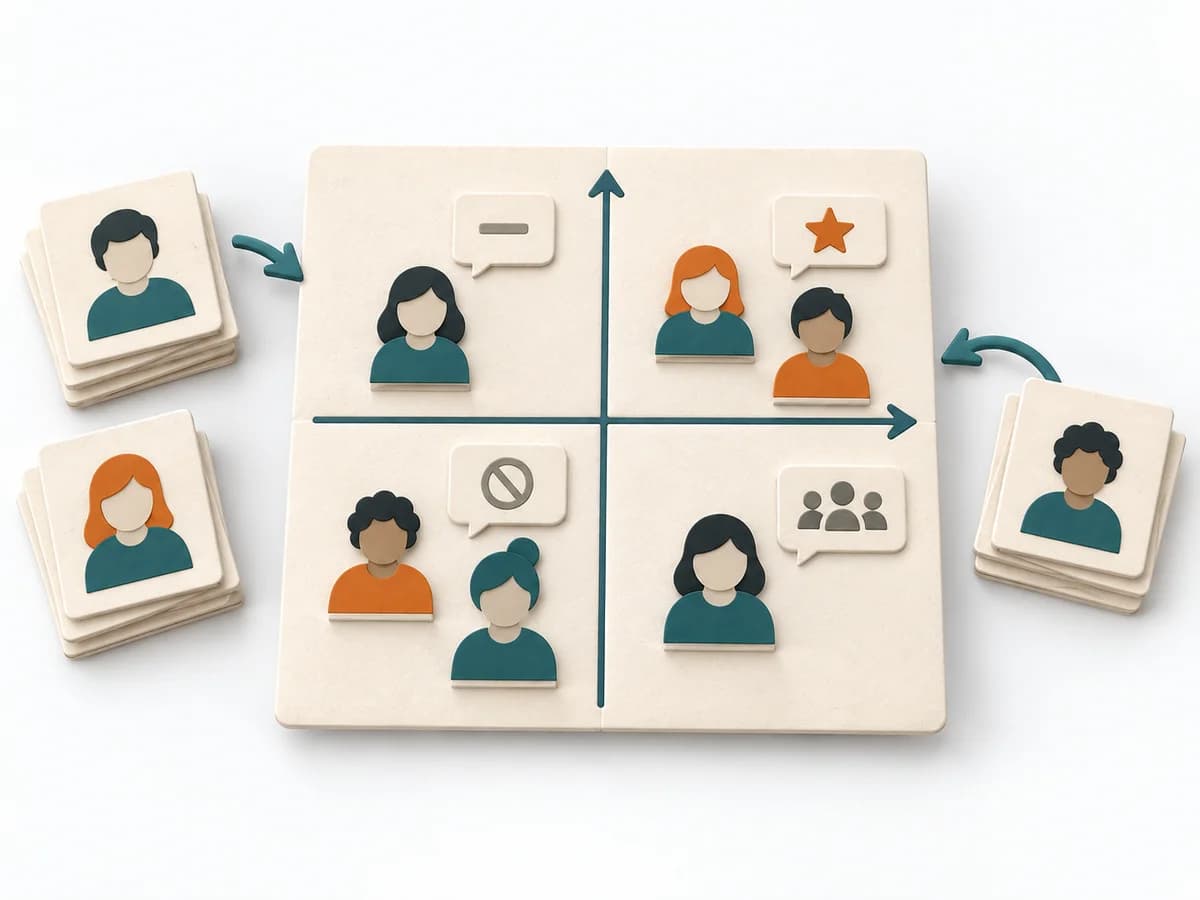 Facilitation Power Interest Grid |
|---|---|---|---|---|
Purposedifferent | Domain Storytelling translates domain knowledge into a shared narrative of actors, objects, and workflows. It is especially useful when language, rules, and process understanding must be tightly connected. | When work processes are known only from accounts and the real context stays hidden, Contextual Inquiry makes behavior at the workplace visible. Observation and follow-up questions together show how people actually work, get interrupted, and improvise. | When several people work toward one goal but hold different mental maps, Alignment Mapping makes the discrepancies visible. It arranges goals, assumptions, and priorities so shared direction becomes verifiable. | When many stakeholders compete for attention at once, the Power Interest Grid sorts them by influence and stake. It turns individual contributions into a visible selection. The result is captured as a Power Interest Grid and a stakeholder-specific strategy. |
Complexitydifferent | Low | Medium | Medium | Low |
Timedifferent | 1-2 h | 1-3 Wochen | 1-2 h | 30-60 min |
Participantsdifferent | 2-8 | 4-12 Beobachtungen | 4-12 | 2-8 |
Formatdifferent | Workshop | Workshop + async | Workshop | Workshop |
Outputdifferent | Domain Story, Glossary Notes, Process Narrative | Field Notes, Workflow Insights, Pain Points | Alignment Map, Open Issues, Decision Questions | Power Interest Grid, Strategy per Stakeholder |
Tagsno overlap | KnowledgeDomain-Driven DesignProcess | UX researchObservationContext | AlignmentStakeholdersStrategyFacilitation | StakeholdersFacilitationAlignmentPlanning |