View methods side by side.
Choose up to four methods. Add them using the search and share the comparison by copying its link.
| Criterion |  UX Design Customer Journey Canvas | 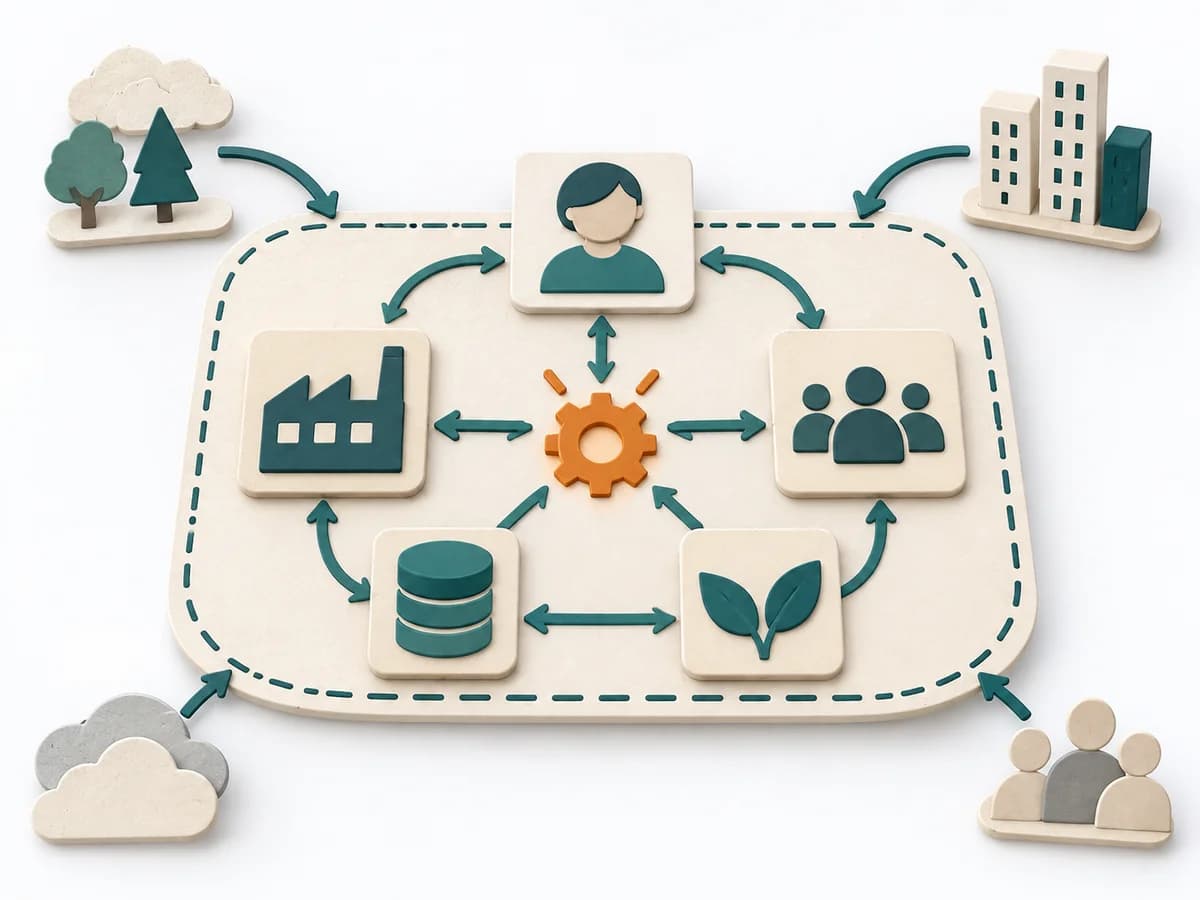 Systems Thinking Systems Mapping | 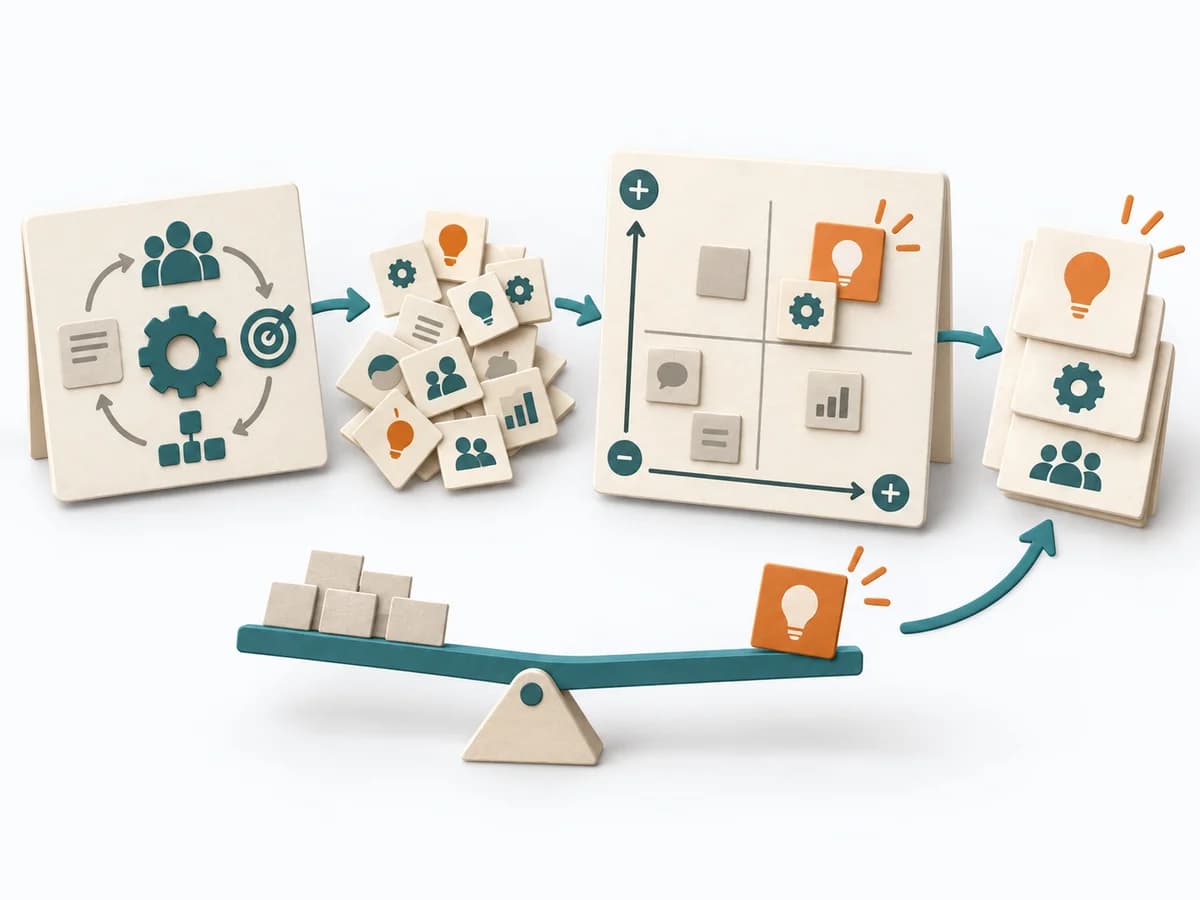 Systems Thinking Leverage Points | 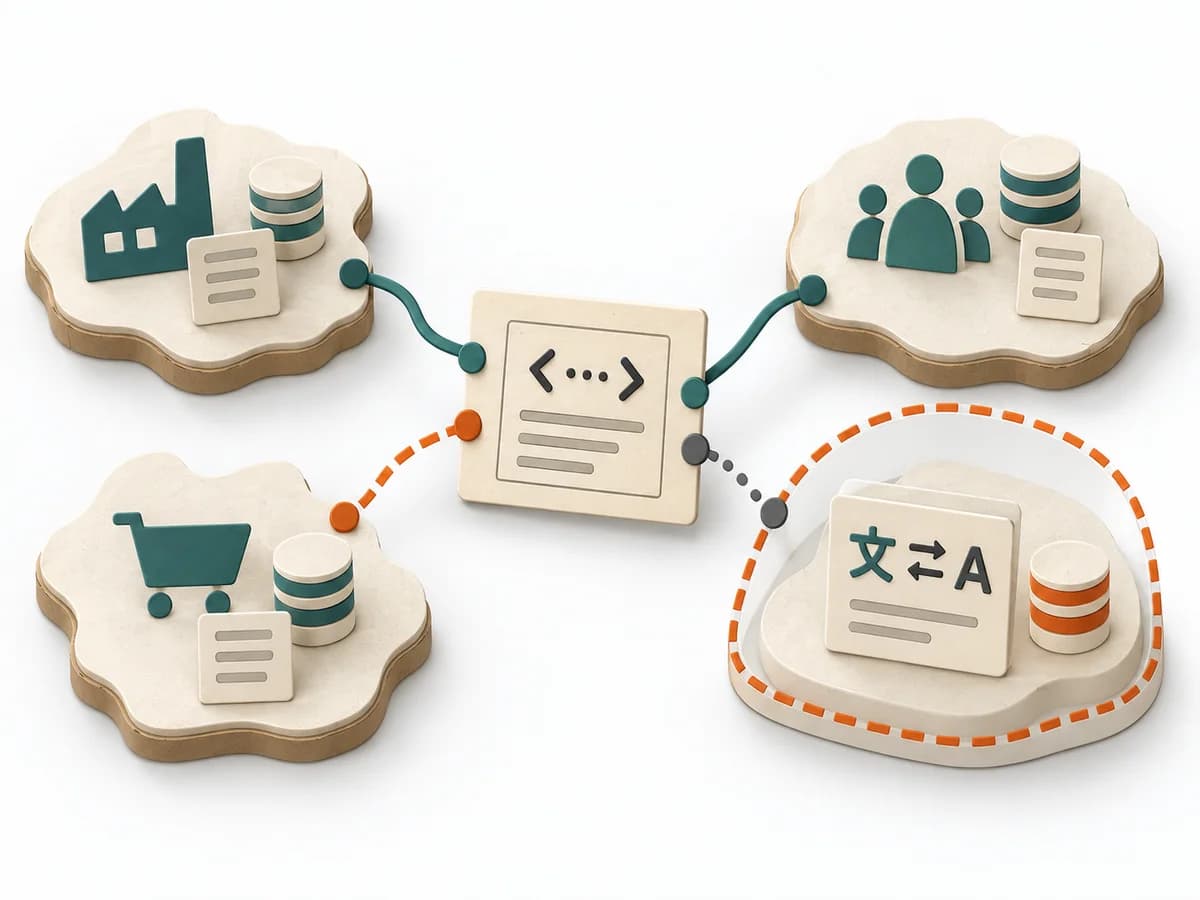 Domain Modeling Context Map |
|---|---|---|---|---|
Purposedifferent | When a journey needs to be understood across several phases, it arranges experience, touchpoints, and opportunities into one picture. It makes gaps and friction along the user path clear. | Systems Mapping arranges elements, relationships, and boundaries so a complex field becomes legible at a glance. The overview stabilizes the overall picture before detail work or steering begins. | Leverage Points show exactly where interventions in a system produce a disproportionate effect. It draws relationships, patterns, and feedback loops. The result is captured as a leverage map and action strategy. | When several contexts need to talk to each other, it makes their relationships and dependencies legible. It helps sort integration pressure and responsibilities across system boundaries. |
Complexitydifferent | Medium | Medium | High | Medium |
Timedifferent | 1-3 h | 1-3 h | Half day | 1-3 h |
Participantsdifferent | 3-10 | 3-12 | 3-12 | 2-8 |
Formatdifferent | Workshop | Workshop + async | Workshop | Workshop + async |
Outputdifferent | Customer Journey Canvas, Pain Points, Experience Opportunities | System Map, Dependencies, Leverage Points | Leverage Map, Action Strategy | Context Map, Integration Patterns, Boundary Notes |
Tagsno overlap | JourneyCustomerService designCanvas | Systems thinkingMappingBoundariesChange | Systems thinkingChangeStrategy | Domain-Driven DesignBoundariesStrategy |