View methods side by side.
Choose up to four methods. Add them using the search and share the comparison by copying its link.
| Criterion |  UX Design Customer Journey Canvas | 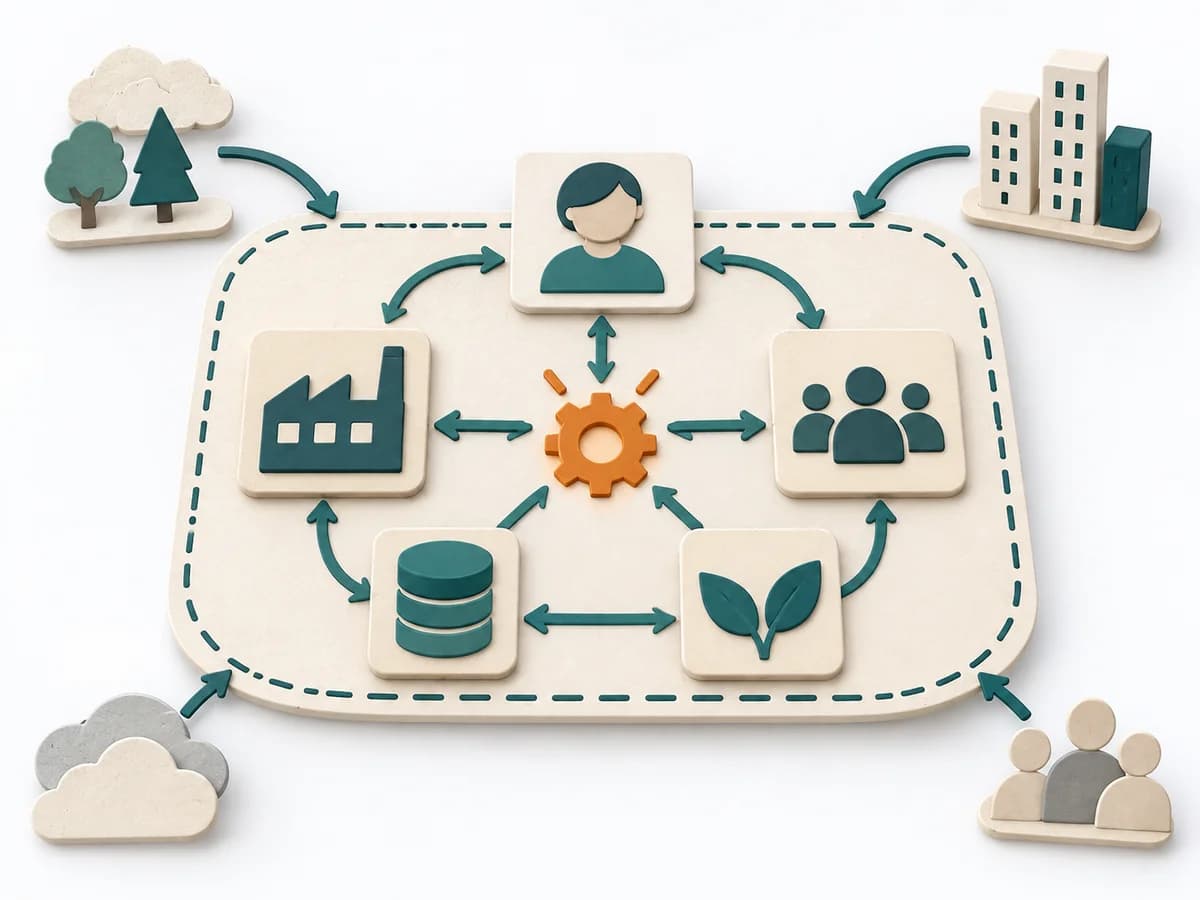 Systems Thinking Systems Mapping | 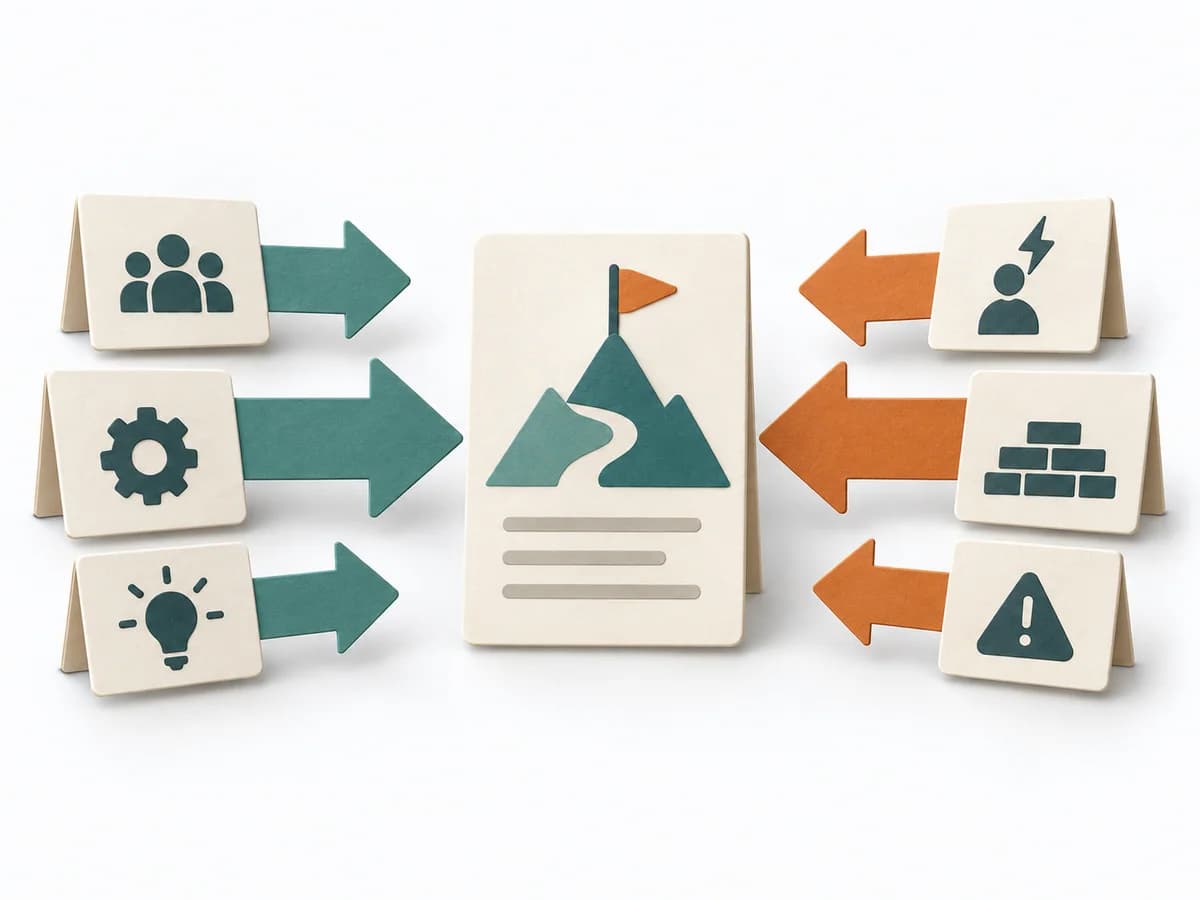 Decision Making Force Field Analysis | 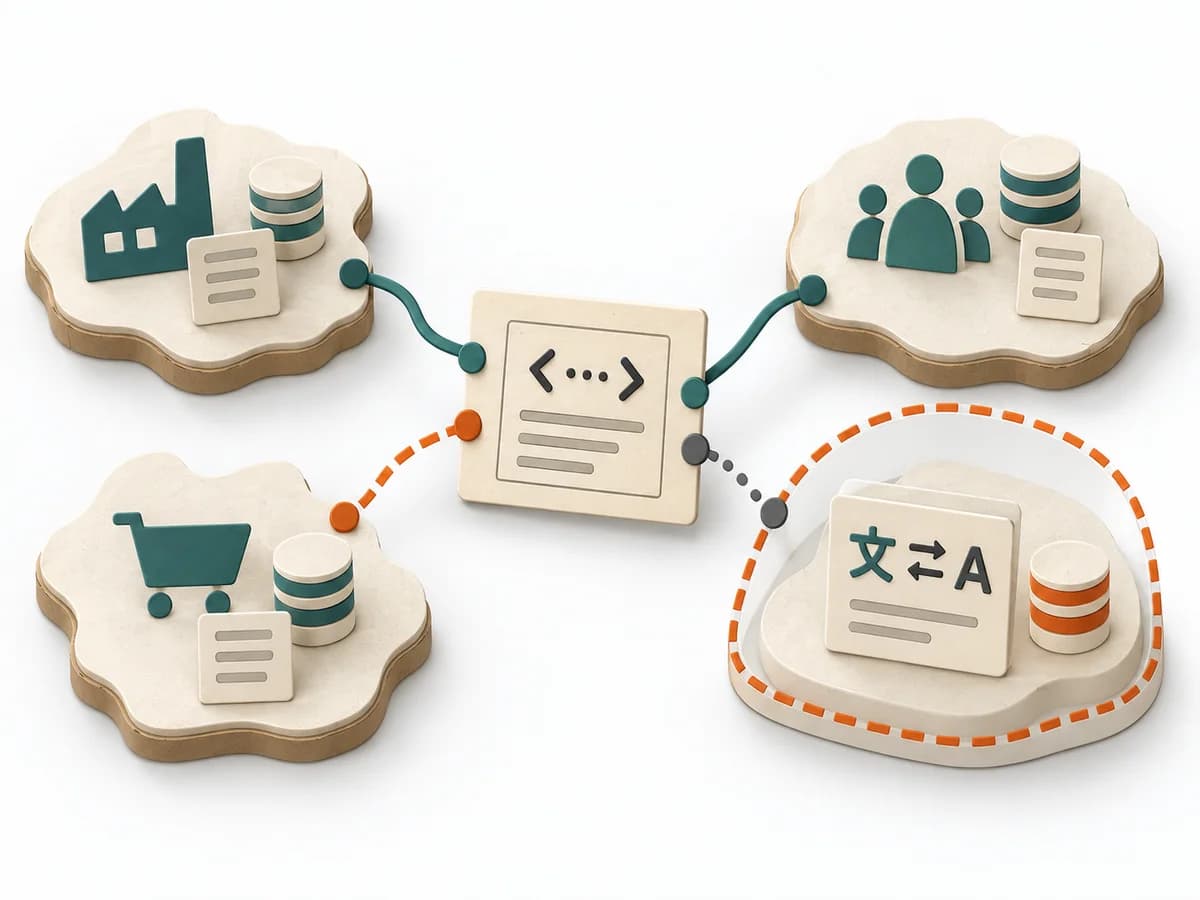 Domain Modeling Context Map |
|---|---|---|---|---|
Purposedifferent | When a journey needs to be understood across several phases, it arranges experience, touchpoints, and opportunities into one picture. It makes gaps and friction along the user path clear. | Systems Mapping arranges elements, relationships, and boundaries so a complex field becomes legible at a glance. The overview stabilizes the overall picture before detail work or steering begins. | In change initiatives, supporting and restraining forces sit at the table at the same time. Force Field Analysis makes these tensions explicit and shows where change can be pushed forward by strengthening or relieving. | When several contexts need to talk to each other, it makes their relationships and dependencies legible. It helps sort integration pressure and responsibilities across system boundaries. |
Complexitydifferent | Medium | Medium | Low | Medium |
Timedifferent | 1-3 h | 1-3 h | 45-90 min | 1-3 h |
Participantsdifferent | 3-10 | 3-12 | 3-12 | 2-8 |
Formatdifferent | Workshop | Workshop + async | Workshop | Workshop + async |
Outputdifferent | Customer Journey Canvas, Pain Points, Experience Opportunities | System Map, Dependencies, Leverage Points | Force Field Map, Change Levers, Risk Notes | Context Map, Integration Patterns, Boundary Notes |
Tagsno overlap | JourneyCustomerService designCanvas | Systems thinkingMappingBoundariesChange | ChangeDecisionStrategy | Domain-Driven DesignBoundariesStrategy |