View methods side by side.
Choose up to four methods. Add them using the search and share the comparison by copying its link.
| Criterion | 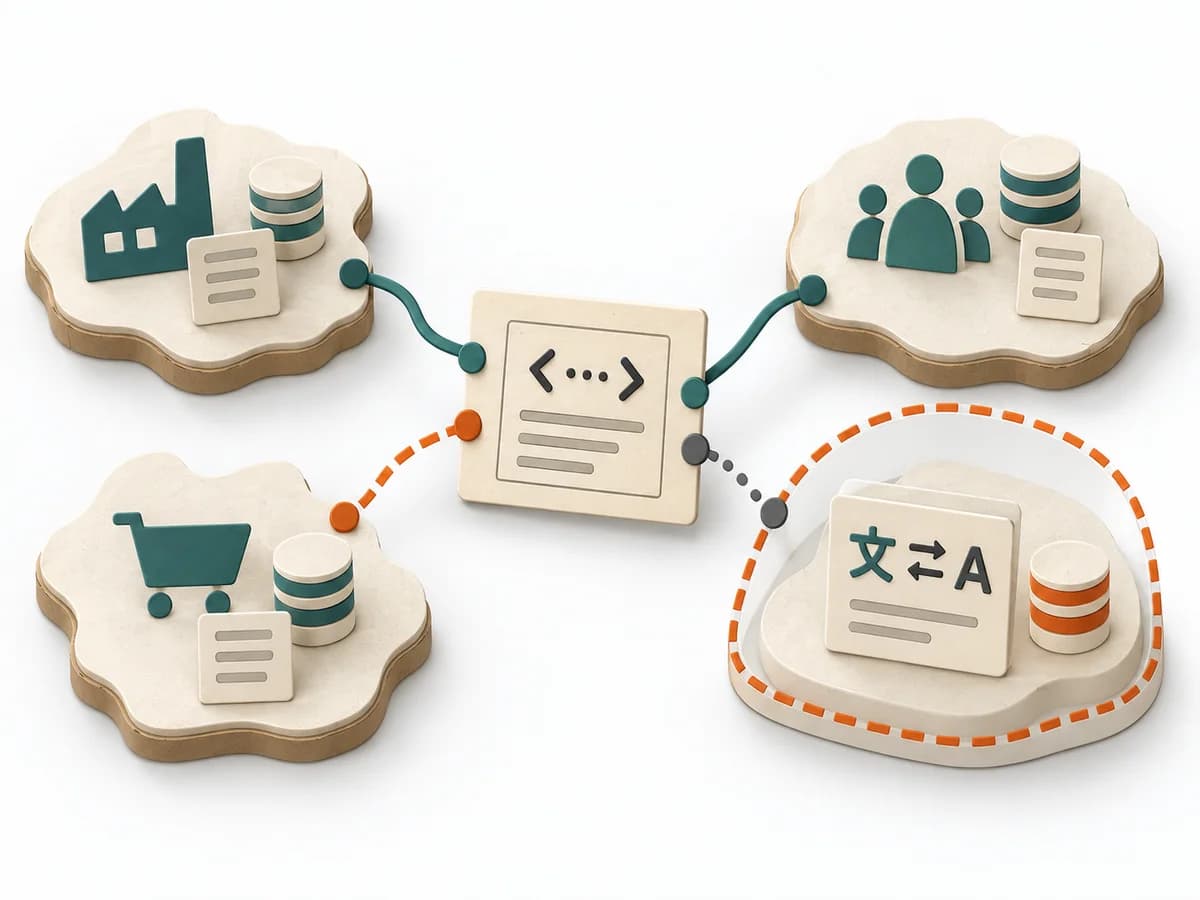 Domain Modeling Context Map |  Decision Making RAPID | 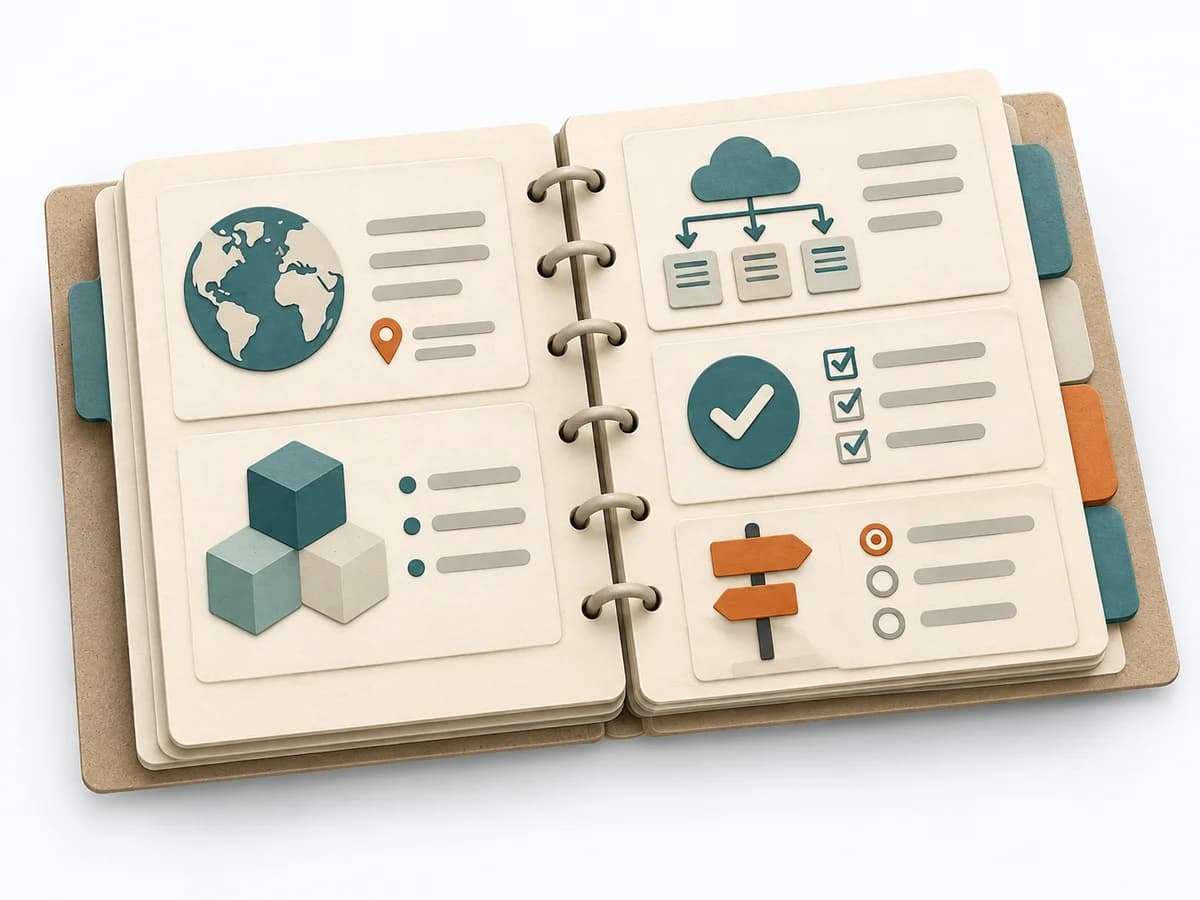 Architecture arc42 |  Decision Making DACI |
|---|---|---|---|---|
Purposedifferent | When several contexts need to talk to each other, it makes their relationships and dependencies legible. It helps sort integration pressure and responsibilities across system boundaries. | In complex management decisions, clarity is often missing about who recommends, who agrees, and who makes the decision. RAPID creates this assignment and stabilizes decisions across several levels. | arc42 structures architecture knowledge so teams can document system, decisions, and risks consistently. The template builds a living understanding of the architecture instead of scattered notes. | In cross-functional decisions, responsibilities quickly blur between approval, influence, and execution. DACI arranges these roles so decision pressure, contribution, and information stay cleanly separated. |
Complexitydifferent | Medium | Medium | Low | Low |
Timedifferent | 1-3 h | 45-90 min | 1-2 Tage | 30-60 min |
Participantsdifferent | 2-8 | 3-12 | 1-4 | 2-10 |
Formatsame | Workshop + async | Workshop + async | Workshop + async | Workshop + async |
Outputdifferent | Context Map, Integration Patterns, Boundary Notes | RAPID Role Map, Recommendation, Decision Log | Architecture Document, Context View, Runtime View, Deployment View | DACI Matrix, Decision Owner, Decision Log |
Tagsno overlap | Domain-Driven DesignBoundariesStrategy | DecisionRolesGovernance | ArchitectureDocumentationCommunication | DecisionRolesGovernanceAlignment |