View methods side by side.
Choose up to four methods. Add them using the search and share the comparison by copying its link.
| Criterion | 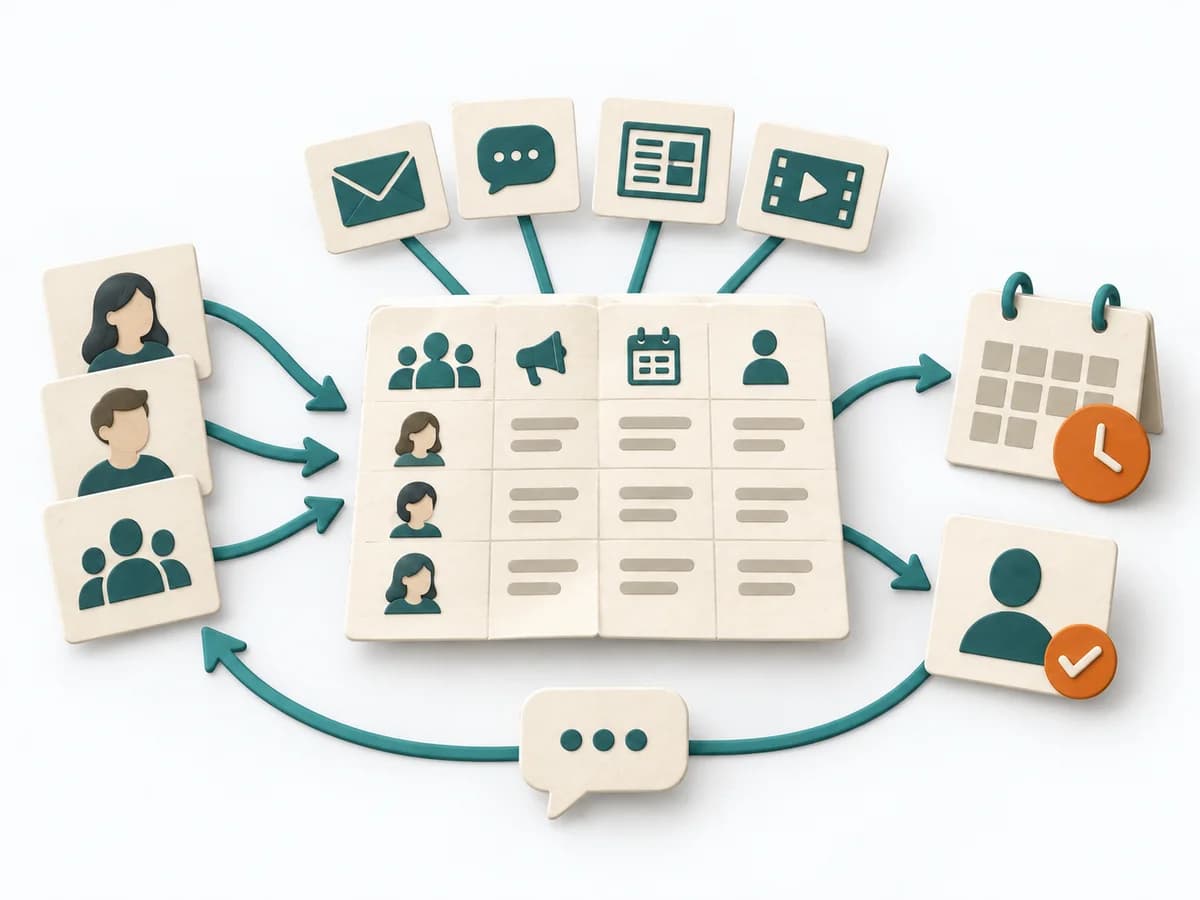 Delivery Communication Plan |  UX Design Customer Journey Canvas | 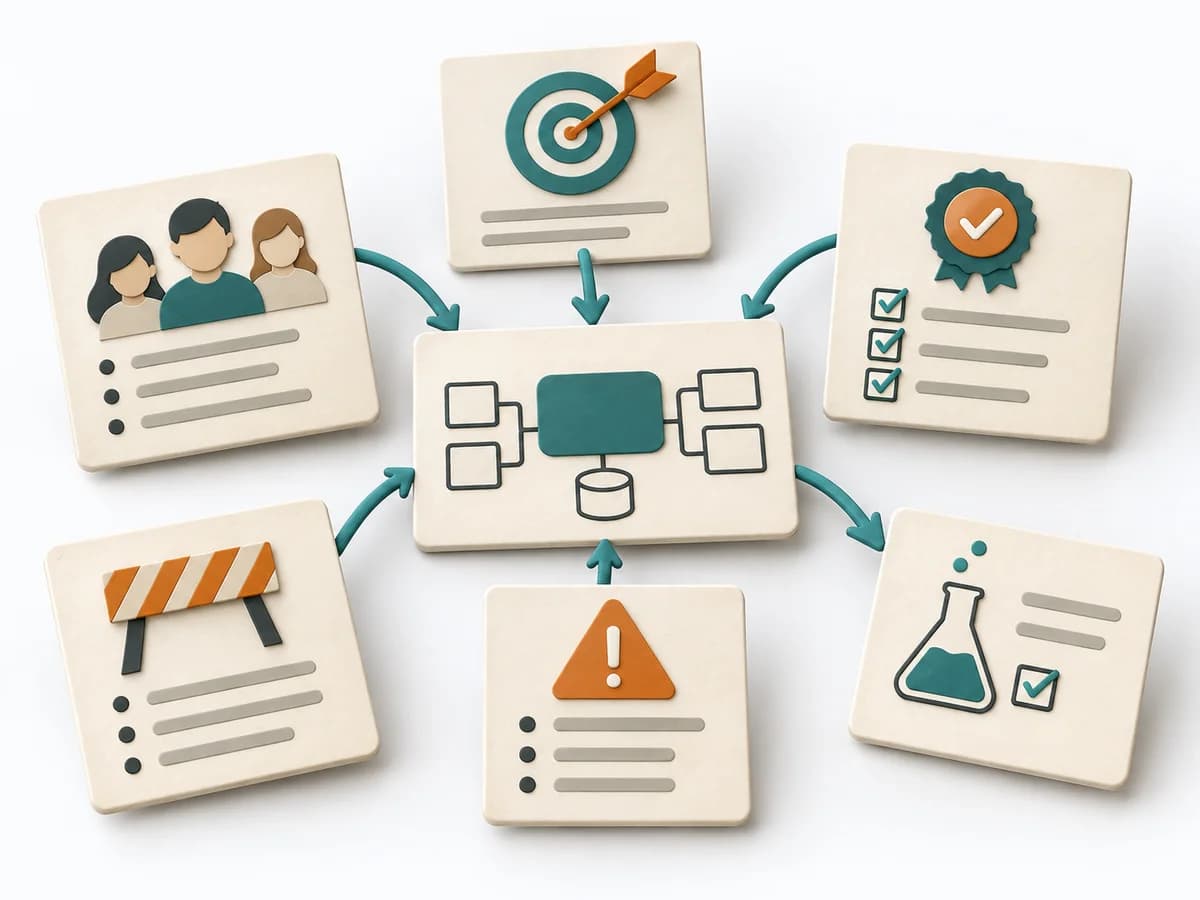 Architecture Architecture Inception Canvas | 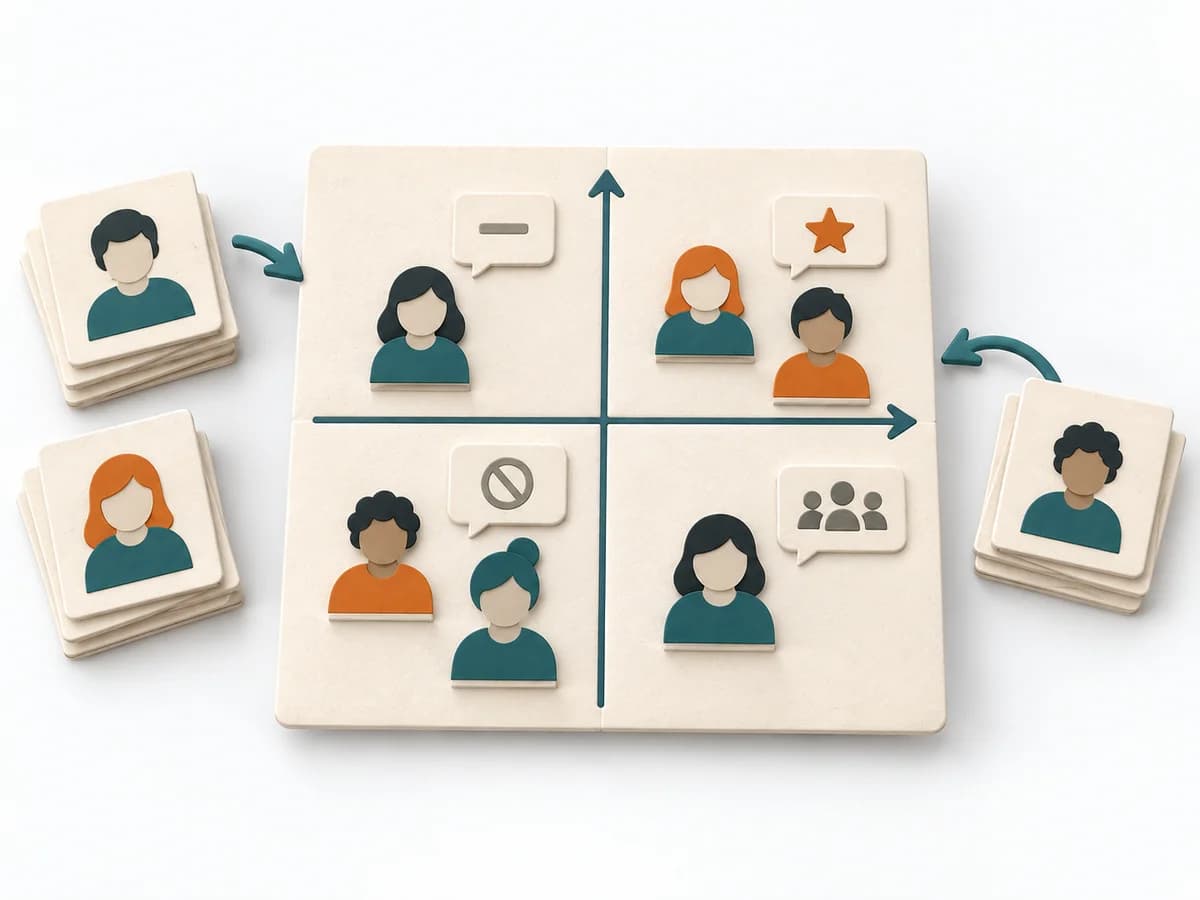 Facilitation Power Interest Grid |
|---|---|---|---|---|
Purposedifferent | When many people need to be informed in parallel and messages would otherwise arrive unevenly or too late, a Communication Plan orders communication reliably. Channels, audiences, and cadences interlock so important information doesn't get lost. | When a journey needs to be understood across several phases, it arranges experience, touchpoints, and opportunities into one picture. It makes gaps and friction along the user path clear. | The Architecture Inception Canvas bundles the first architecture questions into a compact decision picture. It fits when an initiative is still in motion but still needs clear guardrails. | When many stakeholders compete for attention at once, the Power Interest Grid sorts them by influence and stake. It turns individual contributions into a visible selection. The result is captured as a Power Interest Grid and a stakeholder-specific strategy. |
Complexitydifferent | Low | Medium | Low | Low |
Timedifferent | 45-90 min | 1-3 h | 1-2 h | 30-60 min |
Participantsdifferent | 2-6 | 3-10 | 3-8 | 2-8 |
Formatdifferent | Workshop + async | Workshop | Workshop | Workshop |
Outputdifferent | Communication Plan, Channel Matrix, Message Cadence | Customer Journey Canvas, Pain Points, Experience Opportunities | Inception Canvas, Risks, Goal List, Open Questions | Power Interest Grid, Strategy per Stakeholder |
Tagsno overlap | CommunicationStakeholdersDeliveryPlanning | JourneyCustomerService designCanvas | AlignmentArchitectureCanvas | StakeholdersFacilitationAlignmentPlanning |