View methods side by side.
Choose up to four methods. Add them using the search and share the comparison by copying its link.
Selected:Causal Loop DiagramBehavior Over Time GraphLASR (Lightweight Approach for Software Reviews)
| Criterion |  Systems Thinking Causal Loop Diagram |  Systems Thinking Behavior Over Time Graph | 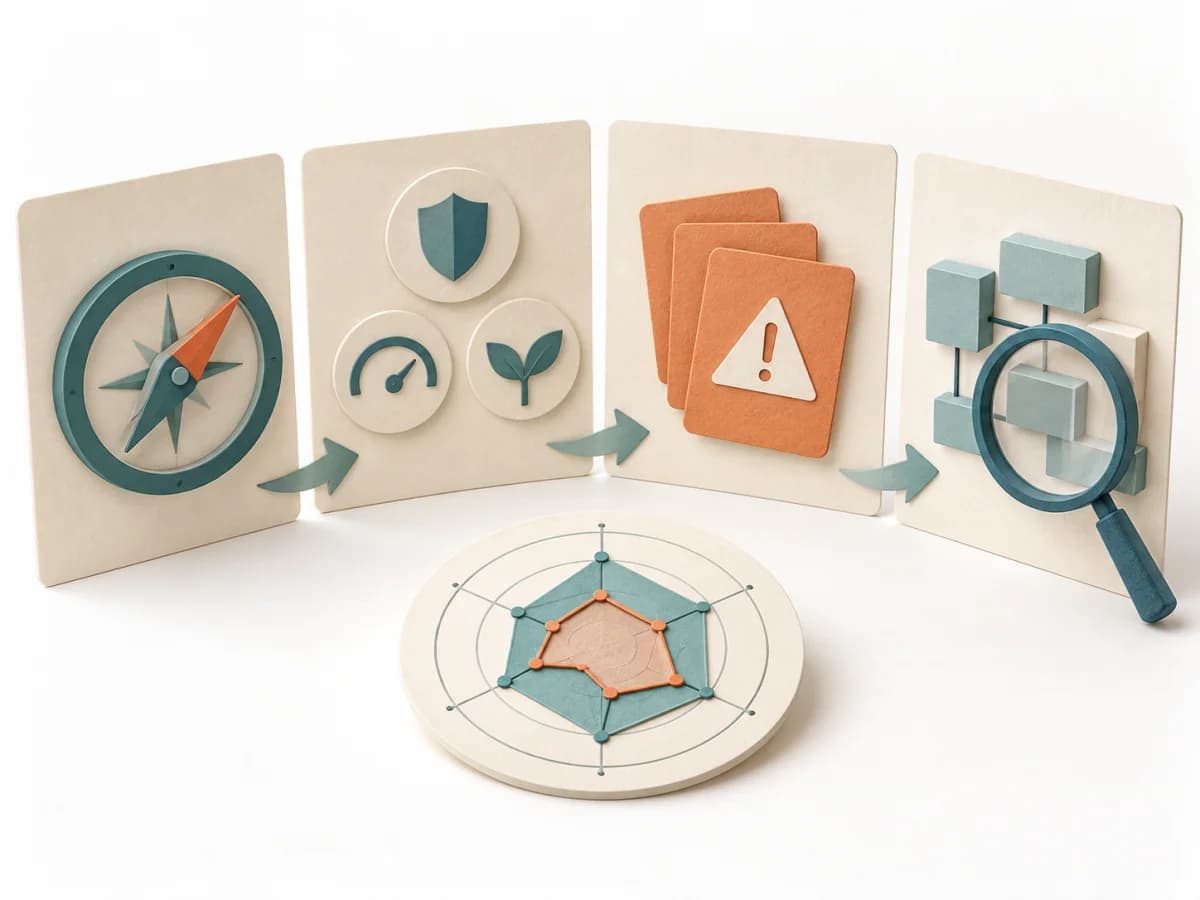 Architecture LASR (Lightweight Approach for Software Reviews) |
|---|---|---|---|
Purposedifferent | A Causal Loop Diagram makes feedback, reinforcement, and balance in a system legible. It uncovers side effects and self-reinforcement that stay hidden in linear explanations. | A Behavior Over Time Graph shows how a metric or observation develops over time. The method makes trends, breaks, and recurring patterns visible that get lost in snapshots. | LASR helps development teams identify where their software falls short of important quality goals and which improvements to consider. A small group with existing system knowledge can make an initial assessment and investigate open questions in more detail. |
Complexitydifferent | Medium | Low | Medium |
Timedifferent | 1-3 h | 20-45 min | 3–4 h for initial assessment; preparation and deeper analysis additional |
Participantsdifferent | 2-8 | 1-10 | 1 or a small team; particularly suitable for 3–4 people |
Formatdifferent | Workshop | Workshop + async | Workshop + async |
Outputdifferent | Causal Loop Diagram, Feedback Notes, Leverage Points | Behavior Over Time Graph, Trend Hypotheses, Key Events | Lean Mission Statement describing the software’s purpose, Prioritized quality goals and evaluation criteria, Risks and estimated gaps against quality goals, More closely examined findings and open checks |
Tagsno overlap | FeedbackSystems thinkingCausalityDynamics | Systems thinkingPatternsDynamics | ArchitectureQualityRiskAssessmentLean |
Often compared together
Methods with strong topical overlap with the current selection, not yet in the comparison.