View methods side by side.
Choose up to four methods. Add them using the search and share the comparison by copying its link.
| Criterion | 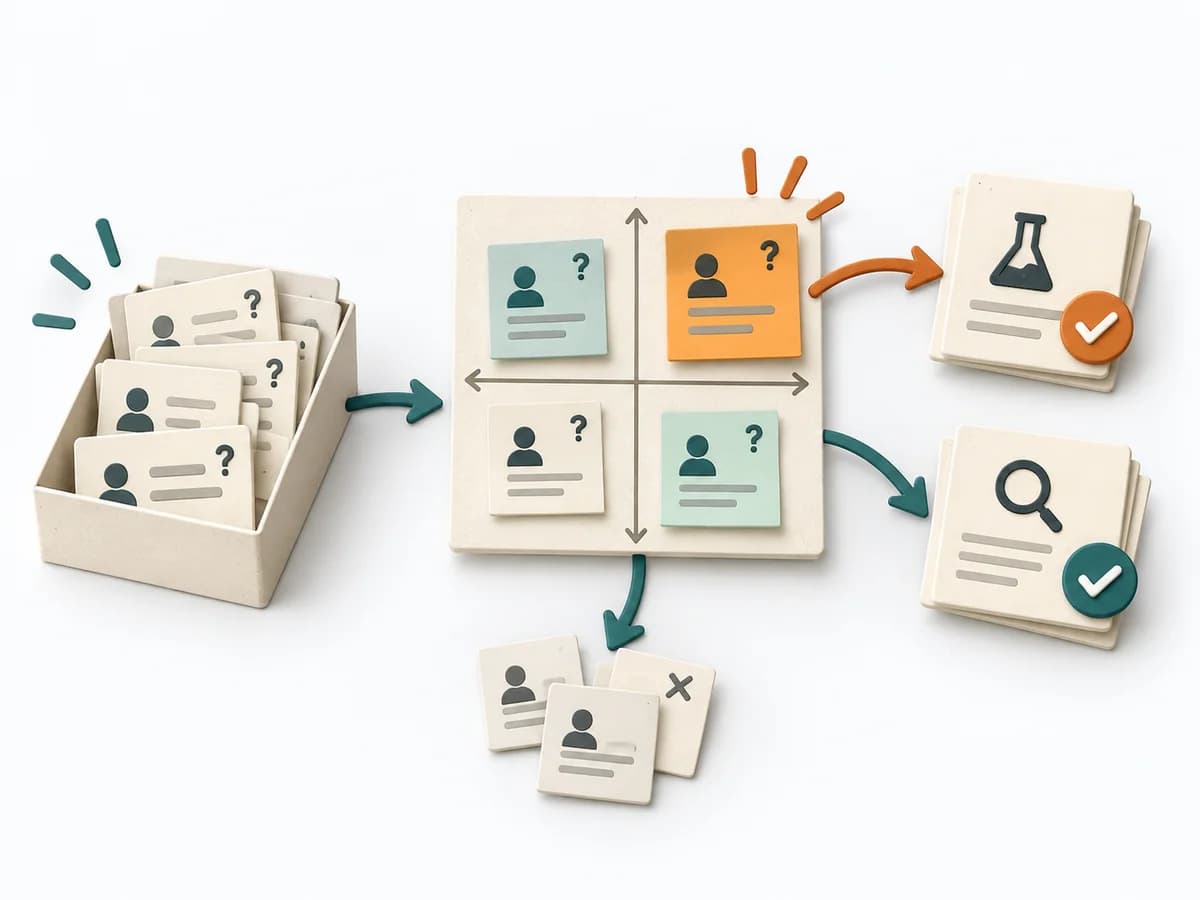 Decision Making Assumption Surfacing |  Facilitation Alignment Mapping |  Facilitation Power Interest Grid |  Decision Making Pre-Mortem |
|---|---|---|---|---|
Purposedifferent | Plans often contain assumptions that were never openly stated and remain dangerous precisely because of that. Assumption Surfacing makes these silent premises visible and prioritizes which of them carry the initiative or could sink it. | When several people work toward one goal but hold different mental maps, Alignment Mapping makes the discrepancies visible. It arranges goals, assumptions, and priorities so shared direction becomes verifiable. | When many stakeholders compete for attention at once, the Power Interest Grid sorts them by influence and stake. It turns individual contributions into a visible selection. The result is captured as a Power Interest Grid and a stakeholder-specific strategy. | In early initiatives with many uncertainties, planning quickly turns too optimistic. A pre-mortem makes the expected failure visible in advance and sharpens the view of causes, gaps, and countermeasures. |
Complexitydifferent | Low | Medium | Low | Low |
Timedifferent | 45-90 min | 1-2 h | 30-60 min | 20–45 min |
Participantsdifferent | 2-8 | 4-12 | 2-8 | Small cross-functional group |
Formatdifferent | Workshop + async | Workshop | Workshop | Workshop |
Outputdifferent | Assumption List, Critical Assumptions, Learning Plan | Alignment Map, Open Issues, Decision Questions | Power Interest Grid, Strategy per Stakeholder | Risk list, Mitigation plan, Assumption log |
Tagsno overlap | AssumptionsRiskDecisionDiscovery | AlignmentStakeholdersStrategyFacilitation | StakeholdersFacilitationAlignmentPlanning | RiskDecisionFailurePlanning |