View methods side by side.
Choose up to four methods. Add them using the search and share the comparison by copying its link.
| Criterion |  Architecture Architecture Inception Canvas |  Innovation Crazy 8s | 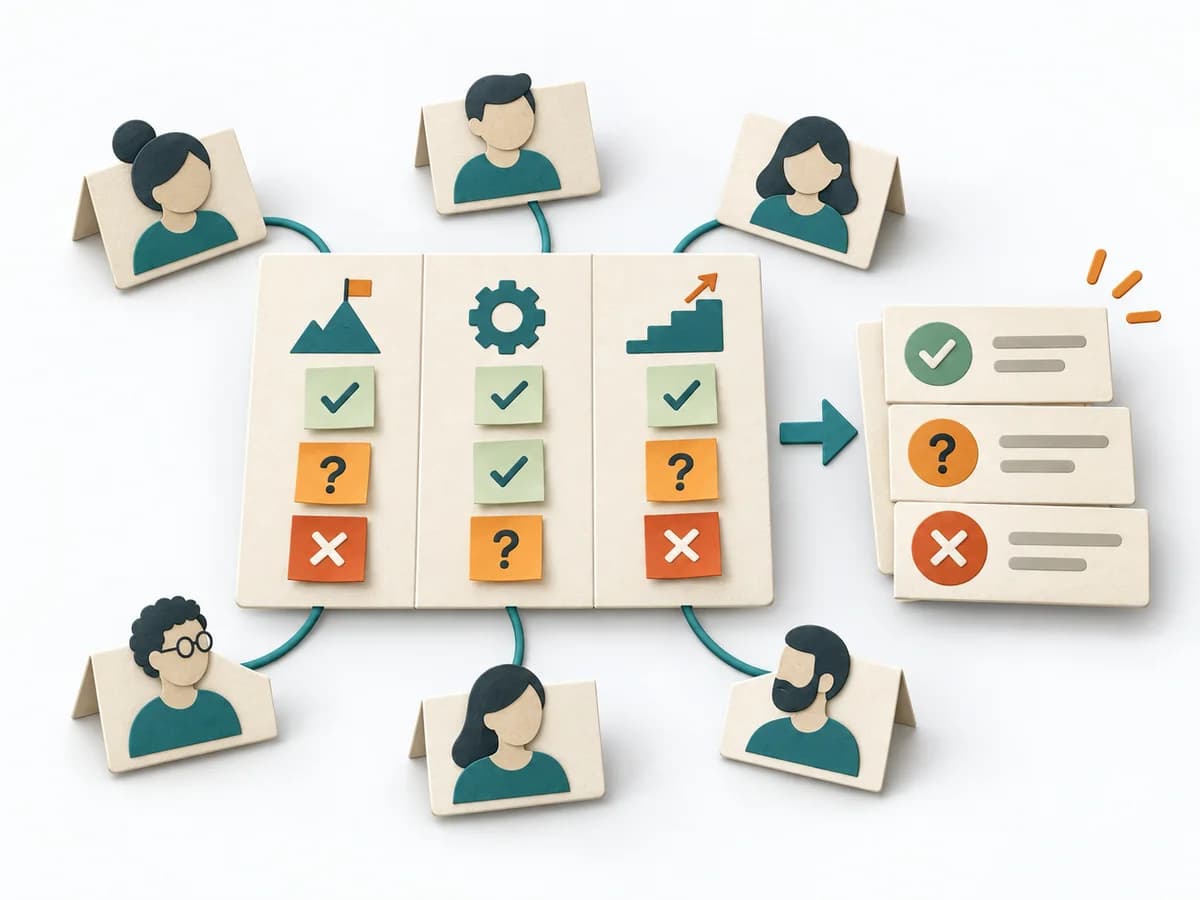 Facilitation Alignment Mapping | 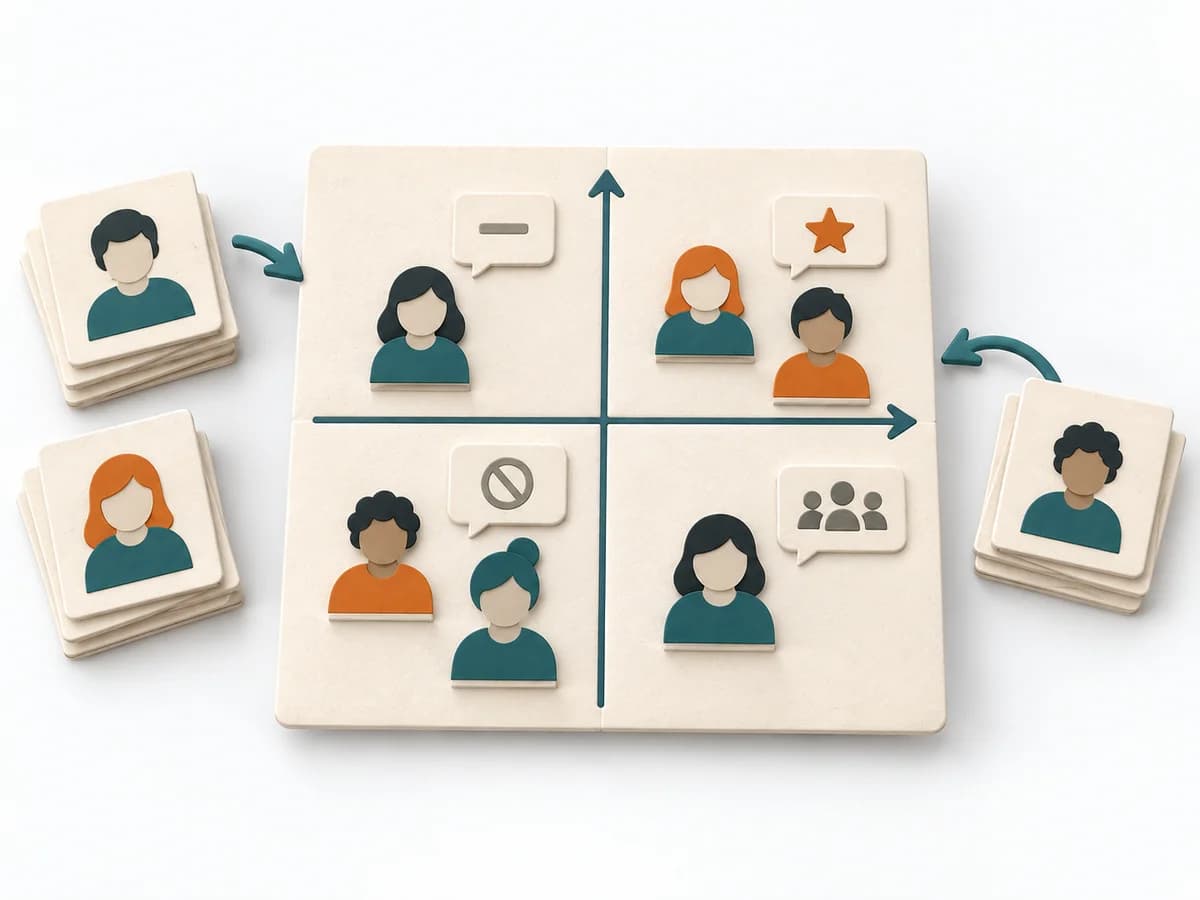 Facilitation Power Interest Grid |
|---|---|---|---|---|
Purposedifferent | The Architecture Inception Canvas bundles the first architecture questions into a compact decision picture. It fits when an initiative is still in motion but still needs clear guardrails. | With only a few minutes available and a still-fuzzy solution search, the method forces a wide range of variants. It produces fast sketches before the first idea can settle in, making different directions directly comparable and open to further development. | When several people work toward one goal but hold different mental maps, Alignment Mapping makes the discrepancies visible. It arranges goals, assumptions, and priorities so shared direction becomes verifiable. | When many stakeholders compete for attention at once, the Power Interest Grid sorts them by influence and stake. It turns individual contributions into a visible selection. The result is captured as a Power Interest Grid and a stakeholder-specific strategy. |
Complexitydifferent | Low | Low | Medium | Low |
Timedifferent | 1-2 h | 8-15 min | 1-2 h | 30-60 min |
Participantsdifferent | 3-8 | 1-10 | 4-12 | 2-8 |
Formatsame | Workshop | Workshop | Workshop | Workshop |
Outputdifferent | Inception Canvas, Risks, Goal List, Open Questions | Sketch Set, Idea Shortlist, Direction Options | Alignment Map, Open Issues, Decision Questions | Power Interest Grid, Strategy per Stakeholder |
Tagsno overlap | AlignmentArchitectureCanvas | BrainstormingSketchingSpeedDivergenceDesign sprint | AlignmentStakeholdersStrategyFacilitation | StakeholdersFacilitationAlignmentPlanning |