View methods side by side.
Choose up to four methods. Add them using the search and share the comparison by copying its link.
| Criterion | 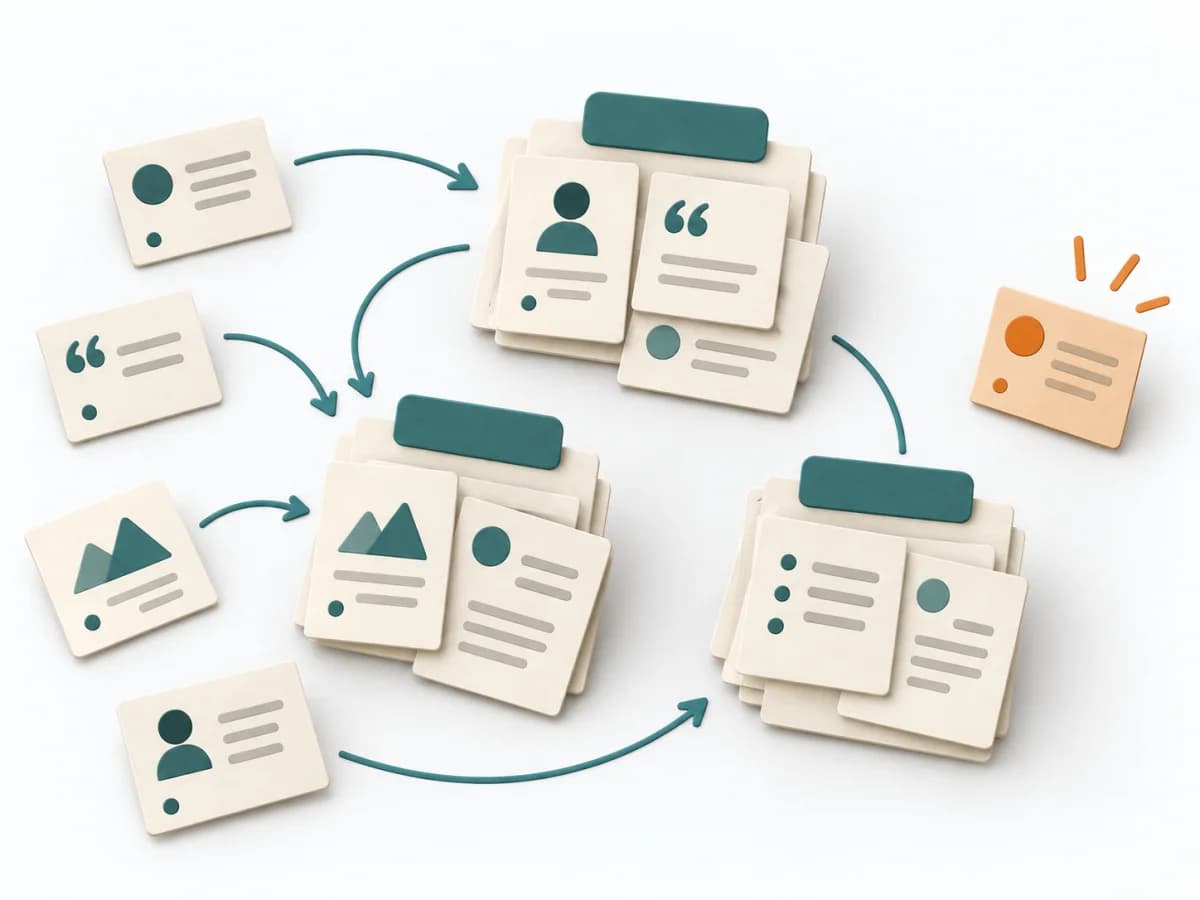 UX Research Affinity Diagramming |  UX Design Customer Journey Canvas | 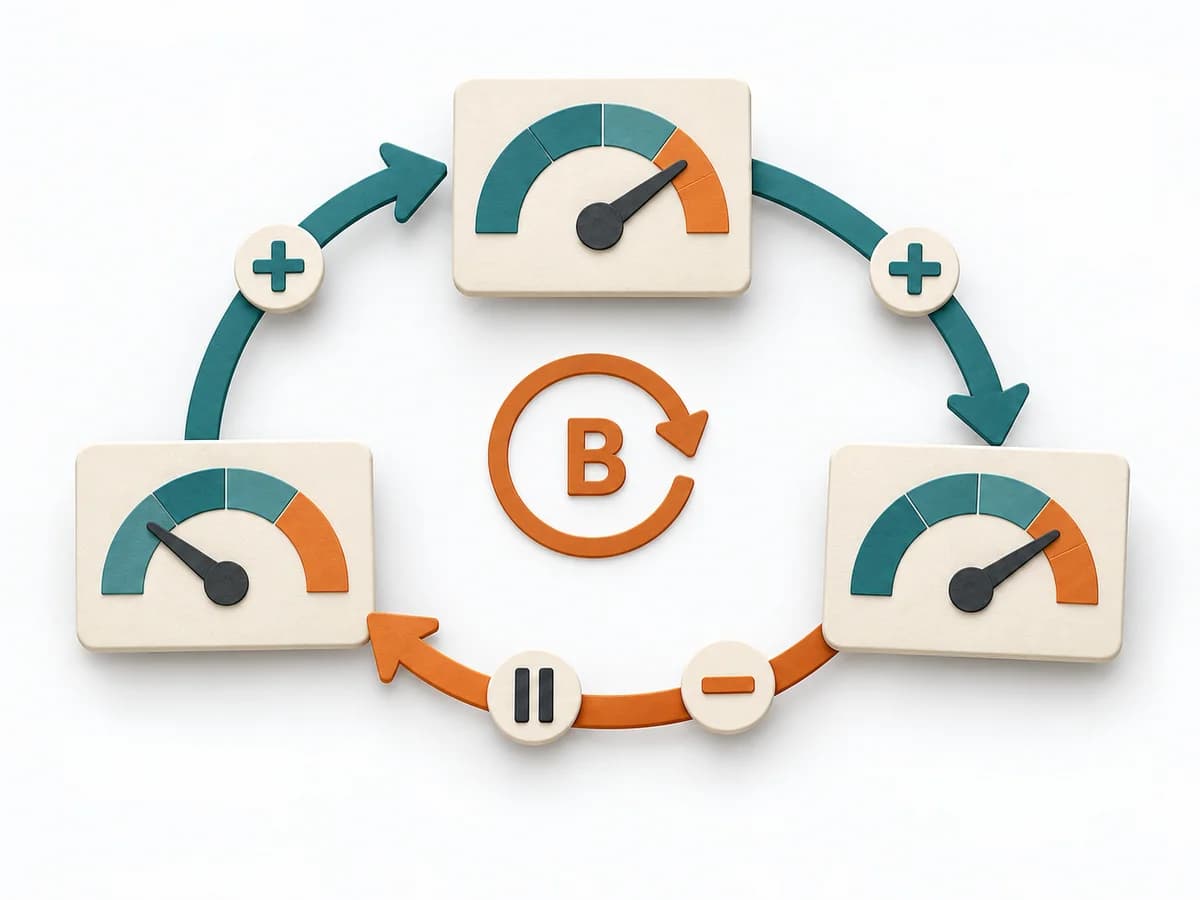 Systems Thinking Causal Loop Diagram |
|---|---|---|---|
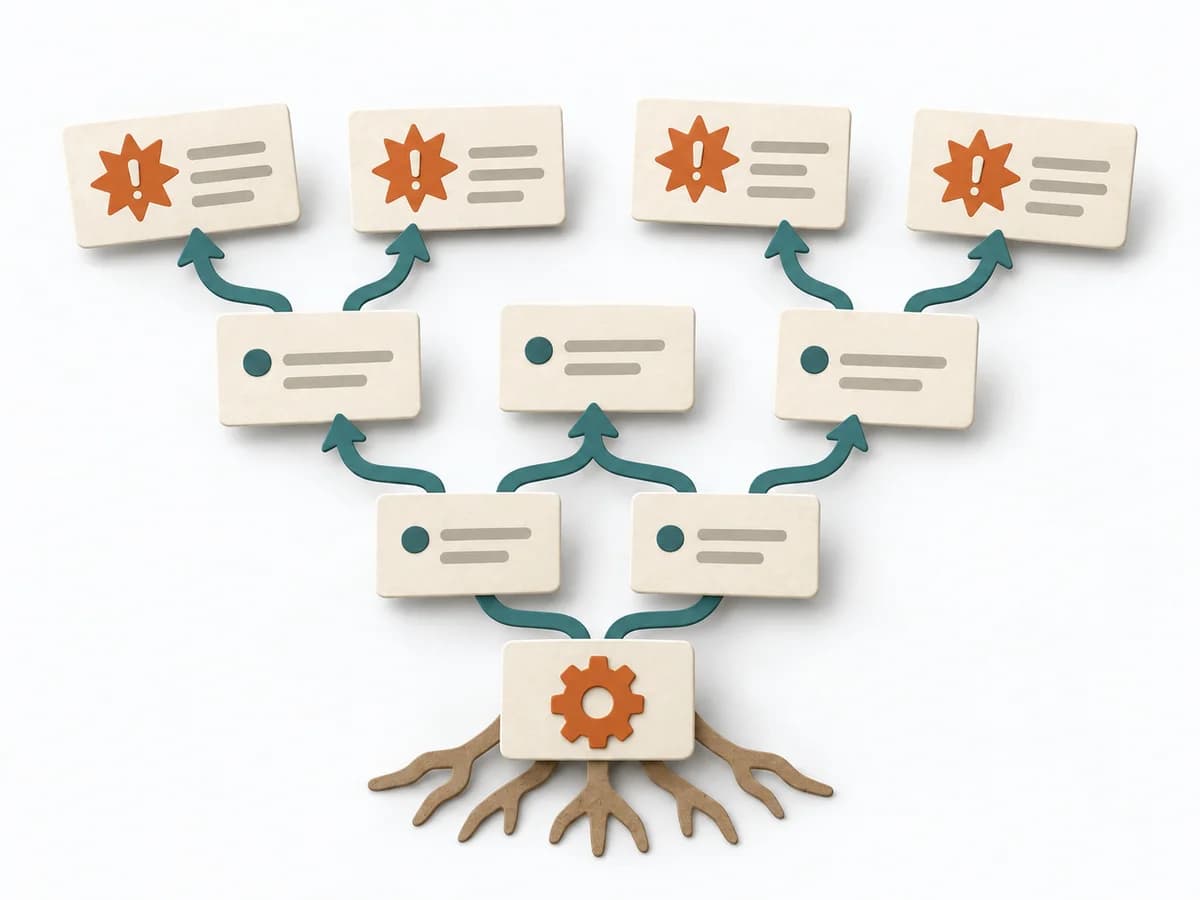
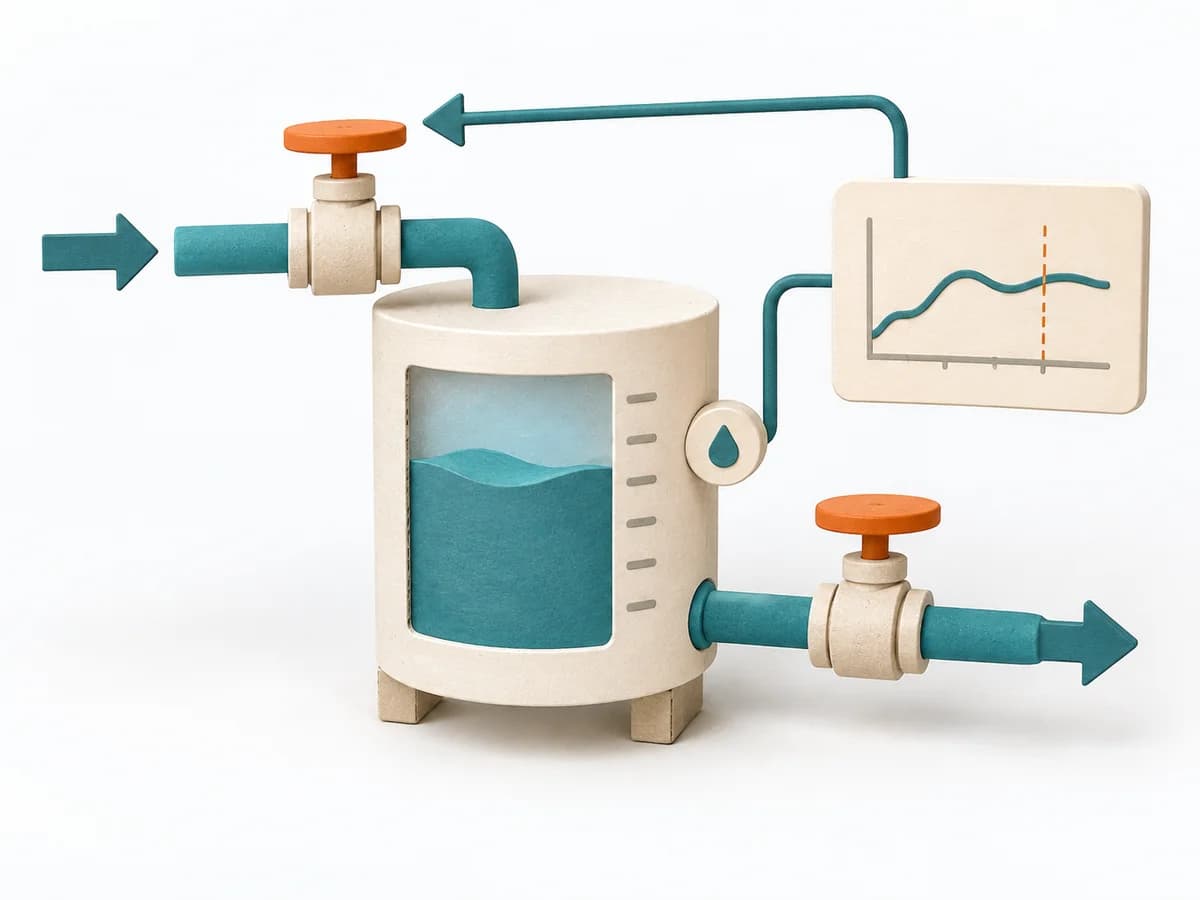
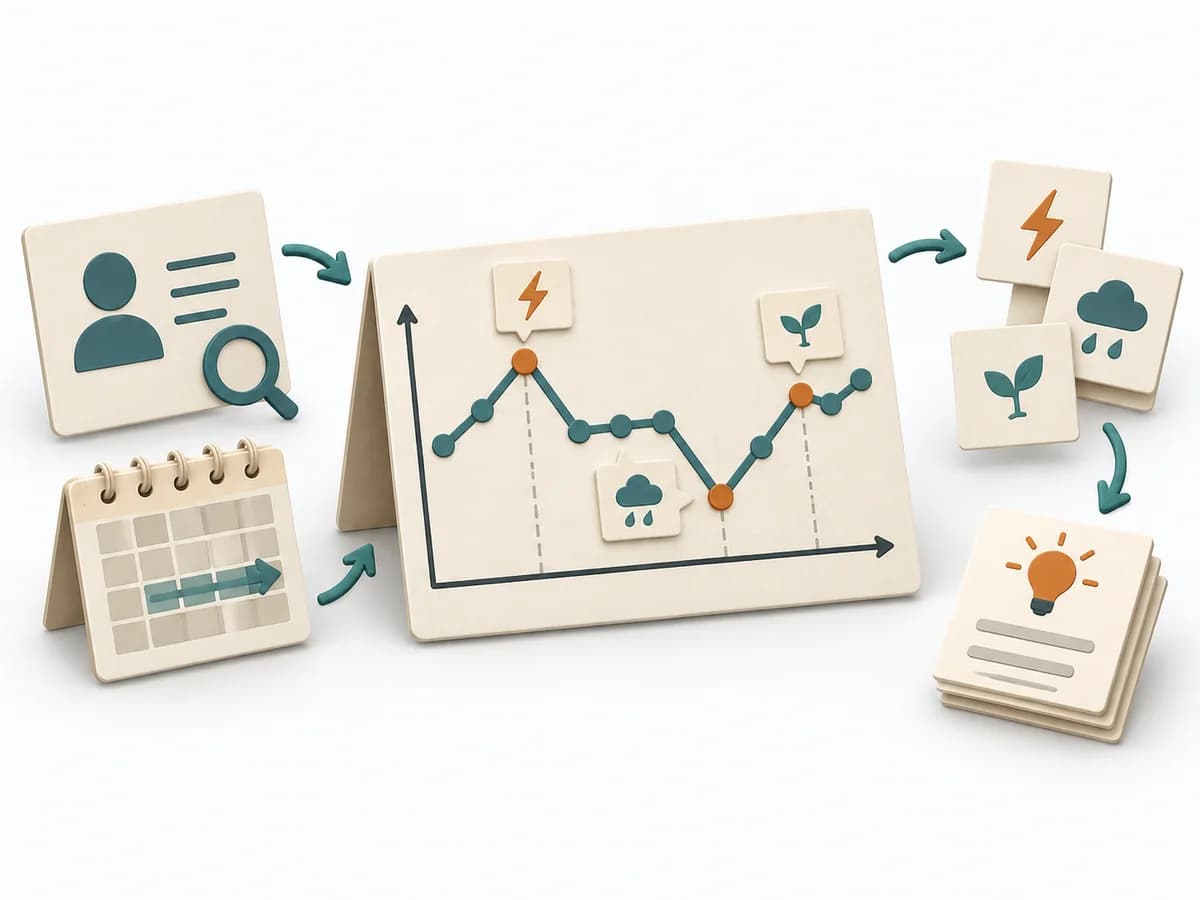
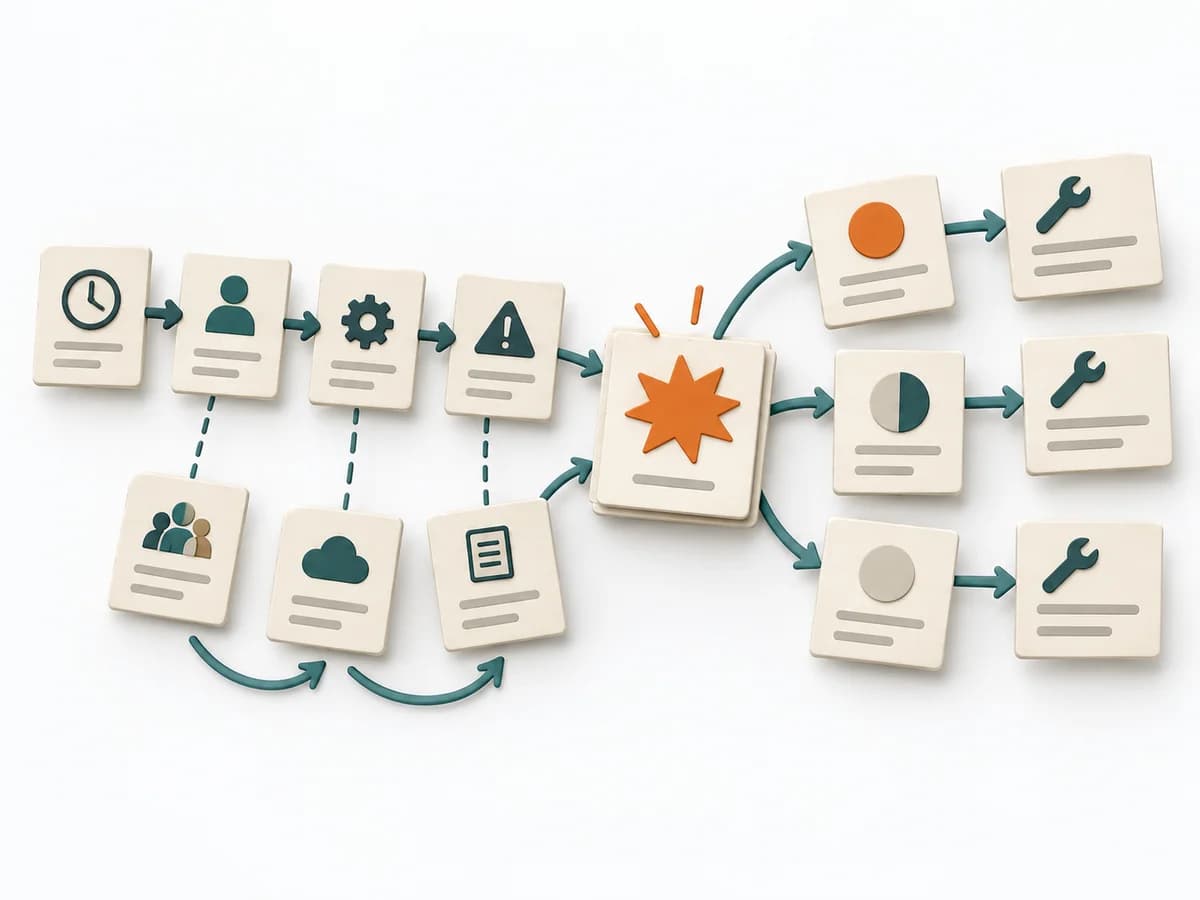
Purposedifferent | When research notes, feedback, or observations sit unconnected side by side, affinity diagramming sorts the raw material into solid themes. Many individual points turn into patterns that make decisions and opportunities clearer. | When a journey needs to be understood across several phases, it arranges experience, touchpoints, and opportunities into one picture. It makes gaps and friction along the user path clear. | A Causal Loop Diagram makes feedback, reinforcement, and balance in a system legible. It uncovers side effects and self-reinforcement that stay hidden in linear explanations. |
Complexitydifferent | Low | Medium | Medium |
Timedifferent | 45–90 min | 1-3 h | 1-3 h |
Participantsdifferent | 3-10 | 3-10 | 2-8 |
Formatsame | Workshop | Workshop | Workshop |
Outputdifferent | Theme clusters, Insight statements, Opportunity areas | Customer Journey Canvas, Pain Points, Experience Opportunities | Causal Loop Diagram, Feedback Notes, Leverage Points |
Tagsno overlap | SynthesisQualitativeRoot cause | JourneyCustomerService designCanvas | FeedbackSystems thinkingCausalityDynamics |
Often compared together
Methods with strong topical overlap with the current selection, not yet in the comparison.