View methods side by side.
Choose up to four methods. Add them using the search and share the comparison by copying its link.
| Criterion | 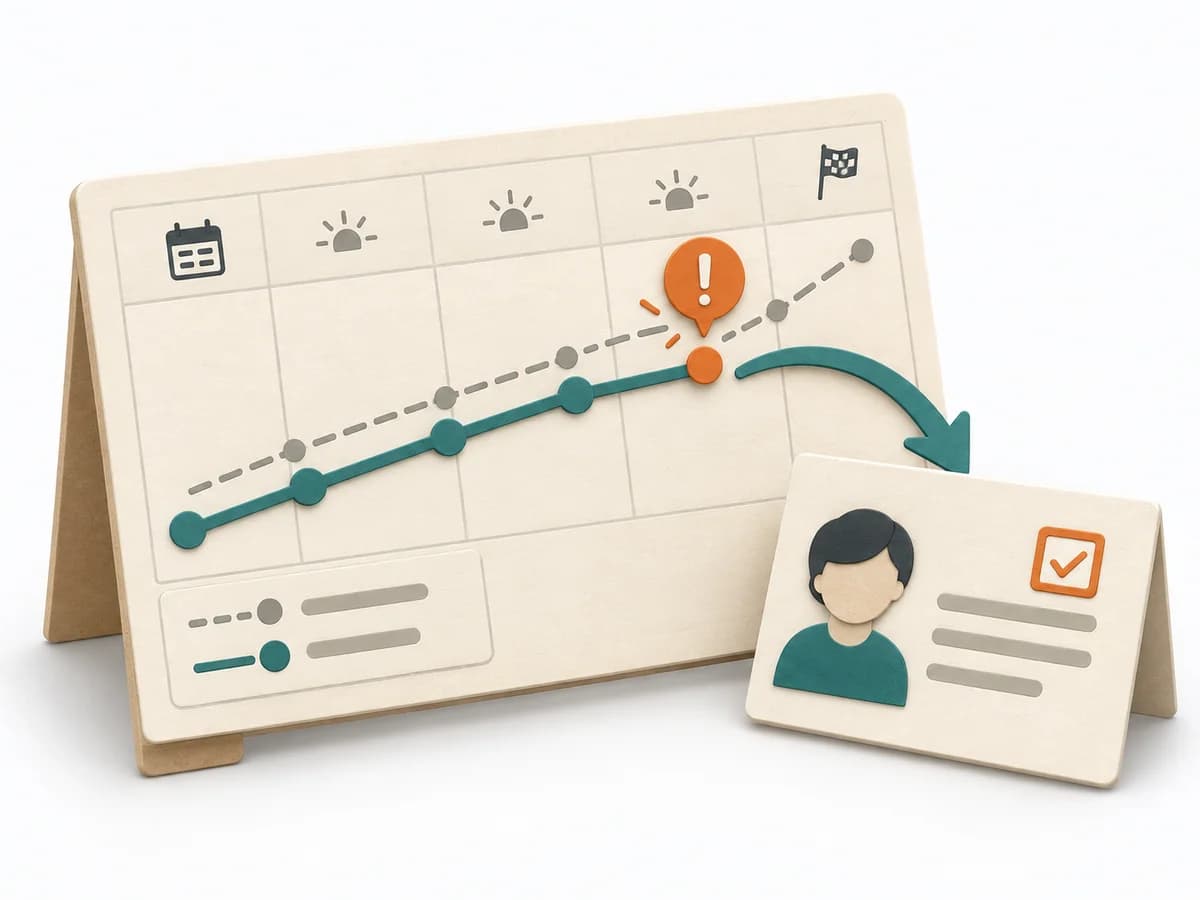 Operations Visual Management | 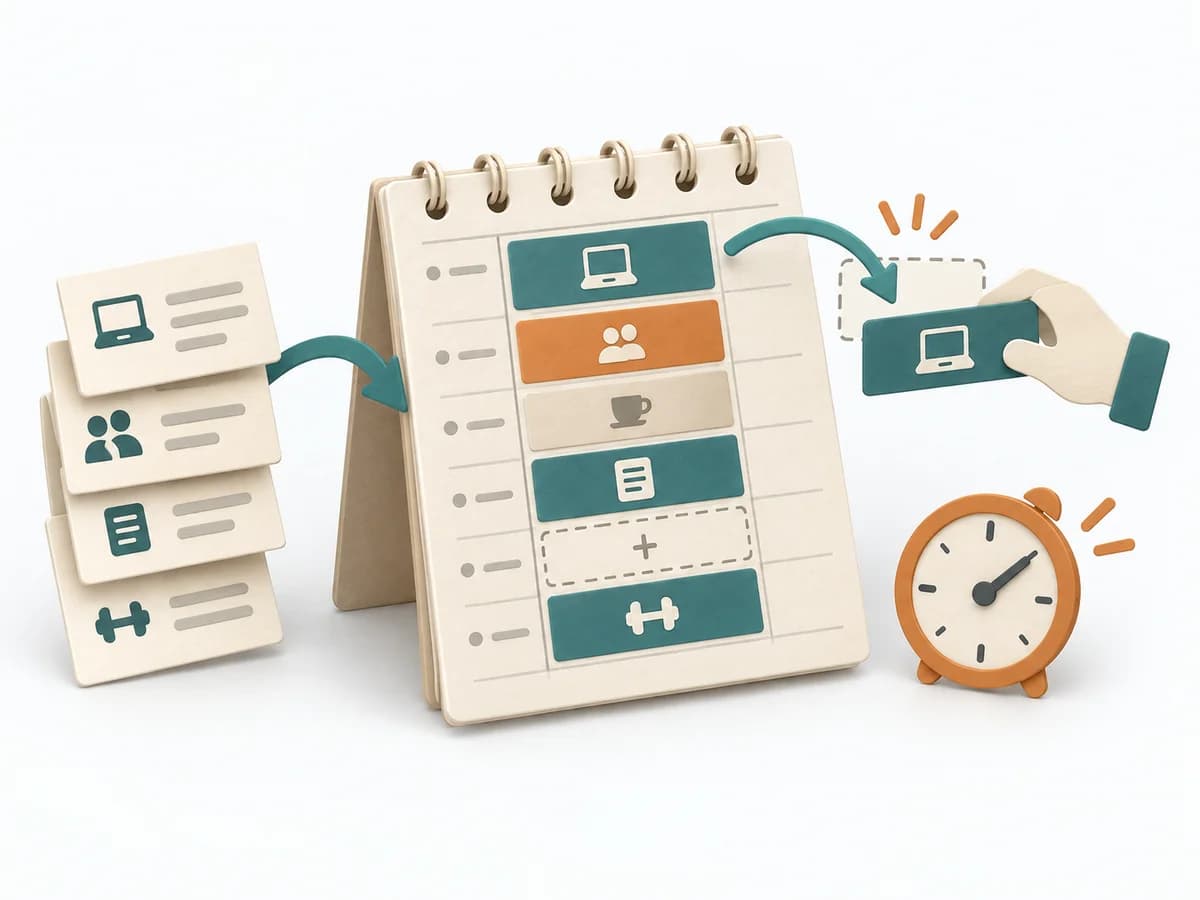 Operations Time Blocking | 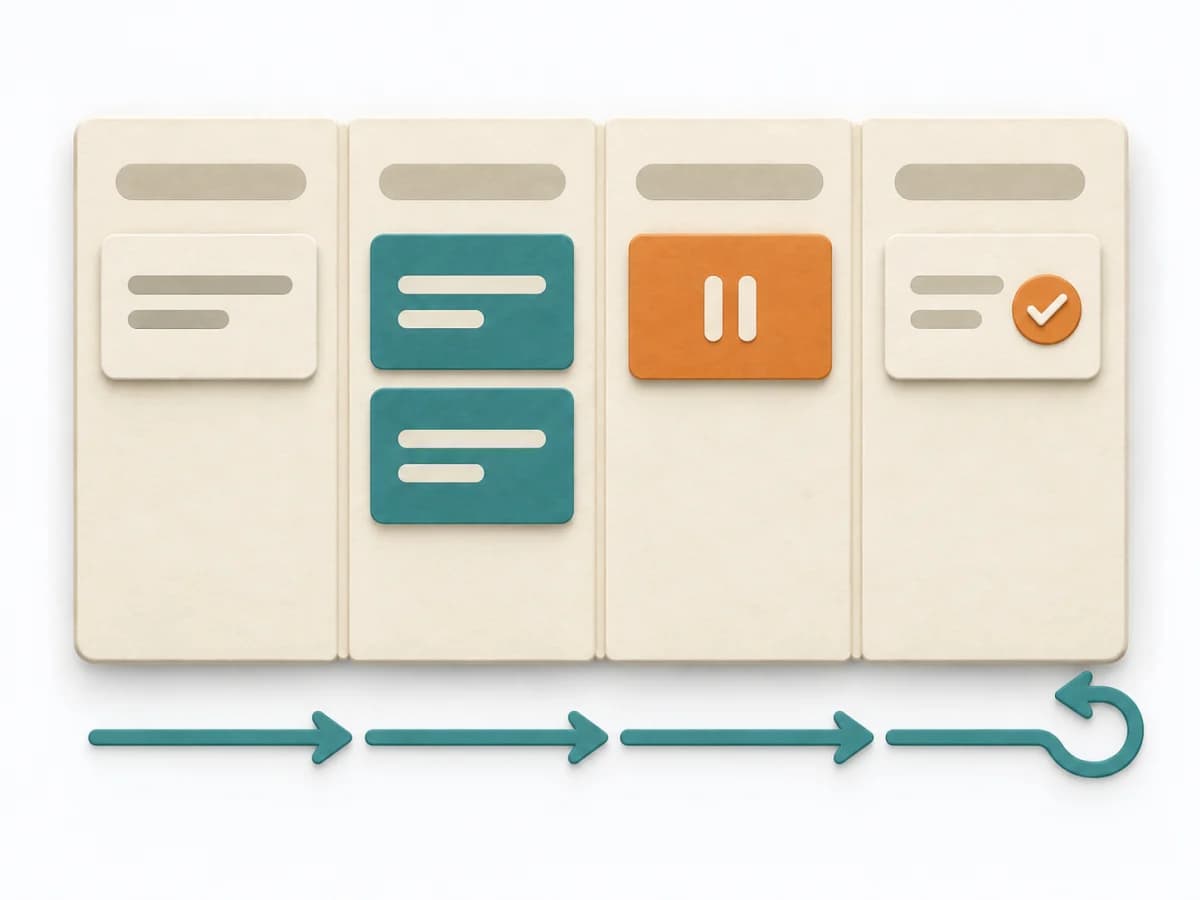 Engineering Kanban | 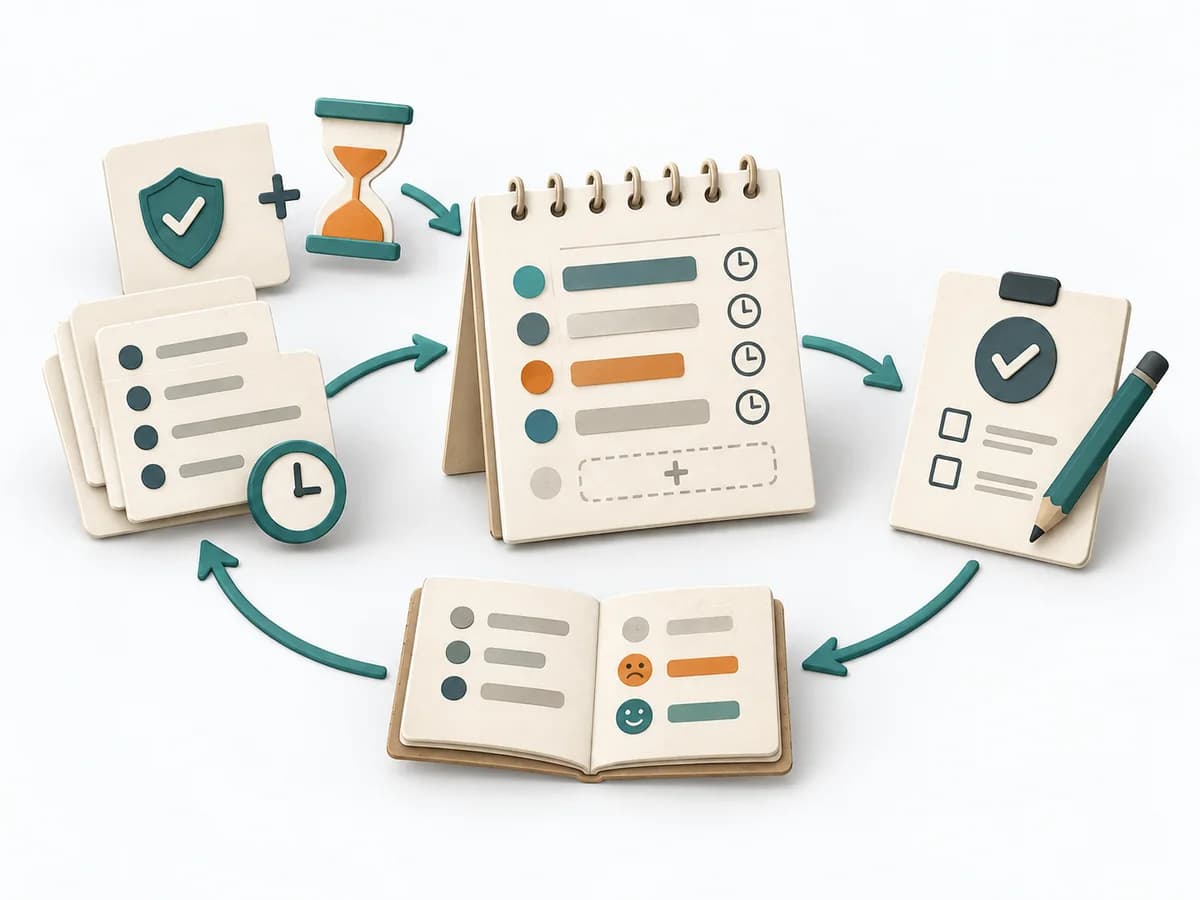 Operations ALPEN Method |
|---|---|---|---|---|
Purposedifferent | With high tempo and many parallel topics, the method makes status, deviations, and priorities visible at a glance. It reduces search effort and prevents what matters from getting lost in daily work. | With a calendar that grows on request, the method makes available time explicit again. It combines appointments, focus work, and buffer into a more realistic day structure. | When work sits in too many parallel streams, throughput suffers and no one sees the bottlenecks. Kanban makes the flow of work visible and limits overload so a system becomes calmer and more predictable. | With an overloaded day full of too many tasks, a realistic picture of the day emerges. The method connects estimating, deciding, and buffer thinking so planning fits available energy and time. |
Complexitydifferent | Low | Low | Medium | Low |
Timedifferent | Ongoing | 15-30 min Planung, laufend | Ongoing | 10-20 min daily |
Participantsdifferent | 1-20 | 1 | 2-12 | 1 |
Formatdifferent | Workshop + async | Async | Workshop + async | Async |
Outputdifferent | Visual Board, Status Indicators, Exception Cues | Blocked Calendar, Capacity View, Focus Plan | Kanban board, WIP policies, Flow metrics | Daily Plan, Time Estimates, Review Notes |
Tagsno overlap | SignalsOperationsVisual management | PlanningTime managementFocus | FlowVisual managementDelivery | PlanningTime managementProductivityOperations |