View methods side by side.
Choose up to four methods. Add them using the search and share the comparison by copying its link.
| Criterion | 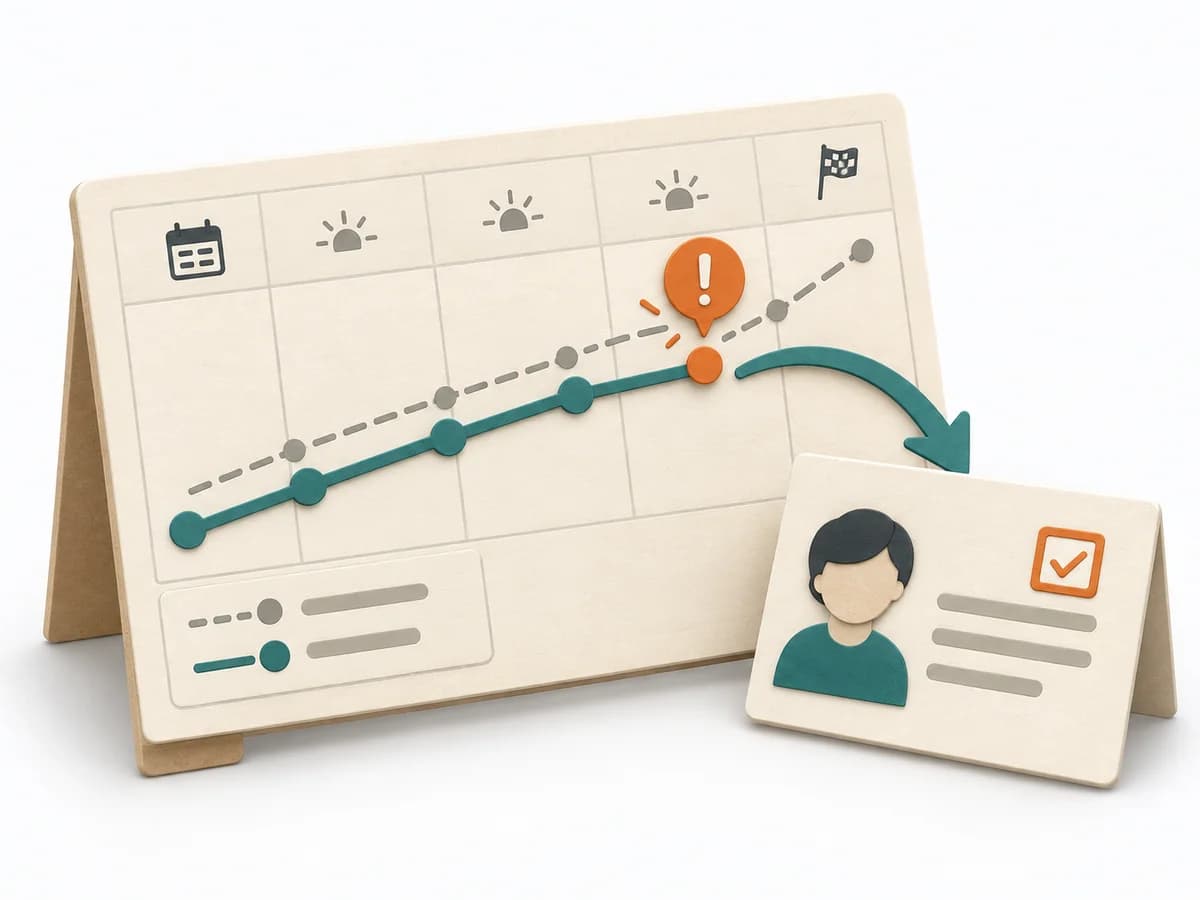 Operations Visual Management | 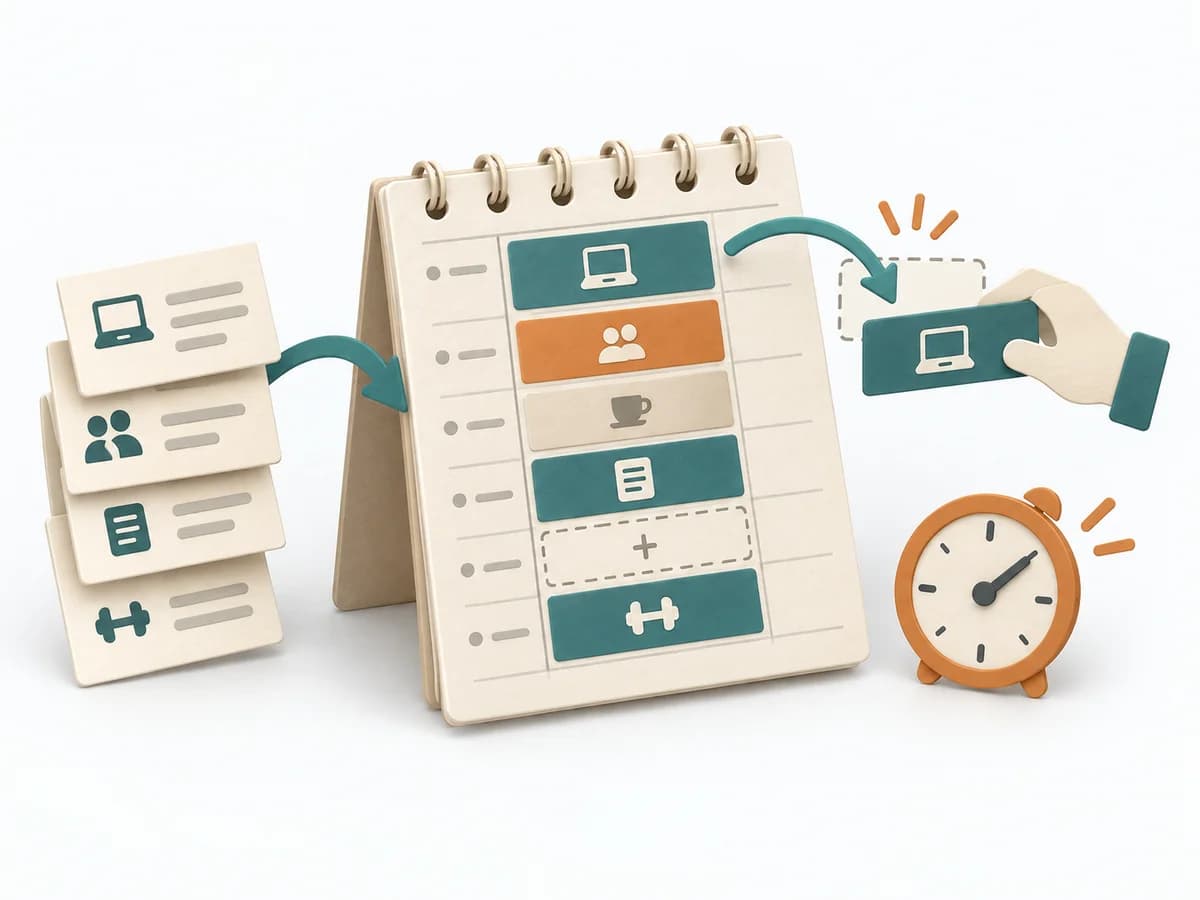 Operations Time Blocking | 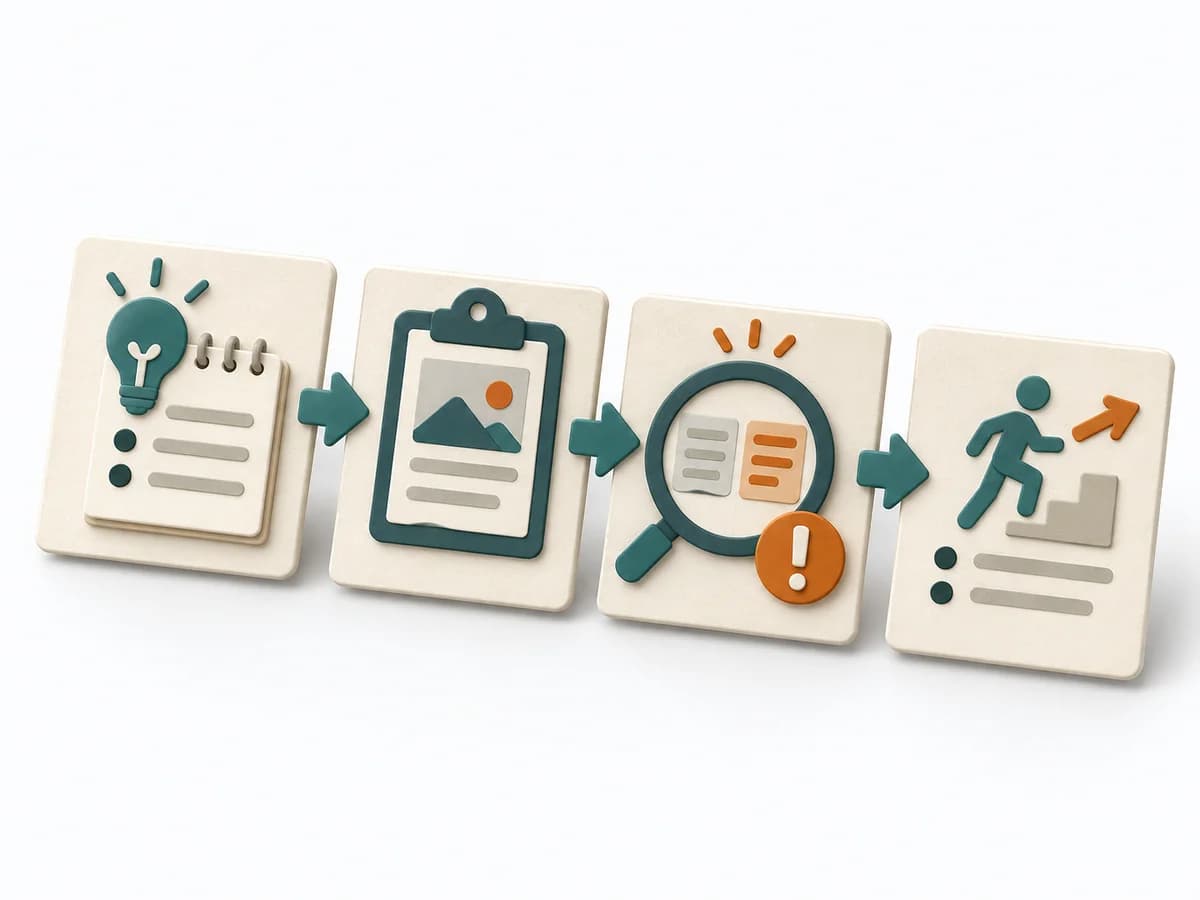 Operations After-Action Review | 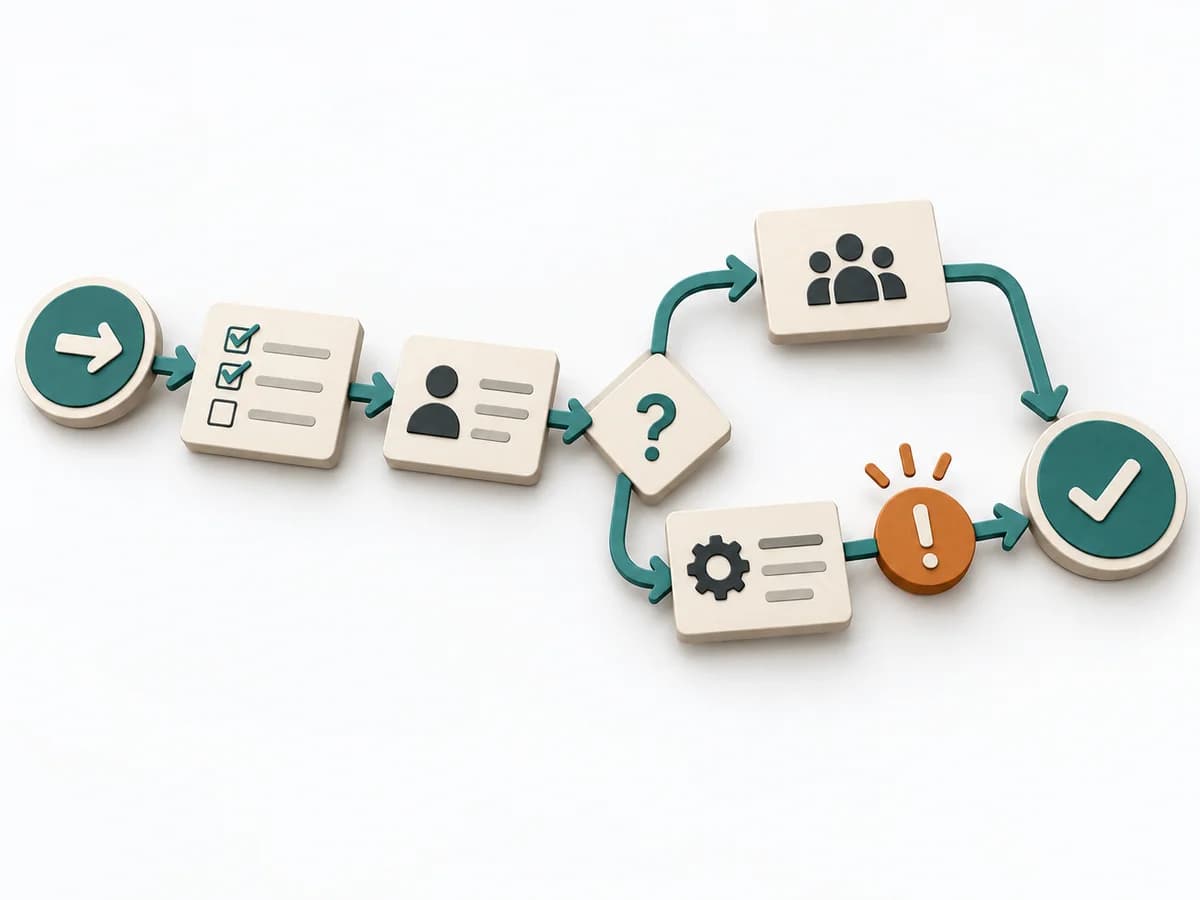 Operations Process Mapping |
|---|---|---|---|---|
Purposedifferent | With high tempo and many parallel topics, the method makes status, deviations, and priorities visible at a glance. It reduces search effort and prevents what matters from getting lost in daily work. | With a calendar that grows on request, the method makes available time explicit again. It combines appointments, focus work, and buffer into a more realistic day structure. | After missions or project phases with unclear outcomes, the method makes visible what actually happened and what can be learned from it. It separates course, effect, and causes so experience turns into solid improvement. | With a confusing workflow that has many handoffs, the method makes the actual process visible. It shows where work is passed on, delayed, or duplicated, so improvement targets the right spots. |
Complexitydifferent | Low | Low | Low | Medium |
Timedifferent | Ongoing | 15-30 min Planung, laufend | 20-45 min | 1-3 h |
Participantsdifferent | 1-20 | 1 | 3-12 | 3-10 |
Formatdifferent | Workshop + async | Async | Workshop + async | Workshop |
Outputdifferent | Visual Board, Status Indicators, Exception Cues | Blocked Calendar, Capacity View, Focus Plan | Lessons learned, Action items, Event summary | Process Map, Handoff List, Improvement Backlog |
Tagsno overlap | SignalsOperationsVisual management | PlanningTime managementFocus | LearningOperationsImprovement | ProcessOperationsImprovement |