View methods side by side.
Choose up to four methods. Add them using the search and share the comparison by copying its link.
| Criterion | 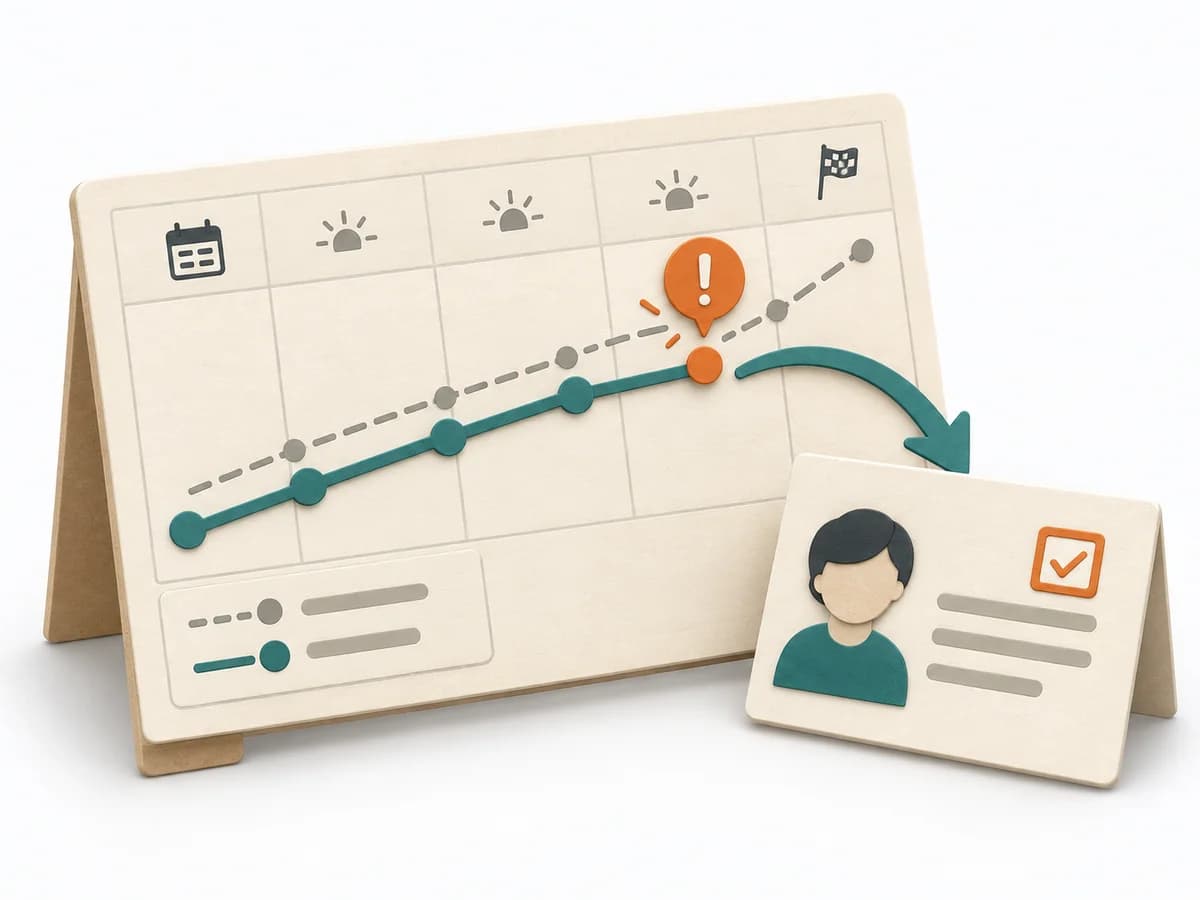 Operations Visual Management |  Decision Making RAPID | 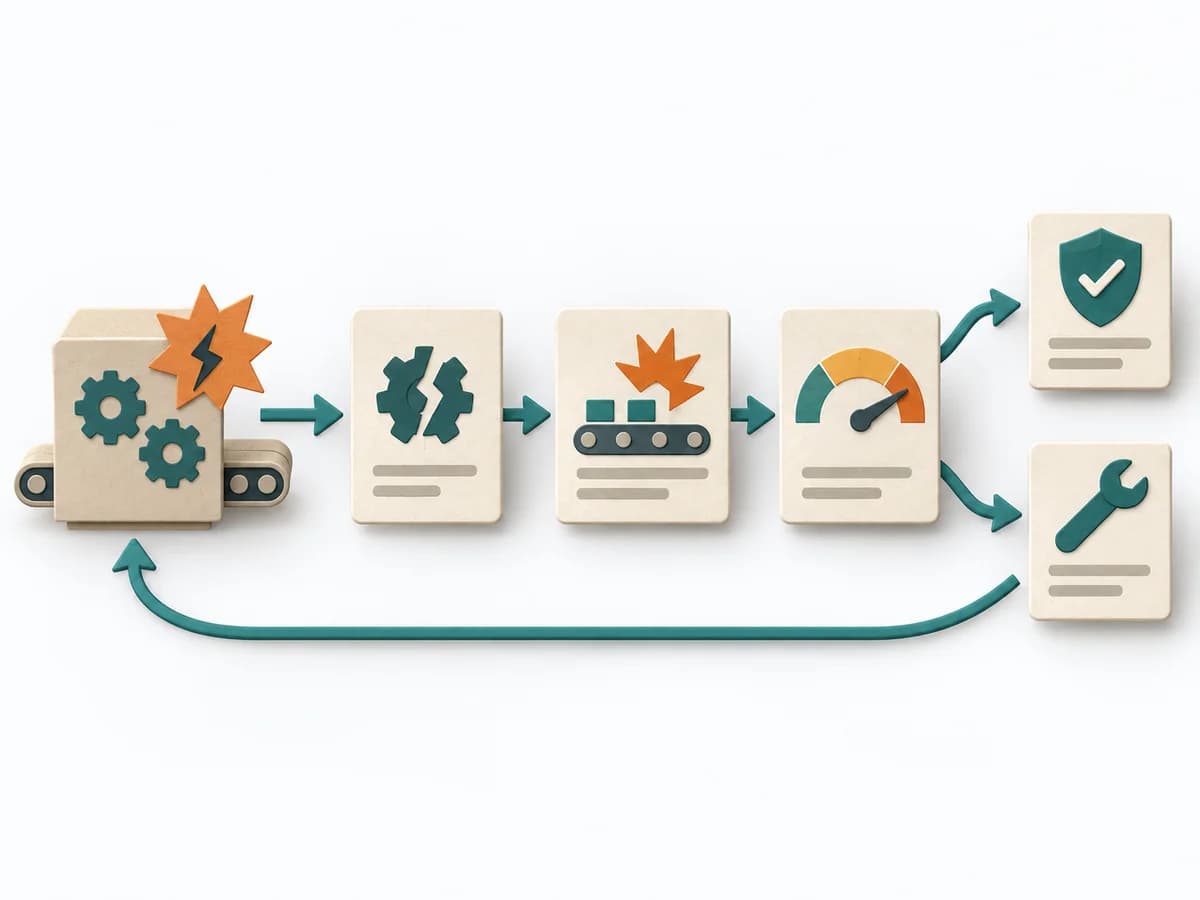 Operations Failure Mode and Effects Analysis | 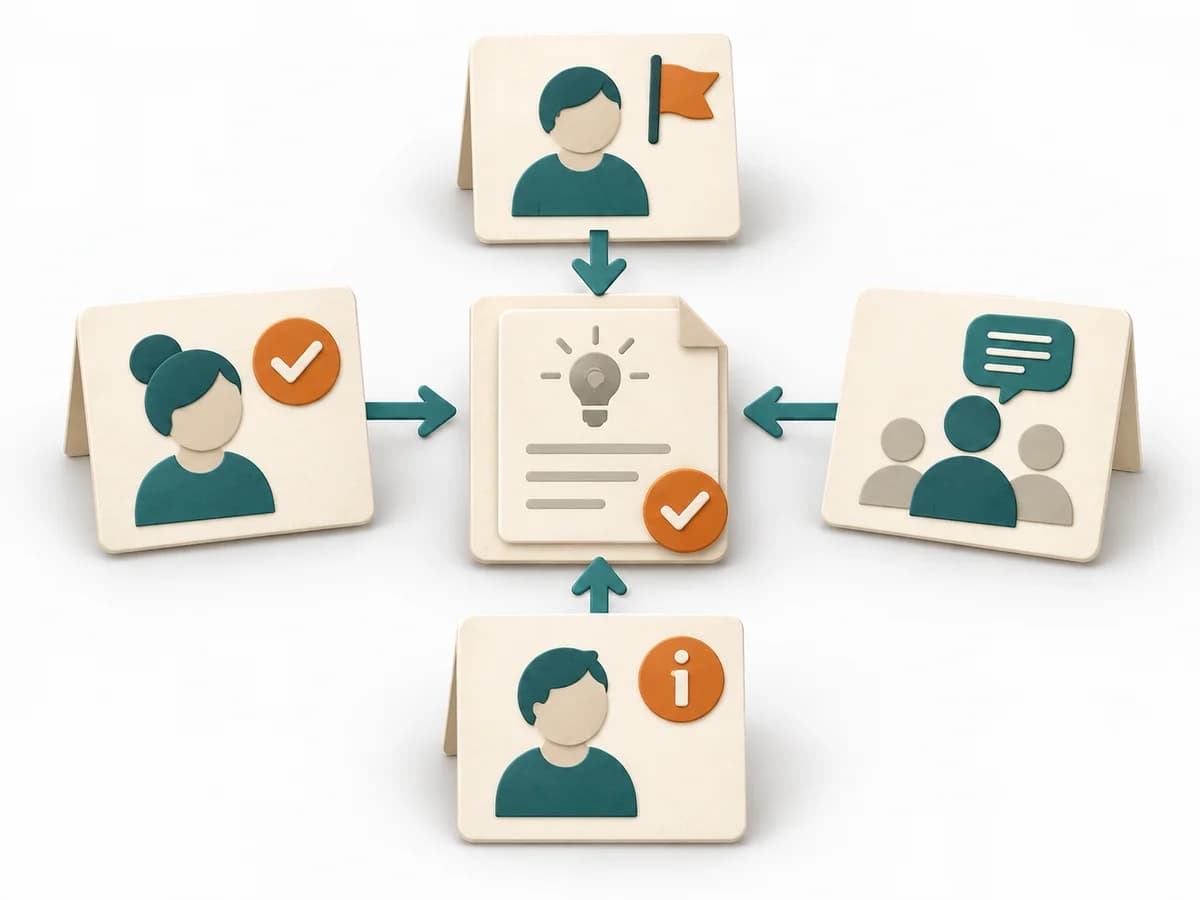 Decision Making DACI |
|---|---|---|---|---|
Purposedifferent | With high tempo and many parallel topics, the method makes status, deviations, and priorities visible at a glance. It reduces search effort and prevents what matters from getting lost in daily work. | In complex management decisions, clarity is often missing about who recommends, who agrees, and who makes the decision. RAPID creates this assignment and stabilizes decisions across several levels. | For a process, product, or service with noticeable failure risks, the method assesses possible failure modes in advance. It directs attention to combinations of occurrence, effect, and detectability. | In cross-functional decisions, responsibilities quickly blur between approval, influence, and execution. DACI arranges these roles so decision pressure, contribution, and information stay cleanly separated. |
Complexitydifferent | Low | Medium | High | Low |
Timedifferent | Ongoing | 45-90 min | 2-6 h | 30-60 min |
Participantsdifferent | 1-20 | 3-12 | 3-10 | 2-10 |
Formatdifferent | Workshop + async | Workshop + async | Workshop | Workshop + async |
Outputdifferent | Visual Board, Status Indicators, Exception Cues | RAPID Role Map, Recommendation, Decision Log | FMEA Table, Risk Priority, Mitigation Actions | DACI Matrix, Decision Owner, Decision Log |
Tagsno overlap | SignalsOperationsVisual management | DecisionRolesGovernance | RiskQualityOperationsRoot cause | DecisionRolesGovernanceAlignment |