View methods side by side.
Choose up to four methods. Add them using the search and share the comparison by copying its link.
| Criterion | 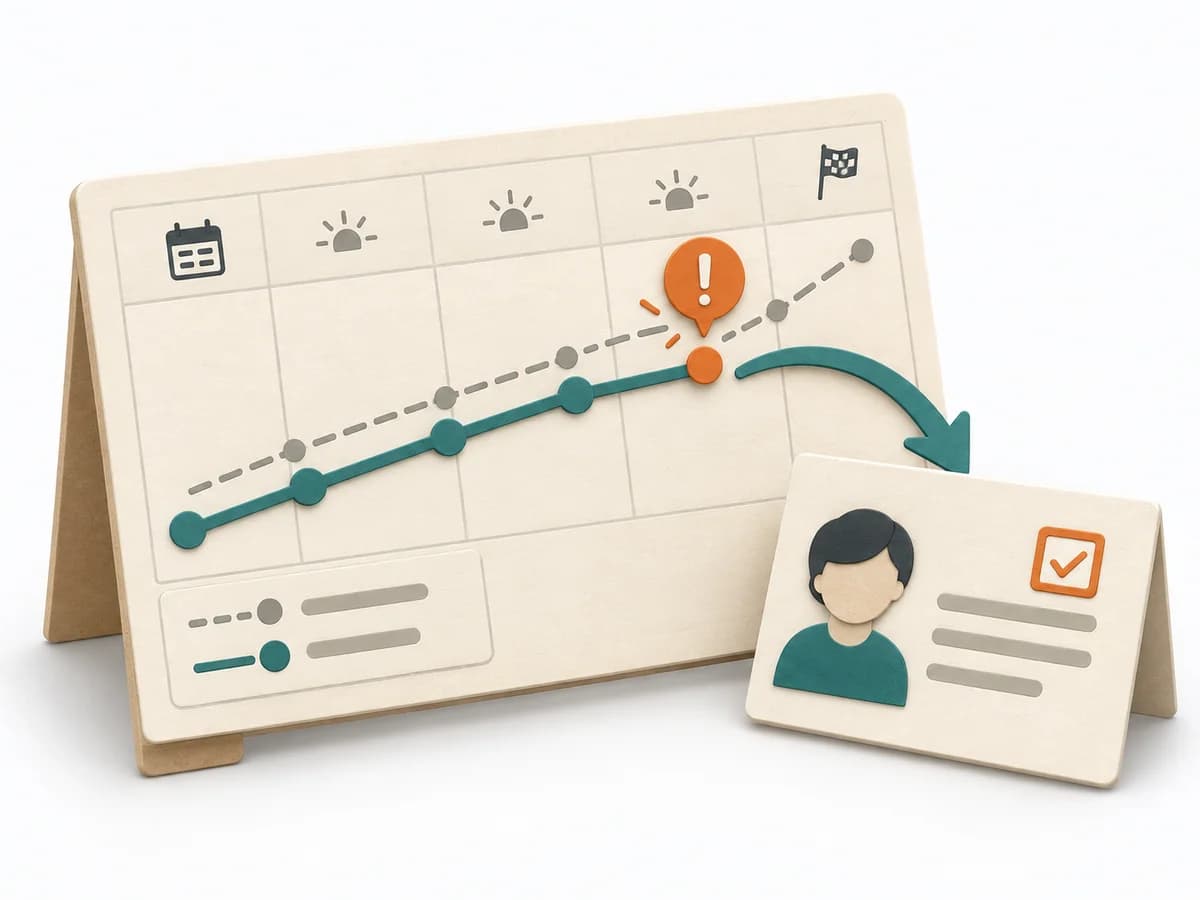 Operations Visual Management |  UX Design Lean UX Canvas |  Decision Making OODA Loop | 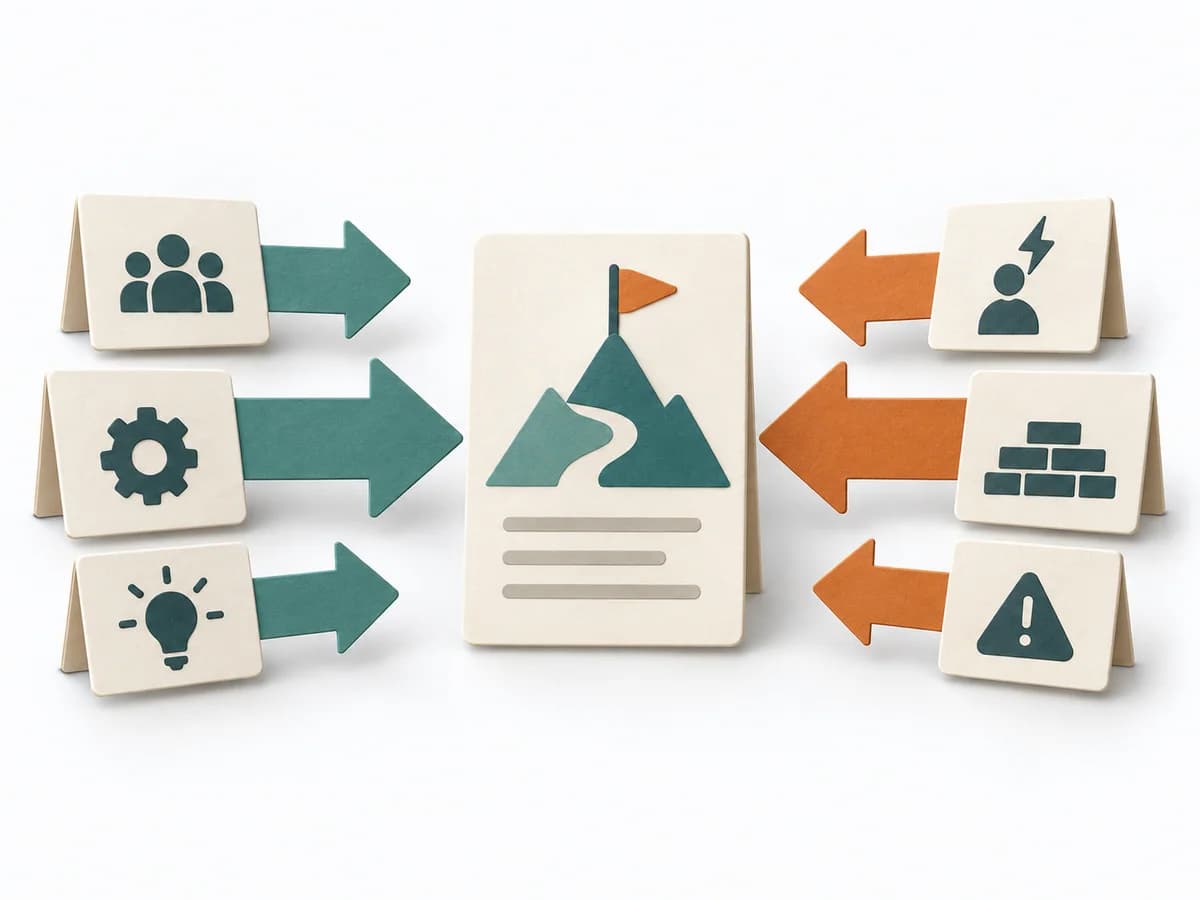 Decision Making Force Field Analysis |
|---|---|---|---|---|
Purposedifferent | With high tempo and many parallel topics, the method makes status, deviations, and priorities visible at a glance. It reduces search effort and prevents what matters from getting lost in daily work. | The Lean UX Canvas helps clarify user behavior, touchpoints, and concept decisions. It makes assumptions and desired outcomes visible and captures the result as a completed canvas, hypothesis list, and first experiment. | In dynamic situations, decisions become outdated faster than they can be prepared. The OODA Loop holds observing, orienting, deciding, and acting together as a recurring rhythm so reaction does not slide into inertia. | In change initiatives, supporting and restraining forces sit at the table at the same time. Force Field Analysis makes these tensions explicit and shows where change can be pushed forward by strengthening or relieving. |
Complexitydifferent | Low | Medium | Medium | Low |
Timedifferent | Ongoing | 2-3 h | 15-60 min je Zyklus | 45-90 min |
Participantsdifferent | 1-20 | 3-8 | 1-8 | 3-12 |
Formatdifferent | Workshop + async | Workshop + async | Workshop + async | Workshop |
Outputdifferent | Visual Board, Status Indicators, Exception Cues | Completed Lean UX Canvas, Hypothesis list, First experiment | Situation Assessment, Decision Loop, Action Updates | Force Field Map, Change Levers, Risk Notes |
Tagsno overlap | SignalsOperationsVisual management | CanvasHypothesisOutcomesDiscovery | DecisionChangeLearningStrategy | ChangeDecisionStrategy |