View methods side by side.
Choose up to four methods. Add them using the search and share the comparison by copying its link.
| Criterion |  Operations Visual Management |  Decision Making Decision Tree | 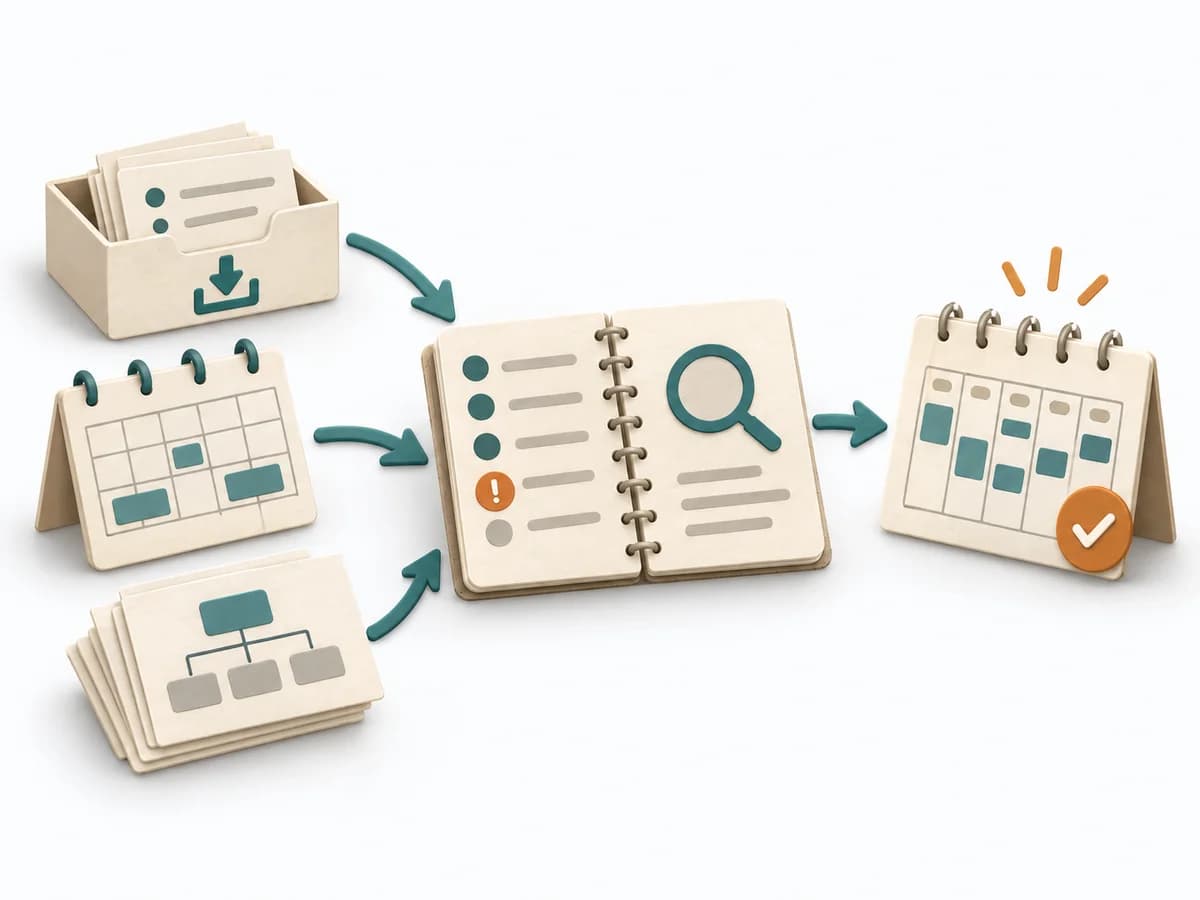 Operations Weekly Review | 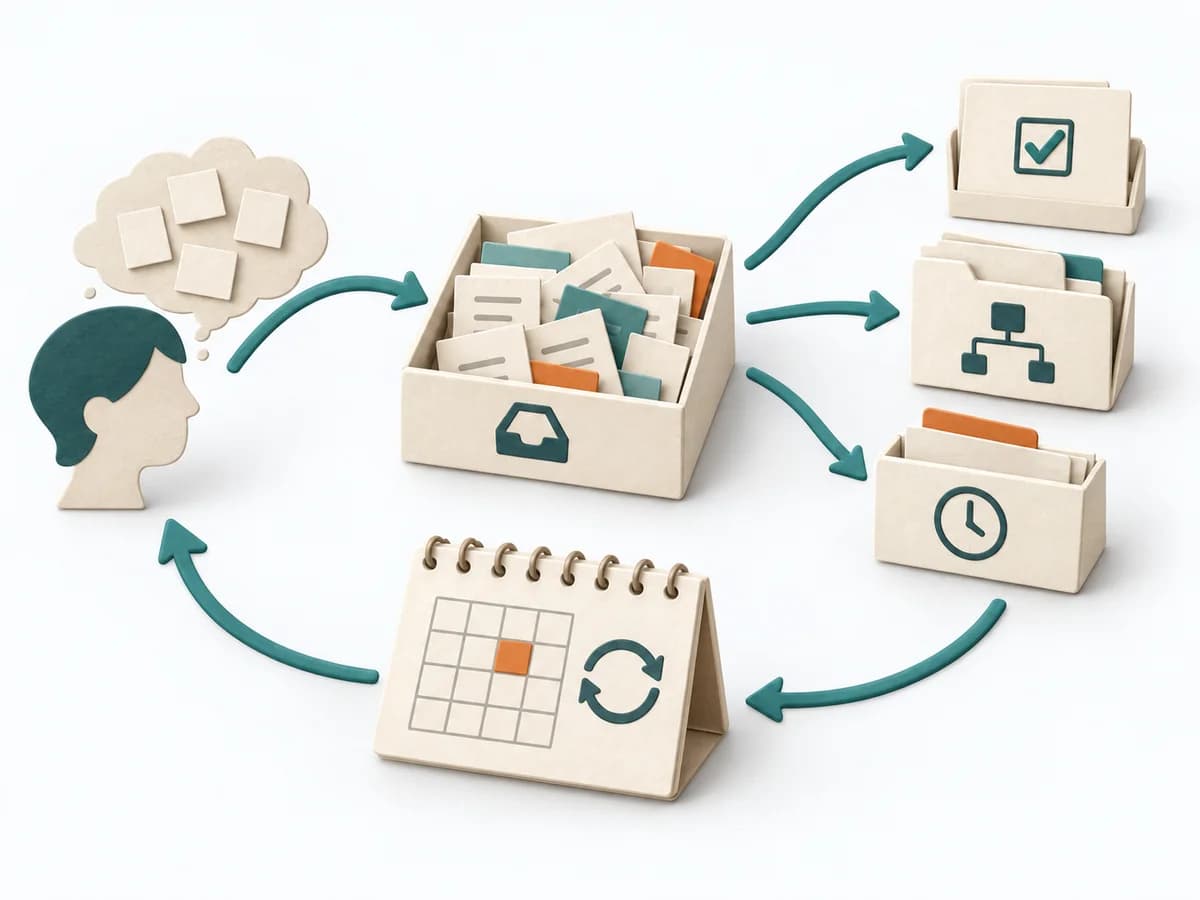 Operations Getting Things Done |
|---|---|---|---|---|
Purposedifferent | With high tempo and many parallel topics, the method makes status, deviations, and priorities visible at a glance. It reduces search effort and prevents what matters from getting lost in daily work. | For decisions with follow-on paths and dependencies, a linear comparison is often not enough. A Decision Tree shows how options branch under conditions and which consequences hang on each branch. | In a week with many open loops, the method creates distance from operational noise. It organizes commitments, calendar, and projects so the next week becomes workable. | With many open commitments and ideas in daily life, a reliable external storage system emerges. The method relieves the mind so priority and context don't have to compete in memory. |
Complexitydifferent | Low | Medium | Low | Medium |
Timedifferent | Ongoing | 30-90 min | 30-60 min | 1-2 h Setup, laufend |
Participantsdifferent | 1-20 | 1-6 | 1 | 1 |
Formatdifferent | Workshop + async | Workshop + async | Async | Async |
Outputdifferent | Visual Board, Status Indicators, Exception Cues | Decision Tree, Option Map, Assumption List | Updated Task System, Weekly Focus, Next Actions | Action Lists, Project List, Review Routine |
Tagsno overlap | SignalsOperationsVisual management | DecisionTreeOptions | ProductivityExecutionPlanning | ProductivityPlanningTasksExecution |